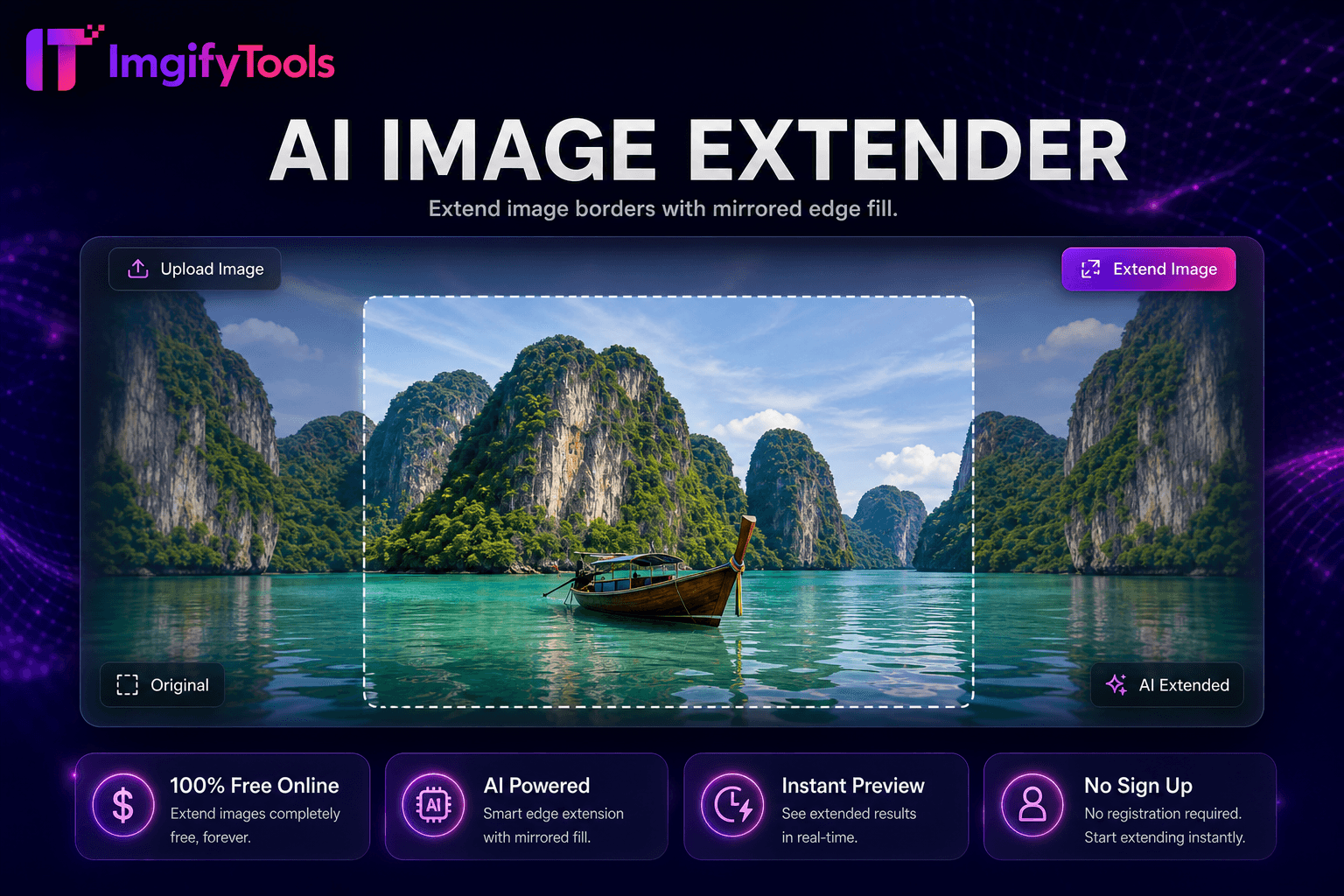
Image Extender
Desplazar y ampliar imágenes con borde espejo relleno para espacio extra de tela.
Herramienta de lanzamientoMejore y mejore la calidad de la imagen hasta 4 veces mediante IA. Rápido, seguro y completamente gratis — no requiere registro.
ImgifyTools Image Upscaler utiliza superresolución de IA para ampliar fotos sin los artefactos en bloques que se obtienen con herramientas simples de cambio de tamaño. La mejora de escala estándar estira los píxeles existentes, lo que difumina el texto, suaviza los detalles del producto y destruye la textura de la piel. Nuestro modelo predice detalles faltantes de alta frecuencia (tejidos, pestañas, texto de etiquetas, vetas de madera) y reconstruye bordes más nítidos con un aumento de 2x o más. Los fotógrafos rescatan cultivos sociales recortados para imprimir. Los equipos de comercio electrónico amplían las miniaturas de los proveedores para cumplir con los requisitos mínimos de resolución. Los diseñadores mejoran los activos en stock para maquetas de vallas publicitarias. Los restauradores que trabajan a partir de pequeños escaneos obtienen detalles utilizables antes de la corrección del color. El escalador maneja retratos, paisajes, fotografías de productos y documentos escaneados, equilibrando la nitidez con los resultados de apariencia natural para que los rostros mejorados no parezcan sobreprocesados. Sube una vez, compara el antes y el después y descarga un archivo de mayor resolución en segundos. Sin software de escritorio, sin requisitos de GPU y sin tarifas por imagen: solo ampliación inteligente cuando necesita más píxeles de una fuente limitada.
Sube la imagen que deseas ampliar (JPG, PNG o WebP).
Seleccione su factor de ampliación objetivo o deje que la herramienta aplique una ampliación óptima.
Espere mientras la IA reconstruye los detalles con mayor resolución.
Compare la vista previa con su original para verificar la nitidez.
Descargue la imagen mejorada para imprimirla, publicarla en Internet o editarla más.
A diferencia de muchas otras plataformas que comprometen la calidad u ocultan los resultados detrás de muros de pago, ImgifyTools ofrece resultados de alta fidelidad centrándose en la velocidad y la privacidad del usuario. No es necesario crear una cuenta para comenzar a transformar sus imágenes.
Los modelos de súper resolución aprenden mapeos desde parches de baja resolución hasta sus contrapartes de alta resolución utilizando datos de entrenamiento que abarcan imágenes, rostros y texturas naturales. Cuando envía una fotografía, el proceso analiza las estructuras locales (bordes, degradados, patrones repetidos) y sintetiza detalles plausibles en la escala objetivo en lugar de duplicar píxeles borrosos. La eliminación de ruido se puede ejecutar junto con la mejora de escala para limpiar artefactos de compresión de fuentes muy comprimidas en JPEG. La salida conserva los perfiles de color y la relación de aspecto al tiempo que aumenta el ancho y el alto. Como la inferencia es probabilística, las entradas de calidad extremadamente baja (menos de 100 píxeles de ancho) pueden producir resultados más débiles; partir de la fuente de mayor calidad disponible siempre produce la mejor ampliación. El procesamiento se completa en el lado del servidor y usted descarga un archivo JPG o PNG estándar compatible con cualquier editor o CMS.
Utilice el escalador cuando un cliente solicite dimensiones de impresión de un archivo de tamaño web, cuando las pautas del mercado exijan megapíxeles mínimos o cuando las fotos antiguas de teléfonos necesiten claridad para enmarcarse. Para fotografías de productos, aumente la escala antes de eliminar el fondo para que la detección de bordes tenga más datos con los que trabajar. Evite encadenar múltiples mejoras agresivas: una pasada 2x suele superar a dos duplicaciones secuenciales. Si las caras se ven demasiado nítidas, reduzca ligeramente el tamaño de salida en un paso posterior de cambio de tamaño. Combínelo con nuestro potenciador facial para refinar retratos específicos o con restauración de fotografías para escaneos antiguos dañados. Los escaneos de documentos se benefician de la ampliación antes del OCR para mejorar la precisión del reconocimiento de caracteres.
toolPage.comparisonSubtitle
| Función | ⟦0 | Upscayl |
|---|---|---|
| Función primaria | IA super-resolución upscaling | Aplicación local de escritorio de escalada |
| Precio | Gratis online, sin instalación | Software libre de código abierto |
| Recuperación de datos | Síntesis de detalles neuronales | Múltiples modelos de estilo real-ESRGAN |
| Signup | Ninguna necesaria | Ninguna (página local) |
| Nivel de carga | 10 MB por archivo | Limitado por hardware local |
| Privacidad | sesión del servidor; no se mantiene permanentemente; no se utiliza para la formación | Procesamiento local completo |
| Producto | Resolución superior | Exportación de mayor resolución |
Herramientas relacionadas
Desplazar y ampliar imágenes con borde espejo relleno para espacio extra de tela.
Herramienta de lanzamiento
Mejore los rasgos faciales en las fotografías utilizando IA.
Herramienta de lanzamiento
Elimina fondos de imágenes automáticamente con IA.
Herramienta de lanzamientoMás herramientas
Otras utilidades especializadas para su flujo de trabajo.
Elimina fondos de imágenes automáticamente con IA.
Herramienta de lanzamiento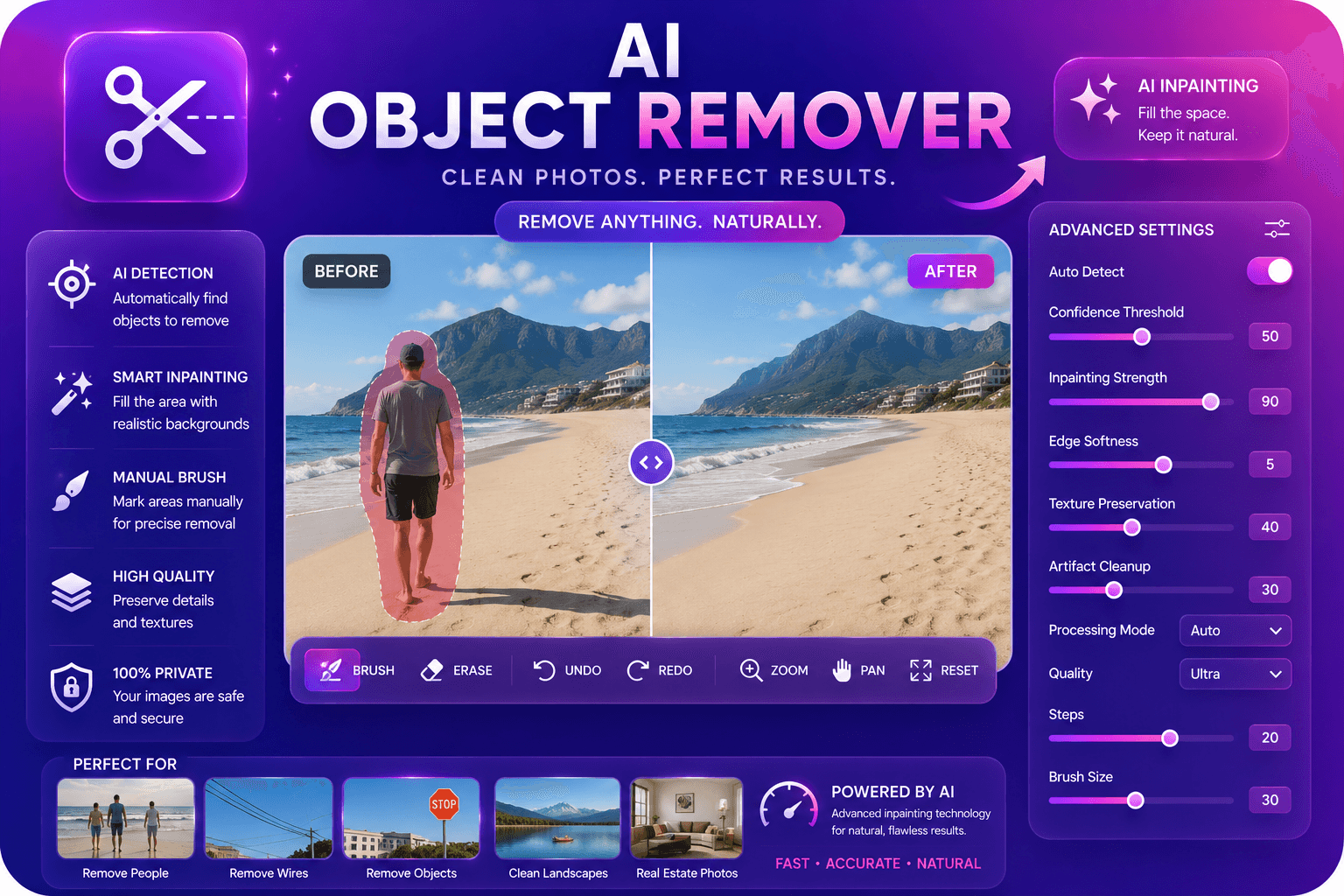
Elimine objetos no deseados de las fotografías con IA en pintura.
Herramienta de lanzamientoDesplazar y ampliar imágenes con borde espejo relleno para espacio extra de tela.
Herramienta de lanzamiento