
AI Image Upscaler
Améliorez et améliorez la qualité de l'image jusqu'à 4x grâce à l'IA.
Outil de lancementDécrocher et agrandir les images avec le bord miroir remplir pour un espace de toile supplémentaire. Rapide, sécurisé et entièrement gratuit — aucune inscription requise.
ImgifyTools Image Extender expands photo borders beyond the original frame using mirrored edge fill—reflecting edge pixels outward to create extra canvas for social formats, banners, and layout padding without a reshoot. Instagram stories need 9:16 vertical but your landscape shot lacks headroom; mirrored expansion adds border space you can later crop or composite. Product photographers widen canvas for text overlays. Designers add margin for print bleeds and safe zones. Unlike generative outpainting tools that invent new scenery, this extender honestly mirrors existing edge texture—best on soft skies, walls, and studio backdrops where reflection looks natural. Upload a source, choose expansion direction, preview seams, and download. Max upload 10 MB. Processing runs on ImgifyTools servers for your session and is not retained permanently or used for training. Combine with the social media resizer after extending to hit exact platform pixels.
Téléchargez la photo que vous souhaitez agrandir (max 10 Mo).
Sélectionnez la direction d'expansion (horizontale, verticale ou de tous les côtés).
Procéder à l'ajout de bordures miroir et prévisualiser les coutures.
Réglez la direction ou la quantité de pixels si les bordures semblent trop évidentes.
Télécharger l'image étendue pour une utilisation sociale ou design.
Unlike many other platforms that compromise on quality or hide results behind paywalls, ImgifyTools offers high-fidelity output with a focus on speed and user privacy. Aucune création de compte n'est requise pour commencer à transformer vos images.
Le prolongateur décode votre téléchargement et pads la toile à l'aide de la réflexion des bords miroirs (limites de style réflecteur OpenCV). Vous choisissez l'expansion horizontale, verticale ou tout côté et une quantité de pixel. Les couleurs et les textures des bords se répètent vers l'extérieur de sorte que le sujet original reste intact pendant que le cadre grandit. La résolution de sortie est égale à la toile étendue. Les dégradés mous et les fonds de studio se mélangent le mieux; les membres vifs ou le texte au bord de la culture peuvent produire des artefacts miroir évidents — recadrer la source plus serrée d'abord si nécessaire.Traitement complet sur les serveurs de 10 Mo maximum ; les résultats sont retournés pour téléchargement et ne sont pas conservés en permanence.
Extend landscape photos vertically for TikTok and Reels covers without cropping subject feet. Add headroom above portrait subjects for story safe zones. Widen e-commerce product shots for marketplace banners that need negative space. Keep expansion modest so mirrored seams stay subtle. Prefer solid or soft backgrounds; for invented scenery use a dedicated generative expand tool or composite after a background changer. Pair with the social media resizer after extending to match platform pixel specs.
toolPage.comparisonSubtitle
| Fonctionnalité | - Oui. | Canva |
|---|---|---|
| Méthode Expand | Remplissage des bords miroirs (bords réfléchissants) | Magic Expand / remplissage générique (Pro) |
| Prix | Gratuit, aucun crédit requis | Plan gratuit limité; Pro débloque Magic Expand |
| Inscription requise | Pas de compte nécessaire | Compte requis |
| Best for | Rembourrage en toile rapide et marge de sécurité | Inventer un nouveau contenu de scène dans la zone d'expansion |
| Limite de chargement | 10 Mo par fichier | Limites de téléchargement dépendantes du plan |
| Vie privée | Traitement des sessions de serveur; non conservé en permanence; non utilisé pour la formation | Stocké en projets par compte politique |
| Produit | Téléchargement élargi | Exportation de projets de conception |
Outils associés
Améliorez et améliorez la qualité de l'image jusqu'à 4x grâce à l'IA.
Outil de lancement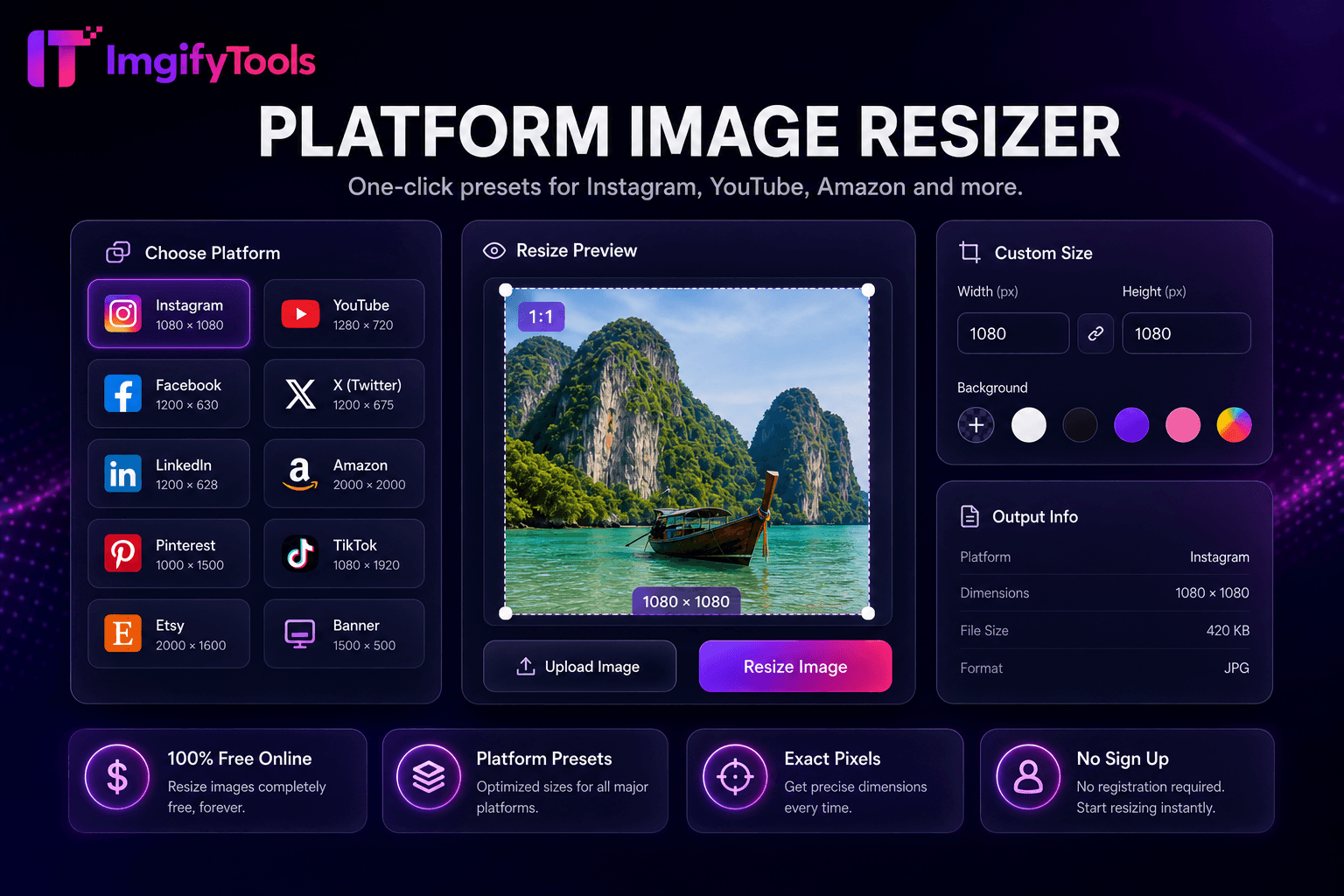
Préréglages en un clic pour Instagram, YouTube, Amazon et plus encore.
Outil de lancement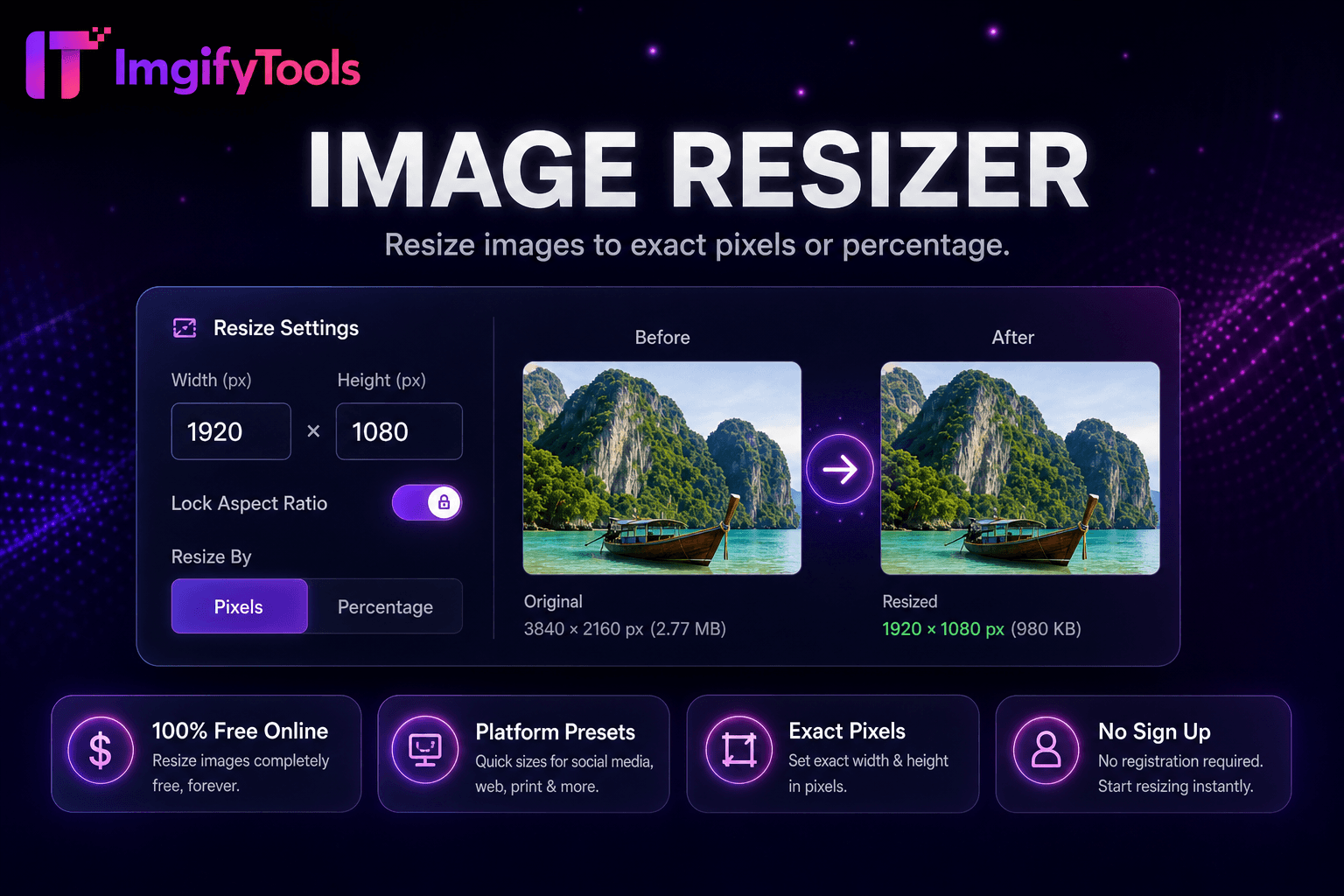
Redimensionnez les images en pixels ou en pourcentage exacts.
Outil de lancementPlus d'outils
D'autres utilitaires spécialisés pour votre workflow.

Supprimez automatiquement les arrière-plans des images avec l'IA.
Outil de lancement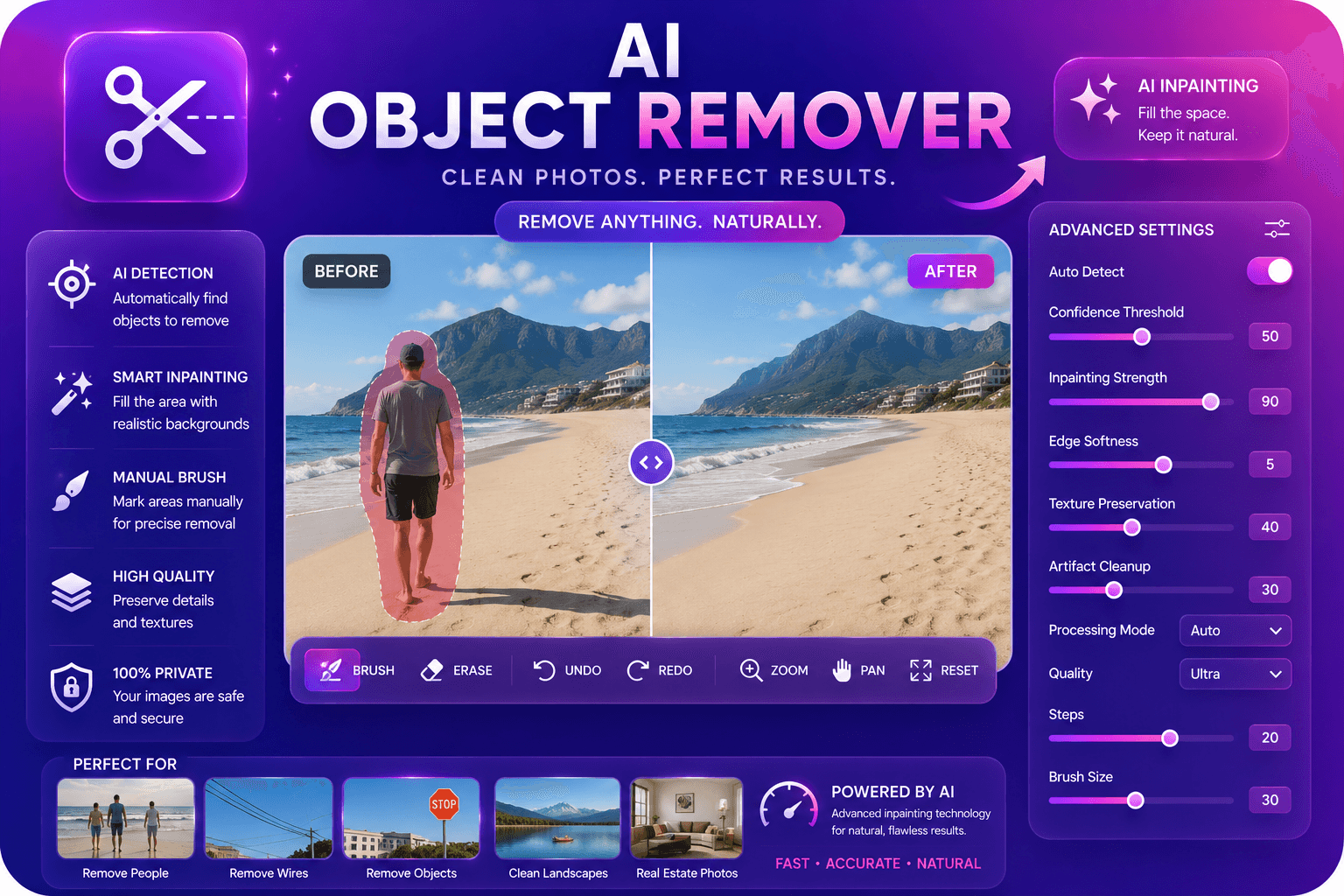
Supprimez les objets indésirables des photos avec l’inpainting AI.
Outil de lancementAméliorez et améliorez la qualité de l'image jusqu'à 4x grâce à l'IA.
Outil de lancement