JPG to PNG Converter
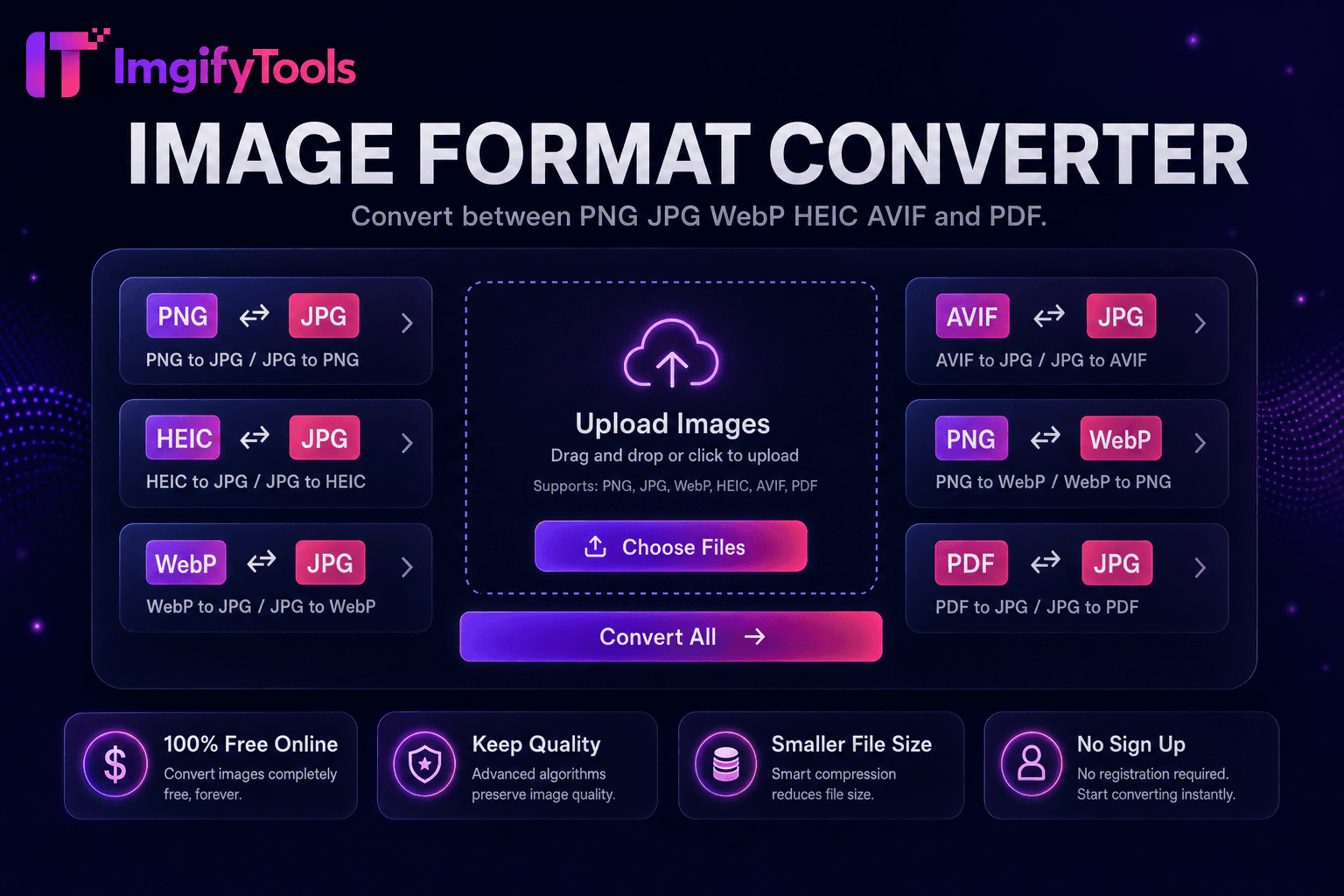
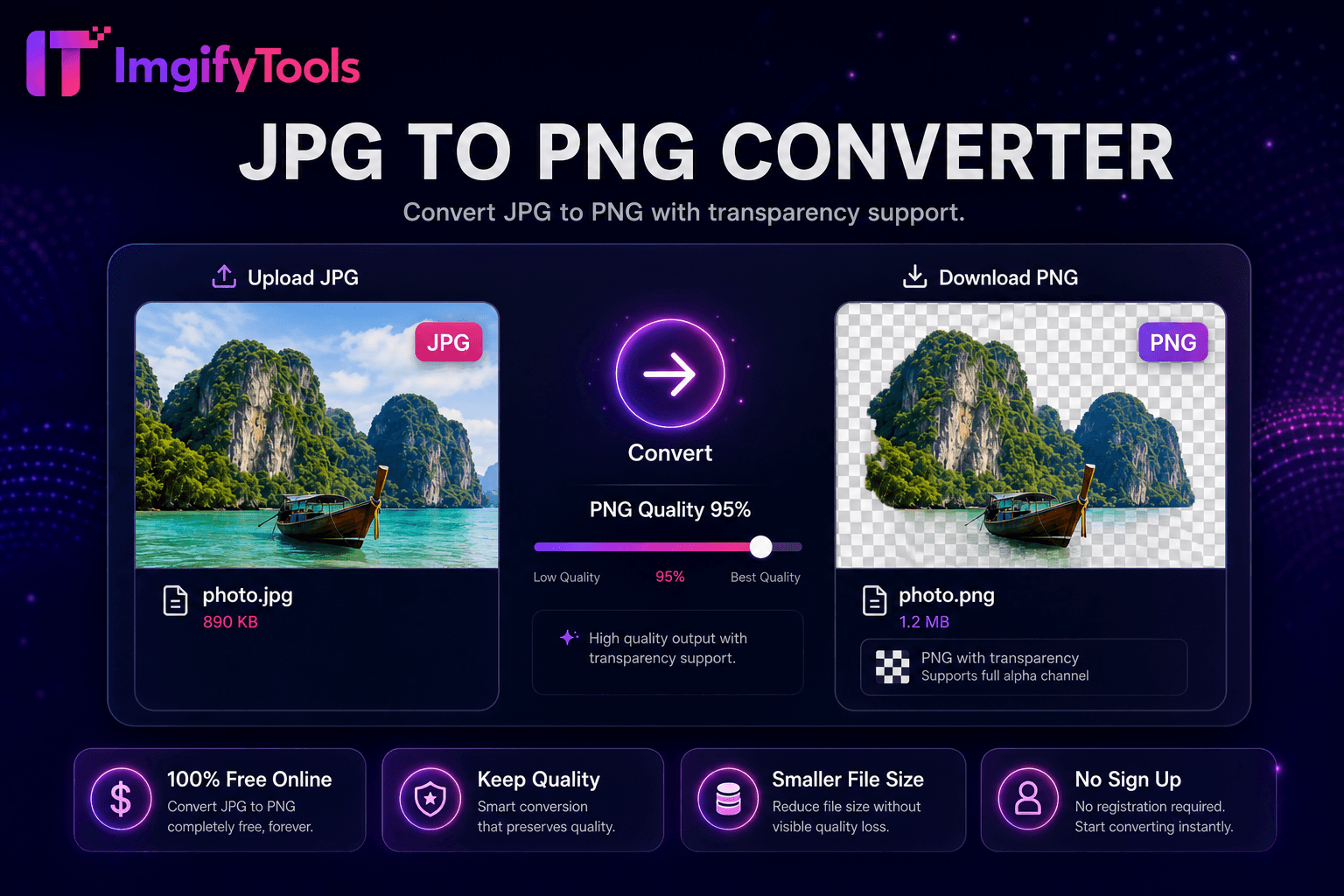
Convertissez JPG en PNG avec prise en charge de la transparence.
Outil de lancementConvertissez gratuitement des images PNG en JPG en ligne. Rapide, sécurisé et entièrement gratuit — aucune inscription requise.
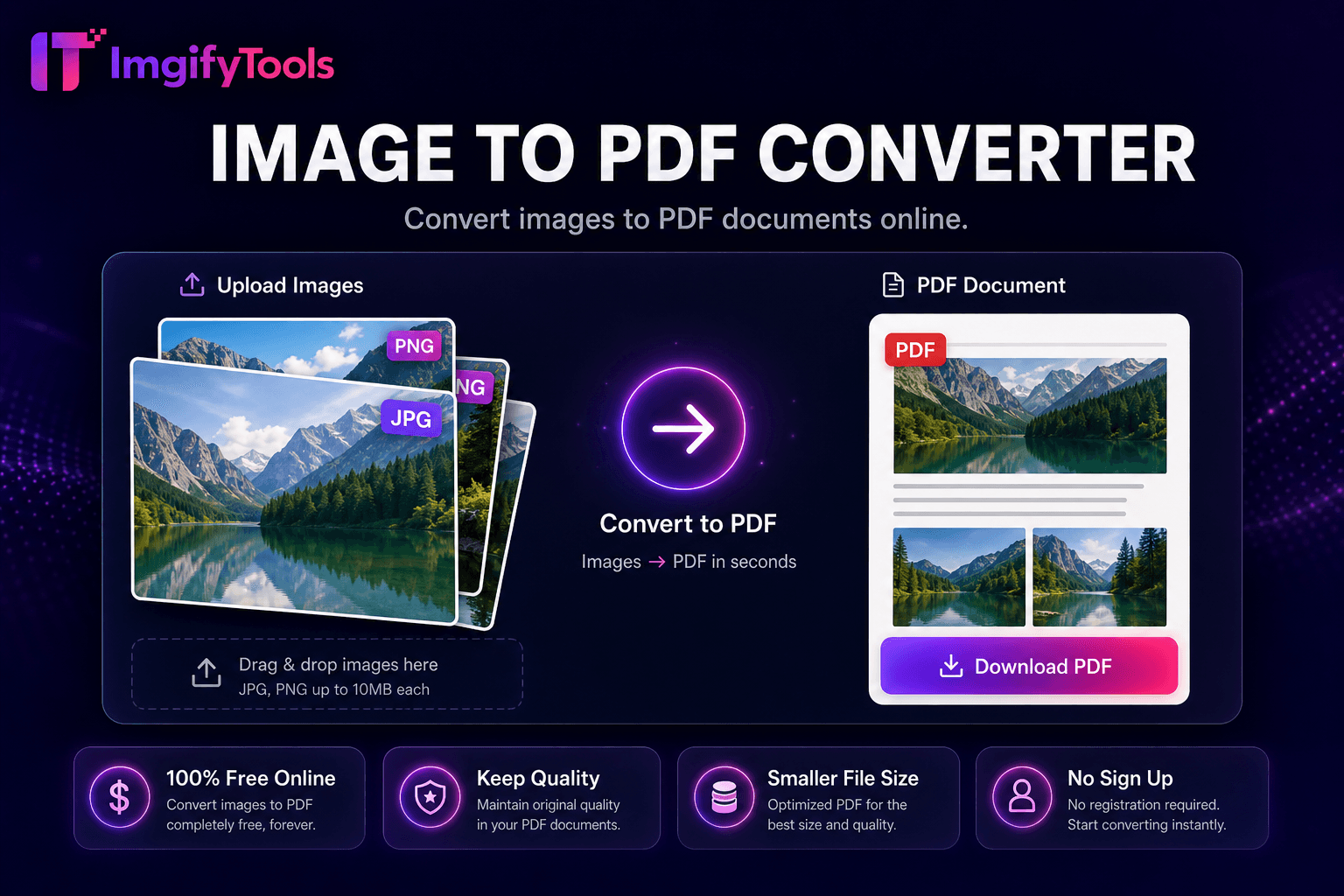
ImgifyTools PNG to JPG Converter transforme les fichiers PNG sans perte en images JPEG plus petites, idéales pour les pages Web, les e-mails et les plates-formes qui rejettent la transparence ou les charges utiles PNG surdimensionnées. Les captures d'écran, les graphiques exportés et les conversions RAW de l'appareil photo atterrissent souvent sous forme de fichiers PNG de plusieurs mégaoctets qui ralentissent les téléchargements WordPress et font rebondir les utilisateurs mobiles. L'encodage JPG applique une compression avec perte efficace adaptée au contenu photographique tout en vous permettant de définir la qualité pour équilibrer les artefacts et les économies d'octets. Les concepteurs livrent les galeries Web des clients au format JPG après avoir approuvé les modèles au format PNG. Les développeurs convertissent les captures d'interface utilisateur lorsque les canaux alpha ne sont pas nécessaires. Les téléchargements de commerce électronique répondent aux exigences JPG du marché en matière d'exportation de conceptions PNG. Le convertisseur supprime l'alpha en l'aplatissant sur des arrière-plans blancs ou personnalisés si nécessaire. Le traitement préserve les dimensions et les métadonnées d’orientation. Gratuit, rapide et illimité : aucune file d'attente iLoveIMG ni logiciel de bureau requis.
Téléchargez votre fichier PNG par glisser-déposer ou par sélecteur de fichiers.
Choisissez la couleur d’arrière-plan si le PNG est transparent.
Définissez le niveau de qualité JPEG en fonction du compromis taille/clarté.
Convertissez et prévisualisez la taille du fichier JPG résultant.
Téléchargez le JPG prêt à être téléchargé sur le Web ou par courrier électronique.
Unlike many other platforms that compromise on quality or hide results behind paywalls, ImgifyTools offers high-fidelity output with a focus on speed and user privacy. Aucune création de compte n'est requise pour commencer à transformer vos images.
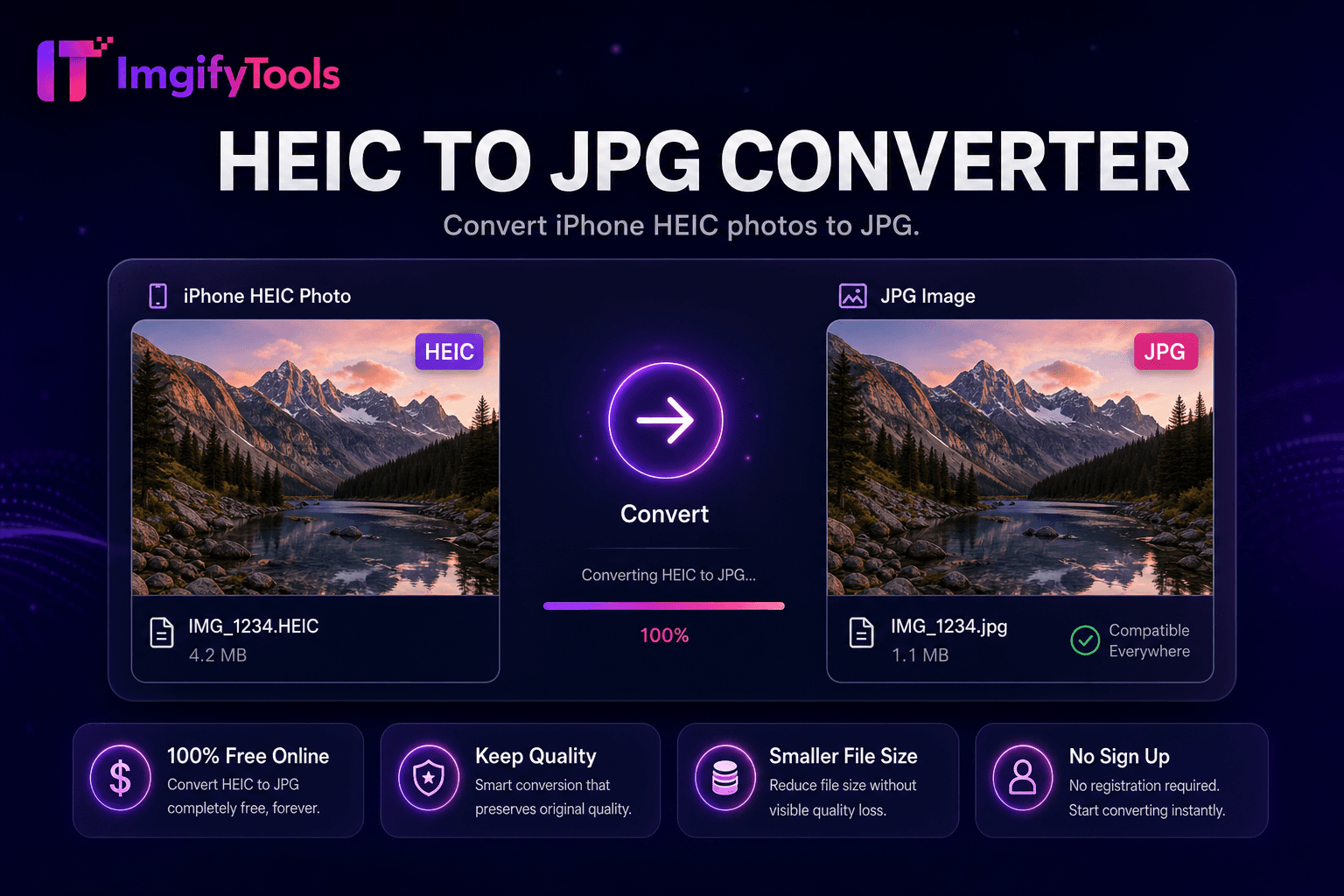
Téléchargez un fichier PNG ; le décodeur lit les données de pixels et le canal alpha s'il est présent. Lorsque la transparence existe, vous choisissez un arrière-plan aplati (généralement blanc pour les documents et les photos de produits, ou noir pour les thèmes sombres de l'interface utilisateur) avant l'encodage JPEG. L'encodeur applique un sous-échantillonnage de chrominance et une quantification de qualité en fonction du réglage de votre curseur, produisant un fichier .jpg standard compatible avec tous les navigateurs et bibliothèques multimédias CMS. Les profils de couleurs correspondent à sRGB pour un affichage Web prévisible. La réduction de la taille du fichier s'affiche immédiatement afin que vous puissiez réduire la qualité si les cibles nécessitent des héros inférieurs à 200 Ko. Aucun nouveau téléchargement n'est nécessaire pour essayer différents niveaux de qualité à partir de la même source en session.
Convertissez des captures d'écran PNG pour des articles de blog où la transparence n'ajoute aucune valeur : la taille du fichier diminue considérablement. Aplatissez les exportations de logo sur du blanc avant la conversion JPG pour les images principales d'Amazon qui interdisent la transparence. Conservez les fichiers maîtres PNG localement ; déployer des dérivés JPG sur des CDN de production. La qualité 82 à 88 convient à la plupart des sources photographiques PNG ; les graphiques avec du texte net ont besoin de 90+. Après la conversion, exécutez le compresseur d'image pour réaliser des économies supplémentaires. Si vous avez besoin de transparence sur le Web, pensez plutôt à WebP via notre outil PNG-to-WebP.
toolPage.comparisonSubtitle
| Fonctionnalité | - Oui. | iLoveIMG |
|---|---|---|
| Prix | Conversions gratuites et illimitées | Gratuit avec des publicités ; la prime supprime les limites |
| Couverture des formats | C'est ce que j'ai dit. | Prise en charge du grand format |
| Conversion par lots | Hub prend en charge plusieurs outils | Lot en prime |
| Paramètres de qualité | Préserver ou optimiser la qualité | Préréglages de qualité standard |
| Confidentialité | Pas de stockage permanent | Traitement cloud temporaire |
| Vitesse | Conversion rapide côté serveur | Traitement cloud rapide |
| Outils supplémentaires | Suite complète sur une seule plateforme | Pages d'outils séparées |
Outils associés
Plus d'outils
D'autres utilitaires spécialisés pour votre workflow.