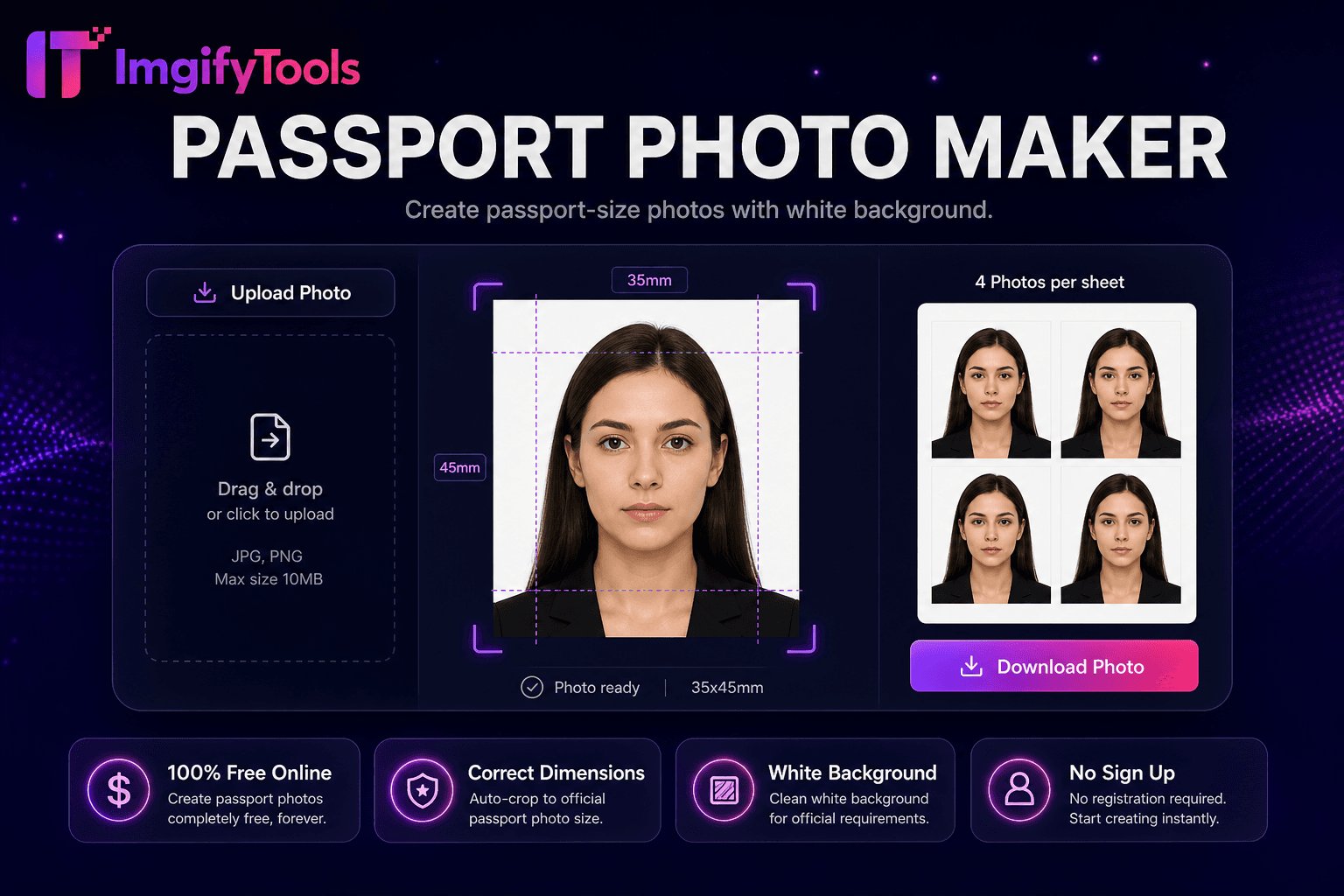
Passport Photo Maker
Créez des photos au format passeport avec un fond blanc.
Outil de lancementCréateur de photos d'identité britannique 35 × 45 mm. Rapide, sécurisé et entièrement gratuit — aucune inscription requise.
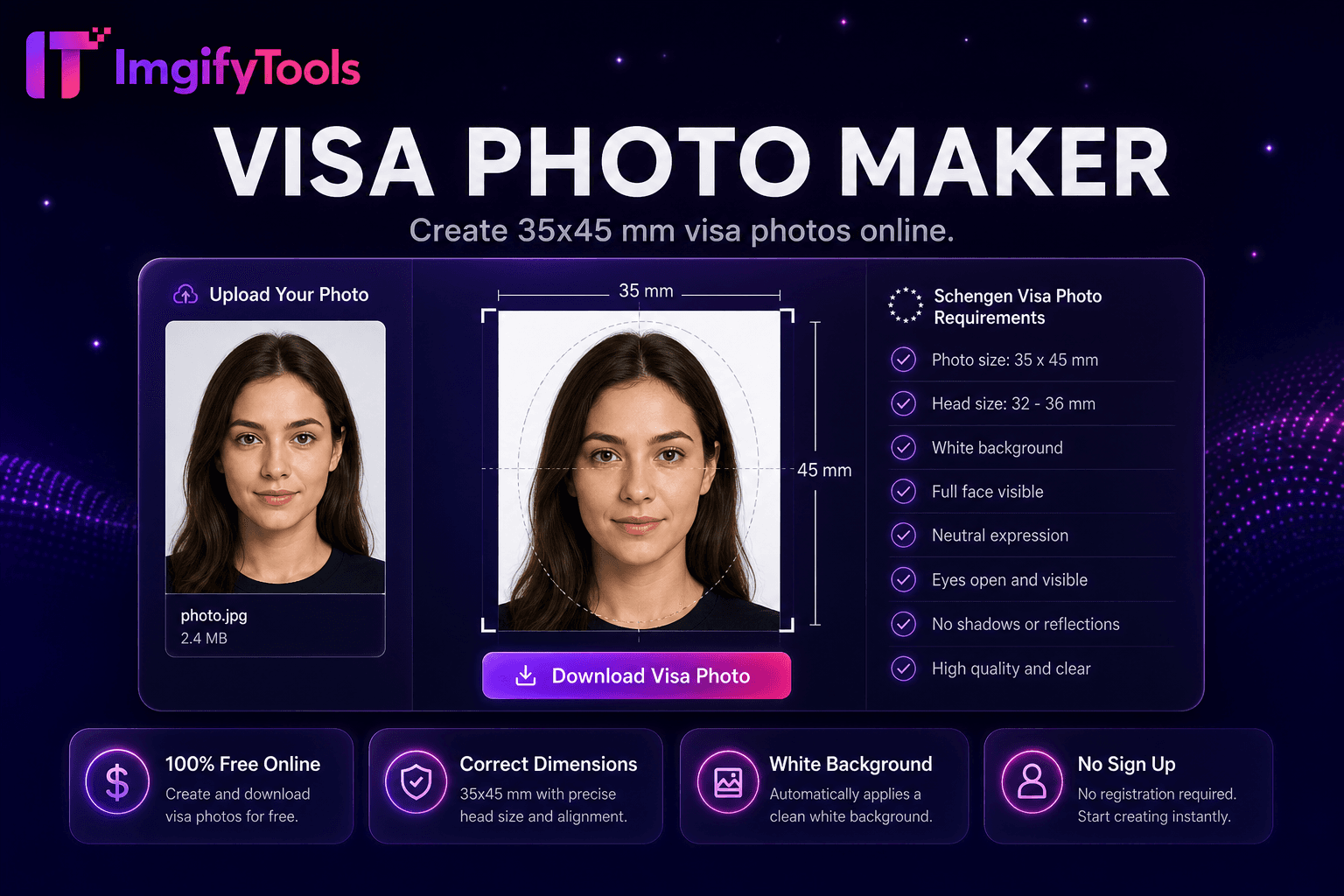
ImgifyTools UK Passport Photo Maker crée des photos conformes au HM Passport Office de 35 × 45 millimètres avec un fond uni crème ou gris clair, une proportion de tête correcte et une expression neutre correspondant aux normes publiées par gov.uk pour les renouvellements d'adultes et d'enfants. Les règles britanniques diffèrent des formats américains 2 × 2 pouces : les candidats à l'étranger soumettent souvent des dimensions erronées, ce qui entraîne des rejets par la Poste. Téléchargez un portrait tourné vers l'avant, pris même sous un éclairage intérieur ; L'IA détecte les repères du visage, recadre au format 35 × 45 mm à l'échelle de tête requise et remplace les arrière-plans chargés par des remplissages simples acceptables. Les téléchargements numériques pour les demandes de passeport en ligne reçoivent des exportations au pixel près ; les utilisateurs d'impression téléchargent des feuilles multi-photos pour les services d'impression de démarrage. L'outil gratuit permet d'économiser 10 à 15 £ par rapport aux sessions en stand tout en permettant des reprises illimitées lorsque les tout-petits clignent des yeux ou que l'éclairage projette des ombres. Associez-le aux flux de travail de photos de visa lorsque les demandes Schengen nécessitent la même norme de 35 × 45 mm. Vérifiez les fichiers finaux par rapport aux directives actuelles du HMPO : interdictions de lunettes, exceptions au couvre-chef et mise à jour des règles d'âge pour les photos sur gov.uk.
Jurisdiction: Bureau des passeports HM / GOV. Royaume Uni. Last checked against the official source on 2026-08-09.
Les règles officielles de photo de passeport peuvent changer. Toujours revérifier la source gouvernementale liée avant de soumettre une demande.
Cet outil aide à la préparation de la récolte, de la taille et du fond. Il ne garantit pas l'acceptation par une autorité de passeport, de visa ou d'identification.
View official government sourcePhotographiez le sujet face à l'appareil photo, avec un mur uni derrière.
Téléchargez le portrait sur le créateur de photos de passeport britannique.
L'IA récolte jusqu'à 35 × 45 mm avec des guides de taille de tête HMPO.
Confirmez la conformité du fond crème ou gris clair.
Téléchargez le fichier numérique ou la feuille d’impression pour la soumission au bureau de poste.
Unlike many other platforms that compromise on quality or hide results behind paywalls, ImgifyTools offers high-fidelity output with a focus on speed and user privacy. Aucune création de compte n'est requise pour commencer à transformer vos images.
La détection des repères faciaux mesure la hauteur du menton à la couronne par rapport aux bandes de pourcentage HMPO dans le cadre de 35 × 45 mm. Le recadrage applique l'orientation portrait avec la tête centrée et les yeux positionnés dans la moitié supérieure, conformément aux directives britanniques. La segmentation supprime les arrière-plans non conformes en appliquant des remplissages crème, gris clair ou blanc cassé acceptés par les portails de renouvellement en ligne. La netteté et la normalisation de l'exposition réduisent le flou de mouvement et l'éclairage inégal des caméras des téléphones. L'exportation calcule les dimensions en pixels équivalentes à 35 × 45 mm à 300 DPI pour l'impression et les tailles JPG optimisées pour les flux de téléchargement numérique gov.uk. Imprimez des mosaïques de mise en page en plusieurs copies sur des feuilles A4 ou 4 × 6 en fonction des options d'interface. Les guides à l'écran prévisualisent les marges acceptables avant de valider le téléchargement.
Renouvelez les passeports britanniques en ligne via gov.uk lorsque les spécifications de la photo numérique correspondent aux pixels exportés. Les services de contrôle et d'envoi des passeports du bureau de poste acceptent les jeux imprimés 35 × 45 mm à partir de mises en page personnelles sur du papier de qualité photo. Les ressortissants britanniques à l’étranger utilisent l’outil avant les rendez-vous à l’ambassade. Retirez les lunettes si les règles actuelles du HMPO les interdisent pour votre type d'application. Vêtements simples sans uniformes officiels ni motifs de camouflage. Les enfants de moins de six ans ont des règles d’expression assouplies – ils suivent toujours les sections pour enfants de gov.uk. Évitez les filtres lourds qui altèrent le teint ; les examinateurs comparent votre comparution au contrôle des frontières.
toolPage.comparisonSubtitle
| Fonctionnalité | - Oui. | photoaid.com |
|---|---|---|
| Prix | Photo d'identité britannique gratuite | Numérique gratuit ; options d'impression payantes |
| Royaume-Uni 35×45 mm | Préréglage de taille HMPO | Validation du modèle britannique |
| Arrière-plan | Remplissage automatique crème/gris uni | Contrôle de conformité |
| Téléchargement numérique | Exportation JPG compatible avec gov.uk | Livraison numérique |
| Mise en page d'impression | Téléchargement de planches multi-photos | Services d'impression disponibles |
| Reprises | Gratuit et illimité | Frais par photo sur certains forfaits |
| Alignement du visage | Recadrage de points de repère de l'IA | Positionnement automatique |
Outils associés
Plus d'outils
D'autres utilitaires spécialisés pour votre workflow.