Resize Image to 20KB
Compressez n’importe quelle image à moins de 20 Ko.
Outil de lancementCompressez JPG, PNG et WebP sans perte de qualité visible. Rapide, sécurisé et entièrement gratuit — aucune inscription requise.
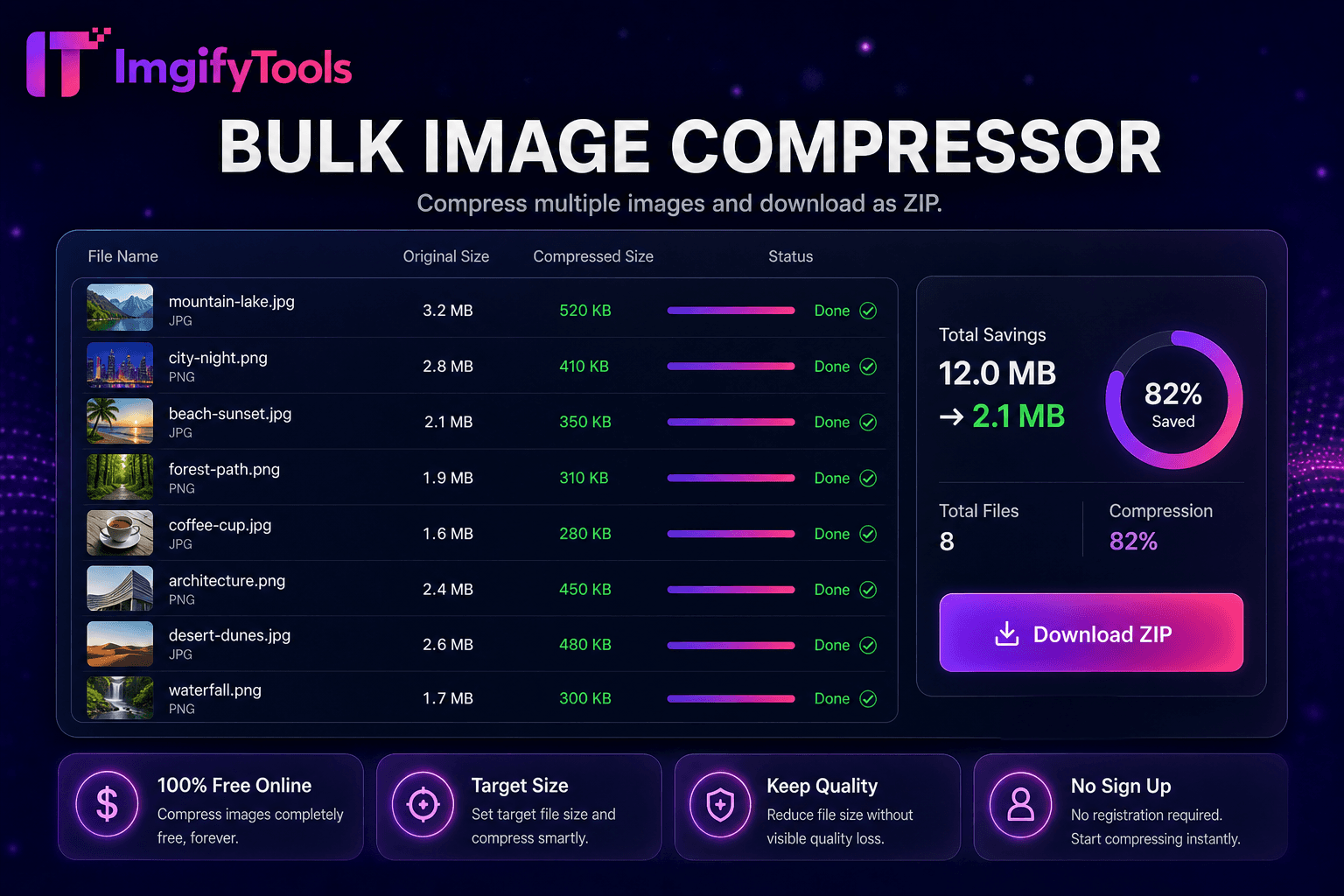
ImgifyTools Image Compressor réduit la taille des fichiers tout en gardant les photos visuellement nettes, ce qui est essentiel pour des sites Web plus rapides, des pièces jointes aux e-mails et des téléchargements d'applications qui imposent des limites en mégaoctets. Les fichiers PNG et JPG non optimisés provenant des caméras et des exportations de conception ralentissent les temps de chargement des pages, nuisent aux scores Core Web Vitals et font rebondir les visiteurs mobiles sur des connexions lentes. Notre compresseur applique un ciblage de qualité intelligent : il analyse le contenu de l'image et applique une quantification JPEG ou une optimisation PNG appropriée afin que les bords du texte restent nets et que les tons chair évitent les bandes. Les blogueurs réduisent les images de héros avant le téléchargement sur WordPress. Les développeurs atteignent les budgets de performances de Lighthouse sans sacrifier la qualité perçue. Les vendeurs compressent les galeries d’annonces pour les plafonds de téléchargement du marché. Le curseur de qualité réglable vous permet de prévisualiser les compromis entre les octets enregistrés et les artefacts visibles avant de valider. Les utilisateurs soucieux des lots peuvent passer à notre compresseur en masse pour les dossiers d'actifs. Contrairement aux auto-compresseurs aveugles qui écrasent la qualité uniformément, ImgifyTools équilibre la réduction de la taille avec la fidélité visible par l'homme. Gratuit, instantané et respectueux de la confidentialité : vos images sont traitées en cours de session sans stockage permanent.
Téléchargez une ou plusieurs images au format JPG, PNG ou WebP.
Définissez le niveau de qualité souhaité ou utilisez la valeur par défaut recommandée.
Traitez l'image et examinez l'aperçu compressé.
Comparez la réduction de la taille du fichier avec le nombre d’octets d’origine.
Téléchargez le fichier optimisé prêt pour le Web, le courrier électronique ou le téléchargement.
Unlike many other platforms that compromise on quality or hide results behind paywalls, ImgifyTools offers high-fidelity output with a focus on speed and user privacy. Aucune création de compte n'est requise pour commencer à transformer vos images.
La compression commence par décoder votre JPG, PNG ou WebP téléchargé en un bitmap fonctionnel. Pour la sortie JPEG, l'encodeur applique un sous-échantillonnage de chrominance et des tables de qualité réglées pour préserver les bords dans les régions à contraste élevé tout en permettant une quantification plus agressive dans les ciels et les zones de peau lisses. L'optimisation PNG réindexe les palettes, supprime les métadonnées inutiles et applique des filtres sans perte lorsque cela est utile. Vous définissez un pourcentage de qualité cible ou acceptez les valeurs par défaut intelligentes ; l'outil réencode et rapporte le nombre d'octets d'origine par rapport au nombre d'octets compressés afin que vous puissiez itérer. Les balises d'orientation EXIF se normalisent correctement afin que les photos n'apparaissent pas pivotées après la compression. La sortie est téléchargée immédiatement sous la forme d'un nouveau fichier ; votre téléchargement original n'est jamais écrasé. L'encodage côté serveur utilise des bibliothèques standard adaptées à la diffusion sur le Web.
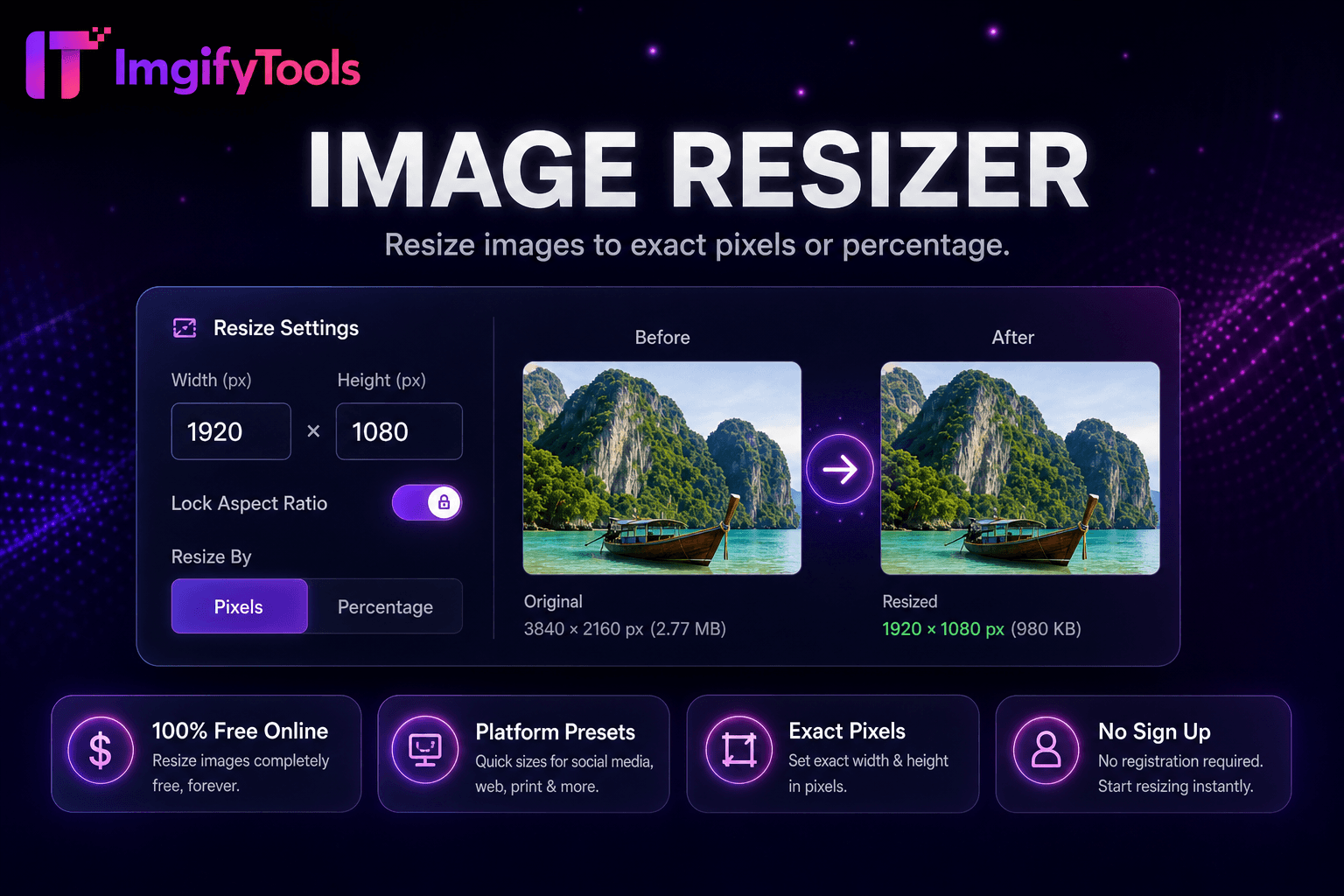
Compressez avant de télécharger sur Shopify, WooCommerce ou Amazon pour respecter les directives en matière de fichiers de la plateforme et améliorer la vitesse de la vitrine. Les newsletters par e-mail restent sous les limites de taille du fournisseur lorsque les images de héros passent par le compresseur avec une qualité de 75 à 85. Les développeurs d'applications mobiles réduisent les coûts de bande passante CDN sur les flux riches en images. Pour les captures d'écran avec du texte, préférez une qualité PNG ou JPEG supérieure pour éviter les caractères flous. Les photographes proposent des galeries Web à leurs clients dans des tailles optimisées pour le Web tout en archivant les originaux séparément. Associez-le au redimensionneur d’image lorsque vous avez besoin d’une réduction de dimension et d’octets. Exécutez une compression groupée lors de la migration des bibliothèques multimédias après une refonte du site.
toolPage.comparisonSubtitle
| Fonctionnalité | - Oui. | TinyPNG |
|---|---|---|
| Prix | Gratuit avec contrôles qualité | Gratuit : 20 images/mois ; Forfaits Pro disponibles |
| Méthode de compression | Ciblage intelligent de qualité et de taille | Optimisation PNG/JPG avec perte |
| Prise en charge des formats | C'est vrai. | PNG et JPG principalement |
| Compression en masse | Outil de masse dédié disponible | Jusqu'à 20 gratuits par lot |
| Contrôle de qualité | Curseur de qualité réglable | Optimisation automatique |
| Accès aux API | Basé sur le Web, pas de clé API | API de développeur au niveau payant |
| Télécharger | Téléchargement instantané du navigateur | Téléchargement instantané |
Outils associés
Plus d'outils
D'autres utilitaires spécialisés pour votre workflow.