Image Compressor
Compressez JPG, PNG et WebP sans perte de qualité visible.
Outil de lancementPréréglages en un clic pour Instagram, YouTube, Amazon et plus encore. Rapide, sécurisé et entièrement gratuit — aucune inscription requise.
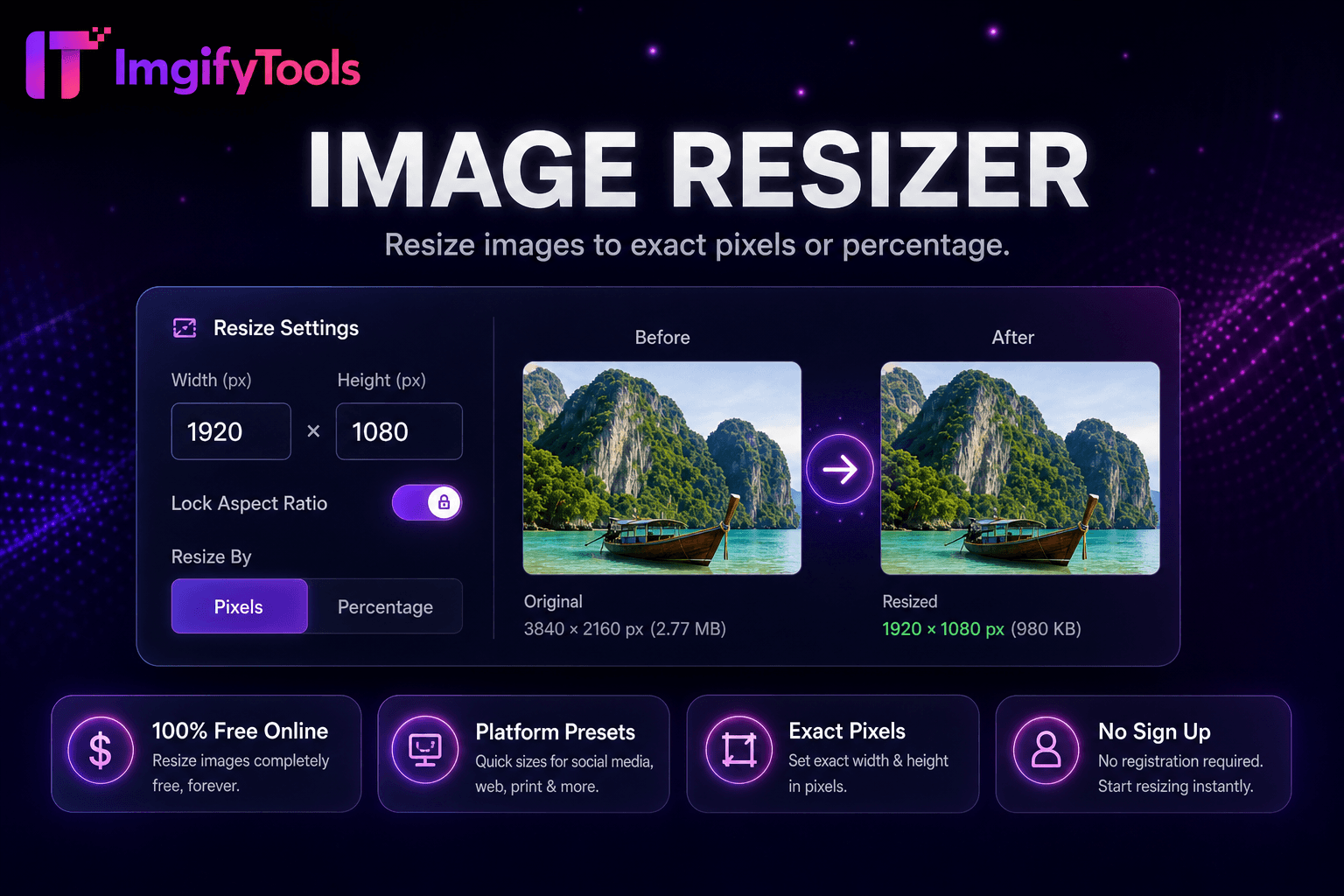
Le hub ImgifyTools Platform Image Resizer centralise les préréglages de dimensions pour les exigences de référencement d'Instagram, Facebook, LinkedIn, YouTube, TikTok, Pinterest, X, Etsy et Amazon - un point d'entrée au lieu de mémoriser des graphiques de pixels sur les réseaux. Les responsables sociaux préparent des lots de contenu hebdomadaires correspondant à toutes les spécifications de chaîne à partir des fichiers principaux de séance photo. Les vendeurs Amazon exportent des tailles d’images principales et secondaires répondant aux minimums du marché. Les propriétaires de boutiques Etsy redimensionnent les photos de leurs listings selon les ratios recommandés, réduisant ainsi les surprises du recadrage automatique de la plateforme. Les pages Hub s'ancrent aux outils de plate-forme individuelle tout en offrant une planification par lots multiplateforme. Paires de redimensionnement gratuites avec compression pour les poids prêts à être téléchargés. Lorsque les plates-formes mettent à jour les spécifications, la documentation du hub regroupe les modifications plus rapidement que les articles de blog dispersés.
Choisissez la plate-forme cible et le placement prédéfini dans le hub.
Téléchargez la photo principale à la résolution la plus élevée disponible.
Sélectionnez le mode d’ajustement du recadrage et ajustez le point focal.
Générez une sortie dimensionnée et vérifiez les zones de sécurité.
Téléchargez le fichier prêt pour la plateforme pour un téléchargement direct.
Unlike many other platforms that compromise on quality or hide results behind paywalls, ImgifyTools offers high-fidelity output with a focus on speed and user privacy. Aucune création de compte n'est requise pour commencer à transformer vos images.
Sélectionnez la plate-forme et le type d'emplacement (flux, article, couverture, miniature, liste) à partir de la largeur, de la hauteur et du rapport hauteur/largeur de chargement de la matrice prédéfinie. Télécharger la source ; redimensionner les cultures ou les tampons par mode d'ajustement. Les superpositions de zones de sécurité sur les bannières YouTube et les cercles de profil prévisualisent l'emplacement critique du logo. Les noms de sortie peuvent inclure le slug de plate-forme pour les dossiers de l'organisateur. Le mode batch met en file d'attente plusieurs préréglages sur un seul téléchargement principal générant des variantes de taille ZIP. Les options de qualité et de format reflètent les capacités générales de redimensionnement.
À partir d’une séance photo horizontale, exportez l’article LinkedIn 1 200 × 627, le carré Instagram 1 080 × 1 080 et l’épingle Pinterest 1 000 × 1 500 en une seule session. Les images principales d'Amazon ont souvent besoin d'un bord le plus long de 2 000 px : vérifiez les règles spécifiques à la catégorie. Conservez une marge de 15 % sur les superpositions de texte d'histoire à l'aide de guides de zones de sécurité. Après le redimensionnement du hub, exécutez le compresseur d'image si la plate-forme impose des limites de taille de fichier.
toolPage.comparisonSubtitle
| Fonctionnalité | - Oui. | iloveimg |
|---|---|---|
| Prix | Redimensionnement gratuit | Gratuit avec des publicités ; prime disponible |
| Tailles prédéfinies | Préréglages sociaux et de plateforme intégrés | Préréglages de taille courants |
| Dimensions personnalisées | Largeur et hauteur exactes des pixels | Largeur/hauteur personnalisée |
| Verrouillage du rapport hauteur/largeur | Option Conserver les proportions | Verrouiller le rapport hauteur/largeur |
| Redimensionnement par lots | Plateforme et outils groupés | Lot en prime |
| Qualité de sortie | Curseur de qualité disponible | Compression standard |
| Formater la sortie | C'est vrai. | Formats multiples |
Outils associés
Compressez JPG, PNG et WebP sans perte de qualité visible.
Outil de lancement
Supprimez automatiquement les arrière-plans des images avec l'IA.
Outil de lancement
Redimensionner les images en format 1280x720 et Shorts 1080x1920.
Outil de lancementPlus d'outils
D'autres utilitaires spécialisés pour votre workflow.