Passport Photo Maker
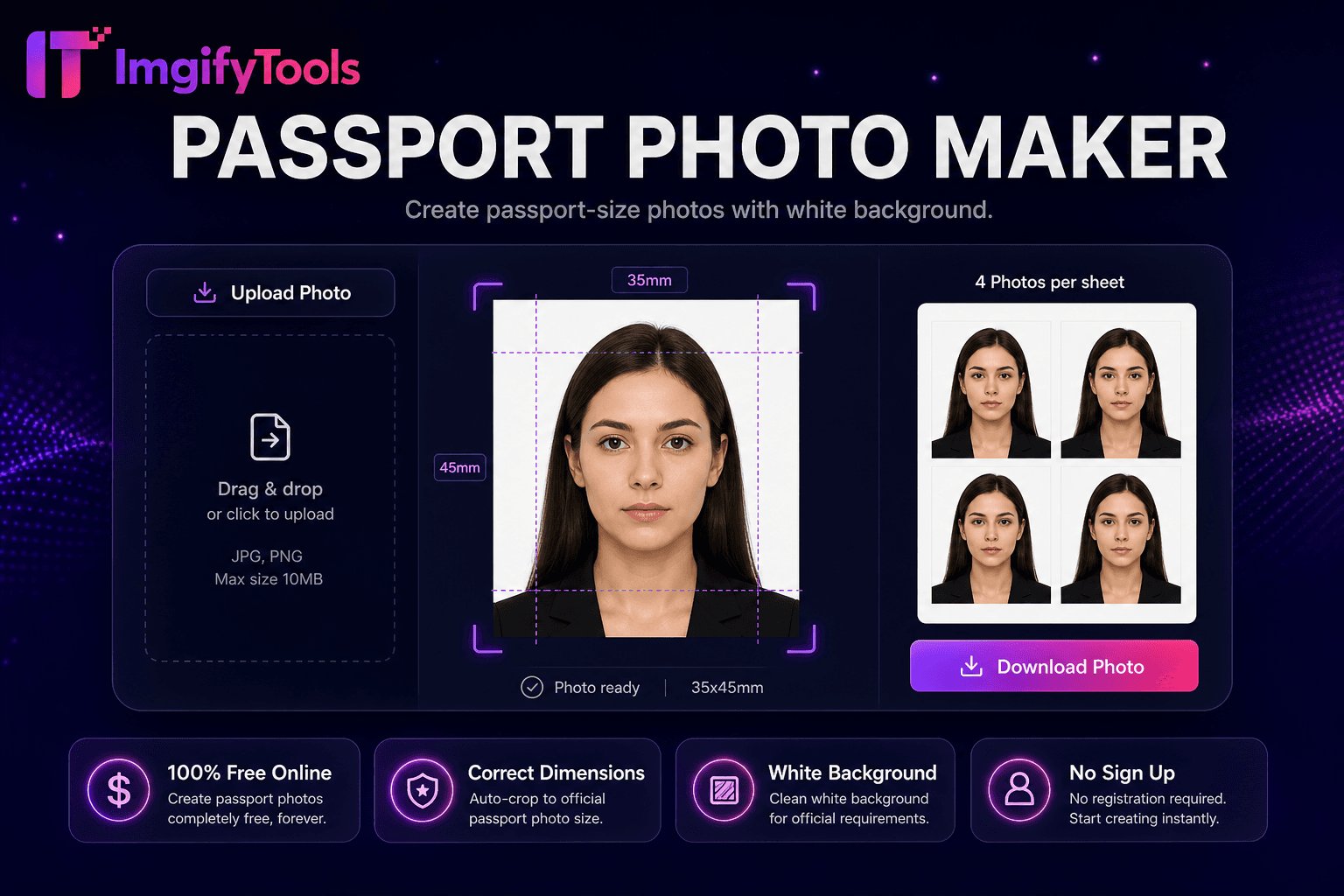
Créez des photos au format passeport avec un fond blanc.
Outil de lancementCréateur de photos d'identité Canada 50 × 70 mm. Rapide, sécurisé et entièrement gratuit — aucune inscription requise.
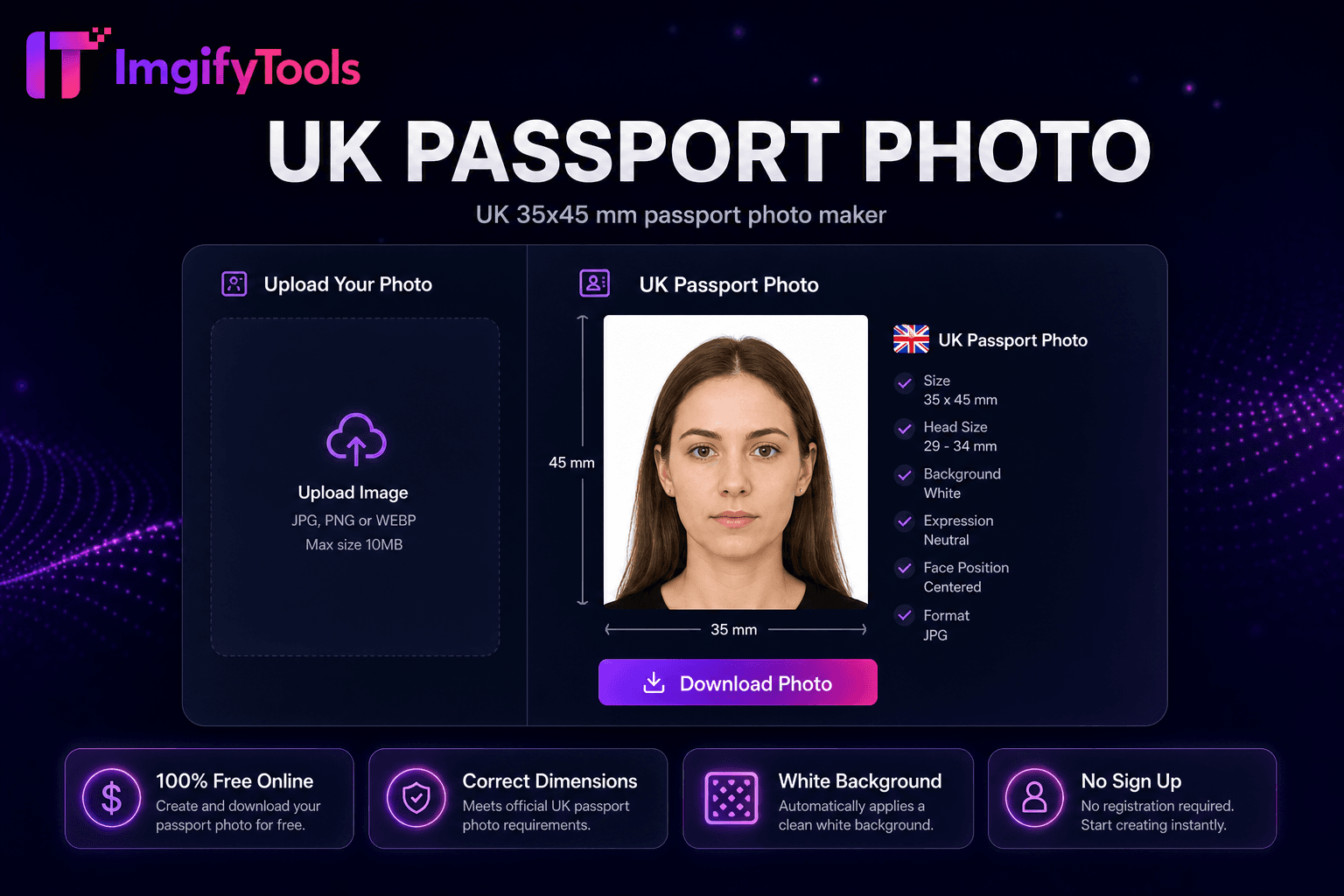
ImgifyTools Canada Passport Photo Maker formate les portraits à 50 × 70 millimètres conformément aux spécifications des passeports d'Immigration, Réfugiés et Citoyenneté Canada et de Service Canada : rapport d'aspect plus grand que les normes américaines ou britanniques, fond uni blanc ou clair, expression neutre et deux yeux clairement visibles. Les candidats canadiens rejettent fréquemment les tentatives à domicile lorsque la taille de la tête ou la teinte de l’arrière-plan ne dépasse pas la tolérance d’IRCC. Photographiez face à la caméra avec un éclairage équilibré ; téléchargez pour l'alignement automatique du visage, le recadrage de 50 × 70 mm et le remplacement de la toile de fond blanche. Les portails de relations publiques numériques et de citoyenneté spécifient des limites en termes de pixels et de taille de fichier : compressez-les avec des outils de redimensionnement après l'exportation si nécessaire. Téléchargez des mises en page d'impression pour Shoppers Drug Mart, Costco et les laboratoires photo indépendants familiers avec les dimensions des passeports canadiens. Des reprises gratuites et illimitées aident les parents à capturer les nourrissons en respectant les règles « aucune autre personne visible ». Vérifiez les listes de contrôle d'ircc.canada.ca et de Service Canada avant de les soumettre, car les exigences en matière de formulaire bilingue et les périodes de validité des photos s'appliquent à l'échelle nationale, y compris dans les communautés éloignées du Nord qui dépendent des demandes envoyées par la poste.
Jurisdiction: Immigration, Réfugiés et Citoyenneté Canada (IRCC) / Programme des passeports. Last checked against the official source on 2026-08-09.
Les règles officielles de photo de passeport peuvent changer. Toujours revérifier la source gouvernementale liée avant de soumettre une demande.
Cet outil aide à la préparation de la récolte, de la taille et du fond. Il ne garantit pas l'acceptation par une autorité de passeport, de visa ou d'identification.
View official government sourcePrenez une photo de face avec un fond de mur blanc ou clair.
Téléchargez sur le créateur de photos de passeport canadien.
L'IA recadre à 50 × 70 mm avec des guides de taille de tête IRCC.
Vérifiez le fond blanc et l’expression neutre.
Téléchargez un JPG numérique ou une feuille imprimée pour Service Canada.
Unlike many other platforms that compromise on quality or hide results behind paywalls, ImgifyTools offers high-fidelity output with a focus on speed and user privacy. Aucune création de compte n'est requise pour commencer à transformer vos images.
Le pipeline détecte la géométrie du visage et mesure la hauteur de la tête dans les proportions définies par IRCC pour une sortie de 50 × 70 mm : le menton jusqu'au sommet de la tête occupe le pourcentage de cadre prescrit avec le visage centré. La suppression de l’arrière-plan applique des remplissages blancs ou neutres clairs sans ombres ni texture. Le recadrage maintient un rapport hauteur/largeur de 5:7 exact aux spécifications millimétriques au DPI choisi. La correction de l'exposition équilibre les dominantes de couleur intérieures courantes des ampoules LED. L'exportation fournit un format JPG pour les téléchargements IRCC en ligne et des feuilles d'impression facultatives avec plusieurs copies 50 × 70 mm sur papier 4 × 6 ou lettre. Les guides superposent les marqueurs de la ligne des yeux et du menton correspondant aux exemples imprimés de Service Canada. Le traitement préserve naturellement les tons chair sans filtres de beauté qui enfreignent les règles « aucune retouche ne modifie l’apparence ».
Renouvelez les passeports canadiens par la poste ou dans les centres Service Canada avec des photos imprimées 50 × 70 mm à partir des mises en page de la maison. Les demandes de carte de séjour permanent et de citoyenneté réutilisent la même norme de dimension : réutilisez les exportations conformes lorsque les formulaires s'alignent. Portez des vêtements simples au quotidien ; les uniformes sont déconseillés, sauf en tenue religieuse quotidienne. Les couvre-chefs religieux sont autorisés si le visage complet est visible du menton au front. Photographiez les bébés sur des couvertures blanches selon les instructions pour nourrissons sur le site d'IRCC. Les comptoirs photo des magasins acceptent les fichiers conformes : apportez une copie numérique sur votre téléphone comme sauvegarde. Combinez-le avec le convertisseur d'image DPI lorsque le logiciel de laboratoire demande des métadonnées de 300 DPI sur les dimensions des pixels.
toolPage.comparisonSubtitle
| Fonctionnalité | - Oui. | photoaid.com |
|---|---|---|
| Prix | Photo d'identité gratuite du passeport canadien | Numérique gratuit ; imprimer en supplément |
| 50×70 millimètres | Taille prédéfinie IRCC | Validation du modèle Canada |
| Arrière-plan | Remplissage automatique blanc/lumière | Contexte de la conformité |
| IRCC numérique | Exportation JPG prête pour le portail | Options numériques |
| Imprimer | Feuille multi-photos | Services de ramassage des impressions |
| Reprises | Gratuit et illimité | Finales payantes sur certains niveaux |
| Recadrage du visage | Alignement de l’IA sur les guides d’IRCC | Positionnement automatique |
Outils associés
Plus d'outils
D'autres utilitaires spécialisés pour votre workflow.