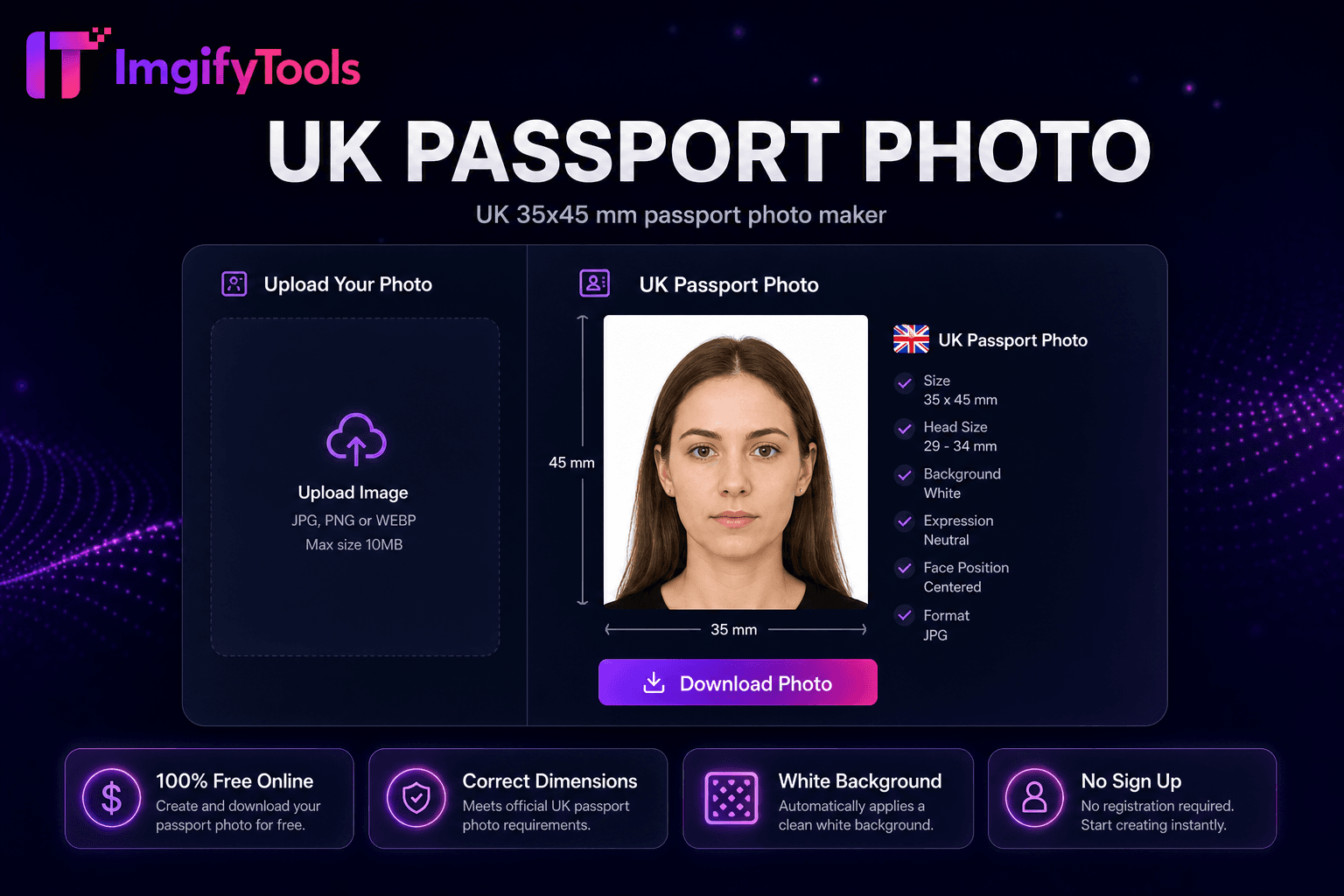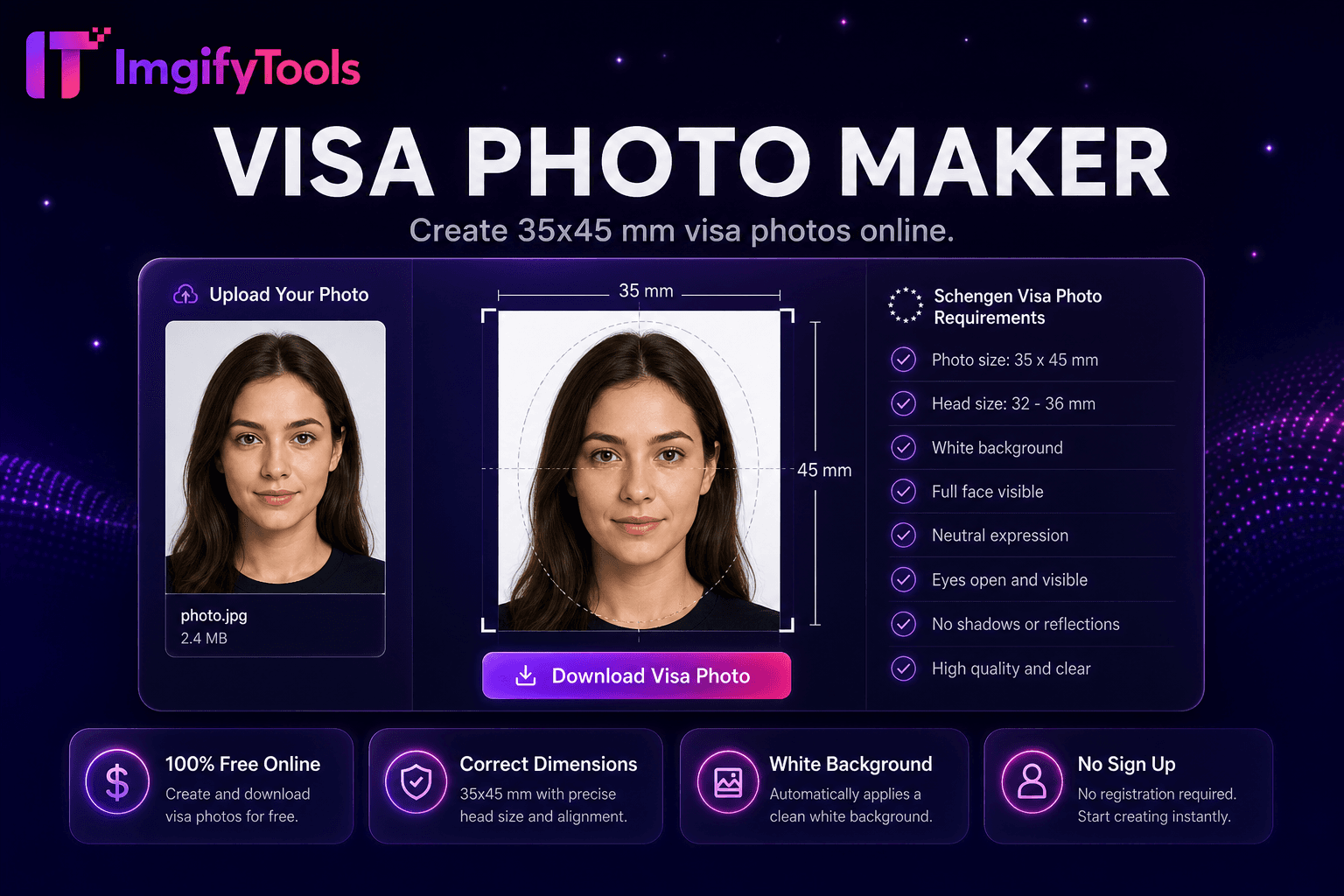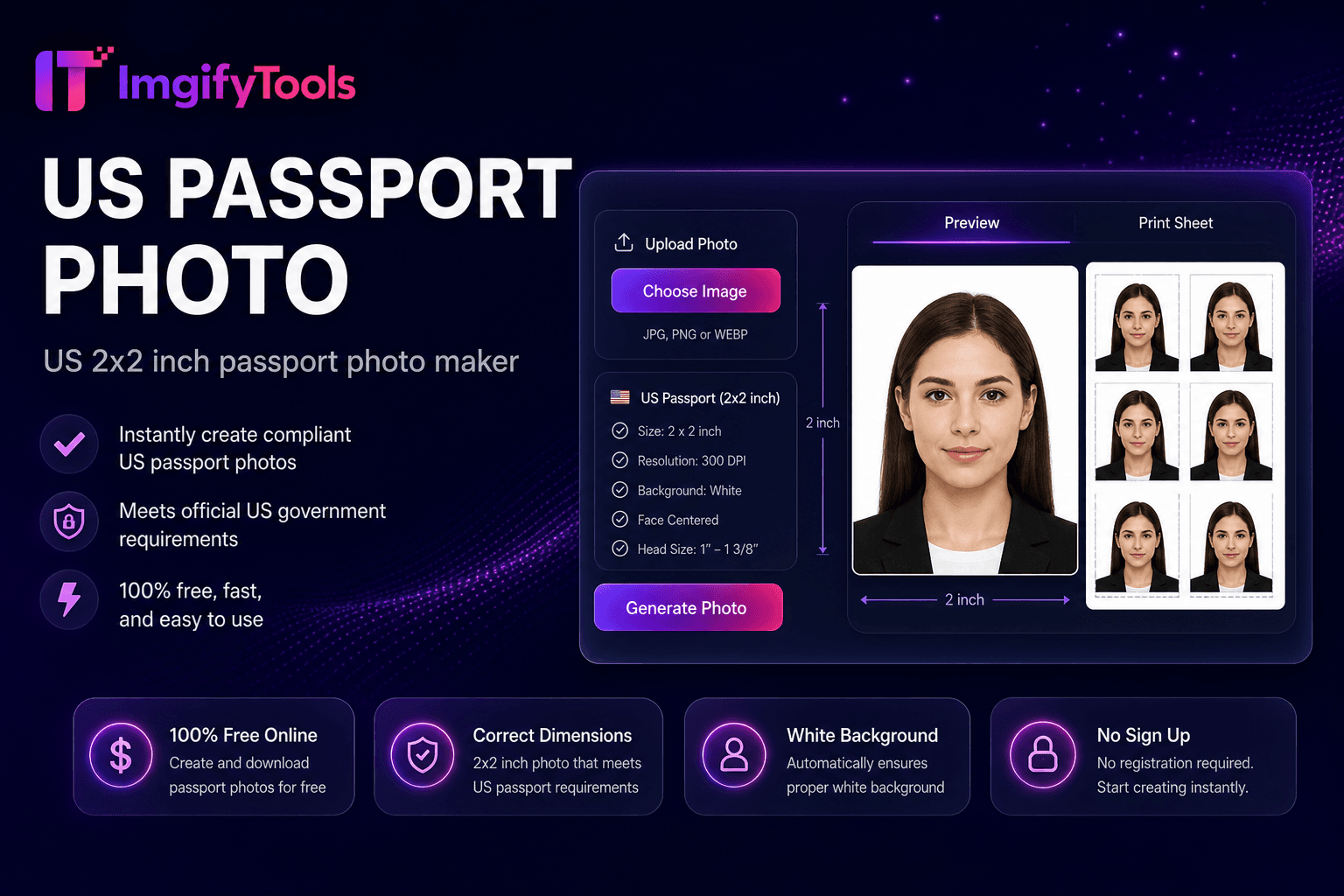
US Passport Photo
Créateur de photos d'identité américain 2 × 2 pouces.
Outil de lancementCréez des photos au format passeport avec un fond blanc. Rapide, sécurisé et entièrement gratuit — aucune inscription requise.
ImgifyTools Passport Photo Maker crée des photos d'identité conformes à partir de selfies et de portraits quotidiens, en les recadrant aux dimensions standard, en ajustant les ratios de taille de tête et en appliquant des arrière-plans blancs ou blanc cassé requis pour les passeports, les visas et les demandes d'identité nationale. Les visites professionnelles en studio coûtent du temps et de l’argent ; les stands de pharmacie varient en qualité. Téléchargez une photo de face prise contre un mur ordinaire et l'IA aligne votre visage dans les guides officiels, supprime les arrière-plans gênants et exporte des fichiers prêts à imprimer dimensionnés pour répondre aux exigences courantes, notamment les spécifications du passeport américain de 2 × 2 pouces. Les étudiants, les immigrants, les voyageurs fréquents et les travailleurs à distance renouvellent leurs documents sans prendre rendez-vous. Téléchargez un JPG numérique pour les applications en ligne ou une feuille multi-photos formatée pour du papier d'imprimante photo 4×6. Gratuit, instantané et associé à un créateur de photos de visa et à des outils de passeport 2 × 2 pour les variantes spécifiques à la région. Vérifiez toujours le résultat final par rapport aux directives actuelles de votre autorité émettrice.
Jurisdiction: États-Unis, Royaume-Uni, Canada, Inde, Pakistan, et les tailles courantes ID. Last checked against the official source on 2026-08-09.
Les règles sur les passeports officiels et les photos d'identité peuvent changer. Toujours revérifier la source gouvernementale liée (et votre propre pays) avant de soumettre une demande.
Il n'aide que la culture, la taille et la préparation du fond. Il ne garantit pas l'acceptation par une autorité de passeport, de visa ou d'identification.
View official government sourcePrenez ou téléchargez un portrait de face avec un éclairage uniforme.
Sélectionnez la taille prédéfinie du passeport ou de la photo d'identité pour votre pays.
Laissez l'IA recadrer, aligner la taille de la tête et appliquer un arrière-plan conforme.
Prévisualisez l’alignement par rapport aux superpositions de guides à l’écran.
Téléchargez le fichier numérique ou la feuille d’impression pour la soumission.
Unlike many other platforms that compromise on quality or hide results behind paywalls, ImgifyTools offers high-fidelity output with a focus on speed and user privacy. Aucune création de compte n'est requise pour commencer à transformer vos images.
La détection des visages localise les yeux, le nez et le menton pour calculer la hauteur de la tête en pourcentage du cadre, une mesure clé dans les règles relatives aux photos d'identité. Le recadrage automatique centre le visage dans les superpositions de modèles correspondant au type de document sélectionné. La suppression de l'arrière-plan remplace les scènes encombrées par des remplissages blancs ou gris clair conformes. La normalisation de l'exposition réduit les ombres sur un côté du visage, courantes dans les selfies à domicile. La sortie est rendue aux dimensions exactes en pixels pour les portails de téléchargement numérique et les mises en page de feuilles d'impression facultatives en mosaïque de plusieurs copies sur des formats de papier photo standard. Les superpositions d'aperçu affichent des marges de tête acceptables avant le téléchargement.
Renouvelez vos passeports américains avec des photos 2 × 2 pouces prises à la maison en utilisant même la lumière de la fenêtre face à votre visage. Les demandeurs de visa préparent des variantes Schengen 35×45 mm ou UK 45×35 mm via des outils associés. Portez des vêtements unis contrastant avec le fond ; évitez les uniformes et les bijoux lourds, sauf si une exemption religieuse s’applique. Dans de nombreuses juridictions, les lunettes ne sont pas éblouissantes : retirez les lunettes si la réglementation l'exige. Gardez une expression neutre, la bouche fermée, les yeux ouverts. Imprimez sur du papier photo mat chez CVS ou Walgreens en utilisant la disposition des feuilles 4 × 6 pour économiser par rapport aux compteurs de photos d'identité.
Les photos de passeport sont utilisées pour le renouvellement du carnet de passeport et sont dimensionnées selon la norme de passeport de votre pays (par exemple, US 2×2 inch). Les photos de visa suivent les spécifications de visa du pays de destination — souvent 35×45mm pour Schengen, mais les tailles varient. Les photos d'identité couvrent les cartes d'identité nationales, les permis de conduire et les permis de travail avec leurs propres règles de dimension. Bien que les dimensions diffèrent, les mêmes règles de qualité s'appliquent : fond uni, expression neutre, photo récente, pas de filtres. Cet outil couvre les préréglages communs de passeport et d'identité; utilisez notre fabricant de photos Visa pour Schengen et les tailles de visas internationales.
Après avoir créé votre photo de passeport numérique, téléchargez une feuille d'impression de 4×6 pouces avec plusieurs copies carrelées pour le papier d'imprimante photo standard. Imprimez au CVS, Walgreens ou tout kiosque photo pour une fraction du prix du studio. Utilisez du papier photo mat pour une meilleure précision de couleur. La mise en page de la feuille vous permet d'organiser manuellement des copies dans une application d'impression.
toolPage.comparisonSubtitle
| Fonctionnalité | - Oui. | photoaid.com |
|---|---|---|
| Prix | Outil gratuit pour photo d'identité | Photo numérique gratuite ; frais d'impression en sus |
| Conformité du pays | Préréglages de taille communs (2x2, visa) | Plus de 100 modèles de pays |
| Arrière-plan | Fond auto blanc/blanc cassé | Vérification des antécédents de conformité |
| Mise en page d'impression | Télécharger la fiche prête à imprimer | Impression à domicile ou retrait |
| Détection de visage | Alignement et recadrage du visage par l'IA | Positionnement automatique du visage |
| Livraison numérique | Téléchargement instantané JPG/PNG | Options numérique + impression |
| Reprises | Reprises gratuites illimitées | Payez par photo finale sur certains forfaits |
Plus d'outils
D'autres utilitaires spécialisés pour votre workflow.