
AI Image Upscaler
Améliorez et améliorez la qualité de l'image jusqu'à 4x grâce à l'IA.
Outil de lancementAméliorez les traits du visage sur les photos à l’aide de l’IA. Rapide, sécurisé et entièrement gratuit — aucune inscription requise.
ImgifyTools Face Enhancer restaure la texture naturelle de la peau, affine les yeux et réduit le bruit dans les portraits à l'aide d'une IA formée sur la géométrie du visage et les modèles d'éclairage. Les selfies au téléphone, les captures par webcam et les anciens portraits numérisés souffrent souvent d'une mise au point floue, d'un blocage JPEG et de tons chair inégaux qui donnent aux sujets un aspect fatigué ou non professionnel. Notre rehausseur analyse les repères du visage (yeux, nez, bouche, mâchoire) et applique des corrections ciblées qui préservent l'identité plutôt que de créer un aspect plastique artificiel. Les professionnels de LinkedIn actualisent les photos de profil sans nouvelle prise de vue en studio. Les photographes d'événements récupèrent des photos de groupe où un visage est légèrement flou. Les passionnés de généalogie clarifient les portraits d'ancêtres pour les archives familiales. L'outil fonctionne sur des visages uniques et des photos de groupe, équilibrant la force d'amélioration afin que les pores et les ridules restent crédibles tandis que les imperfections et les artefacts de compression s'estompent. Téléchargez un JPG ou un PNG, prévisualisez le résultat raffiné et téléchargez en quelques secondes. Aucune compétence en retouche, aucun flux de travail Photoshop en couches et aucun abonnement par image : juste des portraits plus clairs et plus confiants, prêts pour les CV, les profils de rencontres et les portraits marketing.
Téléchargez une photo portrait contenant un ou plusieurs visages (JPG, PNG ou WebP).
L’IA détecte les visages et applique une netteté et un affinement ciblés de la peau.
Prévisualisez le résultat amélioré à côté de votre téléchargement d'origine.
Ajustez si votre outil expose les paramètres de force ou acceptez l'équilibre par défaut.
Téléchargez le portrait amélioré pour les profils, les impressions ou les présentations.
Unlike many other platforms that compromise on quality or hide results behind paywalls, ImgifyTools offers high-fidelity output with a focus on speed and user privacy. Aucune création de compte n'est requise pour commencer à transformer vos images.
Le pipeline d'amélioration du visage commence par la détection du visage pour localiser chaque sujet et établir des ancres d'alignement. Un modèle de restauration générative comble ensuite les détails haute fréquence manquants autour des yeux, des sourcils et des lèvres, tandis qu'un passage séparé de lissage de la peau réduit le bruit sans effacer la structure naturelle des pores. La correction des couleurs ajuste la balance des blancs et les dégradés d’ombres subtils courants dans la photographie sur téléphone en intérieur. Le système utilise des valeurs par défaut conservatrices afin que les dents, les reflets de l'iris et les bords des cheveux restent nets plutôt que trop aiguisés. Plusieurs visages dans un seul cadre reçoivent un traitement indépendant, ce qui facilite les photos de mariage et de conférence où plusieurs personnes ont besoin d'un polissage uniforme. La sortie conserve le rapport hauteur/largeur et l’orientation d’origine. Le traitement est côté serveur pour plus de rapidité et vous recevez un fichier image standard compatible avec n'importe quelle plateforme sociale ou laboratoire d'impression.
Utilisez l'amélioration du visage après avoir redimensionné des recadrages basse résolution, avant de soumettre des photos de type passeport ou lors de la préparation des biographies des conférenciers pour les sites Web de conférences. Photographiez avec un éclairage frontal uniforme lorsque cela est possible : une lumière latérale intense crée des ombres que l'IA doit déduire. Évitez les filtres extrêmes avant le téléchargement ; partir d’une photo naturelle donne la mise en valeur la plus authentique. Pour les portraits professionnels, associez-le à un outil de suppression d'arrière-plan pour obtenir une toile de fond nette, puis redimensionnez-le au minimum recommandé par LinkedIn, 400 × 400. Si l'amélioration semble trop forte sur une photo plus ancienne, lancez d'abord la restauration de la photo pour réparer globalement les dommages, puis appliquez l'amélioration du visage lors d'une deuxième passe. Les photos de groupe bénéficient du recadrage des portraits individuels lorsqu'une personne a besoin d'une clarté maximale.
toolPage.comparisonSubtitle
| Fonctionnalité | - Oui. | Remini |
|---|---|---|
| Fonction principale | Visage clair et portrait poli | AI visage restaurer et améliorer |
| Prix | Gratuit, aucun crédit requis | Niveau gratuit limité; abonnement Pro |
| Inscription requise | Pas de compte nécessaire | Compte recommandé pour Pro |
| Filigrane | Pas de filigrane sur les téléchargements standard | Filigranes à niveau libre communes |
| Limite de chargement | 10 Mo par fichier | Dépendant du plan |
| Vie privée | Session serveur; non conservé en permanence; non utilisé pour la formation | Traitement en nuage par politique Remini |
| Best for | Vernis rapide | Remise en état du visage de l'ancienne photo lourde |
Outils associés
Améliorez et améliorez la qualité de l'image jusqu'à 4x grâce à l'IA.
Outil de lancement
Supprimez automatiquement les arrière-plans des images avec l'IA.
Outil de lancement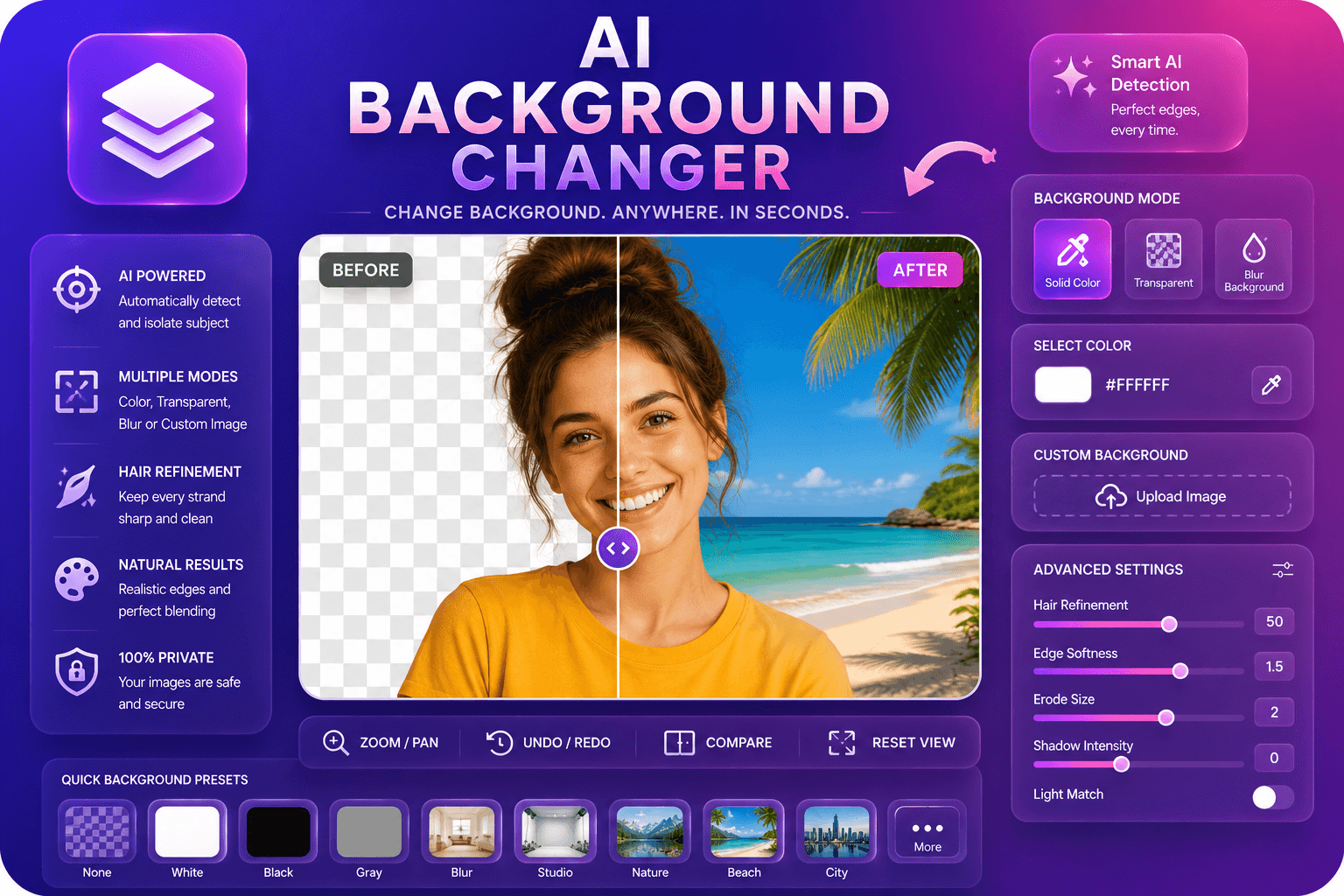
Remplacez les arrière-plans des images par des couleurs, du flou ou des images personnalisées.
Outil de lancementPlus d'outils
D'autres utilitaires spécialisés pour votre workflow.
Supprimez automatiquement les arrière-plans des images avec l'IA.
Outil de lancement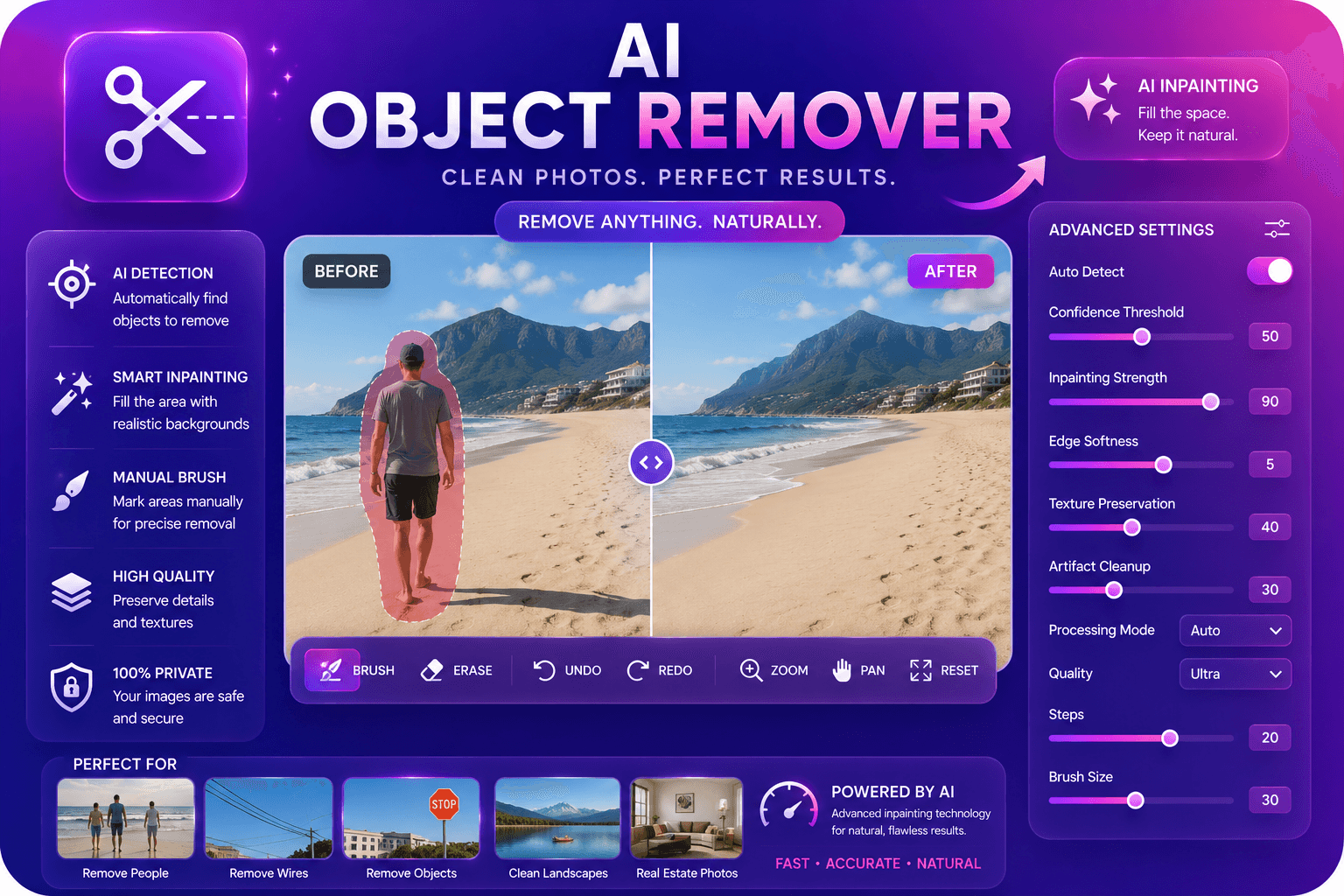
Supprimez les objets indésirables des photos avec l’inpainting AI.
Outil de lancementAméliorez et améliorez la qualité de l'image jusqu'à 4x grâce à l'IA.
Outil de lancement