Free Online Tool
Restore Old Photos
Restore old, faded, or damaged photos with AI. Fast, secure, and completely free — no signup required.
Fast— Instant Conversion
Private— 100% Secure
Browser— No Install
Free— Always Free
Loading tool...
How to use Photo Restoration
Done in three simple steps — no account needed.
01
Scan or upload damaged photo at highest practical resolution.
02
Run AI restoration to reduce scratches, fade, and noise.
03
Preview restored details especially on faces.
Why use Photo Restoration?
- Repairs scratches, creases, and fade automatically
- Face clarity improvement on vintage portraits
- Noise and dust speckle reduction
- Free AI restoration in browser
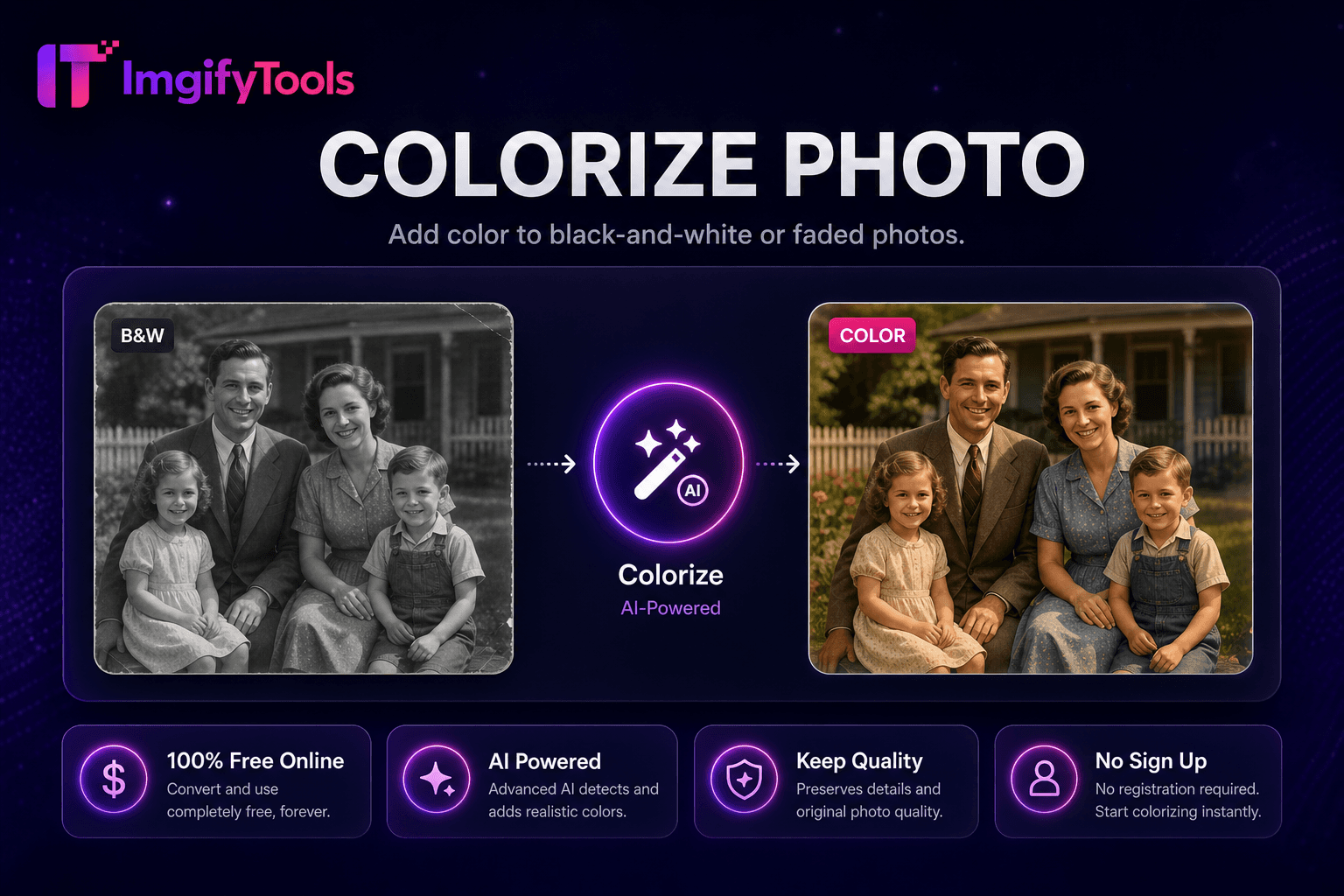
- Pairs with colorize and upscaler tools
- Preserves family archive memories
Perfect For
- Old family photo revival for printing
- Genealogy project archive cleanup
- Damaged album scan recovery
- Historical society digital archives
01What is Photo Restoration?
ImgifyTools Photo Restoration repairs damaged vintage prints, scanned snapshots, and degraded digital archives—reducing scratches, creases, dust spots, fading, and noise while recovering facial clarity in old family photos. Genealogists prepare ancestor portraits for printing at reunions. Historians stabilize archive scans before museum display. Families salvage flood-damaged photo albums digitally when physical prints irreplaceable. AI models trained on degradation patterns inpaint scratch lines, equalize faded yellowed tones, and sharpen soft faces without inventing false details on missing regions. Upload high-resolution scans for best results; phone photos of prints work in a pinch with even lighting. Chain colorize photo after restoration for full revival workflow. Free alternative to professional restoration services for moderately damaged images.
03How it works
Restoration pipeline detects linear scratches and speckle noise via morphological filters, then inpaints damaged pixels using surrounding intact texture. Global tone mapping lifts faded contrast and corrects yellow age cast common in pre-1980 color prints. Face regions receive optional enhancement pass preserving identity. Severe missing chunks—torn corners—partially reconstruct when adjacent context sufficient; completely missing areas may remain blank requiring manual artist touch-up externally. Output maintains scan resolution; upscaler follows for print enlargement.
04Common use cases and tips
Scan prints at 600 DPI flatbed for restoration input—not phone photos of prints when avoidable. Dust scan glass before scanning to reduce speckles needing AI fix. Restore before colorizing black and white archives. Frame restored digital files ordering canvas prints from online labs. Disclose AI restoration on historical publications when authenticity debates matter.
ImgifyTools vs remove.bg
See how our free photo restoration compares to remove.bg on price, limits, and features.
Feature
ImgifyTools
remove.bg
Price
Free, no credits required
Free tier limited; paid plans from $0.20/image
Signup required
No account needed
Account required for API; web has limits
Output formats
PNG with transparency, JPG option
PNG, JPG, and API formats
Batch processing
Single image, instant results
Bulk available on paid plans
Hair and edge detail
AI-optimized edge detection
Industry-leading edge quality
Privacy
Processed in-session, not stored
Images may be retained per policy
Resolution limits
High-resolution uploads supported
Free tier caps resolution
02How to restore old photos?
01
Scan or upload damaged photo at highest practical resolution.
02
Run AI restoration to reduce scratches, fade, and noise.
03
Preview restored details especially on faces.
04
Download restored image for print or archive.
05
Optional: colorize or upscale for display enlargement.
Why use Photo Restoration?
Unlike many other platforms that compromise on quality or hide results behind paywalls, ImgifyTools offers high-fidelity output with a focus on speed and user privacy. No account creation is required to start transforming your images.
Repairs scratches, creases, and fade automatically
Face clarity improvement on vintage portraits
Noise and dust speckle reduction
Free AI restoration in browser
Pairs with colorize and upscaler tools
Preserves family archive memories
Perfect For...
Old family photo revival for printing
Genealogy project archive cleanup
Damaged album scan recovery
Historical society digital archives
Related guides
Frequently Asked Questions
Everything you need to know about the Photo Restoration.
Partial reconstruction only; severe damage may need manual artist.
Both; colorize separately after B&W restoration.
Works with even lighting; scanning preferred.
AI fills small gaps plausibly—not forensic accuracy.
Yes for collections you own.
Higher scan DPI yields better restoration detail.
Single pass handles scratches, fade, noise together.
Restoration fixes damage; enhancer polishes clear modern portraits.
Helpful Guides
Related Tools
People Also Use

More Tools
Continue Creating
Other specialized utilities for your workflow.