Passport Photo Maker
Make a passport or visa photo online with auto crop and white background.
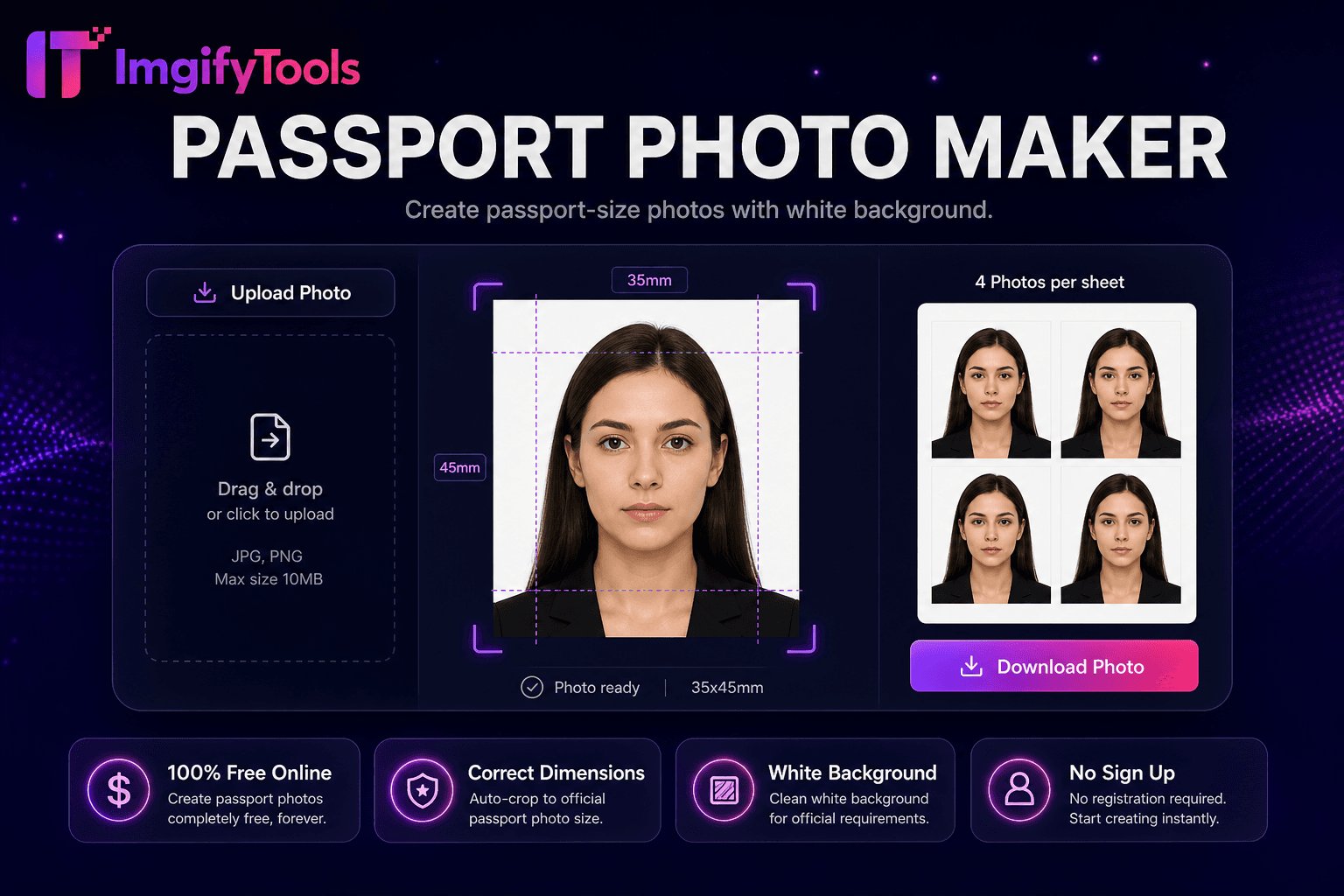
Launch ToolCreate common visa application photos (including 35×45 mm) with crop and white background. Free for standard use — no signup required.
ImgifyTools Visa Photo Maker helps prepare immigration and travel document photos at common visa dimensions—including 35×45 mm Schengen-style sizes and related regional presets—with face alignment guides and plain background replacement. International travelers, students, and relocating employees can crop a front-facing portrait and export a digital file or print sheet. Always cross-check output against your destination country’s current embassy or consulate instructions—presets are helpers, not legal guarantees. Example official photo guidance (US visas): https://travel.state.gov/content/travel/en/us-visas/visa-information-resources/photos.html (last checked 2026-08-09). Uploads are processed on ImgifyTools servers for your session (max 10 MB), are not retained permanently, and are not used for training.
Jurisdiction: Common visa formats including 35×45 mm Schengen-style sizes and related destination rules. Last checked against the official source on 2026-08-09.
Visa photo requirements differ by destination and can change. Always re-check the official embassy or authority page for your application before submitting.
ImgifyTools assists with crop, dimensions, and background preparation. It does not guarantee acceptance by any visa or immigration authority.
View official government sourceSelect a visa country or dimension preset (for example 35×45 mm).
Upload a front-facing portrait with even lighting (max 10 MB).
Review face alignment and plain background replacement.
Check on-screen guides against your embassy’s published rules.
Download a digital file and optional print sheet.
Unlike many other platforms that compromise on quality or hide results behind paywalls, ImgifyTools offers high-fidelity output with a focus on speed and user privacy. No account creation is required to start transforming your images.
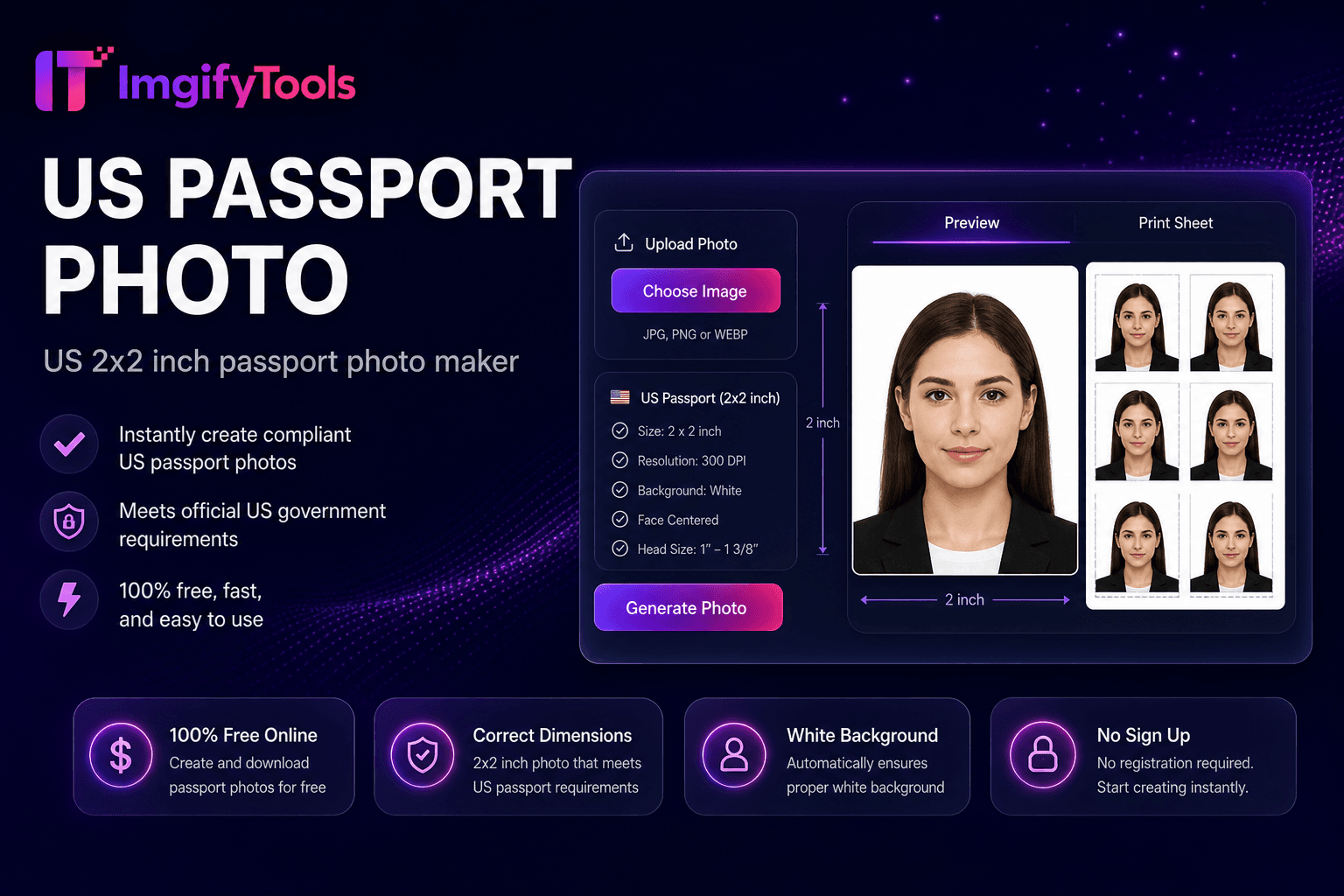
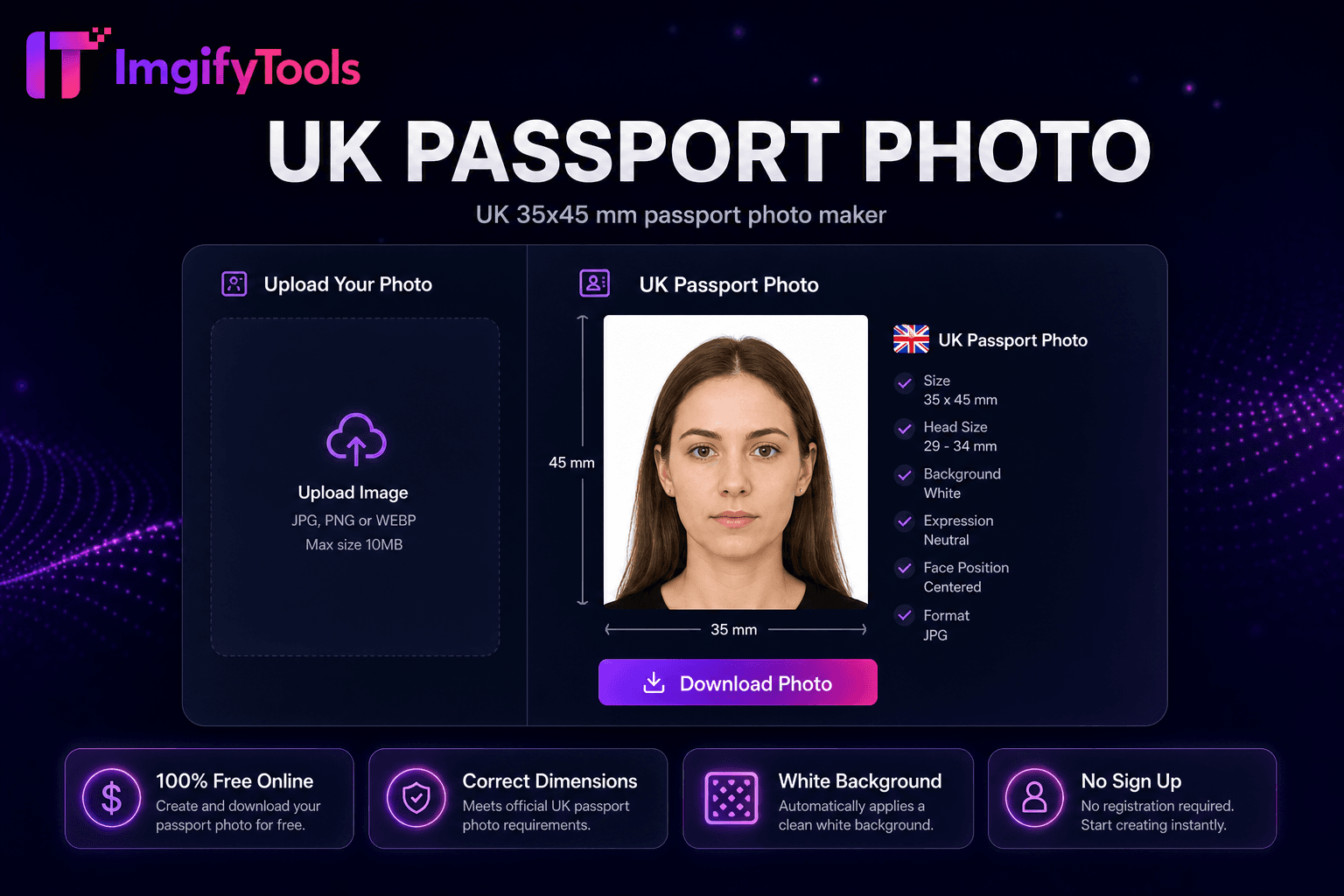
A country or visa-type preset loads target millimeter dimensions converted to pixel outputs at a standard DPI. Face guides help you check head height and centering against common template overlays. Background replacement removes busy patterns that often violate plain-backdrop rules. You can download a single digital file for online applications and, when available, a tiled print sheet for physical submission. Glasses, head coverings, and expression rules remain your responsibility to verify with the official source.
Shoot with even front light and a plain wall. Wear colors that contrast with a white or light background. Do not reuse a US 2×2 passport file for 35×45 mm visa forms. Print on matte paper unless your authority specifies otherwise. Re-check the official embassy page on the day you apply—rules change.
See how our free visa photo maker compares to ePassportPhoto on price, limits, and features.
| Feature | ImgifyTools | ePassportPhoto |
|---|---|---|
| Price | Free online tool | Free preview; paid for print-ready |
| Visa photo sizes | US, UK, Schengen presets | Global visa templates |
| Background compliance | White and off-white options | Regulation-checked backgrounds |
| Head size guide | On-screen alignment guides | Automatic head-size validation |
| Print sheet | 4x6 or A4 layout download | Print-ready PDF |
| Processing speed | Instant preview | Minutes for verification |
| Mobile support | Works on phone browsers | Mobile app available |
More tools
Other specialized utilities for your workflow.