Image Effects Studio
Rotate, blur, sharpen, and apply effects in one hub.
Launch ToolCrop images in your browser with aspect ratio presets. Free for standard use — no signup required.
ImgifyTools Image Cropper trims photos to exact regions with interactive aspect ratio presets and freeform selection—essential when re-framing compositions, cutting sensor noise from edges, or extracting subjects for thumbnails. Photographers straighten horizons implicitly through crop reframing. Social managers punch out square avatars from group shots. Developers slice UI mockup screenshots for documentation. Presets cover 1:1, 4:5, 16:9, and custom pixel boxes with drag handles and preview grid. Non-destructive workflow keeps originals intact while exporting cropped derivatives. Free online tool replaces opening full editors for simple crop tasks. Chain with compressor and resizer for publish-ready outputs matching CMS and platform specs. Uploads are processed on ImgifyTools servers for your session (max 10 MB), are not retained permanently, and are not used to train AI models.
Upload JPG, PNG, or WebP image to crop.
Drag crop handles or choose aspect ratio preset.
Position overlay for desired composition.
Preview cropped region at full resolution.
Download cropped image file.
Unlike many other platforms that compromise on quality or hide results behind paywalls, ImgifyTools offers high-fidelity output with a focus on speed and user privacy. No account creation is required to start transforming your images.
Canvas loads uploaded image with draggable crop overlay defining output rectangle. Aspect ratio locks constrain proportions for Instagram square or widescreen banners. Coordinate mapping extracts selected pixel region from decoded bitmap at full source resolution—no premature downscale before crop. Rotation correction may precede crop when interface supports straighten. Export encodes cropped region as JPG, PNG, or WebP with optional quality slider. Real-time preview shows final framing before commit.
Crop DSLR photos tighter for blog heroes removing distracting edge elements. Extract product from lifestyle shots for marketplace main images. Use 1:1 preset before profile photo upload. Combine rule-of-thirds mentally—even without overlay, place eyes on upper third lines for portraits. After crop, run social media resizer if platform needs exact pixel dimensions beyond aspect ratio alone.
See how our free image cropper compares to iloveimg on price, limits, and features.
| Feature | ImgifyTools | iloveimg |
|---|---|---|
| Price | Free resizing | Free with ads; premium available |
| Preset sizes | Social and platform presets built-in | Common size presets |
| Custom dimensions | Exact pixel width and height | Custom width/height |
| Aspect ratio lock | Maintain proportions option | Lock aspect ratio |
| Batch resize | Platform and bulk tools | Batch on premium |
| Output quality | Quality slider available | Standard compression |
| Format output | JPG, PNG, WebP | Multiple formats |
Related Tools
Rotate, blur, sharpen, and apply effects in one hub.
Launch Tool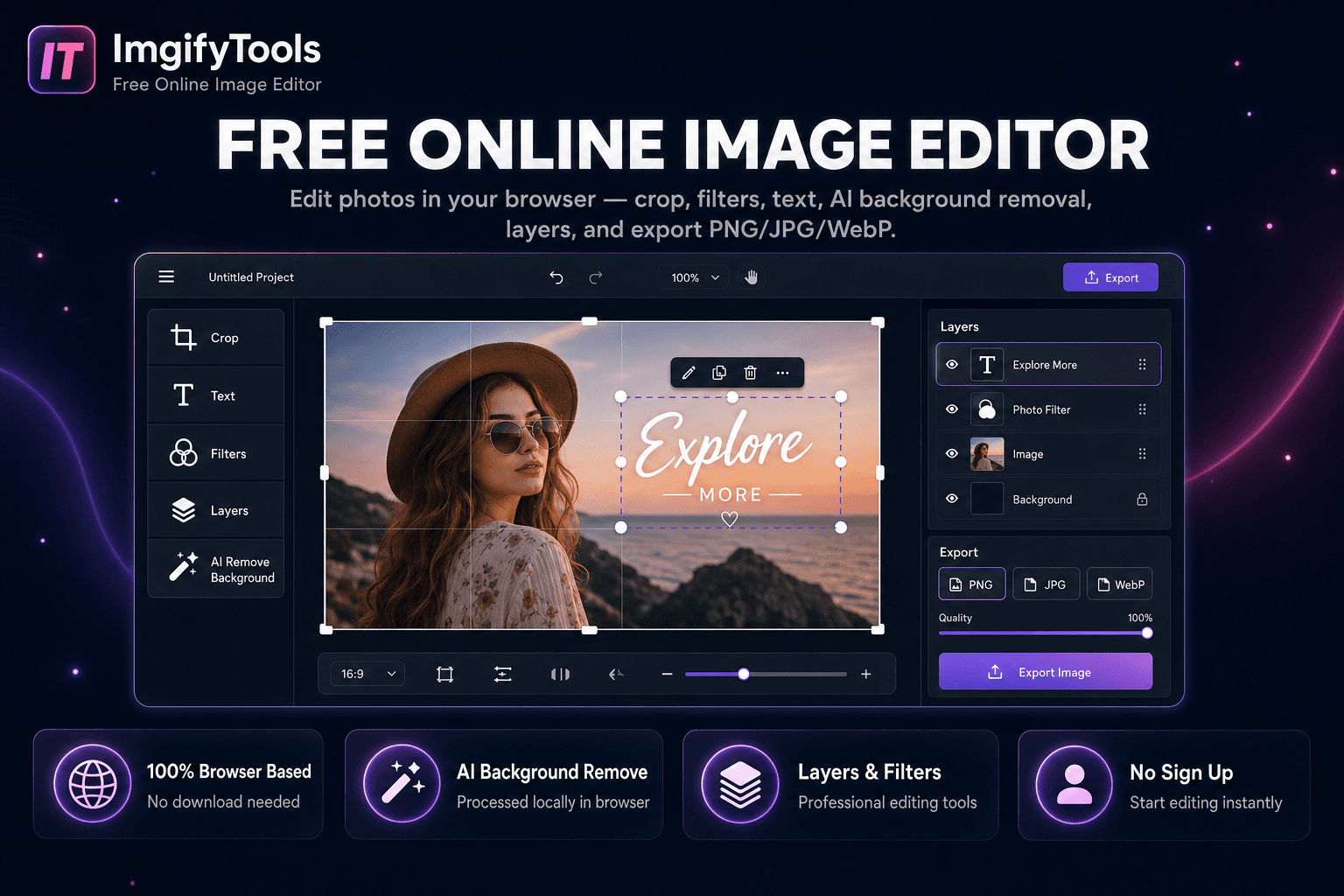
Edit photos in your browser — crop, filters, text, AI background removal, layers, and export PNG/JPG/WebP. No download, no signup.
Launch Tool
Add or remove watermarks from images.
Launch ToolMore tools
Other specialized utilities for your workflow.
Rotate, blur, sharpen, and apply effects in one hub.
Launch ToolEdit photos in your browser — crop, filters, text, AI background removal, layers, and export PNG/JPG/WebP. No download, no signup.
Launch ToolAdd or remove watermarks from images.
Launch Tool