PNG to JPG Converter
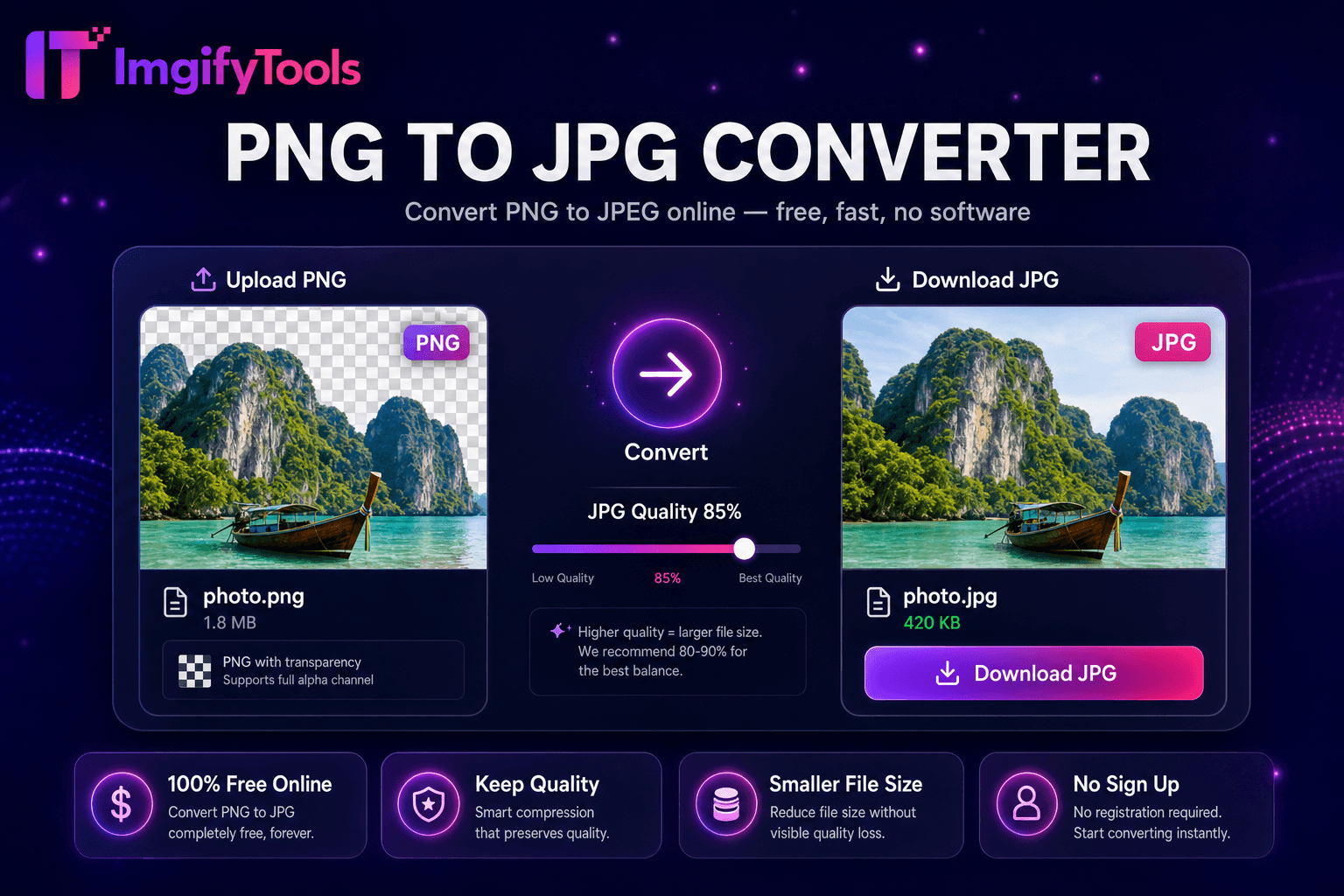
Convert PNG images to JPG online for free.
Launch ToolConvert JPG to PNG online free with lossless output and batch conversion. Free for standard use — no signup required.
Our jpg to png converter online free transforms JPEG photos into lossless PNG format in seconds — no software install, no watermark, and no signup. Upload a single JPG or batch multiple files and download PNG outputs ready for design tools, print workflows, or further editing. Converting early in your pipeline prevents additional lossy compression when you need alpha channels for compositing. Graphic designers import client JPGs into PNG for mask work. Developers convert UI assets when PNG lossless round-trips matter. Note: converting JPG to PNG does not recover JPEG artifacts already baked into the source — it prevents further quality loss. For true transparency, convert first then use our background remover to add an alpha channel. Free conversion within the 10 MB upload limit. Uploads are processed on ImgifyTools servers for your session and are not retained permanently.
Upload your JPG or JPEG file via drag-and-drop.
Confirm conversion settings — PNG output is lossless from decoded JPG pixels.
Process the conversion and note the output file size increase.
Download the PNG for design, print, or further editing.
Optional: run background remover to add transparency to the PNG.
Unlike many other platforms that compromise on quality or hide results behind paywalls, ImgifyTools offers high-fidelity output with a focus on speed and user privacy. No account creation is required to start transforming your images.
Use JPG for photographs, social media, and email where small file size matters and transparency is not needed. Use PNG when you need lossless quality, sharp text edges, flat-color graphics, or transparency for compositing. Use WebP for modern websites where both quality and file size matter — it often beats PNG and JPG on byte size. This tool converts JPG to PNG when your downstream workflow requires PNG inputs. For PNG back to JPG (smaller files), use our PNG to JPG converter.
Upload multiple JPG files in one session and convert all to PNG simultaneously. Batch conversion saves time when preparing product photo sets, client deliverables, or asset libraries. Standard 10 MB per-file upload limit applies. Download individually or use our image format converter hub for mixed-format batch jobs across JPG, PNG, WebP, and HEIC.
Converting JPG to PNG and adding transparency are two different steps. A JPG-to-PNG conversion produces an opaque PNG with a white or colored background baked in. To remove that background and create a true transparent PNG, convert first then run the image through our AI background remover. This two-step workflow matches how top competitors like Adobe Express and Pixelcut separate format conversion from background removal.
See how our free jpg to png converter compares to Adobe Express on price, limits, and features.
| Feature | ImgifyTools | Adobe Express |
|---|---|---|
| Price | Free JPG to PNG conversion within the 10 MB upload limit | Free with Adobe account |
| Format coverage | JPG, PNG, WebP, HEIC, AVIF, PDF | Wide format support |
| Batch convert | Multiple files at once | Batch on premium |
| Transparency | Background remover for alpha channel | Separate background removal tool |
| Privacy | No permanent file storage | Adobe cloud processing |
| Speed | Fast server-side conversion | Fast cloud processing |
| Signup | No account required | Adobe account required |
More tools
Other specialized utilities for your workflow.