JPG to WebP Converter
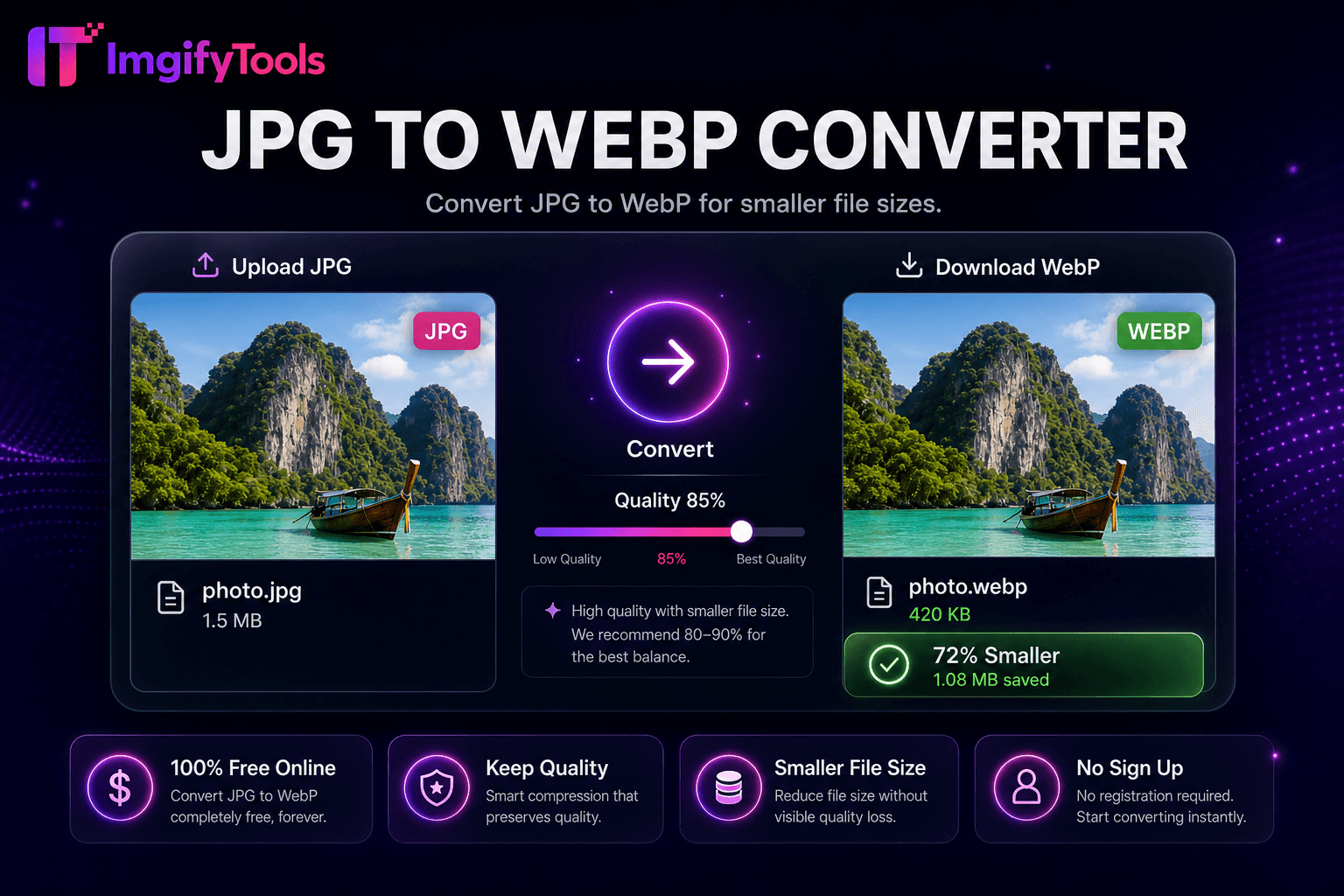
Convert JPG to WebP for smaller file sizes.
Launch ToolConvert WebP images to JPG format. Free for standard use — no signup required.
ImgifyTools WebP to JPG Converter turns modern WebP assets into JPEG files for email clients, print vendors, legacy CMS plugins, and collaborators who still cannot open WebP. WebP is efficient for the web, but Outlook attachments, some social schedulers, and older desktop viewers expect JPG. Unlike WebP→PNG (which keeps transparency) or JPG→WebP (which shrinks for delivery), this path prioritizes compatibility: lossy or lossless WebP is decoded, any alpha channel is flattened onto a solid background because JPEG has no transparency, and you choose JPG quality for the re-encode. Expect a second lossy pass if the source was already lossy WebP—raise quality when print fidelity matters. Animated WebP typically exports the first frame only. Uploads are processed on ImgifyTools servers for your session (max 10 MB), are not retained permanently, and are not used to train AI models.
Upload your WebP file via drag-and-drop or browse.
Set JPEG quality and background color if transparency exists.
Convert WebP to JPG with one click.
Review output size and visual quality in preview.
Download the JPG for email, print, or legacy platform upload.
Unlike many other platforms that compromise on quality or hide results behind paywalls, ImgifyTools offers high-fidelity output with a focus on speed and user privacy. No account creation is required to start transforming your images.
WebP decoding expands VP8 or VP8L bitstreams into RGB or RGBA bitmaps. If alpha is present, select a flatten color before JPEG export since JPG lacks transparency. Quality slider controls DCT quantization tables for the output JPEG. The pipeline handles animated WebP by converting the first frame unless dedicated animation tools apply—verify output for animated sources. File size comparison displays relative to source WebP. Server-side libraries ensure broad WebP feature support including lossless and near-lossless modes.
Email marketing templates often reject WebP attachments—convert hero images to JPG at quality 85. Print labs requesting JPEG from WebP website downloads avoid color surprises by converting with consistent quality settings. Windows users sharing WebP screenshots convert before sending to clients on older systems. After conversion, run image compressor if byte targets remain tight. If you need transparency in a legacy workflow, convert WebP to PNG instead. Batch migrate CDN WebP backups during platform changes using format converter hub.
See how our free webp to jpg converter compares to iLoveIMG on price, limits, and features.
| Feature | ImgifyTools | iLoveIMG |
|---|---|---|
| Price | Free conversions (10 MB upload limit) | Free with ads; premium removes limits |
| Format coverage | PNG, JPG, WebP, HEIC, AVIF, PDF | Wide format support |
| Batch convert | Hub supports multiple tools | Batch on premium |
| Quality settings | Preserve or optimize quality | Standard quality presets |
| Privacy | No permanent storage | Temporary cloud processing |
| Speed | Fast server-side conversion | Fast cloud processing |
| Extra tools | Full suite on one platform | Separate tool pages |
More tools
Other specialized utilities for your workflow.