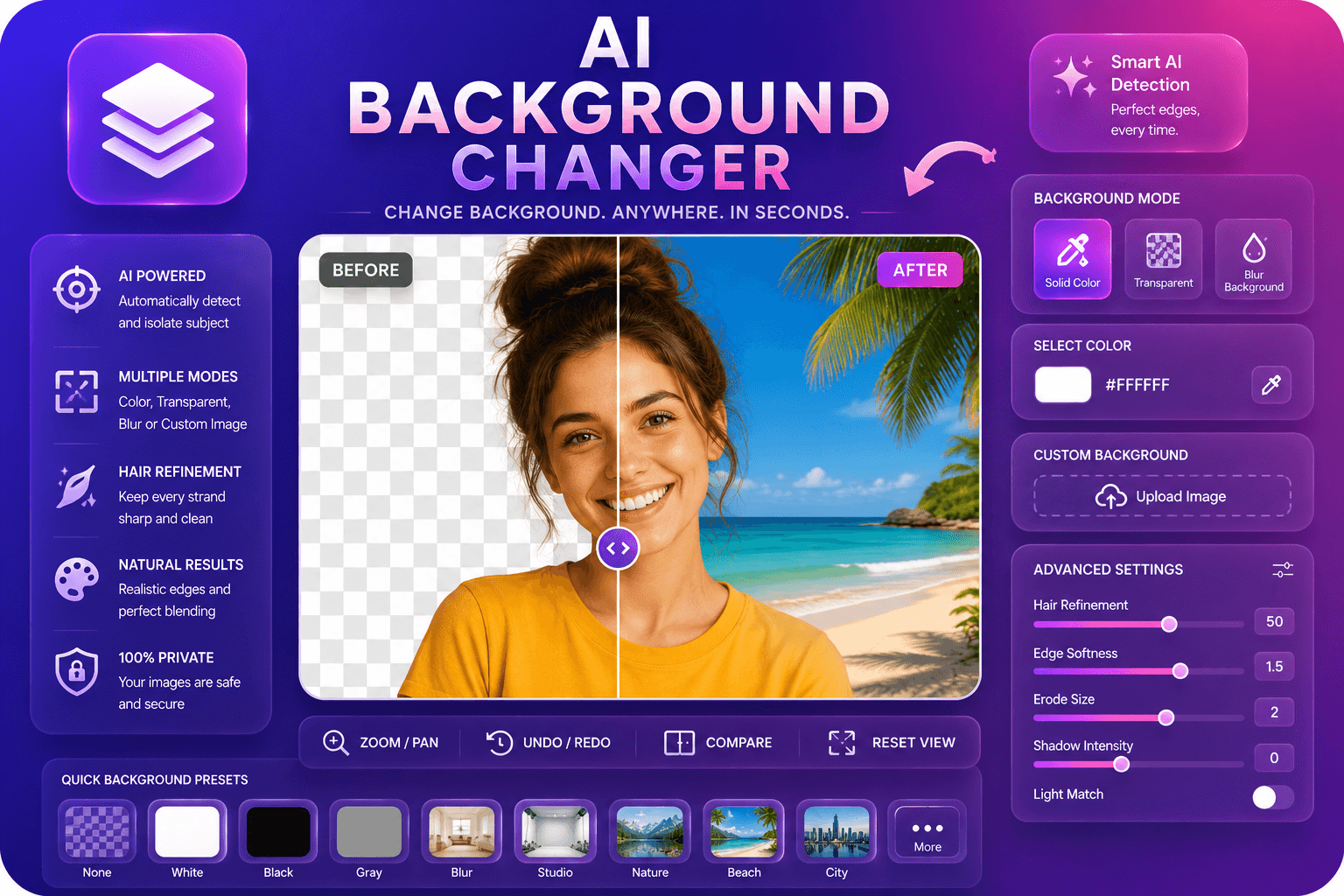
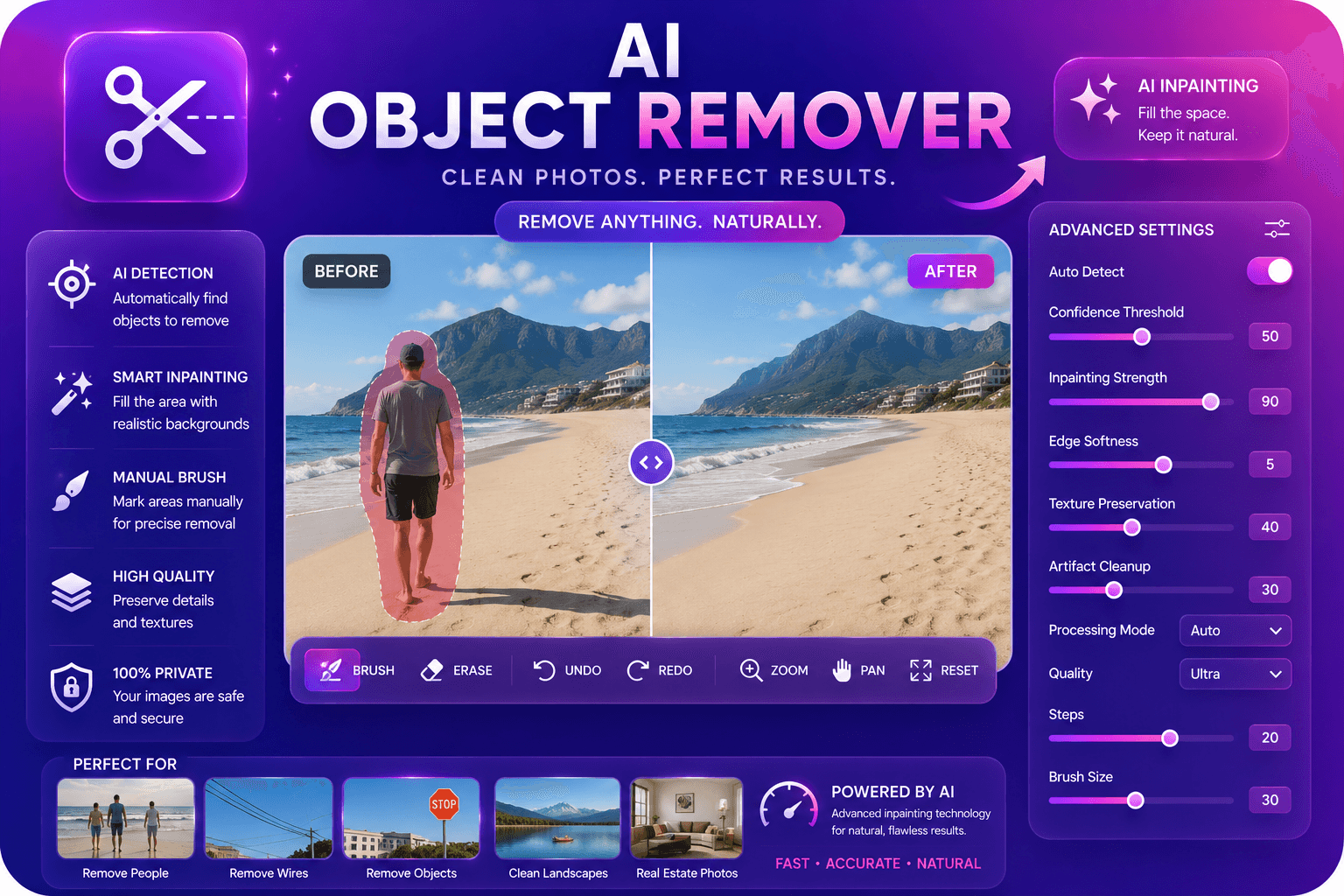
AI Background Remover
AI로 이미지 배경을 자동으로 제거합니다.
도구 실행AI로 이미지 품질을 최대 4배까지 업스케일하고 보정합니다. 빠르고 안전하며 완전 무료 — 가입 불필요.
세 가지 간단한 단계 — 계정 불필요.
업로드 이미지 사용자 want to enlarge (JPG, PNG, 또는 WebP).
Select 내 target upscale fact또는 또는 let 도구 apply optimal enlargement.
Wait while AI reconstructs detail at higher resolution.
ImgifyTools 이미지 업스케일러 uses AI super-resolution to enlarge 사진 없이 blocky artifacts 사용자 get from simple 크기 조정 도구. Standard upscaling stretches existing pixels, which blurs text, softens product details, 및 destroys skin texture. Our model predicts missing high-frequency detail—fabric weave, eyelashes, label text, wood grain—및 reconstructs sharper edges at 2x 또는 higher magnification. 사진graphers rescue cropped social crops 위한 print. 이커머스 teams enlarge supplier thumbnails to meet minimum resolution requirements. Designers upscale stock assets 위한 billboard mockups. Restorers working from small scans gain usable detail before col또는 correction. upscaler handles 인물 사진, landscapes, product shots, 및 scanned documents, balancing sharpness against natural-looking 결과 so upscaled faces do not look over-processed. 업로드 once, comp입니다 before 및 after, 및 다운로드 a higher-resolution file 몇 초 만에. No desktop software, no GPU requirements, 및 no per-이미지 fees—just intelligent enlargement when 사용자 need more pixels from a limited source.
Super-resolution models learn mappings from low-resolution patches to their 고해상도 counterparts using training data spanning natural 이미지, faces, 및 textures. When 사용자 submit a 사진, pipeline analyzes local structures—edges, gradients, repeating patterns—및 synthesizes plausible detail at target scale rather than duplicating blurred pixels. Denoising may run alongside upscaling to clean 압축ion artifacts from heavily JPEG-압축ed sources. output preserves col또는 profiles 및 종횡비 while increasing width 및 height. Because inference 입니다 probabilistic, extremely low-품질 inputs (under 100 pixels wide) may produce softer 결과; starting from highest-품질 source available always yields best enlargement. 처리 중 completes server-side, 및 사용자 다운로드 a standard JPG 또는 PNG file compatible 으로 any edit또는 또는 CMS.
Use upscaler when a client requests print 치수 from a web-sized file, when 마켓플레이스 guidelines mandate minimum megapixels, 또는 when old phone 사진 need clarity 위한 framing. 위한 제품 사진graphy, upscale before 배경 removal so edge detection has more data to work with. Avoid chaining multiple aggressive upscales—one 2x pass 보통 outperforms two sequential doublings. If faces look too sharp, slightly reduce output size in a follow-up 크기 조정 step. Pair 으로 our face 보정r 위한 인물 사진-specific refinement, 또는 으로 사진 restoration 위한 damaged vintage scans. Document scans benefit from upscaling before OCR to improve character recognition accuracy.
toolPage.comparisonSubtitle
기능
remove.bg
주요 기능
AI 슈퍼솔루션 확장
배경 removal (separate product)
가격
무료
Upscale features on partner 도구; bg removal has 무료 tier
디테일 복원
Neural 세부사항 종합
전용 업스칼러
활용 사례
Enlarge low-res 사진
자주 묻는 질문
출력
High110 High
Transparent
가입
None 필요
Account 위한 API
속도
Seconds per 이미지
Seconds per 이미지
업로드 이미지 사용자 want to enlarge (JPG, PNG, 또는 WebP).
Select 내 target upscale fact또는 또는 let 도구 apply optimal enlargement.
Wait while AI reconstructs detail at higher resolution.
Comp입니다 미리보기 against 내 원본 to verify sharpness.
다운로드 upscaled 이미지 위한 print, web, 또는 further editing.
품질을 타협하거나 페이월 뒤에 결과를 숨기는 다른 많은 플랫폼과 달리 ImgifyTools는 속도와 사용자 개인 정보 보호에 초점을 맞춘 고품질 출력을 제공합니다. 이미지 변환을 시작하기 위해 계정을 생성할 필요가 없습니다.
AI Image Upscaler에 대해 알아야 할 모든 것입니다.
더 많은 도구
워크플로에 맞는 전문 유틸리티.
드래그 앤 드롭하거나 클릭하여 찾아보기
최대 10MB