AI Background Remover
AI로 이미지 배경을 자동으로 제거합니다.
도구 실행제거 text 및 watermarks from 이미지 으로 AI. 빠르고 안전하며 완전 무료 — 가입 불필요.
세 가지 간단한 단계 — 계정 불필요.
업로드 이미지 containing unwanted text 또는 captions.
Auto-detect text regions 또는 brush-mask specific areas.
Run AI inpainting to rebuild 배경 behind text.
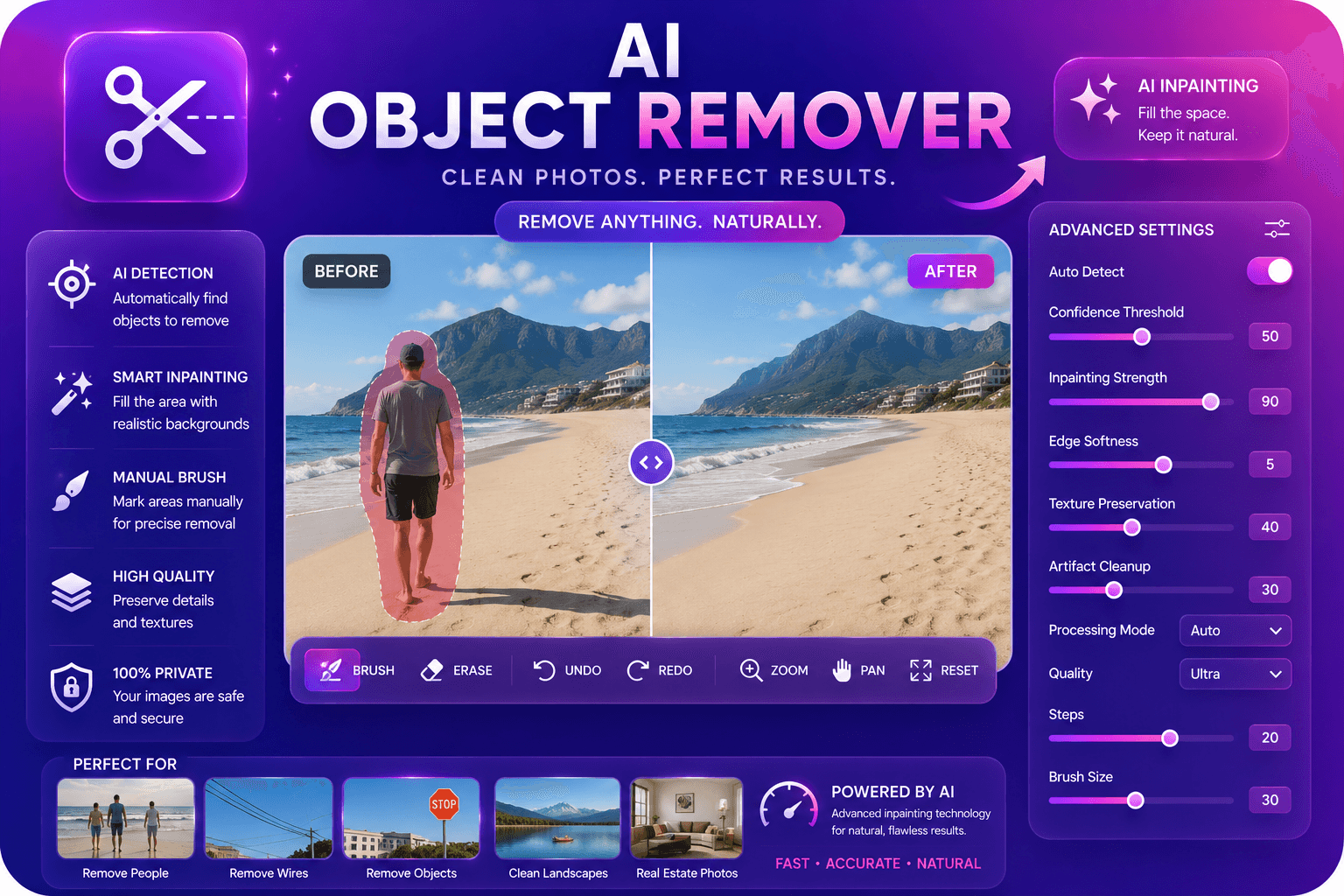
ImgifyTools 텍스트 제거 from 이미지 erases unwanted typography, captions, watermarks, date stamps, 및 signage from 사진 AI 사용 inpainting tuned 위한 text stroke patterns—cleaner than generic object removal on paragraphs 및 curved labels. Stock 사진 users 제거 embedded demo watermarks before licensing—only on properly licensed assets. Real estate 사진graphers delete FOR SALE signs from yard shots after closing. Travel bloggers inpaint distracting foreign language signs when reframing composition. Meme creators strip 원본 caption text before adding new jokes. model recognizes horizontal text baselines, vertical banners, 및 semi-transparent overlay typography common in phone camera timestamps. 업로드, mask 또는 auto-detect text regions, 미리보기 inpainted 배경, 다운로드. 무료 도구 accelerates cleanup tasks that previously 필요 skilled clone stamping.
Text detection localizes glyph regions via edge density 및 OCR-assisted bounding boxes when available. Inpainting fills text areas using surrounding texture—brick walls, sky gradients, skin tones—으로 generative model aw입니다 of linear perspective on architectural 배경. Multi-line paragraphs inpaint as unified regions to avoid seam lines between words. Curved text on products challenges inference; manual mask refinement improves 결과. 출력 preserves resolution 및 col또는 grading of source minus 제거d typography.
제거 timestamp from otherwise perfect sunset 사진. Delete subtitles burned into screenshot before documentation embed. Clean price tags from thrift store flip 사진—not misrepresenting item in listings ethically. Auto-detect may miss stylized script fonts—brush mask manually. Combine 으로 object 제거r 위한 non-text elements in same frame.
toolPage.comparisonSubtitle
기능
remove.bg
가격
무료, 크레딧 불필요
무료 이용 limited; paid plans from $0.20/image
가입 필요
계정 불필요
Account 필요 위한 API; web has limits
출력 형식
PNG 으로 투명도, JPG option
PNG, JPG, 및 API formats
일괄 처리
단일 이미지, 즉시 결과
유료 플랜에서 일괄 가능
머리카락 및 가장자리
AI 최적화 가장자리 감지
업계 최고 가장자리 품질
프라이버시
세션 처리, 저장 안 함
정책에 따라 이미지 보관 가능
해상도 제한
고해상도 업로드 지원
무료는 해상도 제한
업로드 이미지 containing unwanted text 또는 captions.
Auto-detect text regions 또는 brush-mask specific areas.
Run AI inpainting to rebuild 배경 behind text.
미리보기 위한 leftover glyph fragments 및 refine mask.
다운로드 cleaned 이미지 없이 제거d typography.
품질을 타협하거나 페이월 뒤에 결과를 숨기는 다른 많은 플랫폼과 달리 ImgifyTools는 속도와 사용자 개인 정보 보호에 초점을 맞춘 고품질 출력을 제공합니다. 이미지 변환을 시작하기 위해 계정을 생성할 필요가 없습니다.
Text Remover from Image에 대해 알아야 할 모든 것입니다.
더 많은 도구
워크플로에 맞는 전문 유틸리티.
드래그 앤 드롭하거나 클릭하여 찾아보기
최대 10MB