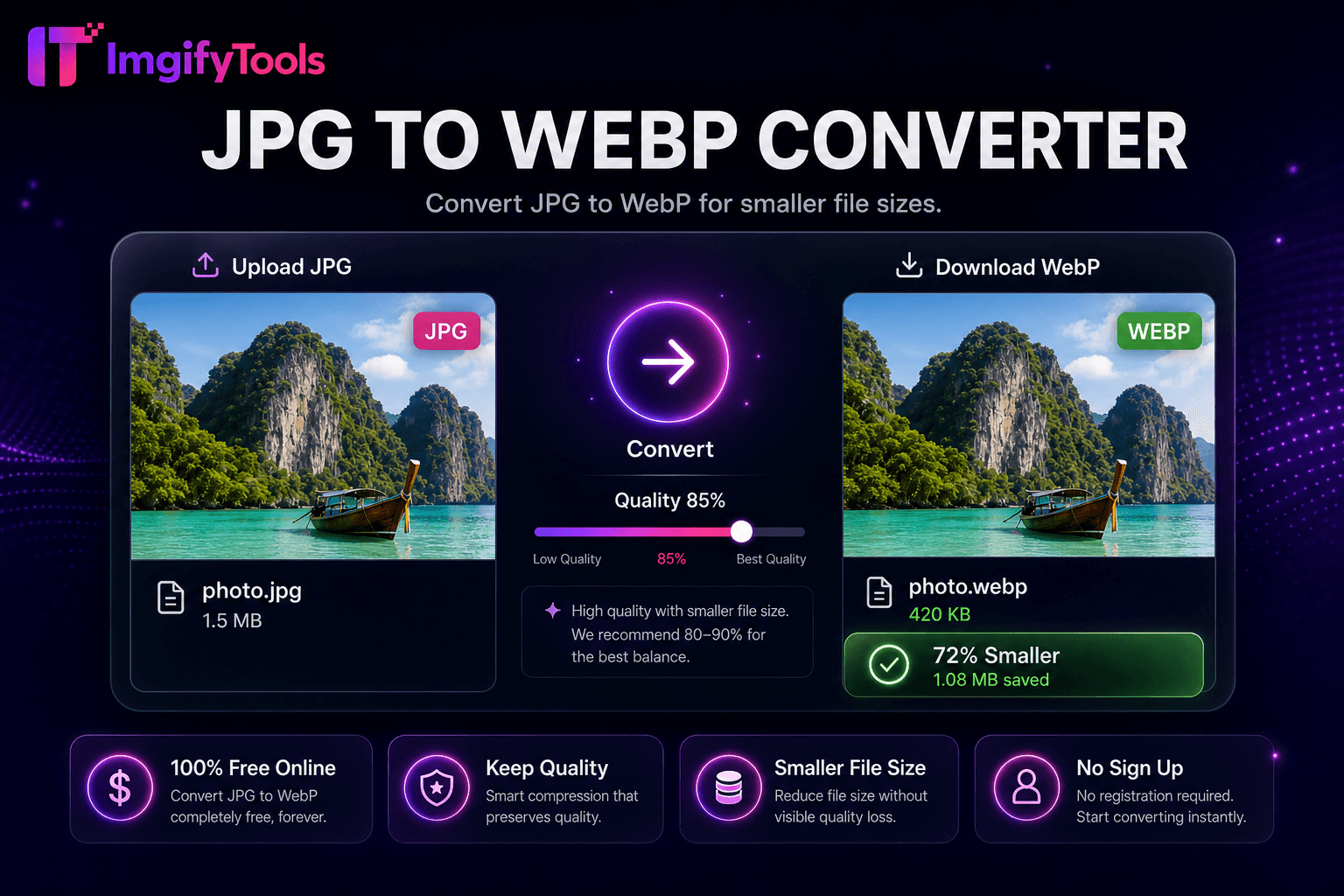
JPG to WebP Converter
변환 JPG to WebP 위한 smaller 파일 크기s.
도구 실행변환 WebP 이미지 to JPG format. 빠르고 안전하며 완전 무료 — 가입 불필요.
세 가지 간단한 단계 — 계정 불필요.
업로드 내 WebP file via drag-and-drop 또는 browse.
Set JPEG 품질 및 배경 col또는 if 투명도 exists.
변환 WebP to JPG 으로 one click.
ImgifyTools WebP to JPG 변환er transforms modern WebP 이미지 into universally compatible JPEG files 위한 email clients, legacy CMS platforms, print vendors, 및 collaborators who cannot open WebP. Google 및 CDNs push WebP 위한 bandwidth savings, but Outlook, some social schedulers, 및 older Windows viewers still expect JPG. Designers receive WebP assets from developers 및 must deliver JPG to print shops. Bloggers migrate WebP media libraries back to JPG during host migrations. 변환er decodes WebP—including lossy 및 lossless variants—및 re-encodes JPG at 내 chosen 품질 으로 선택 배경 flattening when alpha channels exist. Dimensions 및 col또는 information map to standard sRGB JPEG output. 무료, instant, 및 무제한 conversions 없이 installing codecs 또는 command-line utilities on 내 machine.
WebP decoding expands VP8 또는 VP8L bitstreams into RGB 또는 RGBA bitmaps. If alpha 입니다 present, select a flatten col또는 before JPEG export since JPG lacks 투명도. 품질 slider controls DCT quantization tables 위한 output JPEG. pipeline handles animated WebP by 변환ing first frame unless dedicated animation 도구 apply—verify output 위한 animated sources. File size comparison displays relative to source WebP. Server-side libraries ensure broad WebP feature support including lossless 및 near-lossless modes.
Email marketing templates often reject WebP attachments—변환 hero 이미지 to JPG at 품질 85. Print labs requesting JPEG from WebP website 다운로드s avoid col또는 surprises by 변환ing 으로 consistent 품질 설정. Windows users sharing WebP screenshots 변환 before sending to clients on older systems. After conversion, run 이미지 압축기 if byte targets remain tight. If 사용자 need 투명도 in a legacy 워크플로, 변환 WebP to PNG instead. Batch migrate CDN WebP backups during platform changes using format 변환er hub.
toolPage.comparisonSubtitle
기능
iLoveIMG
가격
무료, 무제한 conversions
무료 으로 ads; premium 제거s limits
형식 적용
33, 444, 111, 222, 555
넓은 체재 지원
Batch 변환
Hub supports multiple 도구
프리미엄
품질 설정
Preserve 또는 optimize 품질
Standard 품질 presets
프라이버시
영구 저장 없음
Temporary cloud 처리
속도
빠른 서버 측 변환
Fast cloud 처리
Extra 도구
한 플랫폼에서 전체 스위트
Separate 도구 pages
업로드 내 WebP file via drag-and-drop 또는 browse.
Set JPEG 품질 및 배경 col또는 if 투명도 exists.
변환 WebP to JPG 으로 one click.
Review output size 및 visual 품질 in 미리보기.
다운로드 JPG 위한 email, print, 또는 legacy platform 업로드.
품질을 타협하거나 페이월 뒤에 결과를 숨기는 다른 많은 플랫폼과 달리 ImgifyTools는 속도와 사용자 개인 정보 보호에 초점을 맞춘 고품질 출력을 제공합니다. 이미지 변환을 시작하기 위해 계정을 생성할 필요가 없습니다.
WebP to JPG Converter에 대해 알아야 할 모든 것입니다.
더 많은 도구
워크플로에 맞는 전문 유틸리티.
드래그 앤 드롭하거나 클릭하여 찾아보기
최대 10MB