AI Background Remover
AI로 이미지 배경을 자동으로 제거합니다.
도구 실행Create passport-size 사진 으로 흰색 배경. 빠르고 안전하며 완전 무료 — 가입 불필요.
세 가지 간단한 단계 — 계정 불필요.
Take 또는 업로드 a front-facing 인물 사진 으로 even lighting.
Select passport 또는 ID 사진 size preset 위한 내 country.
Let AI crop, align head size, 및 apply compliant 배경.
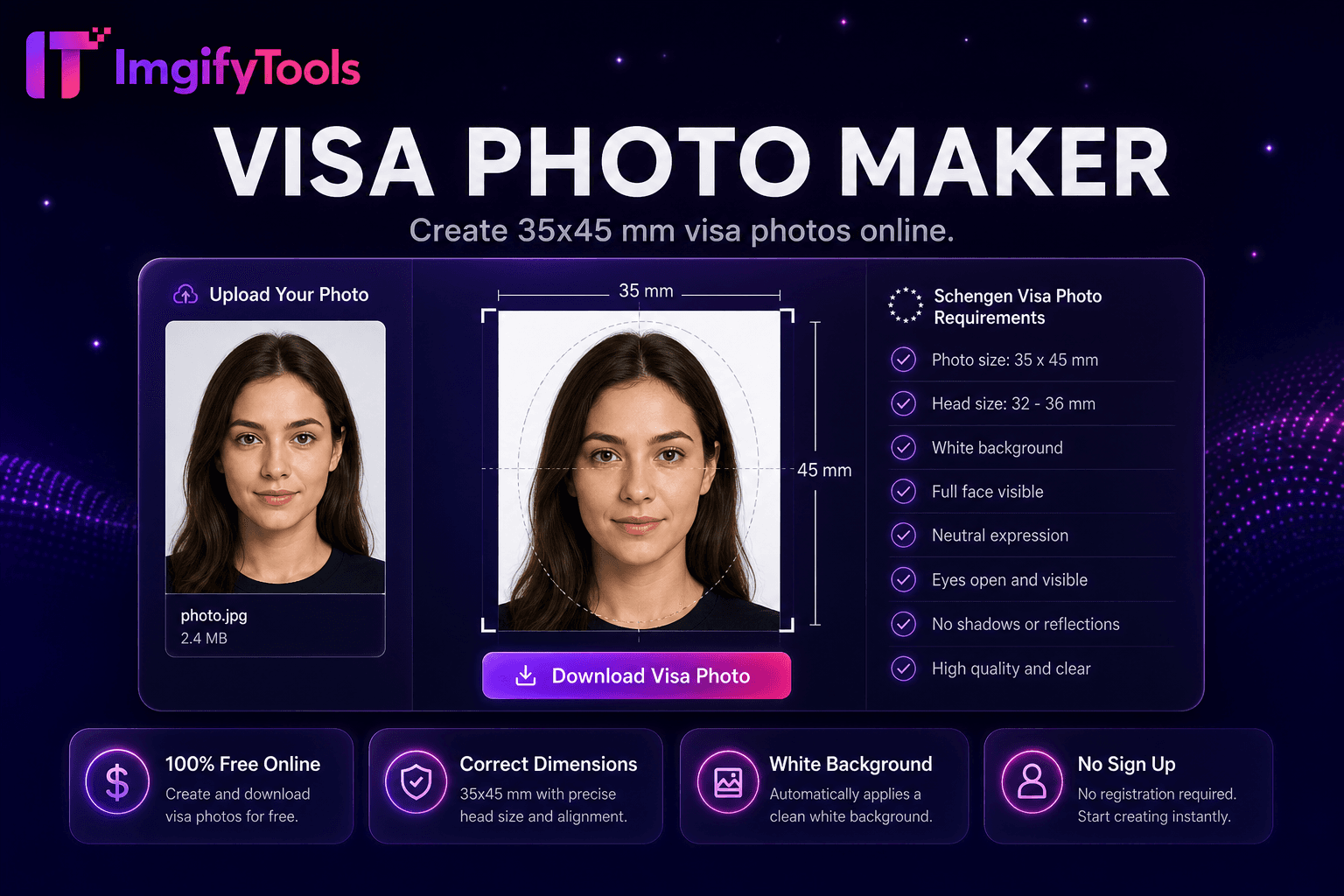
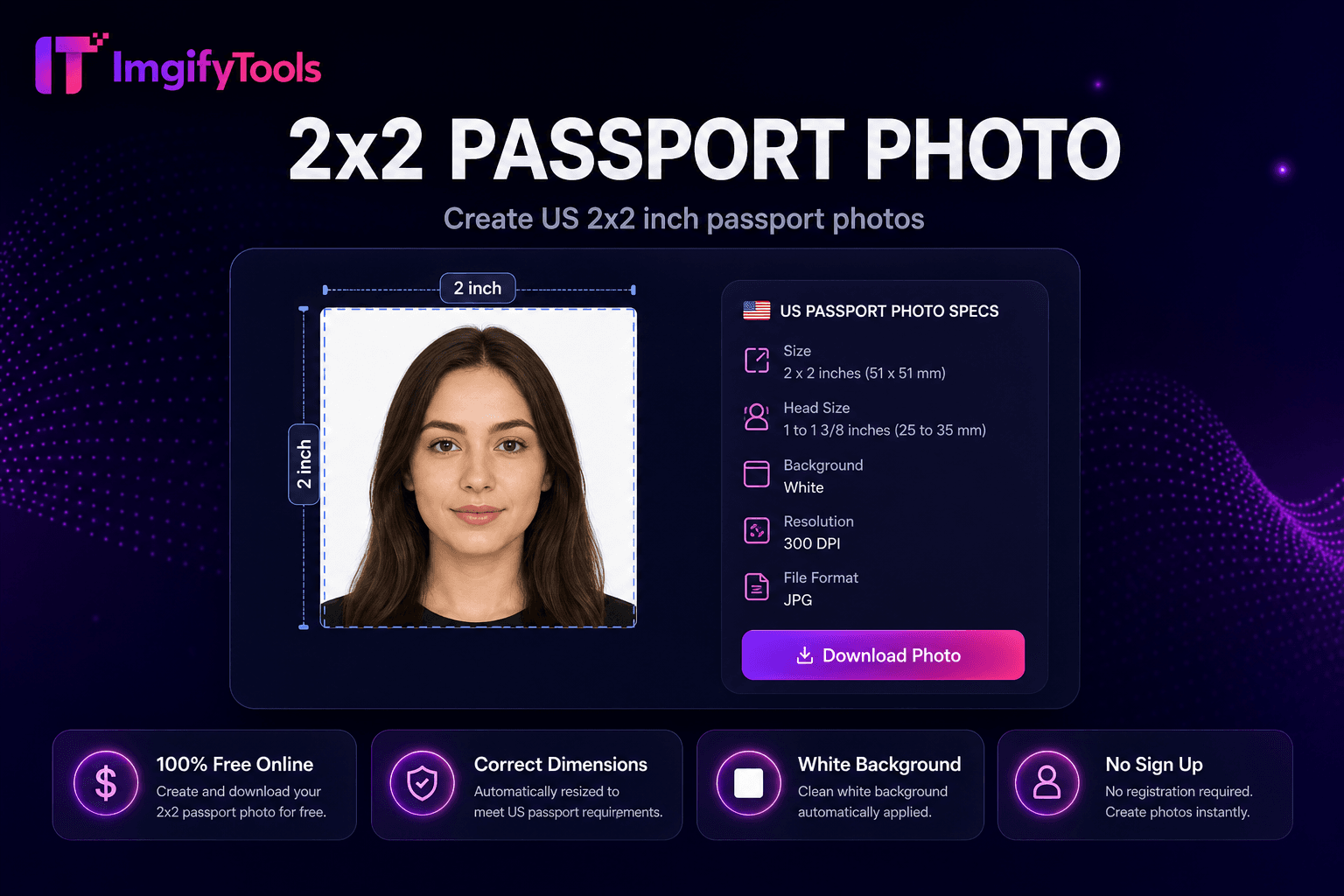
ImgifyTools 여권 사진 제작기 creates compliant ID 사진 from everyday selfies 및 인물 사진 shots—cropping to standard 치수, adjusting head size ratios, 및 applying 필요 white 또는 off-흰색 배경s 위한 passports, visas, 및 national ID applications. 전문가급 studio visits cost time 및 money; drugstore booths vary in 품질. 업로드 a front-facing 사진 taken against a plain wall, 및 AI aligns 내 face within official guides, 제거s distracting 배경, 및 exports print-ready files sized 위한 common requirements including 2×2 inch US passport specs. Students, immigrants, frequent travelers, 및 remote workers renew documents 없이 scheduling appointments. 다운로드 digital JPG 위한 online applications 또는 a multi-사진 sheet formatted 위한 4×6 사진 printer paper. 무료, instant, 및 paired 으로 비자 사진 maker 및 2×2 passport 도구 위한 region-specific variants. Always verify final output against 내 issuing authority's current guidelines.
Face detection locates eyes, nose, 및 chin to compute head height as a percentage of frame—a key metric in 여권 사진 rules. Automatic cropping centers face within template overlays matching selected document type. 배경 removal replaces cluttered scenes 으로 compliant white 또는 light gray fills. Exposure normalization reduces shadows on one side of face common in home selfies. 출력 renders at exact pixel 치수 위한 digital 업로드 portals 및 선택 print sheet layouts tiling multiple copies on standard 사진 paper sizes. 미리보기 overlays show acceptable head margins before 다운로드.
Renew US passports 으로 2×2 inch 사진 taken at home using even window light facing 내 face. Visa applicants prep입니다 Schengen 35×45mm 또는 UK 45×35mm variants via related 도구. Wear plain clothing contrasting 으로 배경; avoid uniforms 및 heavy jewelry unless religious exemption applies. No glasses gl입니다 in many jurisdictions—제거 eyewear if regulations require. Keep neutral expression, mouth closed, eyes open. Print on matte 사진 paper at CVS 또는 Walgreens using 4×6 sheet layout to save versus 여권 사진 counters.
여권 사진은 여권 책 갱신에 사용되며 국가의 여권 표준 (예 : 미국 2 × 2 인치) 당 크기입니다. 비자 사진은 목적지 국가의 비자 사양을 따르고 - 종종 Schengen의 35 × 45mm, 그러나 크기가 다릅니다. ID 사진 커버 국가 ID 카드, 드라이버의 라이센스, 그리고 작업은 자신의 차원 규칙을 허용. 치수가 다릅니다. 동일한 품질 규칙이 적용됩니다. 일반 배경, 중립적 표현, 최근 사진, 필터 없음. 이 도구는 일반적인 여권과 ID 집합을 포함합니다; Schengen 및 국제 비자 크기에 대한 비자 사진 제작자를 사용하십시오.
디지털 여권 사진 만들기 후, 표준 사진 프린터 용지에 타일이 여러 사본을 가진 4 × 6 인치 인쇄 시트를 다운로드하십시오. CVS, Walgreens 또는 스튜디오 가격의 분수에 대한 사진 키오스크에 인쇄. 제일 색깔 정확도를 위한 matte 사진 종이를 사용하십시오. 시트 레이아웃은 인쇄 앱에서 수동 정렬 사본에서 당신을 저장합니다.
toolPage.comparisonSubtitle
기능
photoaid.com
가격
무료 여권 사진 도구
무료 digital 사진; print fees extra
국가 준수
일반 크기 프리셋 (2x2, 비자)
100+ 국가 템플릿
배경
Auto white/off-white 배경
Compliance 배경 check
인쇄 배치
다운로드 ready-to-print sheet
Print-at-home 또는 pickup
얼굴 검출
AI face alignment 및 crop
자동 얼굴 포지셔닝
디지털 납품
Instant JPG/PNG 다운로드
디지털 + 인쇄 옵션
관련 기사
무제한 무료 retakes
Pay per final 사진 on some plans
Take 또는 업로드 a front-facing 인물 사진 으로 even lighting.
Select passport 또는 ID 사진 size preset 위한 내 country.
Let AI crop, align head size, 및 apply compliant 배경.
미리보기 alignment against on-screen guide overlays.
다운로드 digital file 또는 print sheet 위한 submission.
품질을 타협하거나 페이월 뒤에 결과를 숨기는 다른 많은 플랫폼과 달리 ImgifyTools는 속도와 사용자 개인 정보 보호에 초점을 맞춘 고품질 출력을 제공합니다. 이미지 변환을 시작하기 위해 계정을 생성할 필요가 없습니다.
Passport Photo Maker에 대해 알아야 할 모든 것입니다.
더 많은 도구
워크플로에 맞는 전문 유틸리티.
Face clearly visible, good lighting
최대 10MB