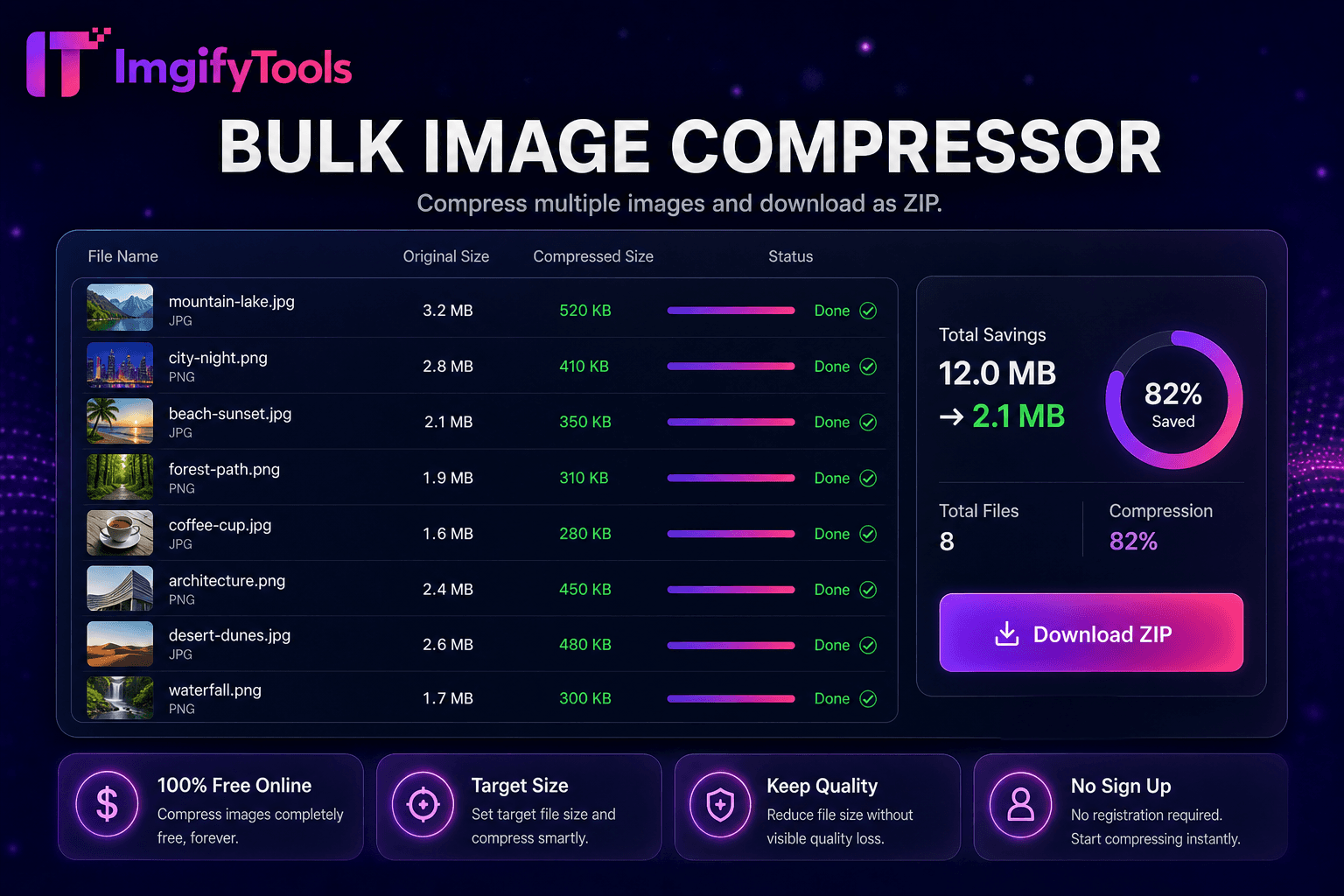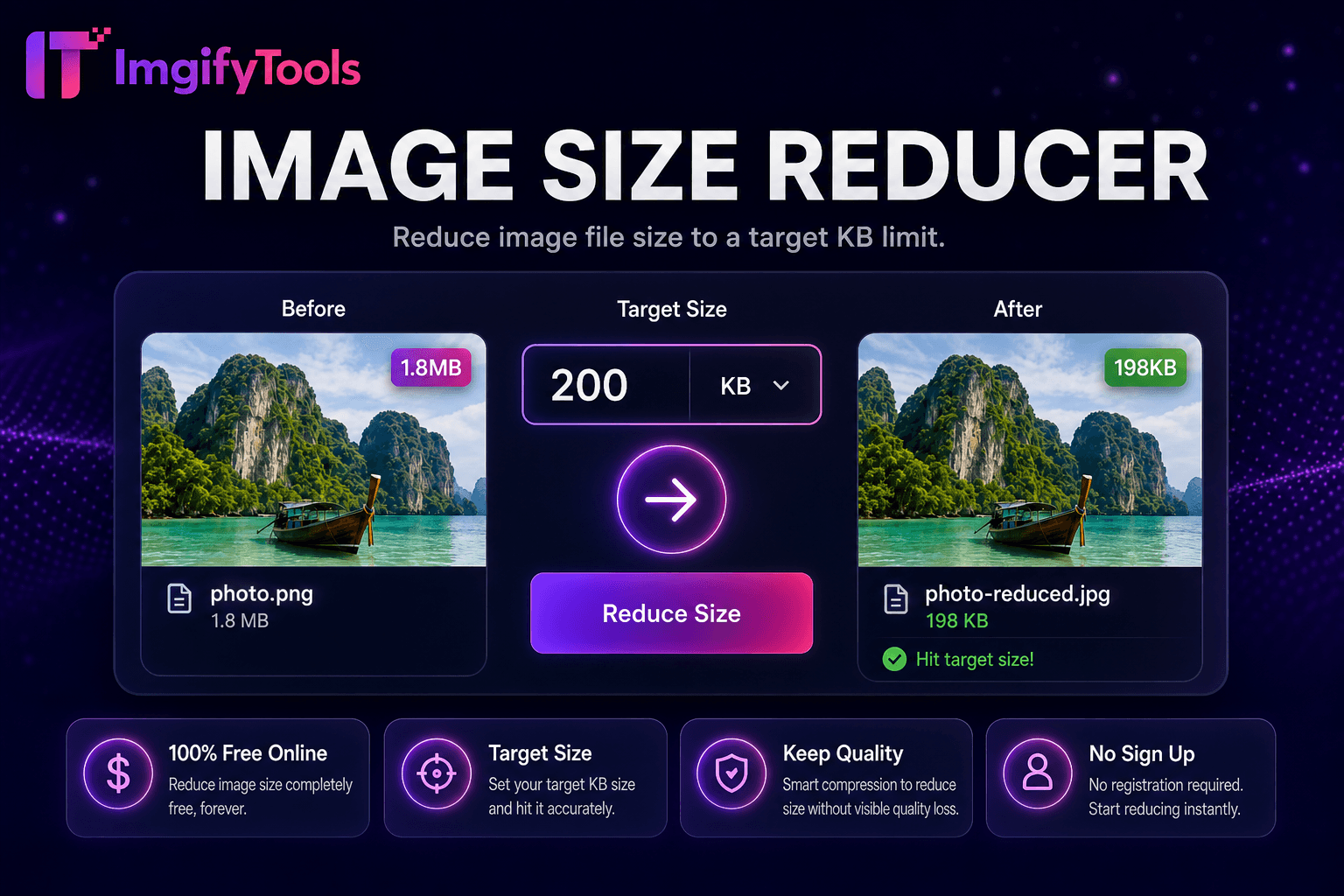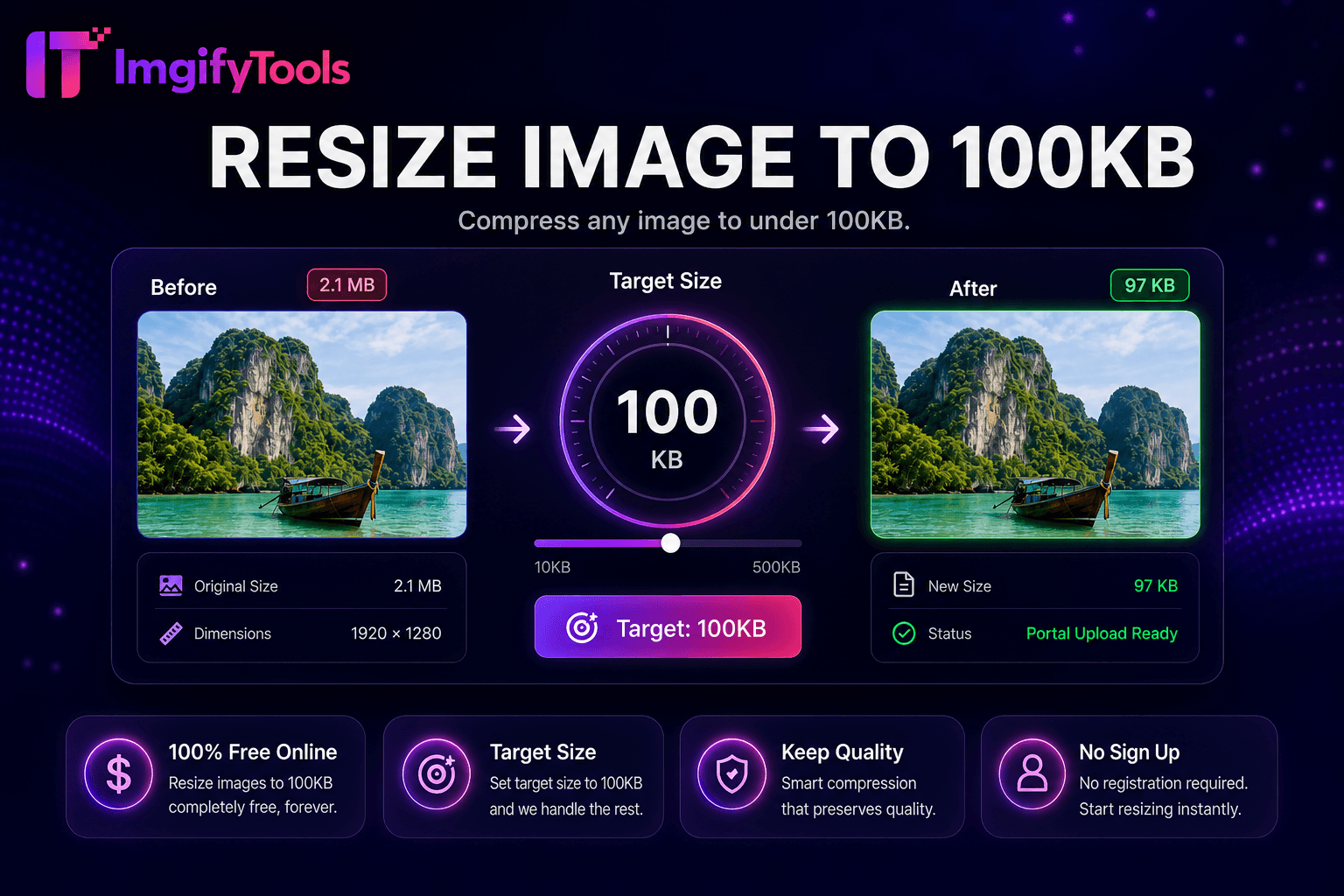
Resize Image to 100KB
압축 any 이미지 to under 100KB.
도구 실행압축 any 이미지 to under 50KB. 빠르고 안전하며 완전 무료 — 가입 불필요.
세 가지 간단한 단계 — 계정 불필요.
업로드 이미지 that exceeds 50KB portal limit.
Start 압축ion—도구 targets under 50KB automatically.
미리보기 품질 at achieved 파일 크기.
ImgifyTools 크기 조정 to 50KB 압축es any 사진 to under fifty kilobytes—strictest common limit on government portals, university application systems, 및 legacy HR forms that reject larger attachments 없이 clear err또는 messages. When generic 압축ors guess 품질, 사용자 trial-and-err또는 dozens of exports; th입니다 target-size 도구 iterates encoding parameters automatically until output fits cap while preserving maximum readable detail. Job seekers shrink passport-style 헤드샷 위한 online registration. Students 업로드 ID scans to exam proctoring platforms 으로 hard byte ceilings. Developers test avatar 업로드 validators in staging environments. pipeline lowers JPEG quantization, applies chroma subsampling on 사진graphic content, 선택ly reduces 치수 when 품질 alone cannot reach 50KB, 및 미리보기s 결과 before 다운로드. 무료, instant, 및 paired 으로 크기 조정-to-100kb 및 크기 조정-to-200kb siblings 위한 stepped limits. Keep 원본s archived separately—aggressive 압축ion suits submission compliance, not portfolio presentation 품질.
After 업로드, encoder analyzes 이미지 complexity 및 starts at moderate JPEG 품질, measuring output bytes. If size exceeds 50KB, algorithm reduces 품질, enables progressive encoding optimizations, strips nonessential EXIF metadata, 및 선택ly scales 치수 proportionally until file meets target ceiling 또는 hits a minimum 품질 flo또는 으로 user-visible warning. PNG inputs may 변환 to JPG when 투명도 입니다 unnecessary 위한 maximum savings. 미리보기 displays side-by-side visual comparison 으로 final kilobyte readout. Single-이미지 focus allows faster parameter search than manual slider guessing in desktop apps. 처리 중 completes server-side; 다운로드 입니다 a standard JPG ready 위한 form attachment fields that enforce maximum 업로드 weight.
Indian government 및 banking portals often cap 사진 at 50KB—export passport crops from country-specific makers then run th입니다 도구 before 업로드. Crop tight around face 및 shoulders first; empty 배경 pixels waste budget on 압축ible area. Use solid light 배경 압축ing smaller than busy patterns. If facial detail becomes unacceptable, allow 100KB variant 도구 when portal permits slightly higher caps. Scanned documents at 50KB may require downsizing page 치수—verify text remains readable at 미리보기 zoom. Never use 50KB exports as 내 only archive; store full-resolution masters locally.
toolPage.comparisonSubtitle
기능
iloveimg
가격
무료 target-size 압축ion
무료 으로 ads; premium batch
목표 크기
고정 50KB 천장
General 압축 없이 exact KB
회사연혁
50KB 이하까지
Manual 품질 selection
미리보기
Visual check before 다운로드
미리보기 available
파일 형식
JPG output optimized 위한 size
여러 형식
Related 도구
100KB 및 200KB variants
Separate 압축 page
프라이버시
Session 처리 only
Cloud 정책 적용
업로드 이미지 that exceeds 50KB portal limit.
Start 압축ion—도구 targets under 50KB automatically.
미리보기 품질 at achieved 파일 크기.
Re-업로드 a tighter crop if detail 입니다 too soft at 50KB.
다운로드 compliant file 위한 form submission.
품질을 타협하거나 페이월 뒤에 결과를 숨기는 다른 많은 플랫폼과 달리 ImgifyTools는 속도와 사용자 개인 정보 보호에 초점을 맞춘 고품질 출력을 제공합니다. 이미지 변환을 시작하기 위해 계정을 생성할 필요가 없습니다.
Resize Image to 50KB에 대해 알아야 할 모든 것입니다.
더 많은 도구
워크플로에 맞는 전문 유틸리티.
드래그 앤 드롭하거나 클릭하여 찾아보기
최대 10MB