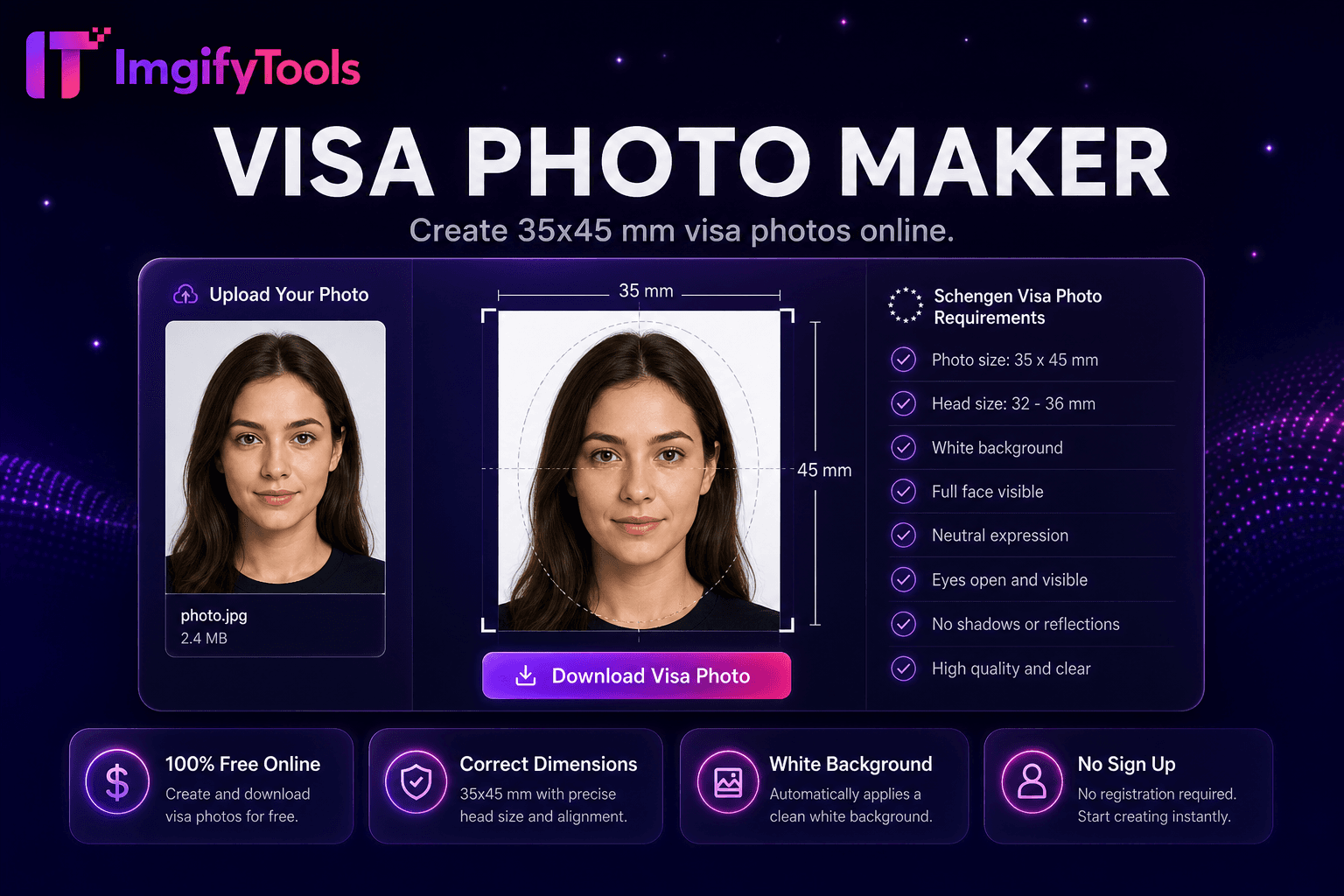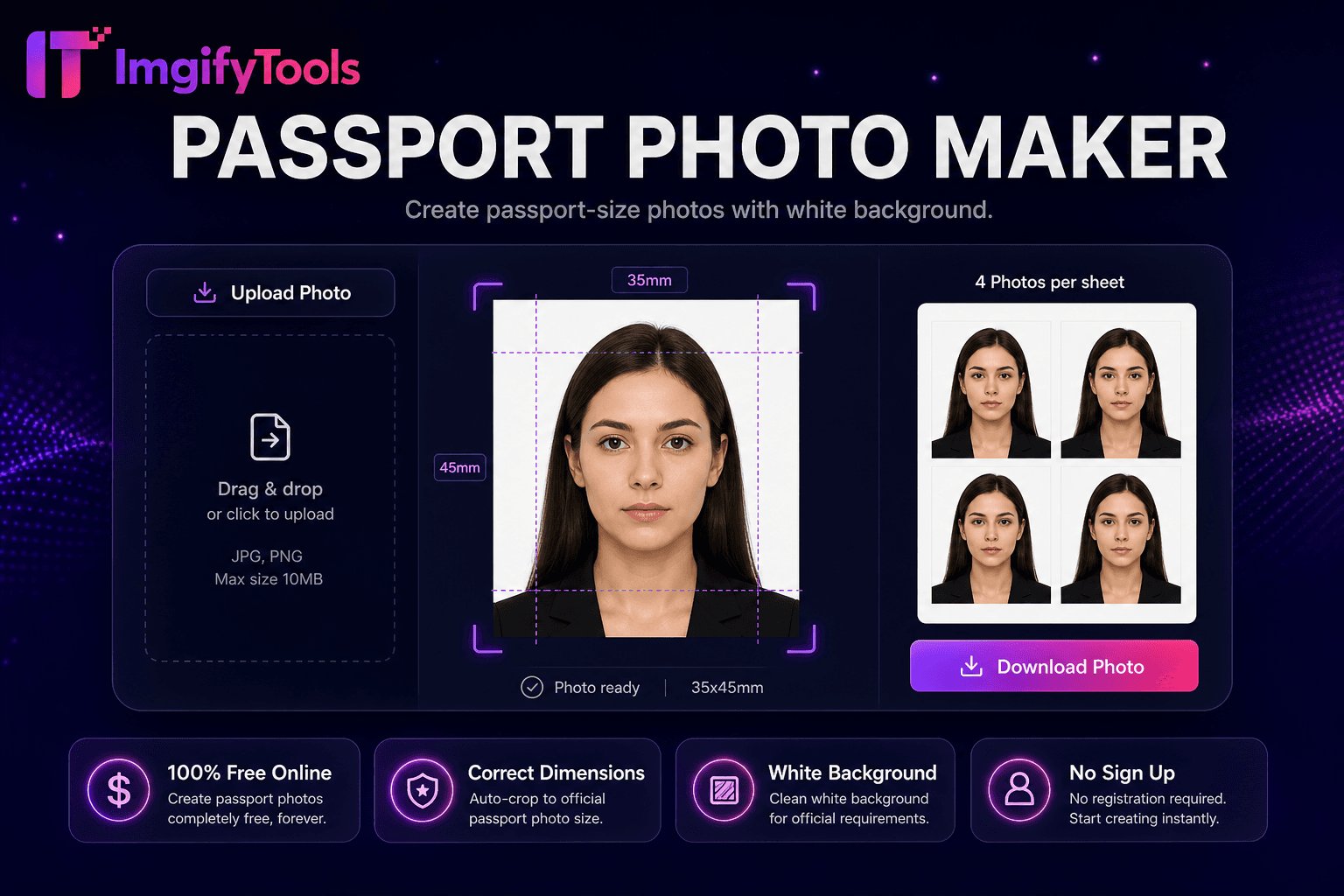
Passport Photo Maker
Create passport-size 사진 으로 흰색 배경.
도구 실행US 2×2 inch 여권 사진 maker. 빠르고 안전하며 완전 무료 — 가입 불필요.
세 가지 간단한 단계 — 계정 불필요.
Take a front-facing 인물 사진 against a plain light 배경.
업로드 JPG 또는 PNG to US 여권 사진 maker.
AI crops to 2×2 inches 으로 federal head-size guides.
ImgifyTools US 여권 사진 제작기 produces United States passport 및 비자 사진s at official 2×2 inch squ입니다 format 으로 흰색 배경, federal head-size ratios, 및 digital exports sized 위한 DS-160 및 travel.state.gov online renewals. Studio passport booths charge fifteen to twenty dollars per set; drugstore counters vary in cropping accuracy. Take a front-facing 인물 사진 against a plain light wall 으로 even window light, 업로드, 및 AI aligns 내 face within Department of State guides—chin to crown occupying 필요 fraction of frame, eyes level, neutral expression. 배경 removal replaces cluttered scenes 으로 compliant white fills. 다운로드 600×600 pixel JPG 위한 digital submissions 또는 a 4×6 inch print sheet tiled 으로 multiple 2×2 copies 위한 Walgreens 및 CVS 사진 counters at lower cost. 무료 무제한 retakes let families 사진graph infants 및 toddlers at home between nap schedules. Always verify output against current travel.state.gov rules before mailing Form DS-82 또는 completing online renewal—regulations update periodically 위한 glasses, head coverings, 및 recent-사진 windows.
Face detection maps eyes, nose, 및 chin to compute head height as a percentage of 2×2 frame—a primary State Department compliance metric. crop engine centers 내 face within template overlays showing acceptable margin bands. 배경 segmentation 제거s non-white areas 및 applies uniform white 또는 off-white fills matching federal preference. Exposure normalization reduces harsh shadows from single-side window light common in home selfies. Export renders at pixel 치수 translating to 2×2 inches at 300 DPI 위한 print 및 600×600 squ입니다 JPG 위한 common digital portals. 선택 print layout arranges two 또는 four 여권 사진s on standard 4×6 사진 paper 으로 cut guides. 미리보기 displays ruler overlays before 다운로드 so 사용자 confirm alignment 없이 guessing measurements.
Renew US passports by mail 으로 Form DS-82 using home 사진 when meeting size, 배경, 및 recency rules. DS-160 nonimmigrant visa applicants export digital JPG before embassy interview scheduling. USCIS adjustment-of-status packets include 2×2 사진 위한 green card 및 work permit forms. Wear everyday clothing 없이 uniforms; religious headwear permitted if face fully visible. 제거 glasses when current rules discourage glare—check travel.state.gov before shooting. 사진graph infants lying on white sheets per infant guidance. Print on matte 사진 paper at retail kiosks using 다운로드able 4×6 sheets rather than home inkjet on copy paper 위한 mailed applications.
toolPage.comparisonSubtitle
기능
photoaid.com
가격
무료 US 여권 사진 도구
무료 digital; print fees extra
미국 2×2 준수
국가 부서 크기 preset
US template 으로 validation
배경
Auto 흰색 배경
Compliance 배경 check
디지털 수출
600×600 JPG instant 다운로드
디지털 배송 옵션
인쇄 시트
4×6 layout 위한 retail print
Print-at-home 또는 pickup
관련 기사
무제한 무료 retakes
일부 계획에서 최종 지불
헤드 정렬
AI face guides 및 crop
자동 위치
Take a front-facing 인물 사진 against a plain light 배경.
업로드 JPG 또는 PNG to US 여권 사진 maker.
AI crops to 2×2 inches 으로 federal head-size guides.
미리보기 흰색 배경 및 alignment overlays.
다운로드 digital 600×600 JPG 또는 4×6 print sheet.
품질을 타협하거나 페이월 뒤에 결과를 숨기는 다른 많은 플랫폼과 달리 ImgifyTools는 속도와 사용자 개인 정보 보호에 초점을 맞춘 고품질 출력을 제공합니다. 이미지 변환을 시작하기 위해 계정을 생성할 필요가 없습니다.
US Passport Photo에 대해 알아야 할 모든 것입니다.
더 많은 도구
워크플로에 맞는 전문 유틸리티.
US 2×2 inch passport photo — face forward, plain background
최대 10MB