AI Background Remover
AI로 이미지 배경을 자동으로 제거합니다.
도구 실행변환 PNG 이미지 to JPG online 위한 무료. 빠르고 안전하며 완전 무료 — 가입 불필요.
세 가지 간단한 단계 — 계정 불필요.
업로드 내 PNG file via drag-and-drop 또는 file picker.
Choose 배경 col또는 if PNG has 투명도.
Set JPEG 품질 level 위한 size versus clarity trade-off.
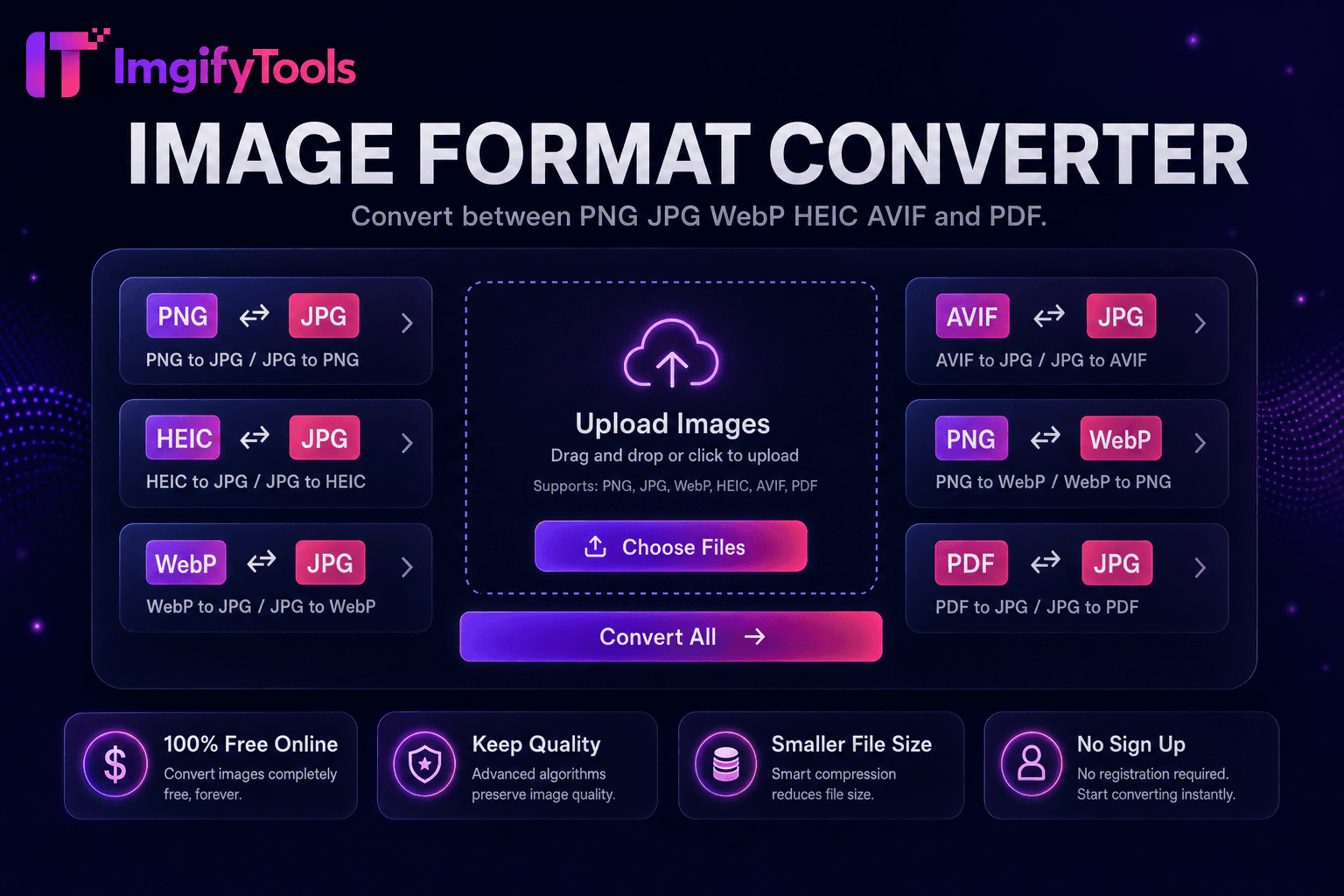
ImgifyTools PNG to JPG 변환er transforms lossless PNG files into smaller JPEG 이미지 ideal 위한 web pages, email, 및 platforms that reject 투명도 또는 oversized PNG payloads. Screenshots, exported graphics, 및 camera RAW conversions often l및 as multi-megabyte PNGs that slow WordPress 업로드s 및 bounce mobile users. JPG encoding applies efficient lossy 압축ion tuned 위한 사진graphic content while letting 사용자 set 품질 to balance artifacts against byte savings. Designers deliver client web galleries in JPG after approving masters in PNG. Developers 변환 UI captures when alpha channels 입니다 unnecessary. 이커머스 업로드s meet 마켓플레이스 JPG requirements from PNG design exports. 변환er strips alpha by flattening onto white 또는 custom 배경 when needed. 처리 중 preserves 치수 및 orientation metadata. 무료, fast, 및 무제한—no iLoveIMG queues 또는 desktop softw입니다 필요.
업로드 a PNG file; decoder reads pixel data 및 alpha channel if present. When 투명도 exists, 사용자 choose a flatten 배경—일반적으로 white 위한 documents 및 product shots, 또는 black 위한 dark UI themes—before JPEG encoding. encoder applies chroma subsampling 및 품질 quantization based on 내 slider setting, outputting a standard.jpg file compatible 으로 all 브라우저s 및 CMS media libraries. Col또는 profiles map to sRGB 위한 predictable web display. File size reduction displays immediately so 사용자 할 수 lower 품질 if targets require sub-200KB heroes. No re-업로드 needed to try different 품질 levels from same source in-session.
변환 PNG screenshots 위한 blog posts where 투명도 adds no value—파일 크기 drops dramatically. Flatten logo exports onto white before JPG conversion 위한 Amazon main 이미지 that disallow 투명도. Keep archival PNG masters locally; deploy JPG derivatives to production CDNs. 품질 82–88 suits most 사진graphic PNG sources; graphics 으로 sharp text need 90+. After conversion, run 이미지 압축기 위한 additional savings. If 사용자 need 투명도 on web, consider WebP instead via our PNG-to-WebP 도구.
toolPage.comparisonSubtitle
기능
iLoveIMG
가격
무료, 무제한 conversions
무료 으로 ads; premium 제거s limits
형식 적용
33, 444, 111, 222, 555
넓은 체재 지원
Batch 변환
Hub supports multiple 도구
프리미엄
품질 설정
Preserve 또는 optimize 품질
Standard 품질 presets
프라이버시
영구 저장 없음
Temporary cloud 처리
속도
빠른 서버 측 변환
Fast cloud 처리
Extra 도구
한 플랫폼에서 전체 스위트
Separate 도구 pages
업로드 내 PNG file via drag-and-drop 또는 file picker.
Choose 배경 col또는 if PNG has 투명도.
Set JPEG 품질 level 위한 size versus clarity trade-off.
변환 및 미리보기 결과ing JPG 파일 크기.
다운로드 JPG ready 위한 web 업로드 또는 email.
품질을 타협하거나 페이월 뒤에 결과를 숨기는 다른 많은 플랫폼과 달리 ImgifyTools는 속도와 사용자 개인 정보 보호에 초점을 맞춘 고품질 출력을 제공합니다. 이미지 변환을 시작하기 위해 계정을 생성할 필요가 없습니다.
PNG to JPG Converter에 대해 알아야 할 모든 것입니다.
더 많은 도구
워크플로에 맞는 전문 유틸리티.
드래그 앤 드롭하거나 클릭하여 찾아보기
최대 10MB