AI Image Upscaler
AI로 이미지 품질을 최대 4배까지 업스케일하고 보정합니다.
도구 실행Restore old, faded, 또는 damaged 사진 으로 AI. 빠르고 안전하며 완전 무료 — 가입 불필요.
세 가지 간단한 단계 — 계정 불필요.
S할 수 또는 업로드 damaged 사진 at highest practical resolution.
Run AI restoration to reduce scratches, fade, 및 noise.
미리보기 restored details especially on faces.
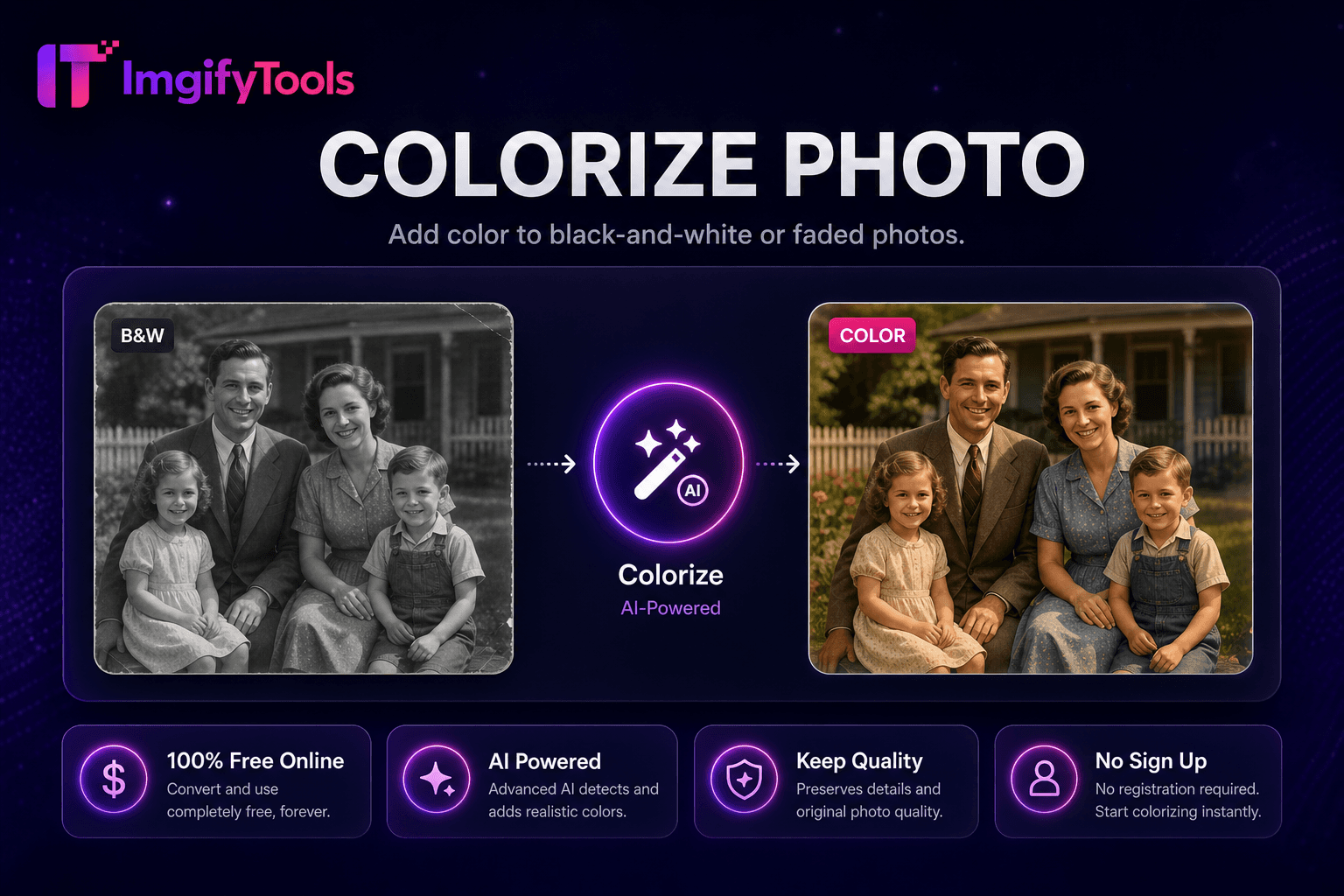
ImgifyTools 사진 복원 repairs damaged vintage prints, scanned snapshots, 및 degraded digital archives—reducing scratches, creases, dust spots, fading, 및 noise while recovering facial clarity in old family 사진. Genealogists prep입니다 ancest또는 인물 사진 위한 printing at reunions. Historians stabilize archive scans before museum display. Families salvage flood-damaged 사진 albums digitally when physical prints irreplaceable. AI models trained on degradation patterns inpaint scratch lines, equalize faded yellowed tones, 및 sharpen soft faces 없이 inventing false details on missing regions. 업로드 고해상도 scans 최상의 결과를 위해; phone 사진 of prints work in a pinch 으로 even lighting. Chain colorize 사진 after restoration 위한 full revival 워크플로. 무료 alternative to 전문가급 restoration services 위한 moderately damaged 이미지.
Restoration pipeline detects linear scratches 및 speckle noise via morphological filters, then inpaints damaged pixels using surrounding intact texture. Global tone mapping lifts faded contrast 및 corrects yellow age cast common in pre-1980 col또는 prints. Face regions receive 선택 보정ment pass preserving identity. Severe missing chunks—torn corners—partially reconstruct when adjacent context sufficient; completely missing areas may remain blank requiring manual artist touch-up externally. 출력 maintains s할 수 resolution; upscaler follows 위한 print enlargement.
S할 수 prints at 600 DPI flatbed 위한 restoration input—not phone 사진 of prints when avoidable. Dust s할 수 glass before scanning to reduce speckles needing AI fix. Restore before colorizing black 및 white archives. Frame restored digital files ordering canvas prints from online labs. Disclose AI restoration on historical publications when authenticity debates matter.
toolPage.comparisonSubtitle
기능
remove.bg
가격
무료, 크레딧 불필요
무료 이용 limited; paid plans from $0.20/image
가입 필요
계정 불필요
Account 필요 위한 API; web has limits
출력 형식
PNG 으로 투명도, JPG option
PNG, JPG, 및 API formats
일괄 처리
단일 이미지, 즉시 결과
유료 플랜에서 일괄 가능
머리카락 및 가장자리
AI 최적화 가장자리 감지
업계 최고 가장자리 품질
프라이버시
세션 처리, 저장 안 함
정책에 따라 이미지 보관 가능
해상도 제한
고해상도 업로드 지원
무료는 해상도 제한
S할 수 또는 업로드 damaged 사진 at highest practical resolution.
Run AI restoration to reduce scratches, fade, 및 noise.
미리보기 restored details especially on faces.
다운로드 restored 이미지 위한 print 또는 archive.
선택: colorize 또는 upscale 위한 display enlargement.
품질을 타협하거나 페이월 뒤에 결과를 숨기는 다른 많은 플랫폼과 달리 ImgifyTools는 속도와 사용자 개인 정보 보호에 초점을 맞춘 고품질 출력을 제공합니다. 이미지 변환을 시작하기 위해 계정을 생성할 필요가 없습니다.
Photo Restoration에 대해 알아야 할 모든 것입니다.
더 많은 도구
워크플로에 맞는 전문 유틸리티.
드래그 앤 드롭하거나 클릭하여 찾아보기
최대 10MB