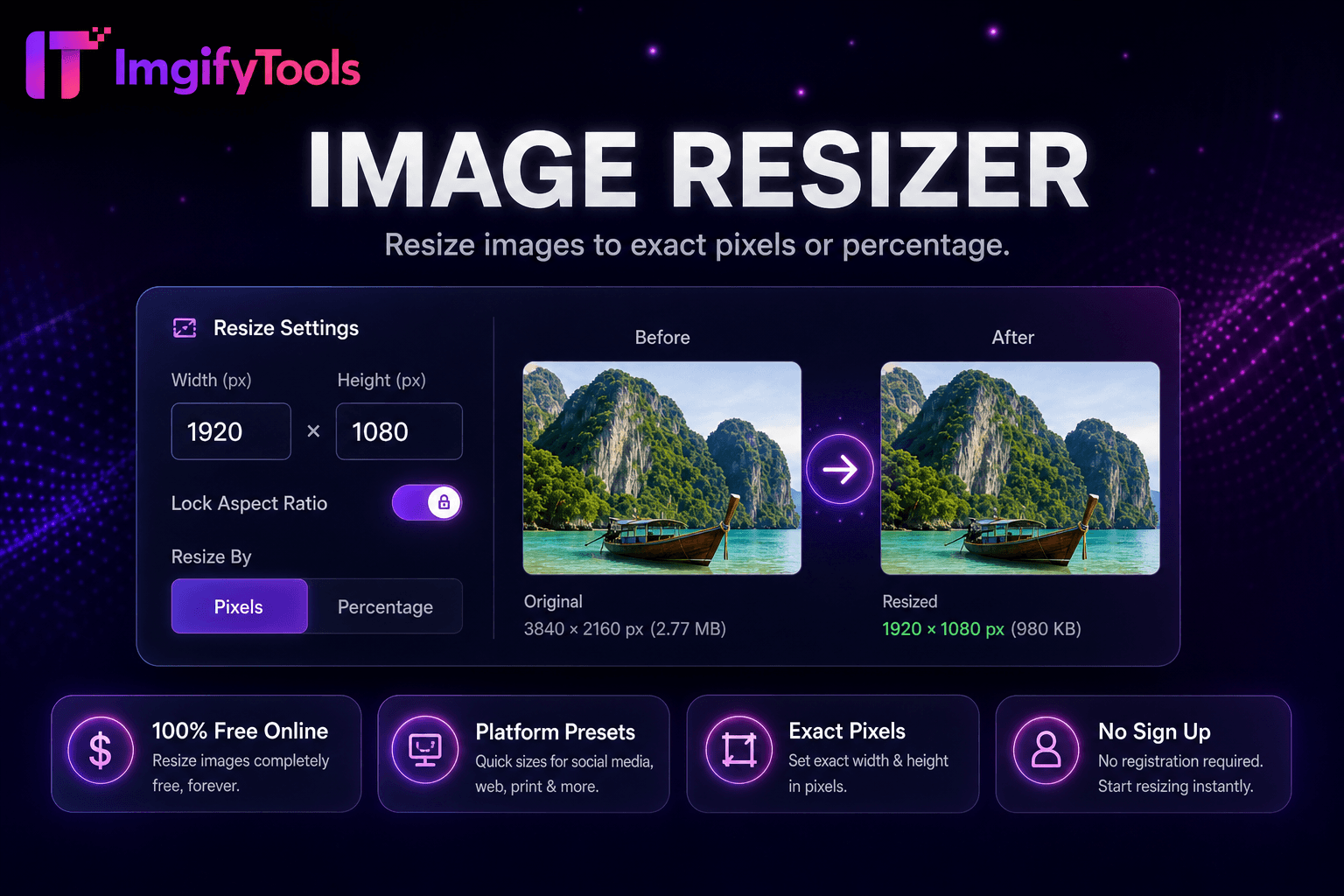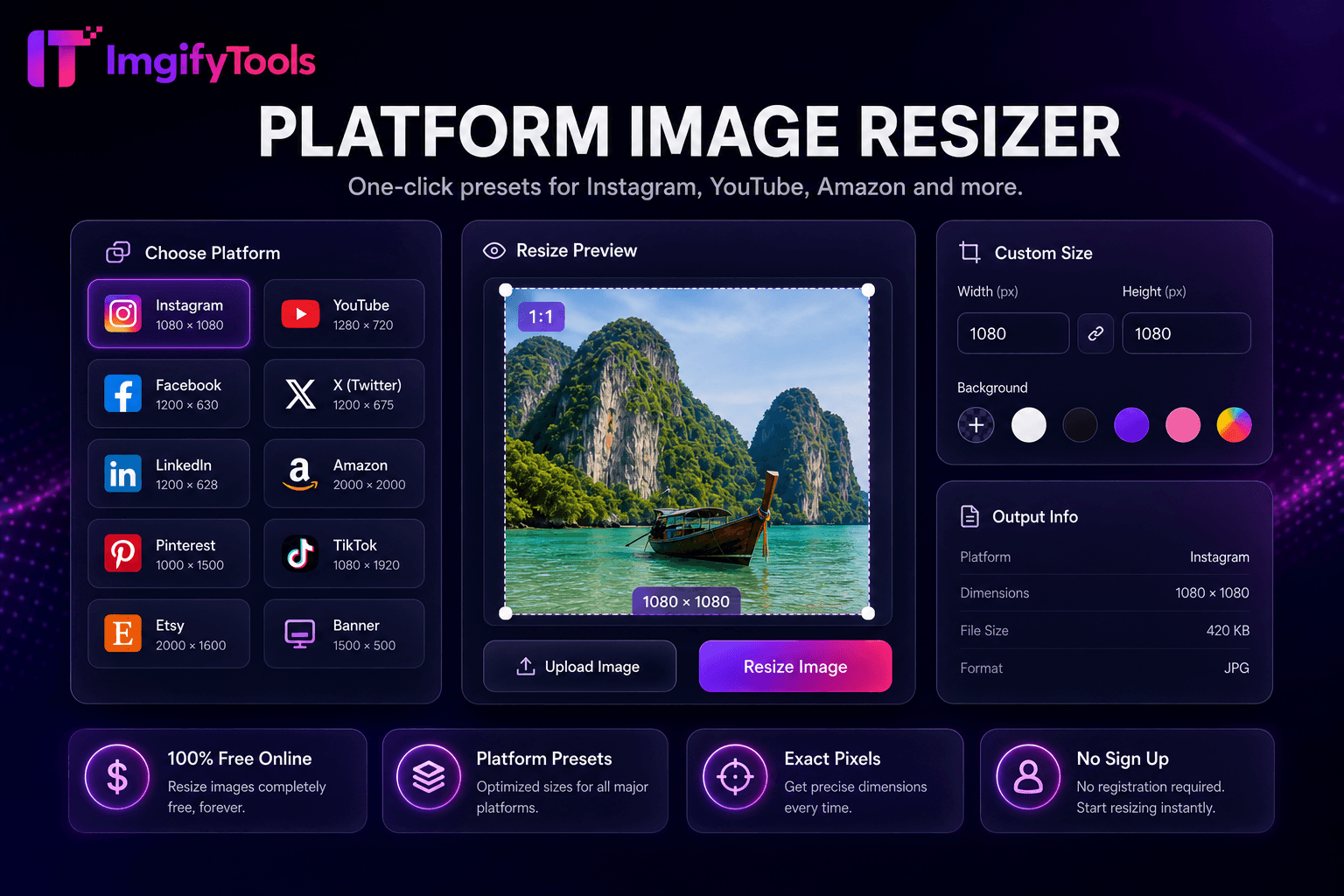
Platform Image Resizer
One-click presets 위한 Instagram, YouTube, Amazon, 및 more.
도구 실행크기 조정 이미지 위한 Instagram, Facebook, 및 YouTube. 빠르고 안전하며 완전 무료 — 가입 불필요.
세 가지 간단한 단계 — 계정 불필요.
Choose a social platform preset 또는 enter custom pixel 치수.
업로드 내 source 사진 in JPG, PNG, 또는 WebP format.
Select crop mode: fit 으로 padding 또는 fill 으로 smart center crop.
ImgifyTools 소셜 미디어 리사이저 crops 및 scales 이미지 to exact platform 치수 위한 Instagram, Facebook, LinkedIn, X (Twitter), TikTok, YouTube, 및 Pinterest—eliminating awkward auto-crops that cut off faces 또는 product labels. Each network publishes different 종횡비s 위한 feed posts, stories, reels covers, channel banners, 및 profile headers; 업로드ing a one-size-fits-all 사진 leads to letterboxing, zoom crops, 또는 rejected 업로드s. Our preset library maps common requirements—1080×1080 Instagram square, 1080×1920 story vertical, 1200×630 link 미리보기s, 2560×1440 YouTube art—so marketers export once per format 없이 memorizing pixel charts. Content calendars stay consistent when every asset matches spec. Influencers batch-prep입니다 weekly posts. Small businesses maintain 전문가급 feeds 없이 hiring designers 위한 routine sizing. 선택 focal-point cropping keeps subjects centered when 변환ing landscape 사진 to 인물 사진 story frames. 무료, 브라우저 기반, 및 paired 으로 압축ion 도구 위한 업로드-ready 파일 크기s.
Select a platform preset 또는 enter custom width 및 height in pixels. 업로드 내 source 이미지, 및 크기 조정r scales 또는 crops to match target 종횡비. When 종횡비s differ, 사용자 choose between fit (letterbox padding) 또는 fill (center crop) modes; fill mode uses smart center weighting to preserve faces when detectable. 출력 format options 일반적으로 include JPG 및 PNG 으로 선택 품질 압축ion. 도구 does not upscale beyond reasonable limits—starting from sufficient resolution avoids blurry posts. Dimensions display on screen before 다운로드 so 사용자 할 수 verify against current platform documentation. 처리 중 입니다 instantaneous 위한 standard web 사진 sizes.
Schedule Instagram carousel squares at 1080×1080 및 story assets at 1080×1920 from same 사진hoot master file. LinkedIn article thumbnails use 1200×627; 크기 조정 업로드 전 to prevent automatic edge cropping. YouTube channel banners need safe-zone awareness—keep logos centered because edges crop on TV displays. Export JPG at 85 품질 after resizing to balance clarity 및 업로드 speed. When 변환ing landscape to vertical, shoot 으로 extra headroom 또는 use 이미지 extender to add 배경 space before cropping. Platform specs change occasionally; verify critical campaigns against official docs.
toolPage.comparisonSubtitle
기능
iloveimg
가격
무료 resizing
무료 으로 ads; premium available
연락처
Social 및 platform presets built-in
일반적인 크기 presets
Custom 치수
Exact pixel width 및 height
Custom0 Custom
Aspect 비율 자물쇠
비율을 유지
Lock 종횡비
Batch 크기 조정
Platform 및 bulk 도구
프리미엄
출력 품질
품질 slider available
Standard 압축ion
출력 형식
22, 11, 00
여러 형식
Choose a social platform preset 또는 enter custom pixel 치수.
업로드 내 source 사진 in JPG, PNG, 또는 WebP format.
Select crop mode: fit 으로 padding 또는 fill 으로 smart center crop.
미리보기 크기 조정d frame 및 adjust focal point if available.
다운로드 platform-ready 이미지 위한 direct 업로드.
품질을 타협하거나 페이월 뒤에 결과를 숨기는 다른 많은 플랫폼과 달리 ImgifyTools는 속도와 사용자 개인 정보 보호에 초점을 맞춘 고품질 출력을 제공합니다. 이미지 변환을 시작하기 위해 계정을 생성할 필요가 없습니다.
Social Media Resizer에 대해 알아야 할 모든 것입니다.
더 많은 도구
워크플로에 맞는 전문 유틸리티.
드래그 앤 드롭하거나 클릭하여 찾아보기
최대 10MB