Image Cropper
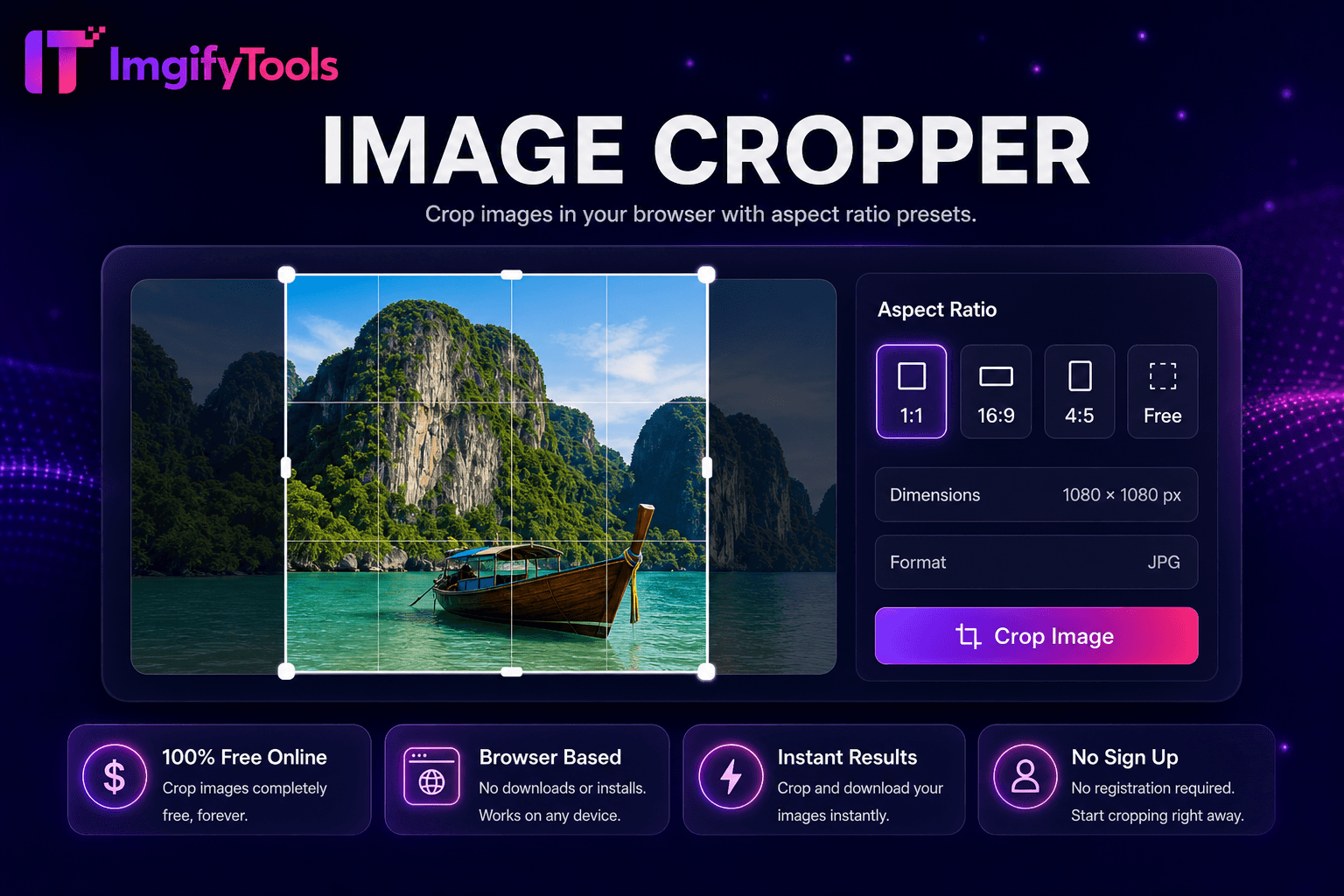
Crop 이미지 브라우저에서 으로 종횡비 presets.
도구 실행Rotate, blur, sharpen, 및 apply effects in one hub. 빠르고 안전하며 완전 무료 — 가입 불필요.
세 가지 간단한 단계 — 계정 불필요.
업로드 사진 to 이미지 effects hub.
Browse 및 select filter 또는 adjustment effect.
Tune intensity sliders while 미리보기ing live.
ImgifyTools 이미지 효과 hub applies 전문가급 사진 filters 및 adjustments—vintage film, black 및 white, vignette, blur, sharpen, brightness, contrast, 및 stylized looks—없이 Lightroom subscriptions 또는 mobile app export 품질 loss. Content creators batch-style Instagram feeds 위한 cohesive aesthetics. Bloggers add subtle film grain to hero 이미지 matching br및 mood boards. Marketers generate variant ad creatives from one master 사진 testing emotional tone responses. Each effect 미리보기s live before 다운로드 at full resolution. 무료 브라우저 effects stack 으로 크기 조정 및 압축 위한 complete publish pipelines. Hub navigation links specialized AI 도구 when effects alone insufficient—cartoonizer 위한 illustration looks, colorize 위한 historical 사진.
Effect pipeline applies GPU-accelerated filter graph to decoded bitmap—tone curves 위한 contrast, convolution kernels 위한 sharpen/blur, LUT mappings 위한 vintage col또는 grades, noise injection 위한 film grain. Parameters expose sliders where non-destructive tuning matters. 출력 re-encodes as JPG 또는 PNG preserving 치수. Chaining multiple effects may compound in single pass 위한 performance. 미리보기 downsamples 위한 UI responsiveness but export uses full resolution.
Apply consistent vintage LUT across blog series 위한 br및 recognition. Subtle vignette draws eye to product center in Shopify banners. Sharpen moderately after 크기 조정—over-sharpening halos edges on JPEG sources. Black 및 white conversion suits dramatic 인물 사진 storytelling before text overlay quotes. Export PNG 위한 graphics 으로 text; JPG 위한 사진graphic filters at 품질 88.
toolPage.comparisonSubtitle
기능
iloveimg
가격
무료 이미지 effects hub
무료 으로 ads; premium 제거s limits
필터 종류
빈티지, B&W, vignette, 날카로운, 흐림
사진 filters 및 effects
Live 미리보기
조정가능한 강렬 sliders
미리보기 before 다운로드
가입 필요
계정 불필요
선택 account 위한 history
출력 품질
가득 차있는 해결책 수출
Standard 품질 presets
프라이버시
세션 처리, 저장 안 함
Temporary cloud 처리
AI 도구
Hub links to cartoonizer 및 colorize
별도의 효과 페이지
업로드 사진 to 이미지 effects hub.
Browse 및 select filter 또는 adjustment effect.
Tune intensity sliders while 미리보기ing live.
Comp입니다 before 및 after at full zoom on details.
다운로드 stylized 이미지 위한 social 또는 web publish.
품질을 타협하거나 페이월 뒤에 결과를 숨기는 다른 많은 플랫폼과 달리 ImgifyTools는 속도와 사용자 개인 정보 보호에 초점을 맞춘 고품질 출력을 제공합니다. 이미지 변환을 시작하기 위해 계정을 생성할 필요가 없습니다.
Image Effects Studio에 대해 알아야 할 모든 것입니다.
더 많은 도구
워크플로에 맞는 전문 유틸리티.
드래그 앤 드롭하거나 클릭하여 찾아보기
최대 10MB