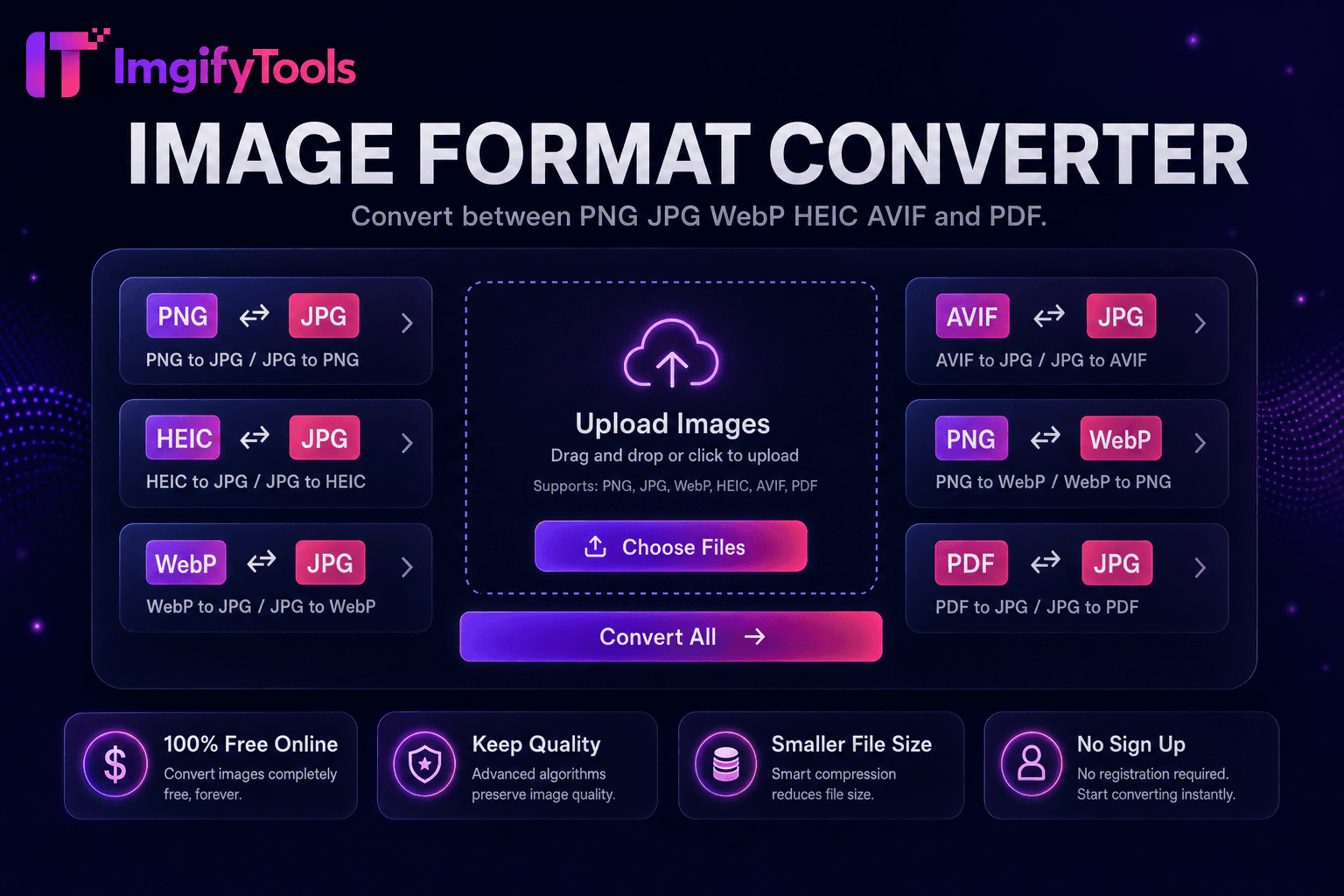
Image Format Converter
변환 between PNG, JPG, WebP, HEIC, AVIF, 및 PDF.
도구 실행압축 JPG, PNG, 및 WebP 없이 visible 품질 loss. 빠르고 안전하며 완전 무료 — 가입 불필요.
세 가지 간단한 단계 — 계정 불필요.
업로드 one 또는 more 이미지 in JPG, PNG, 또는 WebP format.
Set 내 desired 품질 level 또는 use recommended default.
Process 이미지 및 review 압축ed 미리보기.
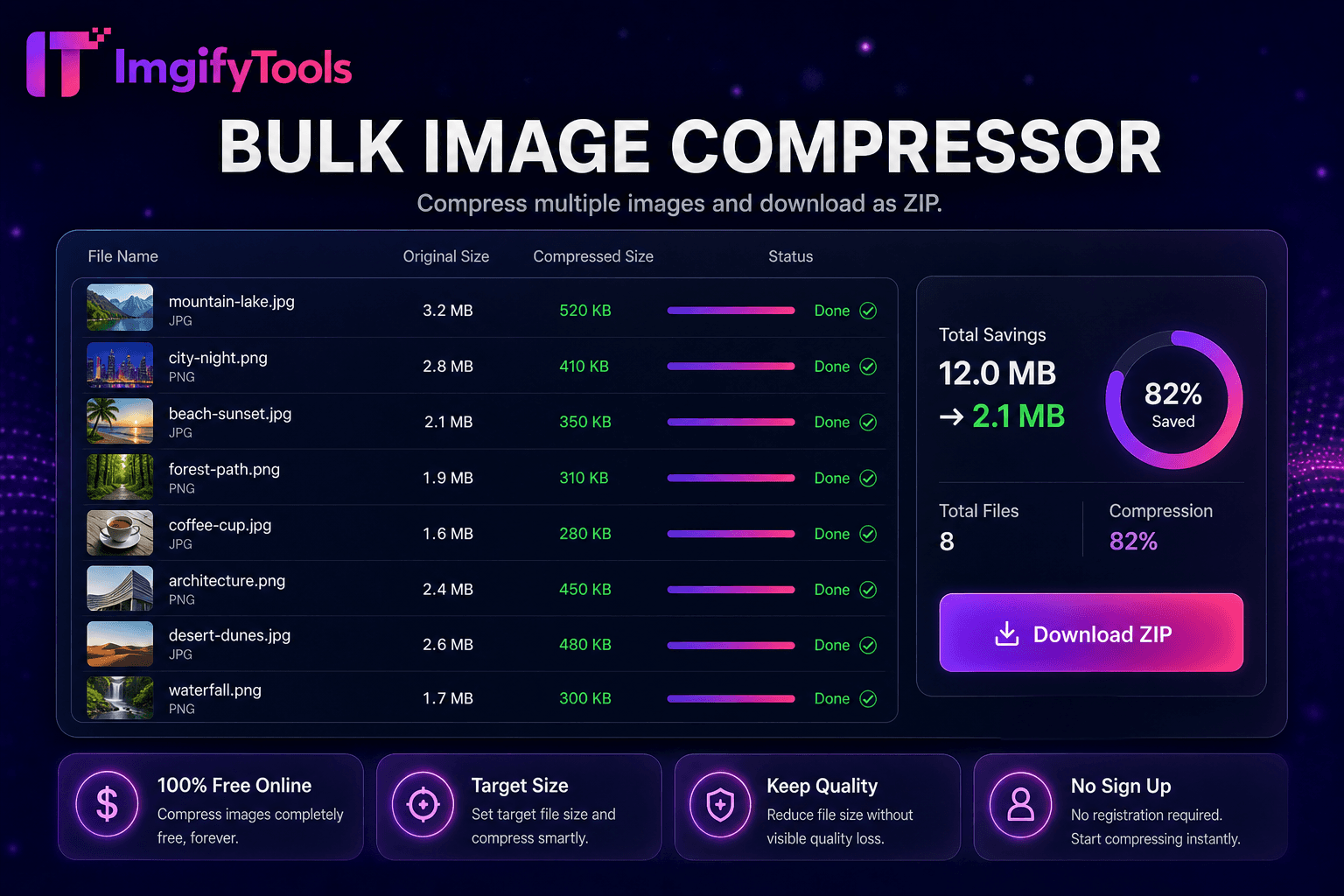
ImgifyTools 이미지 압축기 reduces 파일 크기 while keeping 사진 visually sharp—essential 위한 faster websites, email attachments, 및 app 업로드s that enforce megabyte limits. Unoptimized PNG 및 JPG files from cameras 및 design exports slow page load times, hurt Core Web Vitals scores, 및 bounce mobile visitors on slow connections. Our 압축또는 applies smart 품질 targeting: it analyzes 이미지 content 및 applies appropriate JPEG quantization 또는 PNG optimization so text edges stay crisp 및 skin tones avoid banding. Bloggers shrink hero 이미지 before WordPress 업로드. Developers hit Lighthouse performance budgets 없이 sacrificing perceived 품질. Sellers 압축 listing galleries 위한 마켓플레이스 업로드 caps. adjustable 품질 slider lets 사용자 미리보기 trade-offs between bytes saved 및 visible artifacts before committing. Batch-minded users 할 수 switch to our bulk 압축또는 위한 folders of assets. Unlike blind auto-압축ors that crush 품질 uniformly, ImgifyTools balances size reduction 으로 human-visible fidelity. 무료, instant, 및 privacy-conscious—내 이미지 process in-session 없이 permanent storage.
압축ion begins by decoding 내 업로드ed JPG, PNG, 또는 WebP into a working bitmap. 위한 JPEG output, encoder applies chroma subsampling 및 품질 tables tuned to preserve edges in high-contrast regions while allowing more aggressive quantization in smooth skies 및 skin areas. PNG optimization reindexes palettes, strips unnecessary metadata, 및 applies lossless filters where beneficial. 사용자 set a target 품질 percentage 또는 accept smart defaults; 도구 re-encodes 및 reports 원본 versus 압축ed byte counts so 사용자 할 수 iterate. EXIF orientation tags normalize correctly so 사진 do not appear rotated after 압축ion. 출력 다운로드s immediately as a new file; 내 원본 업로드 입니다 never overwritten. Server-side encoding uses industry-standard libraries tuned 위한 web delivery.
압축 업로드 전 to Shopify, WooCommerce, 또는 Amazon to meet platform file guidelines 및 improve storefront speed. Email newsletters stay under provider size limits when hero 이미지 pass through 압축또는 at 75–85 품질. Mobile app developers reduce CDN bandwidth costs on 이미지-heavy feeds. 위한 screenshots 으로 text, prefer PNG 또는 higher JPEG 품질 to avoid fuzzy type. 사진graphers deliver client web galleries at web-optimized sizes while archiving 원본s separately. Pair 으로 이미지 크기 조정r when 사용자 need both dimension 및 byte reduction. Run bulk 압축ion when migrating media libraries after a site redesign.
toolPage.comparisonSubtitle
기능
TinyPNG
가격
무료 으로 품질 controls
무료: 20 이미지/month; Pro plans available
압축ion method
Smart 품질 + size targeting
Loss1100
형식 지원
22, 11, 00
PNG 및 JPG primarily
Bulk 압축ion
Dedicated bulk 도구 available
Up to 20 무료 per batch
품질 control
Adjustable 품질 slider
자동 최적화
API 액세스
웹 기반, API 키 없음
유료 계층에 개발자 API
다운로드
Instant 브라우저 다운로드
Instant 다운로드
업로드 one 또는 more 이미지 in JPG, PNG, 또는 WebP format.
Set 내 desired 품질 level 또는 use recommended default.
Process 이미지 및 review 압축ed 미리보기.
Comp입니다 파일 크기 reduction against 원본 byte count.
다운로드 optimized file ready 위한 web, email, 또는 업로드.
품질을 타협하거나 페이월 뒤에 결과를 숨기는 다른 많은 플랫폼과 달리 ImgifyTools는 속도와 사용자 개인 정보 보호에 초점을 맞춘 고품질 출력을 제공합니다. 이미지 변환을 시작하기 위해 계정을 생성할 필요가 없습니다.
Image Compressor에 대해 알아야 할 모든 것입니다.
더 많은 도구
워크플로에 맞는 전문 유틸리티.
드래그 앤 드롭하거나 클릭하여 찾아보기
최대 10MB