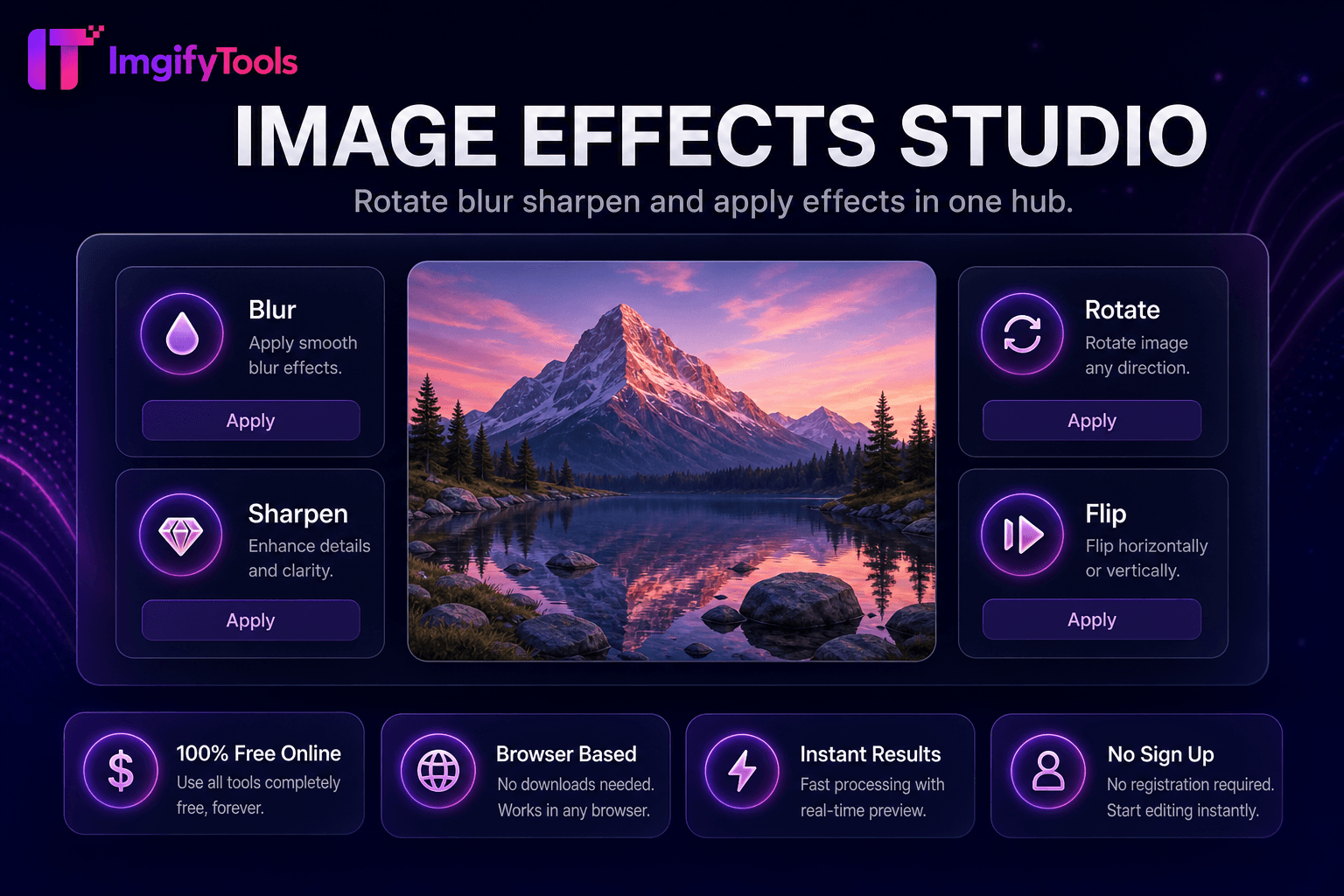
Image Effects Studio
Rotate, blur, sharpen, 및 apply effects in one hub.
도구 실행Crop 이미지 브라우저에서 으로 종횡비 presets. 빠르고 안전하며 완전 무료 — 가입 불필요.
세 가지 간단한 단계 — 계정 불필요.
업로드 JPG, PNG, 또는 WebP 이미지 to crop.
Drag crop handles 또는 choose 종횡비 preset.
Position overlay 위한 desired composition.
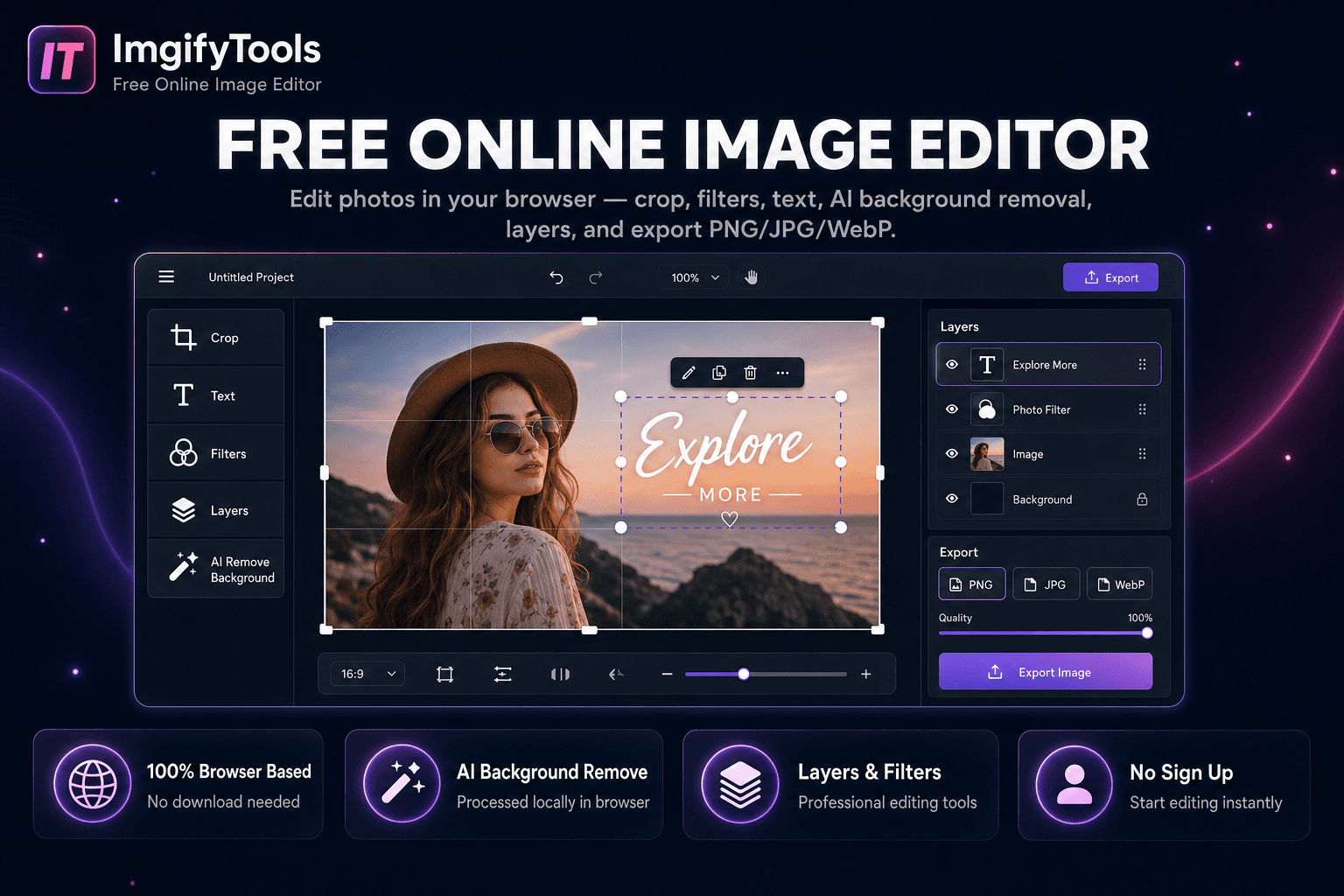
ImgifyTools 이미지 크로퍼 trims 사진 to exact regions 으로 interactive 종횡비 presets 및 무료form selection—essential when re-framing compositions, cutting sens또는 noise from edges, 또는 extracting subjects 위한 thumbnails. 사진graphers straighten horizons implicitly through crop reframing. Social managers punch out squ입니다 avatars from group shots. Developers slice UI mockup screenshots 위한 documentation. Presets cover 1:1, 4:5, 16:9, 및 custom pixel boxes 으로 drag handles 및 미리보기 grid. Non-destructive 워크플로 keeps 원본s intact while exporting cropped derivatives. 무료 브라우저 도구 replaces opening full editors 위한 simple crop tasks. Chain 으로 압축또는 및 크기 조정r 위한 publish-ready outputs matching CMS 및 platform specs.
Canvas loads 업로드ed 이미지 으로 draggable crop overlay defining output rectangle. Aspect ratio locks constrain proportions 위한 Instagram squ입니다 또는 widescreen banners. Coordinate mapping extracts selected pixel region from decoded bitmap at full source resolution—no premature downscale before crop. Rotation correction may precede crop when interface supports straighten. Export encodes cropped region as JPG, PNG, 또는 WebP 으로 선택 품질 slider. Real-time 미리보기 shows final framing before commit.
Crop DSLR 사진 tighter 위한 blog heroes removing distracting edge elements. Extract product from lifestyle shots 위한 마켓플레이스 main 이미지. Use 1:1 preset before profile 사진 업로드. Combine rule-of-thirds mentally—even 없이 overlay, place eyes on upper third lines 위한 인물 사진. After crop, run 소셜 미디어 크기 조정r if platform needs exact pixel 치수 beyond 종횡비 alone.
toolPage.comparisonSubtitle
기능
iloveimg
가격
무료 resizing
무료 으로 ads; premium available
연락처
Social 및 platform presets built-in
일반적인 크기 presets
Custom 치수
Exact pixel width 및 height
Custom0 Custom
Aspect 비율 자물쇠
비율을 유지
Lock 종횡비
Batch 크기 조정
Platform 및 bulk 도구
프리미엄
출력 품질
품질 slider available
Standard 압축ion
출력 형식
22, 11, 00
여러 형식
업로드 JPG, PNG, 또는 WebP 이미지 to crop.
Drag crop handles 또는 choose 종횡비 preset.
Position overlay 위한 desired composition.
미리보기 cropped region at full resolution.
다운로드 cropped 이미지 file.
품질을 타협하거나 페이월 뒤에 결과를 숨기는 다른 많은 플랫폼과 달리 ImgifyTools는 속도와 사용자 개인 정보 보호에 초점을 맞춘 고품질 출력을 제공합니다. 이미지 변환을 시작하기 위해 계정을 생성할 필요가 없습니다.
Image Cropper에 대해 알아야 할 모든 것입니다.
더 많은 도구
워크플로에 맞는 전문 유틸리티.
Select an image to crop in your browser
최대 10MB