Resize Image to 20KB
압축 any 이미지 to under 20KB.
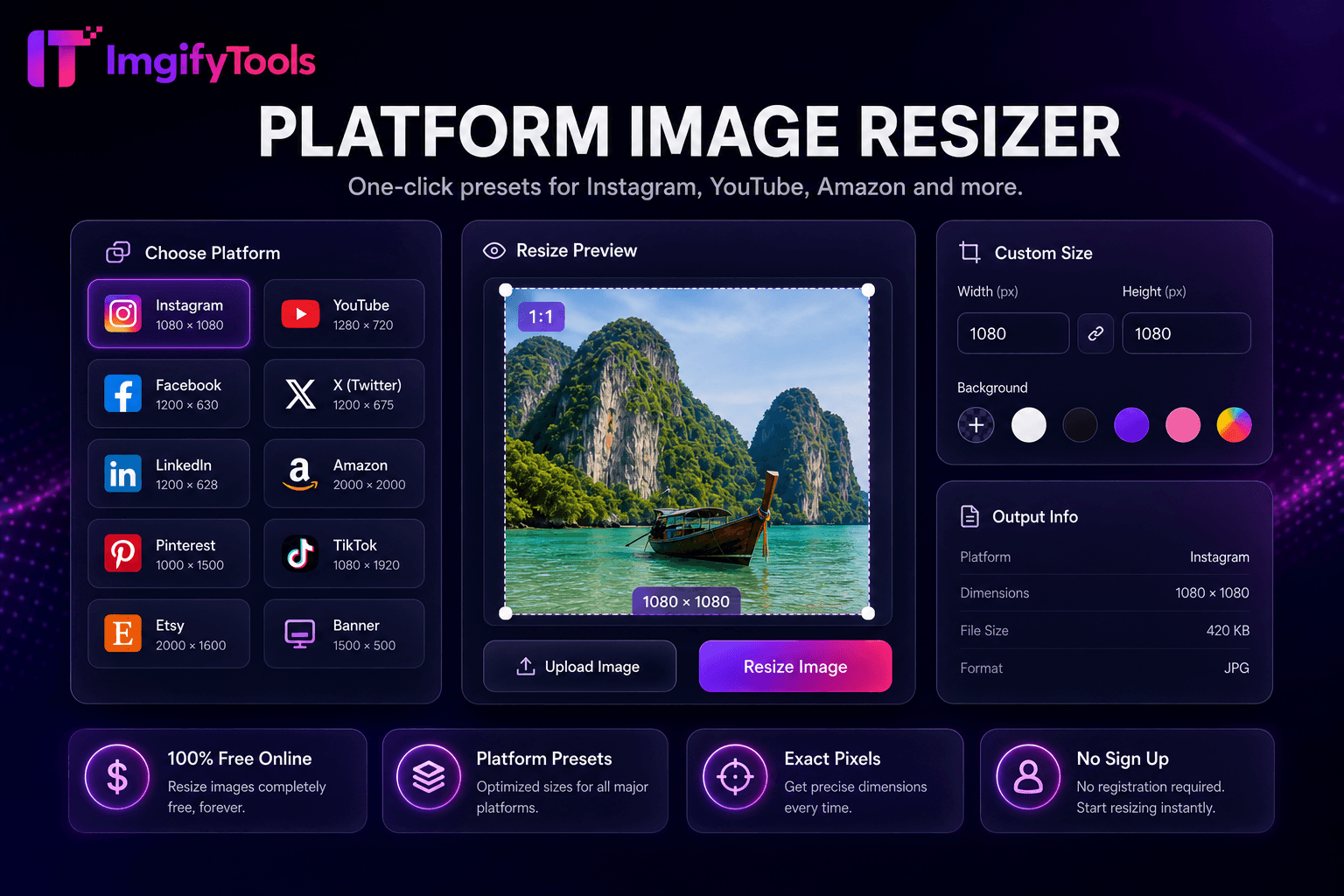
도구 실행크기 조정 이미지 to exact pixels 또는 percentage. 빠르고 안전하며 완전 무료 — 가입 불필요.
세 가지 간단한 단계 — 계정 불필요.
이미지 업로드 in JPG, PNG, 또는 WebP format.
Enter target width, height, 또는 percentage scale.
Enable 종횡비 lock to avoid stretching.
ImgifyTools 이미지 리사이저 scales 사진 to exact pixel 치수 또는 percentage sizes 위한 web thumbnails, email signatures, app assets, 및 print-adjacent 워크플로s—없이 품질 loss of careless stretch handles in presentation software. Enter target width 및 height, lock 종횡비 to prevent distortion, 또는 crop to fit when 변환ing landscape masters to squ입니다 avatars. Bloggers generate 1200px-wide featured 이미지 from DSLR 원본s. Developers export multiple icon sizes from one master PNG. HR 크기 조정s 헤드샷 위한 intranet directories. 선택 압축ion after 크기 조정 hits byte budgets. Unlike social-specific presets in our platform 크기 조정r, th입니다 general 도구 accepts arbitrary 치수 위한 custom design systems. 무료, 브라우저 기반, 무제한 resizing 으로 instant 미리보기.
업로드 source 이미지; specify width, height, 또는 scale percentage. Resampling kernel uses high-품질 interpolation—Lanczos 또는 bicubic equivalents—위한 downscaling 사진graphic content. Aspect ratio lock adjusts dependent dimension automatically when 사용자 change one side. Upscale requests may warn when exceeding source pixels; pair 으로 AI upscaler 위한 enlargement needs. 출력 format selectable among JPG, PNG, WebP 으로 품질 controls. EXIF orientation normalized. 처리 중 instant 위한 web-scale 치수.
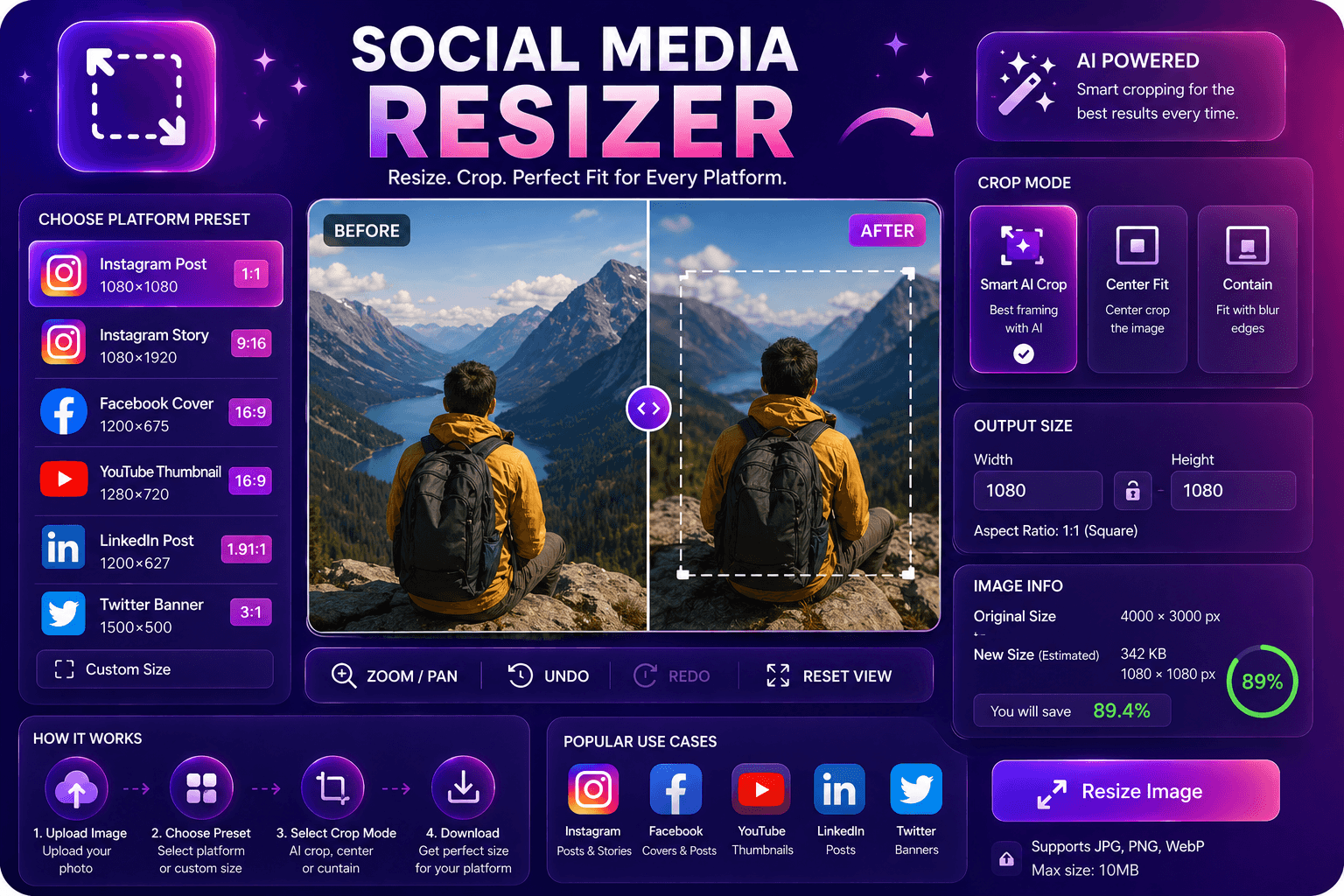
크기 조정 blog heroes to exact theme specifications—often 1200×630 또는 1600×900. Create favicon 및 app icon sizes from squ입니다 logo masters. Downscale 4K phone 사진 before email to respect attachment limits. Never upscale small logos 위한 print—request vect또는 sources instead. Chain 크기 조정 then 압축 위한 optimal CMS 업로드s. Use 소셜 미디어 크기 조정r when platform presets beat manual pixel lookup.
이미지를 축소할 때 (더 작게 만드십시오), 재조절은 높은 품질의 Lanczos 또는 bicubic interpolation을 지능적으로 - 보존 가장자리 및 moiré 패턴을 감소시킵니다. 소스 해상도를 초과하면 실제 세부 사항을 추가 할 수 없습니다. 원래 픽셀을 초과 할 때 도구 경고. AI-powered 확대를 위해, 우리의 이미지 증폭기를 가진 쌍. Chain resize는 최적의 CMS 업로드 크기를 위해 압축합니다.
toolPage.comparisonSubtitle
기능
Adobe Express
가격
무료 resizing
무료 으로 ads; premium available
연락처
Social 및 platform presets built-in
일반적인 크기 presets
Custom 치수
Exact pixel width 및 height
Custom0 Custom
Aspect 비율 자물쇠
비율을 유지
Lock 종횡비
Batch 크기 조정
Platform 및 bulk 도구
프리미엄
출력 품질
품질 slider available
Standard 압축ion
출력 형식
22, 11, 00
여러 형식
이미지 업로드 in JPG, PNG, 또는 WebP format.
Enter target width, height, 또는 percentage scale.
Enable 종횡비 lock to avoid stretching.
미리보기 크기 조정d output 치수 및 품질.
다운로드 크기 조정d 이미지 in 내 chosen format.
품질을 타협하거나 페이월 뒤에 결과를 숨기는 다른 많은 플랫폼과 달리 ImgifyTools는 속도와 사용자 개인 정보 보호에 초점을 맞춘 고품질 출력을 제공합니다. 이미지 변환을 시작하기 위해 계정을 생성할 필요가 없습니다.
Image Resizer에 대해 알아야 할 모든 것입니다.
더 많은 도구
워크플로에 맞는 전문 유틸리티.
JPG, PNG, or WebP
최대 10MB