Image Compressor
압축 JPG, PNG, 및 WebP 없이 visible 품질 loss.
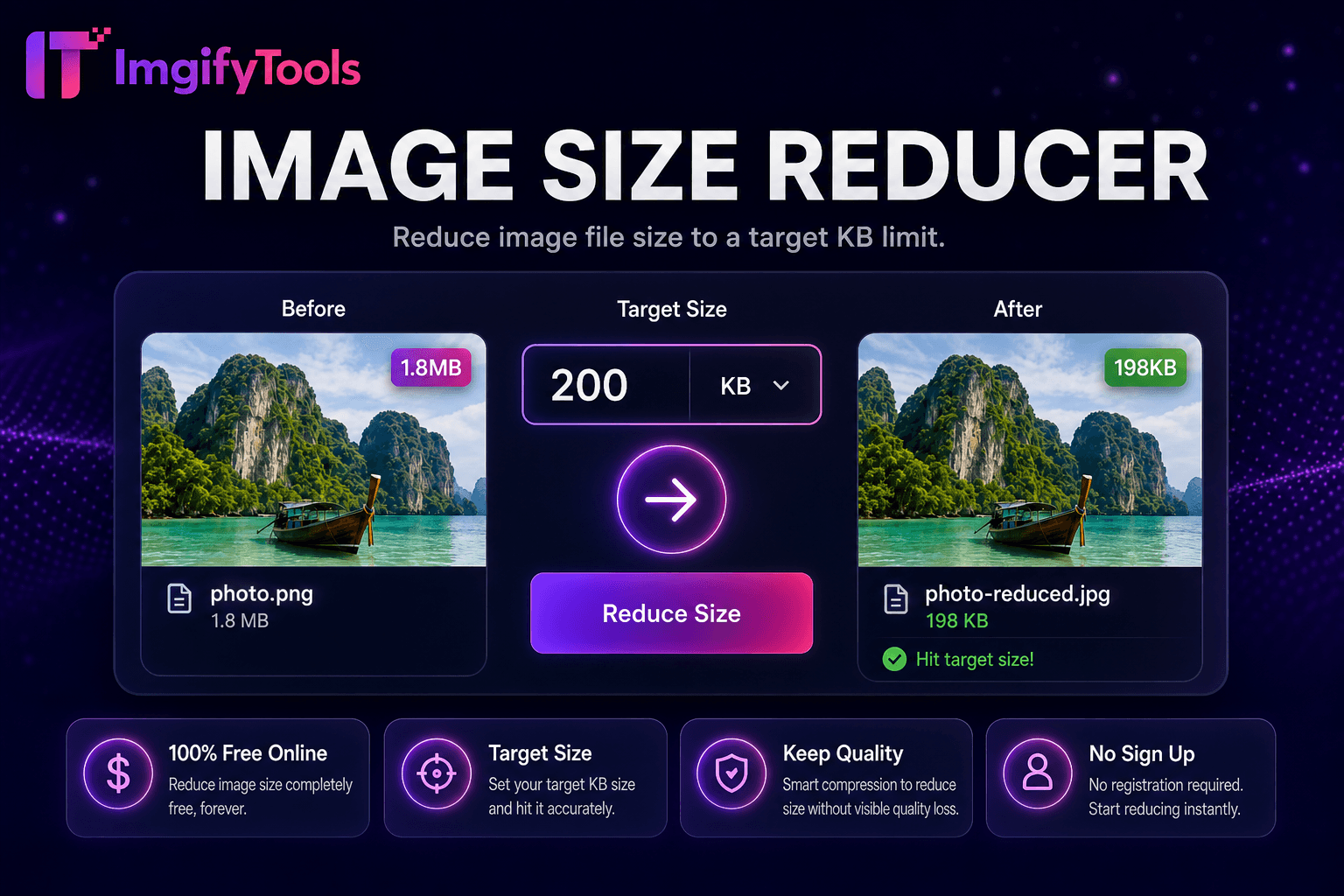
도구 실행압축 any 이미지 to under 200KB. 빠르고 안전하며 완전 무료 — 가입 불필요.
세 가지 간단한 단계 — 계정 불필요.
업로드 이미지 exceeding 200KB portal 또는 CMS limit.
Automatic 압축ion targets under 200KB.
Inspect 미리보기 위한 detail 및 text legibility.
ImgifyTools 크기 조정 to 200KB 압축es 이미지 to under two hundred kilobytes 위한 CMS 업로드s, email-friendly attachments, scholarship applications, 및 web forms that allow slightly more headroom while still blocking multi-megabyte camera dumps. Two hundred kilobytes 일반적으로 preserves adequate facial detail 위한 ID verification thumbnails, readable certificate text at moderate resolution, 및 crisp product thumbs on e-commerce admin panels. Content editors migrating blogs benefit when theme frameworks warn about media weight affecting Lighthouse scores 없이 demanding extreme 50KB cuts. automated encoder iterates 품질, metadata stripping, 및 proportional scaling until output satisfies ceiling 으로 maximal visual fidelity at that tier. Unlike blind "save 위한 web" presets, 사용자 see exact byte count 및 미리보기 before commit. 무료 무제한 use integrates 으로 이미지 압축기 위한 non-target 워크플로s 및 으로 passport makers when portals specify 200KB digital 사진 limits. Archive un압축ed 원본s separately 위한 any future print 또는 large-display need.
업로드 triggers analys입니다 of col또는 complexity, edge density, 및 existing 압축ion artifacts. pipeline encodes JPEG at progressively lower 품질 설정, measuring output size after each pass until under 200KB. 선택 dimension reduction activates when noisy 고해상도 phone 사진 cannot reach target at acceptable 품질 alone. Metadata removal 및 progressive JPEG structure squeeze additional bytes 없이 visible changes on most 사진. 미리보기 panel shows achieved kilobytes 및 side-by-side comparison against 업로드. When minimum 품질 flo또는 would be violated, interface suggests moderate crop 또는 using less aggressive 500KB manual 압축ion via 이미지 size reducer. 출력 JPG maximizes portal compatibility. Server completes iteration 몇 초 만에 even 위한 12MP sources.
Scholarship 및 grant portals often allow 200KB profile 사진—comfortable 위한 recognizable 헤드샷 when 50KB feels too aggressive. Shopify 및 WooCommerce admin thumbnails 업로드 faster under 200KB 없이 visible 품질 loss at listing size. Newsletter 이미지 attached to campaigns stay under ESP per-asset guidelines. When 200KB output still looks sharp, 사용자 입니다 near optimal—avoid re압축ing same file repeatedly. Combine 으로 소셜 미디어 크기 조정r when platforms need exact pixels plus byte cap. 위한 documents, ensure 200KB leaves text readable at 100% zoom before submitting legal PDFs assembled from JPG pages.
toolPage.comparisonSubtitle
기능
iloveimg
가격
무료 200KB targeting
무료 으로 ads
KB 대상
200KB의 밑에 자동
Manual 압축 only
세부사항 수준
50 than0 than
User-dependent 품질
미리보기
Size 및 품질 미리보기
Basic 미리보기
작업 흐름
Pairs 으로 크기 조정r 및 passport 도구
Standalone 압축
출력 format
개인 정보 보호 정책
여러 형식
프라이버시
영구 저장 없음
Cloud 처리
업로드 이미지 exceeding 200KB portal 또는 CMS limit.
Automatic 압축ion targets under 200KB.
Inspect 미리보기 위한 detail 및 text legibility.
Re-crop 또는 simplify 배경 if 품질 입니다 marginal.
다운로드 compliant JPG 위한 업로드 또는 email.
품질을 타협하거나 페이월 뒤에 결과를 숨기는 다른 많은 플랫폼과 달리 ImgifyTools는 속도와 사용자 개인 정보 보호에 초점을 맞춘 고품질 출력을 제공합니다. 이미지 변환을 시작하기 위해 계정을 생성할 필요가 없습니다.
Resize Image to 200KB에 대해 알아야 할 모든 것입니다.
더 많은 도구
워크플로에 맞는 전문 유틸리티.
드래그 앤 드롭하거나 클릭하여 찾아보기
최대 10MB