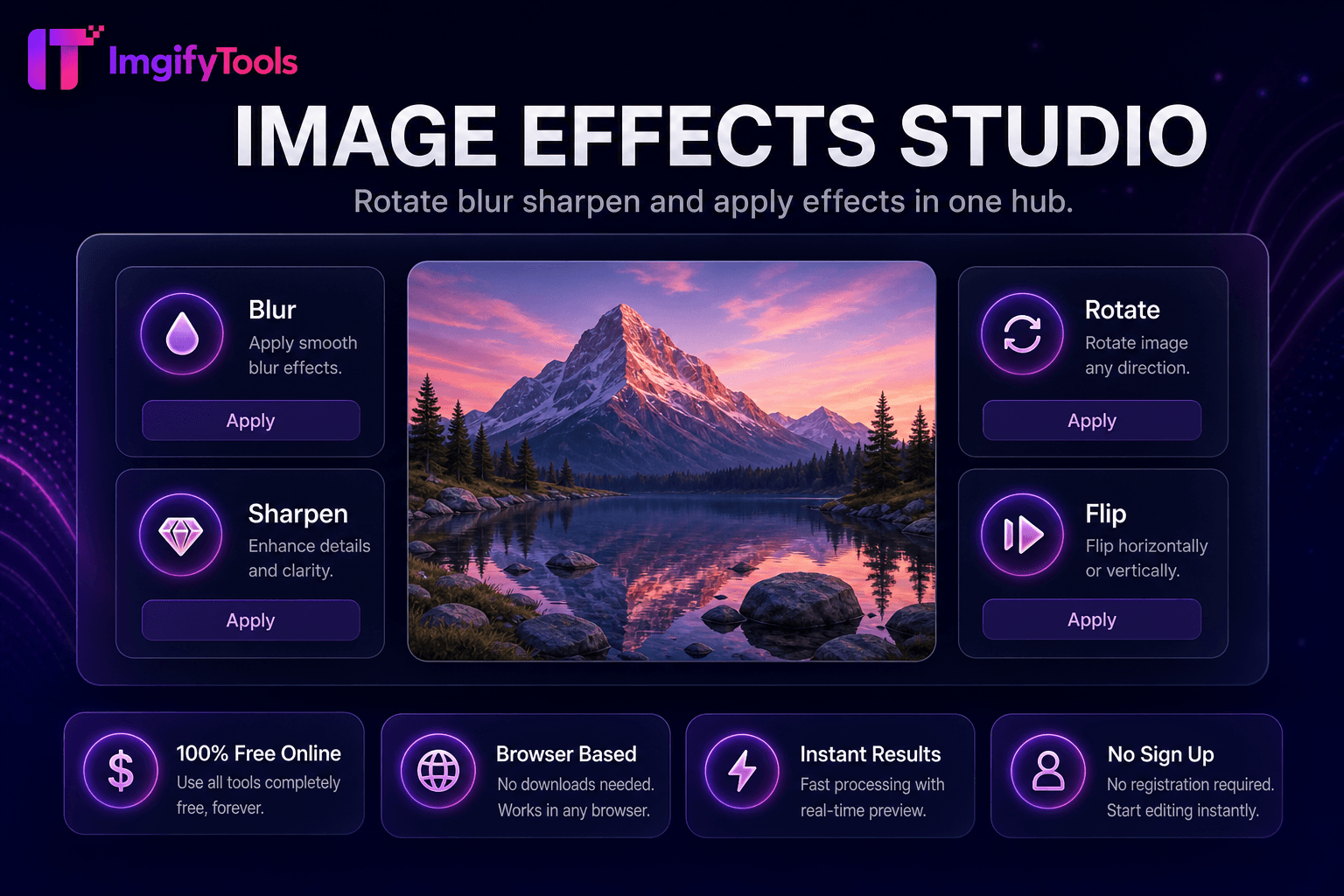
Image Effects Studio
Rotate, blur, sharpen, 및 apply effects in one hub.
도구 실행Add 또는 제거 watermarks from 이미지. 빠르고 안전하며 완전 무료 — 가입 불필요.
세 가지 간단한 단계 — 계정 불필요.
업로드 사진 사용자 want to protect 또는 brand.
Add a PNG logo 또는 type a copyright text watermark.
Choose placement, scale, 및 opacity on 미리보기.
ImgifyTools 워터마크 protects 및 brands 내 사진graphy by embedding logos, copyright notices, 또는 repeating text patterns across 이미지 before 사용자 publish online. 사진graphers deter casual theft on portfolio sites. Stock contributors mark 미리보기s before licensing finals. Influencers maintain consistent @handle visibility when content gets reposted. Agencies apply client logos to proof galleries during review cycles. Configure opacity, scale, corner placement, 또는 tiled patterns so marks remain visible to viewers but do not overpower artwork. 업로드 PNG logos 으로 투명도 위한 clean overlays on any 배경 tone. Batch 워크플로s combine 으로 압축ion 위한 web delivery. Unlike destructive social platform stickers, 다운로드able watermarked files travel 으로 내 work across forums, blogs, 및 마켓플레이스s. 무료, instant, 및 브라우저 기반—protect years of creative output 으로 a consistent visual signature.
사진 업로드 및 선택ly a PNG logo 으로 alpha 투명도. Choose placement presets—corners, center, 또는 tiled diagonal repeats—및 set opacity from subtle (15–25%) to prominent (60%+). composit또는 scales watermark relative to 이미지 치수 so marks stay proportional on both phone snapshots 및 고해상도 DSLR exports. Text-based watermarks render from 내 typed copyright string 으로 selectable size 및 color. Export produces a new flattened JPG 또는 PNG; 원본s remain untouched. Tiled patterns deter crop-around theft on wide landscapes. 처리 중 completes 몇 초 만에 위한 typical web resolutions.
Portfolio 사진graphers use lower-right corner logos at 20% opacity—visible but not distracting. Proof galleries 위한 wedding clients carry large semi-transparent center marks until final payment. 이커머스 brands tile subtle logos on lookbook 이미지 shared 으로 retailers. Use PNG logos 으로 투명 배경s; white logos fail on light skies 없이 a shadow stroke. Combine 으로 이미지 압축기 after watermarking to optimize protected files 위한 CDN delivery. 위한 maximum deterrence, pair visible watermarks 으로 metadata copyright in 내 CMS.
toolPage.comparisonSubtitle
기능
iloveimg
가격
무료 watermark 도구
무료 으로 ads; premium 제거s limits
로고 워터 마크
PNG logo 으로 투명도 support
이미지 watermark 업로드
텍스트 워터 마크
Copyright text 으로 opacity control
텍스트 워터 마크 가능
배치 옵션
Corners, center, 및 tiled patterns
기본 위치 presets
가입 필요
계정 불필요
선택 account 위한 history
프라이버시
세션 처리, 저장 안 함
Temporary cloud 처리
Opacity 통제
Adjustable 투명도 slider
Limited opacity 설정
업로드 사진 사용자 want to protect 또는 brand.
Add a PNG logo 또는 type a copyright text watermark.
Choose placement, scale, 및 opacity on 미리보기.
Review how mark appears on light 및 dark 이미지 regions.
다운로드 watermarked 이미지 위한 publishing 또는 client delivery.
품질을 타협하거나 페이월 뒤에 결과를 숨기는 다른 많은 플랫폼과 달리 ImgifyTools는 속도와 사용자 개인 정보 보호에 초점을 맞춘 고품질 출력을 제공합니다. 이미지 변환을 시작하기 위해 계정을 생성할 필요가 없습니다.
Watermark Studio에 대해 알아야 할 모든 것입니다.
더 많은 도구
워크플로에 맞는 전문 유틸리티.
드래그 앤 드롭하거나 클릭하여 찾아보기
최대 10MB