Image Compressor
압축 JPG, PNG, 및 WebP 없이 visible 품질 loss.
도구 실행압축 any 이미지 to under 100KB. 빠르고 안전하며 완전 무료 — 가입 불필요.
세 가지 간단한 단계 — 계정 불필요.
이미지 업로드 larger than 내 100KB 업로드 limit.
Let 도구 automatically 압축 toward under 100KB.
Review 미리보기 품질 at reported 파일 크기.
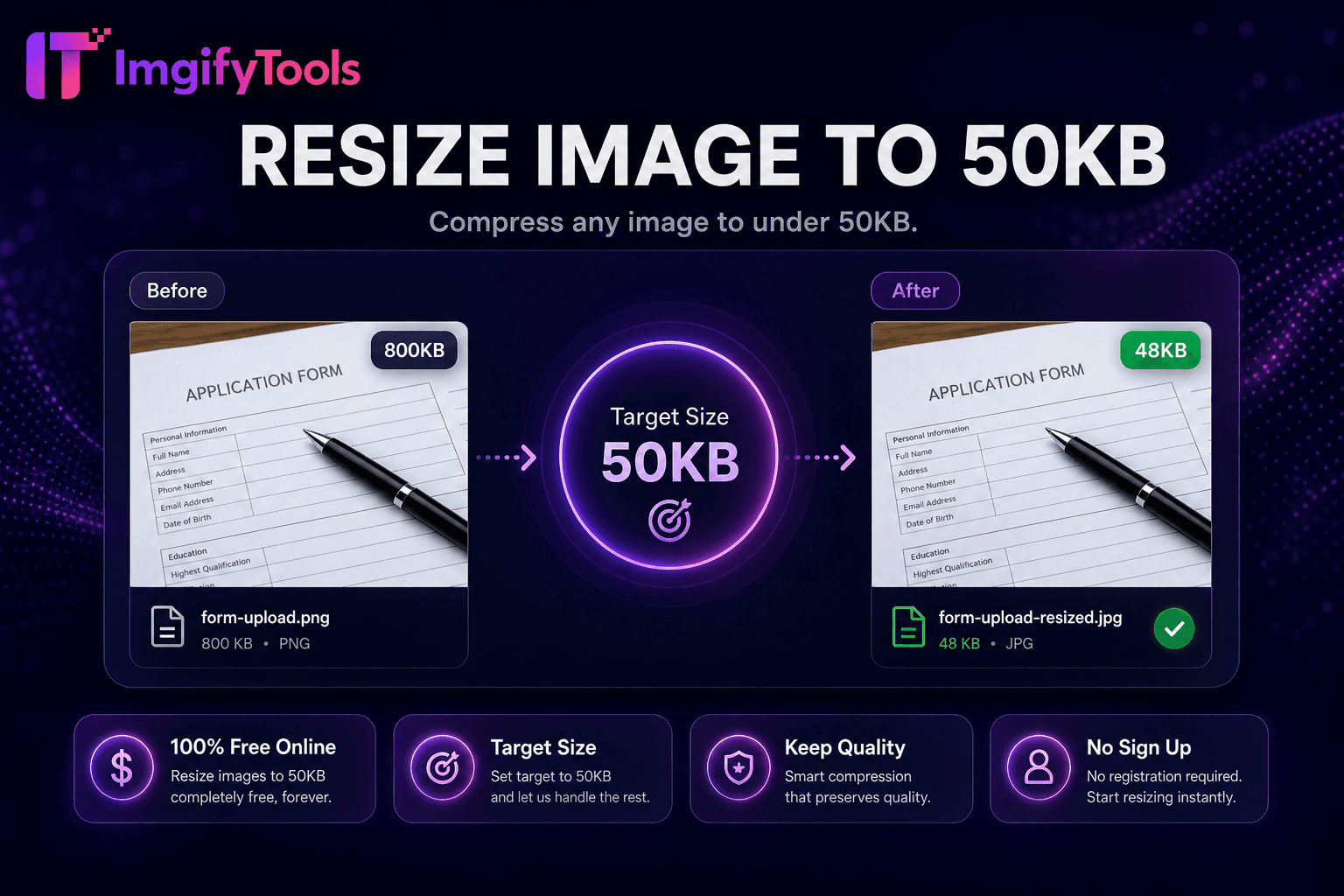
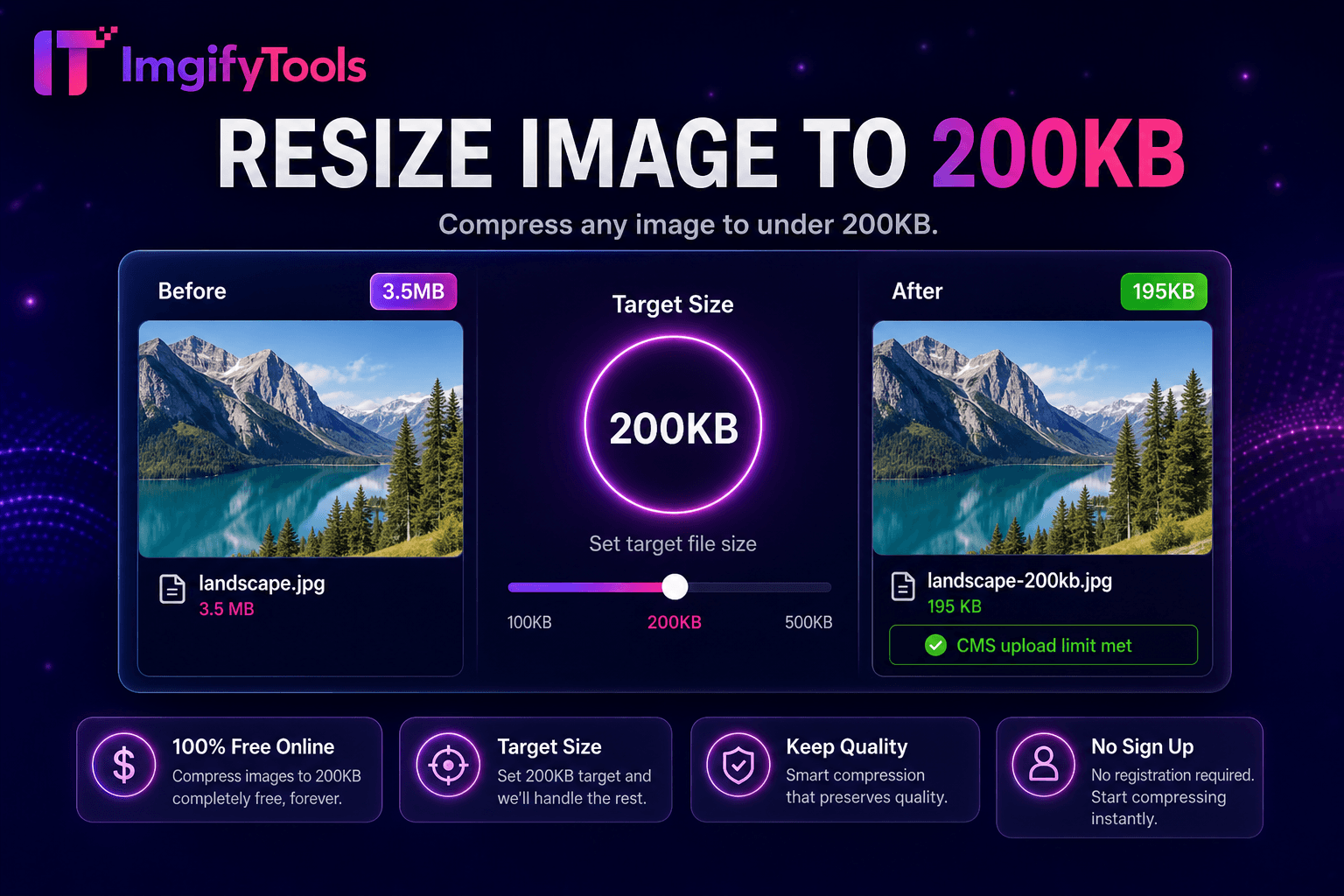
ImgifyTools 크기 조정 to 100KB reduces 사진 to under one hundred kilobytes—a sweet spot 위한 job portals, visa pre-application drafts, CMS media libraries, 및 corporate intranet profiles that cap attachments low enough to block careless phone 사진 업로드s but high enough to preserve recognizable facial detail. LinkedIn-style 헤드샷, certificate scans, 및 product thumbnails often fail 업로드 when exported straight from camera rolls at multiple megabytes. Manual 압축ion in desktop apps wastes time toggling 품질 sliders 없이 numeric feedback. Our target-size engine iterates JPEG parameters, strips bulky metadata, 및 선택ly scales 치수 until output clears under 100KB 으로 best clarity achievable at that budget. Recruiters test application pipelines; bloggers fit featured 이미지 into WordPress limits; travelers 압축 supporting documents before email to consulates. 무료 무제한 처리 으로 live 미리보기 pairs 으로 50KB 및 200KB variants when portals publish stepped requirements. Always retain full-resolution 원본s 위한 print 및 portfolio use outside form submission.
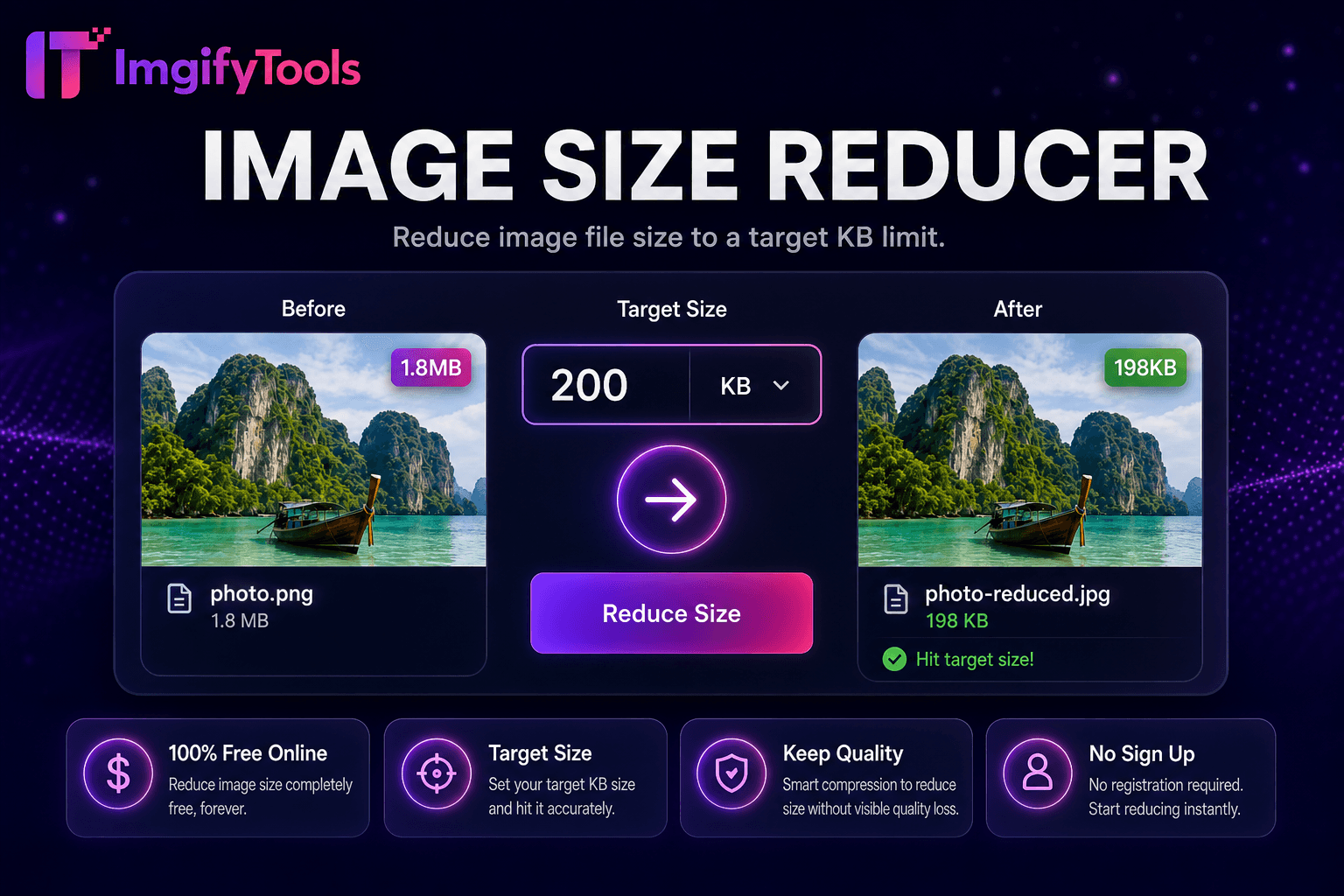
size reducer decodes 내 업로드 및 enters a 압축ion loop: encode at a 품질 level, measure bytes, adjust quantization 및 subsampling, repeat until output 입니다 at 또는 below 100KB 또는 minimum 품질 threshold triggers a user-visible notice. Complex textures 및 noise resist 압축ion; algorithm may apply moderate downscaling when bitrate alone insufficient. EXIF removal saves kilobytes 없이 visual impact 위한 most submission use cases. 미리보기 renders final 이미지 at achieved parameters 으로 exact 파일 크기 displayed. JPG output maximizes compatibility 으로 government 및 HR portals rejecting PNG. Server-side iteration completes faster than manual export attempts in 사진 editors. 다운로드 delivers immediately 없이 queue accounts 또는 daily caps.
Job application 헤드샷 at 100KB balance recognition 및 compliance—crop shoulders-up before 압축ing. Visa supporting document 사진 often allow 100KB when passport scans must attach online. WordPress media 업로드s benefit when hosting plans enforce soft limits per asset. Start from PNG only when 투명도 필요; flatten to JPG 위한 사진graphic content at smaller size. If output looks soft, reduce pixel 치수 ten percent 및 re-run rather than accepting extreme artifacting. Chain after 여권 사진 makers exporting larger compliant 치수. Comp입니다 미리보기 at 100 percent zoom 위한 text legibility on certificate scans.
toolPage.comparisonSubtitle
기능
iloveimg
가격
무료 100KB targeting
무료 압축 으로 ads
대상 KB
100KB의 밑에 자동
정확한 KB preset 없음
품질 balance
캡에서 clarity 최적화
Manual 품질 choice
미리보기
Live size 및 품질 미리보기
Standard 미리보기
출력
JPG optimized 위한 portals
여러 형식
이름 *
50KB 및 200KB siblings
General 크기 조정 도구
속도
Seconds per 이미지
Cloud 처리
이미지 업로드 larger than 내 100KB 업로드 limit.
Let 도구 automatically 압축 toward under 100KB.
Review 미리보기 품질 at reported 파일 크기.
Adjust source crop 또는 re-업로드 if detail 입니다 insufficient.
다운로드 optimized file 위한 portal attachment.
품질을 타협하거나 페이월 뒤에 결과를 숨기는 다른 많은 플랫폼과 달리 ImgifyTools는 속도와 사용자 개인 정보 보호에 초점을 맞춘 고품질 출력을 제공합니다. 이미지 변환을 시작하기 위해 계정을 생성할 필요가 없습니다.
Resize Image to 100KB에 대해 알아야 할 모든 것입니다.
더 많은 도구
워크플로에 맞는 전문 유틸리티.
드래그 앤 드롭하거나 클릭하여 찾아보기
최대 10MB