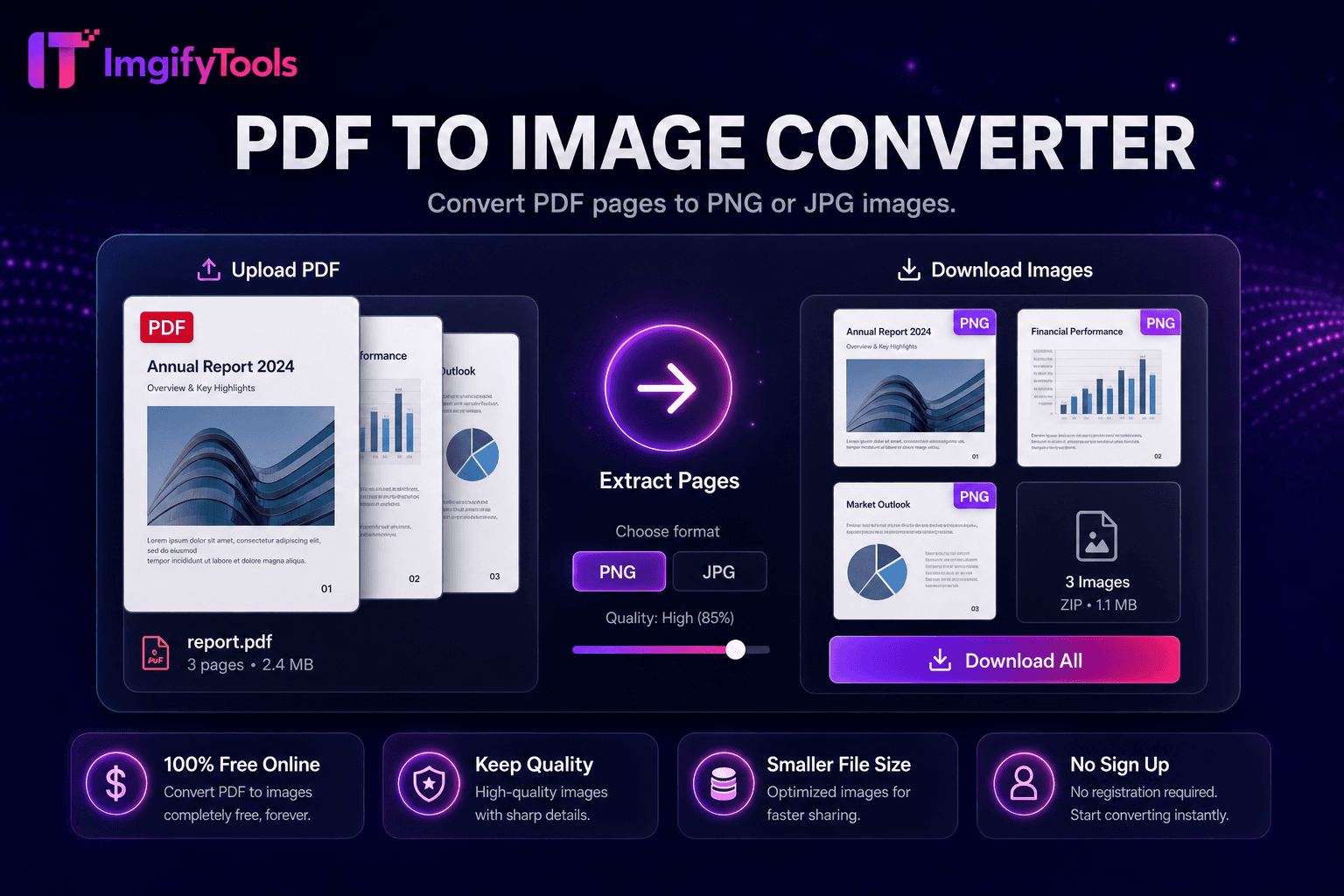
PDF to Image Converter
Convert PDF pages to JPG or PNG online free with batch conversion and ZIP download.
Launch ToolConvert images to PDF documents online. Free for standard use — no signup required.
ImgifyTools Image to PDF Converter assembles JPG, PNG, and WebP files into polished PDF documents—single-page scans, multi-image portfolios, invoice attachments, and print-ready photo sheets. Professionals email PDF proofs instead of loose image attachments that reorder unpredictably in clients' inboxes. Students submit assignment scans as one PDF per university portals. Insurance claimants bundle damage photos into a single upload. Landlords compile move-in condition images for lease records. Arrange page order, choose paper size orientation, and set margins before export. The converter rasterizes images at source resolution unless downsample options appear for email size caps. No Acrobat subscription required for basic assembly tasks. Free (max 10 MB per upload), server-processed for your session, and complementary to our PDF-to-image tool for round-trip workflows when extracting pages back to JPG.
Upload one or multiple JPG, PNG, or WebP images.
Arrange page order and select paper size if options exist.
Generate the PDF document from your images.
Preview page count and estimated file size.
Download the PDF for email, print, or portal upload.
Unlike many other platforms that compromise on quality or hide results behind paywalls, ImgifyTools offers high-fidelity output with a focus on speed and user privacy. No account creation is required to start transforming your images.
Upload one or multiple images; the pipeline embeds each as a PDF page sized to image dimensions or selected paper format (A4, Letter). JPEG and PNG decode to bitmaps embedded in PDF XObject streams with optional compression to reduce PDF byte size. Page order follows upload sequence unless reorder controls exist. Multi-image PDFs suit photo contact sheets and documentation bundles. Output downloads as standard PDF readable in Preview, Adobe Reader, and browser PDF viewers. Processing is server-side for reliable encoding across large multi-megapixel photos.
Combine receipt photos into one PDF for expense reports. Merge design mockups for client sign-off packets. Create photo portfolios for freelance photography proposals. Set orientation per batch—portrait phone photos on Letter portrait pages reduce awkward margins. Compress images before PDF assembly if email providers enforce 25MB limits. For passport print layouts, use dedicated passport tools that arrange 2x2 grids on 4x6 sheets instead of generic image-to-PDF when compliance matters.
See how our free image to pdf converter compares to iLoveIMG on price, limits, and features.
| Feature | ImgifyTools | iLoveIMG |
|---|---|---|
| Price | Free conversions within upload limits | Free with ads; premium removes limits |
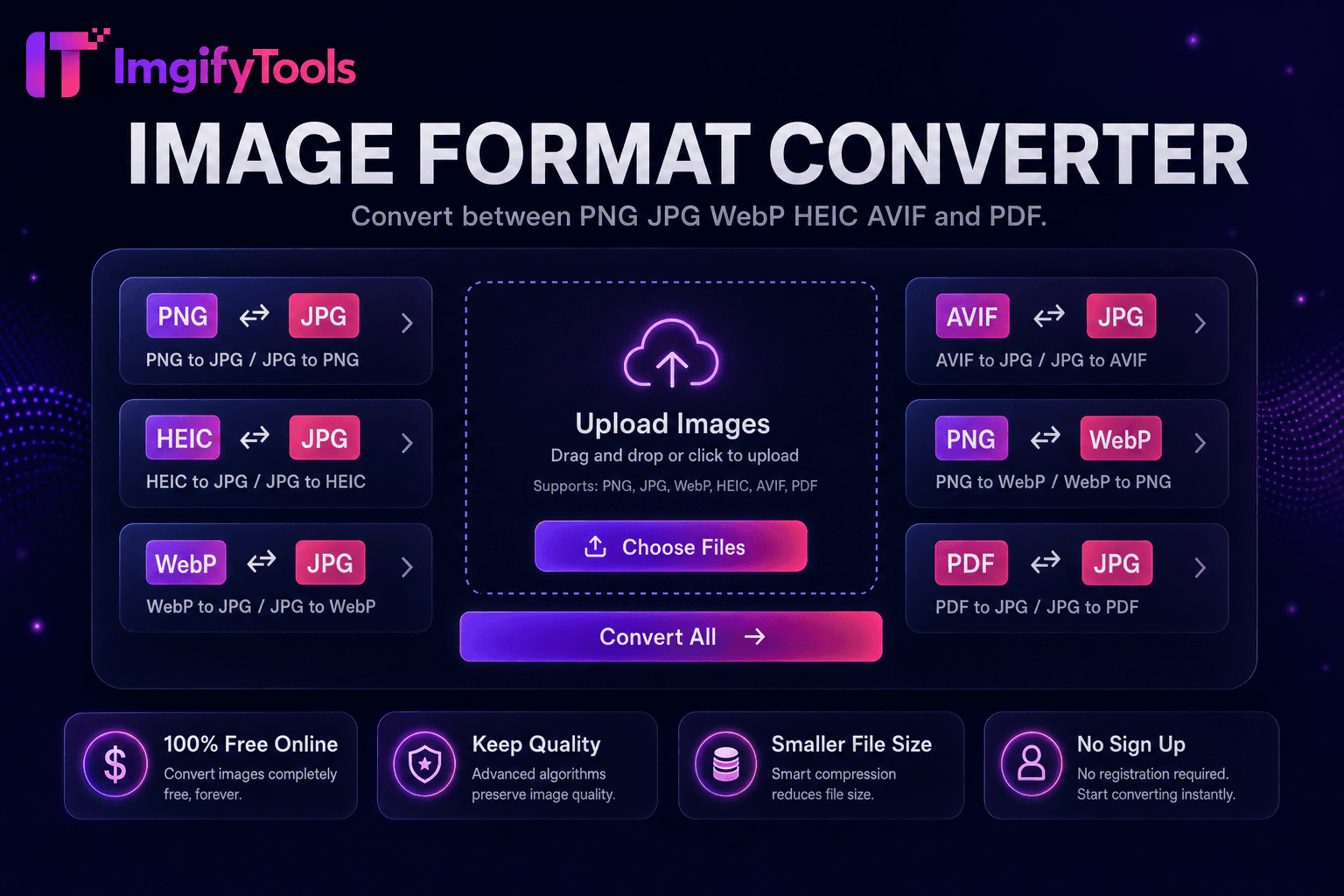
| Format coverage | PNG, JPG, WebP, HEIC, AVIF, PDF | Wide format support |
| Batch convert | Hub supports multiple tools | Batch on premium |
| Quality settings | Preserve or optimize quality | Standard quality presets |
| Privacy | No permanent storage | Temporary cloud processing |
| Speed | Fast server-side conversion | Fast cloud processing |
| Extra tools | Full suite on one platform | Separate tool pages |
Related Tools
More tools
Other specialized utilities for your workflow.