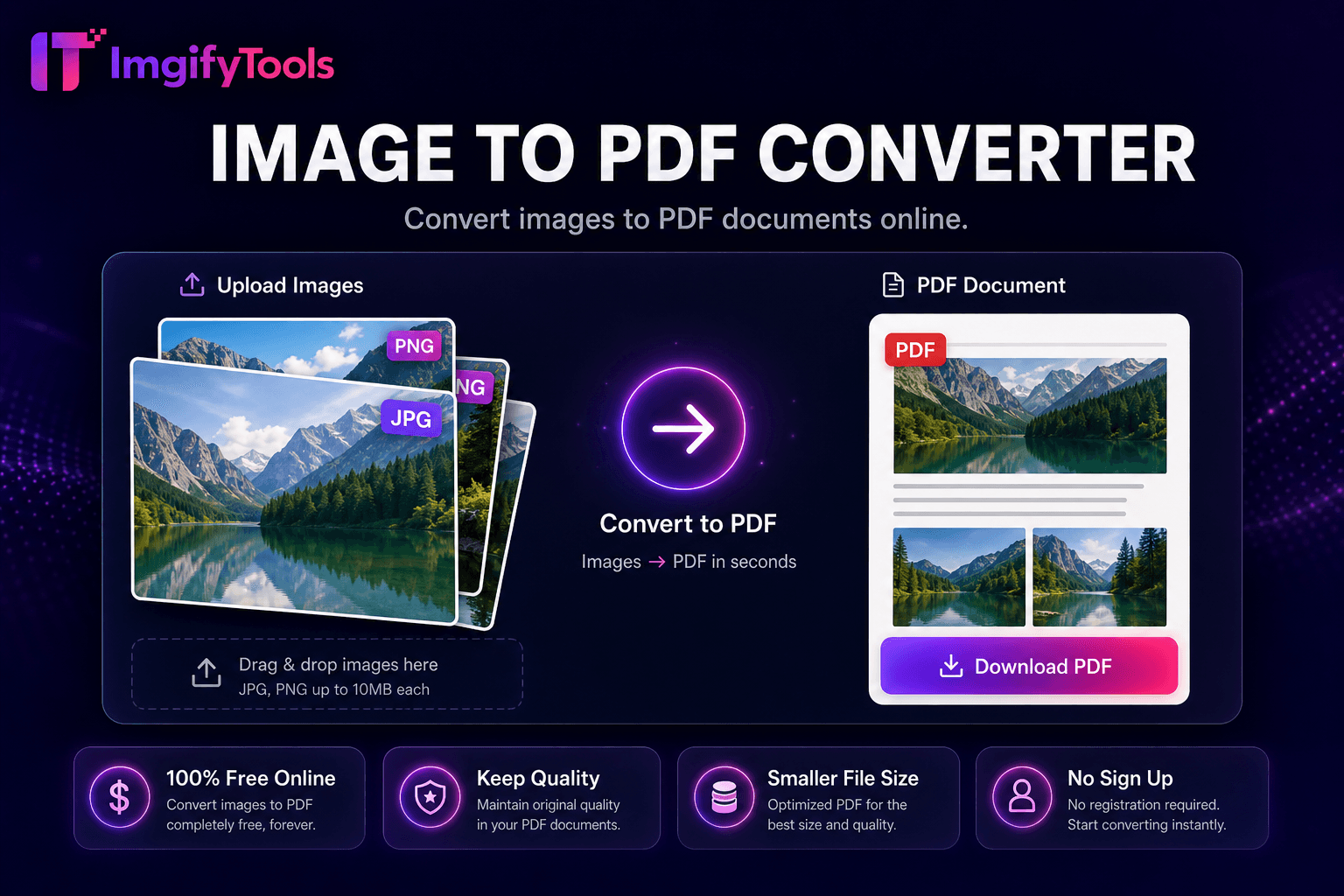
Image to PDF Converter
Convert images to PDF documents online.
Launch ToolConvert PDF pages to JPG or PNG online free with batch conversion and ZIP download. Free for standard use — no signup required.
Turn PDF pages into JPG or PNG images online—choose DPI, download pages individually or as a ZIP, with no signup or watermarks. Our pdf to image converter online free turns PDF pages into high-quality JPG or PNG images in seconds — no software install, no watermark, and no signup. Upload a single PDF or batch multiple files, select output format and DPI, and download each page as a separate image or grab everything in one ZIP archive. Marketers extract slides from pitch decks for blog posts. Researchers save figures from academic papers. HR teams convert signed forms to image archives. Developers rasterize PDF assets for systems that reject vector files. Unlike competitors that cap free conversions per day, Uploads are processed on ImgifyTools servers for your session (max 10 MB) and are not retained permanently or used for training. Pair with image compressor after extraction for web-ready byte sizes, or use image to PDF to reassemble images back into a document.
Upload your PDF document via drag-and-drop or file picker.
Select pages to extract — all pages or a specific range.
Choose output format (JPG or PNG) and resolution DPI.
Process extraction and preview sample pages.
Download images individually or as a ZIP batch.
Unlike many other platforms that compromise on quality or hide results behind paywalls, ImgifyTools offers high-fidelity output with a focus on speed and user privacy. No account creation is required to start transforming your images.
Choose JPG when your PDF contains photographs, mixed content, or when file size matters for web embedding. JPG compression keeps archives manageable for email and CMS uploads. Choose PNG when your PDF has text-heavy pages, diagrams, charts, or flat-color graphics — PNG preserves crisp edges without JPEG compression artifacts. For scanned documents destined for OCR, use PNG at 150+ DPI. For social media slides, JPG at 96 DPI is usually sufficient.
Process multi-page PDFs in a single upload — each page renders as a separate numbered image. When working with multiple PDF files, convert each document and download all outputs as a ZIP archive for easy organization. Batch conversion saves hours compared to screenshotting pages manually. Standard 10 MB upload limit applies (unlike many competitors with daily page caps).
ImgifyTools uses secure encrypted upload and does not permanently store your files after processing. No account signup means no personal data collection for basic conversions. For confidential legal, medical, or financial documents, consider your organization's data policy before uploading. We recommend deleting downloaded files from shared devices after use.
Open this page in your mobile browser (Safari, Chrome, or Firefox). Tap upload, select your PDF from Files or cloud storage, choose JPG output, and download the converted images directly to your phone. No app install required. For large PDFs, use Wi-Fi to avoid mobile data charges during upload.
See how our free pdf to image converter compares to iLovePDF on price, limits, and features.
| Feature | ImgifyTools | iLovePDF |
|---|---|---|
| Price | Free conversions within upload limits | Free with daily page limits; premium removes caps |
| Format coverage | PDF to JPG, PNG with DPI control | PDF to JPG, PNG, TIFF |
| Batch convert | Multi-page ZIP download | Batch on premium tier |
| Watermark | No watermark on output | No watermark on free tier |
| Privacy | No permanent file storage | Temporary cloud processing |
| Speed | Fast server-side conversion | Fast cloud processing |
| Extra tools | Full image suite on one platform | Separate tool pages per format |
More tools
Other specialized utilities for your workflow.