
AI Background Remover
Entfernen Sie mit KI automatisch Hintergründe aus Bildern.
Tool startenErsetzen Sie Bildhintergründe durch Farben, Unschärfe oder benutzerdefinierte Bilder. Schnell, sicher und völlig kostenlos — keine Anmeldung erforderlich.
Mit dem Hintergrundwechsler von ImgifyTools können Sie Fotohintergründe durch Volltonfarben, Farbverläufe oder benutzerdefinierte Szenen ersetzen, ohne einen Greenscreen oder manuelle Auswahlwerkzeuge. Nachdem die KI Ihr Motiv isoliert hat, wählen Sie eine neue Umgebung aus – reines Weiß für E-Commerce, sanftes Grau für Unternehmensporträts, Markenfarben für Marketingzwecke oder hochgeladene Hintergründe für kreative Kompositionen. Immobilienmakler tauschen in den Angebotsfotos überfüllte Zimmerhintergründe gegen neutrale Töne aus. Influencer platzieren sich für Story-Inhalte an Reiseszenen. Arbeitssuchende erstellen konsistente Lebenslauffotos aus zufälligen Schnappschüssen. Das Tool kombiniert die automatische Motiverkennung mit flexiblen Hintergrundoptionen, sodass Sie die endgültige Stimmung und die Compliance-Anforderungen jeder Plattform steuern können. Im Gegensatz zu einfachen Filtern, die den gesamten Rahmen tönen, bleiben beim Hintergrundaustausch die natürliche Kantenbeleuchtung und gegebenenfalls Schatten des Motivs erhalten. Laden Sie es einmal hoch, experimentieren Sie mit Voreinstellungen und laden Sie ein ausgefeiltes JPG oder PNG herunter, das für Amazon-Angebote, Instagram-Posts oder gedruckte Broschüren bereit ist – alles kostenlos, sofort und browserbasiert.
Laden Sie das Foto hoch, dessen Hintergrund Sie ersetzen möchten.
Warten Sie, bis die KI-Subjektisolierung automatisch abgeschlossen ist.
Wählen Sie eine Volltonfarbe oder einen voreingestellten Farbverlauf oder laden Sie ein benutzerdefiniertes Hintergrundbild hoch.
Sehen Sie sich die Komposition in der Vorschau an und passen Sie bei Bedarf die Hintergrundauswahl an.
Laden Sie das fertige Bild im JPG- oder PNG-Format herunter.
Im Gegensatz zu vielen anderen Plattformen, die Kompromisse bei der Qualität eingehen oder Ergebnisse hinter Paywalls verbergen, bietet ImgifyTools eine High-Fidelity-Ausgabe mit Fokus auf Geschwindigkeit und Benutzerschutz. Es ist keine Kontoerstellung erforderlich, um mit der Transformation Ihrer Bilder zu beginnen.
Die Änderung des Hintergrunds beginnt mit demselben Segmentierungsmodell, das in unserem Hintergrundentferner verwendet wird, und erzeugt eine präzise Alpha-Matte um Personen, Produkte oder Objekte. Anschließend wählen Sie eine Ersatzebene aus: einfarbige Füllungen zur Marktkonformität, Verlaufsvoreinstellungen für Studioästhetik oder ein hochgeladenes Bild, das hinter dem Ausschnitt platziert wird. Der Compositor mischt Kantenpixel, um Lichthöfe und Farbsäume in der Originalszene zu reduzieren. Durch die optionale Schattenerzeugung können Motive auf neuen Böden platziert werden, um glaubwürdigere Kompositionen zu erzielen. Die Ausgabeauflösung entspricht Ihren Upload-Abmessungen, es sei denn, Sie ändern die Größe anschließend. Der Workflow ist in dem Sinne zerstörungsfrei, dass Sie ihn mit anderen Hintergründen erneut ausführen können, ohne den Betreff erneut hochzuladen, sofern Ihre Sitzung dies unterstützt. Das gesamte Compositing wird serverseitig ausgeführt und die Ergebnisse werden zur sofortigen Vorschau an Ihren Browser zurückgestreamt.
E-Commerce-Verkäufer wechseln zu weißen oder hellgrauen Hintergründen, die gemäß den Hero-Bildregeln von Amazon, Walmart und Etsy erforderlich sind. HR-Teams standardisieren Fotos aus Mitarbeiterverzeichnissen auf einem einheitlichen, markenfarbenen Hintergrund. Inhaltsersteller testen Miniaturhintergründe, die den Kontrast zur Titeltextüberlagerung erhöhen. Für saubere Kanten beginnen Sie mit einem Foto mit guter Motiv-Hintergrund-Trennung; Verwenden Sie zuerst den Hintergrundentferner, wenn die Originalszene sehr beschäftigt ist. Wenn Sie Motive in fotografischen Szenen platzieren, passen Sie die Beleuchtungsrichtung grob an, um den offensichtlichen Paste-Look zu vermeiden. Kombinieren Sie es mit einem Schattengenerator für Produktaufnahmen, die Tiefe auf flachen Farbhintergründen benötigen. Exportieren Sie PNG, wenn Sie Transparenz für Design-Tools benötigen. Verwenden Sie JPG für kleinere Dateigrößen in Webeinträgen.
Sehen Sie, wie unser kostenloses ai background changer in Bezug auf Preis, Limits und Funktionen im Vergleich zu remove.bg abschneidet.
| Funktion | ImgifyTools� | remove.bg |
|---|---|---|
| Preis | Kostenlos, keine Credits erforderlich | Kostenlose Tier begrenzt; bezahlte Pläne von ~.20/image |
| Anmeldung erforderlich | Kein Konto erforderlich | Konto für API erforderlich; Web hat Grenzen |
| Hintergrundersatz | Solid, Gradient oder benutzerdefinierter Upload | Hauptsächlich ausgeschnitten; Szenen über Partner/API |
| Ausgabeformate | JPG oder PNG composite | PNG, JPG und API-Formate |
| Haar- und Randdetails | Kantenveredelung | Branchenführende Qualität |
| Uploadlimit | 10 MB pro Datei | Auflösung freier Tierkappen |
| Datenschutz | Serversitzung; nicht dauerhaft beibehalten; nicht für Schulungen verwendet | Bilder können pro Politik beibehalten werden |
Verwandte Tools
Weitere Tools
Weitere spezialisierte Hilfsmittel für Ihren Workflow.
Entfernen Sie mit KI automatisch Hintergründe aus Bildern.
Tool starten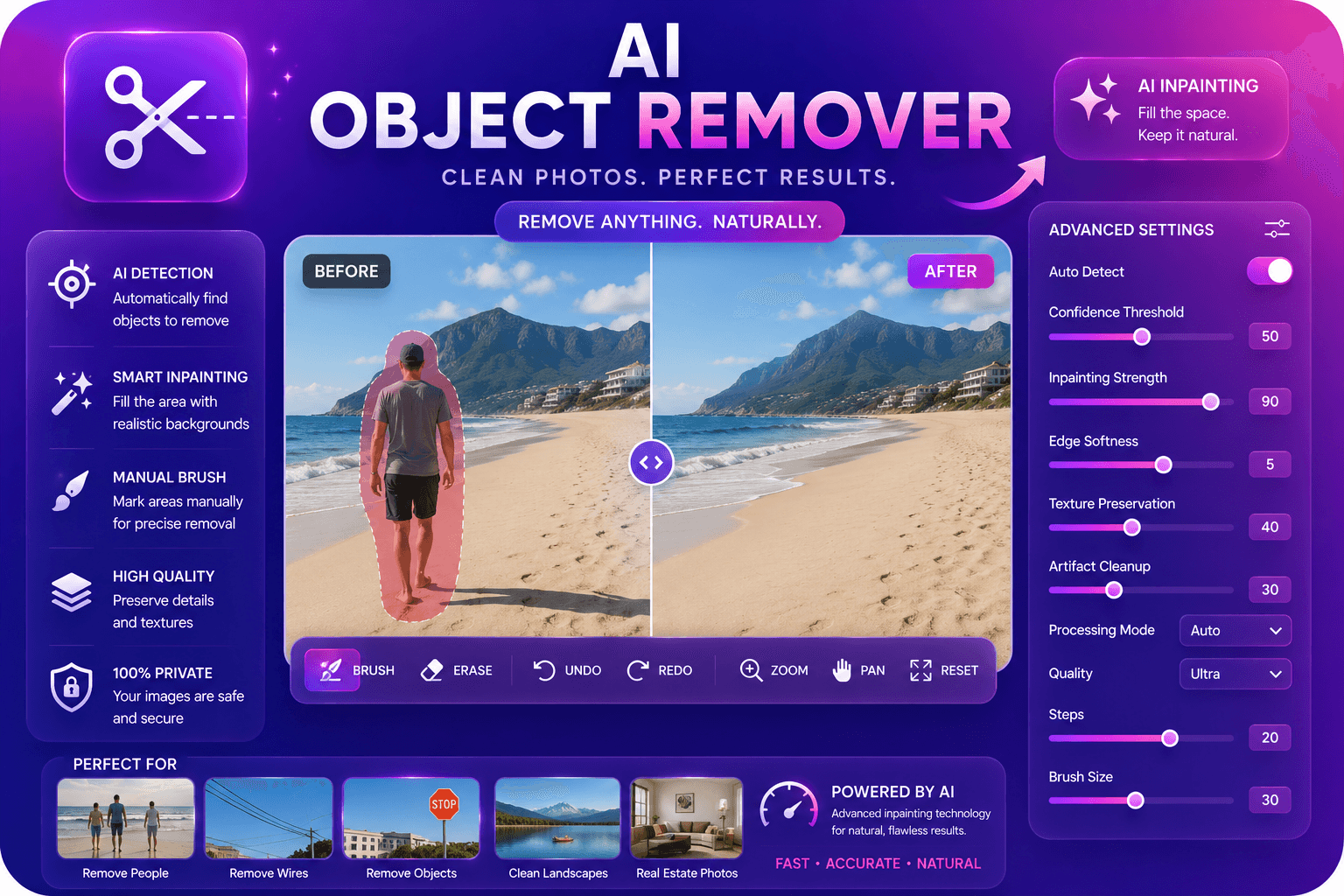
Entfernen Sie unerwünschte Objekte aus Fotos mit KI-Inpainting.
Tool starten
Hochskalieren und verbessern Sie die Bildqualität mithilfe von KI um das bis zu Vierfache.
Tool starten