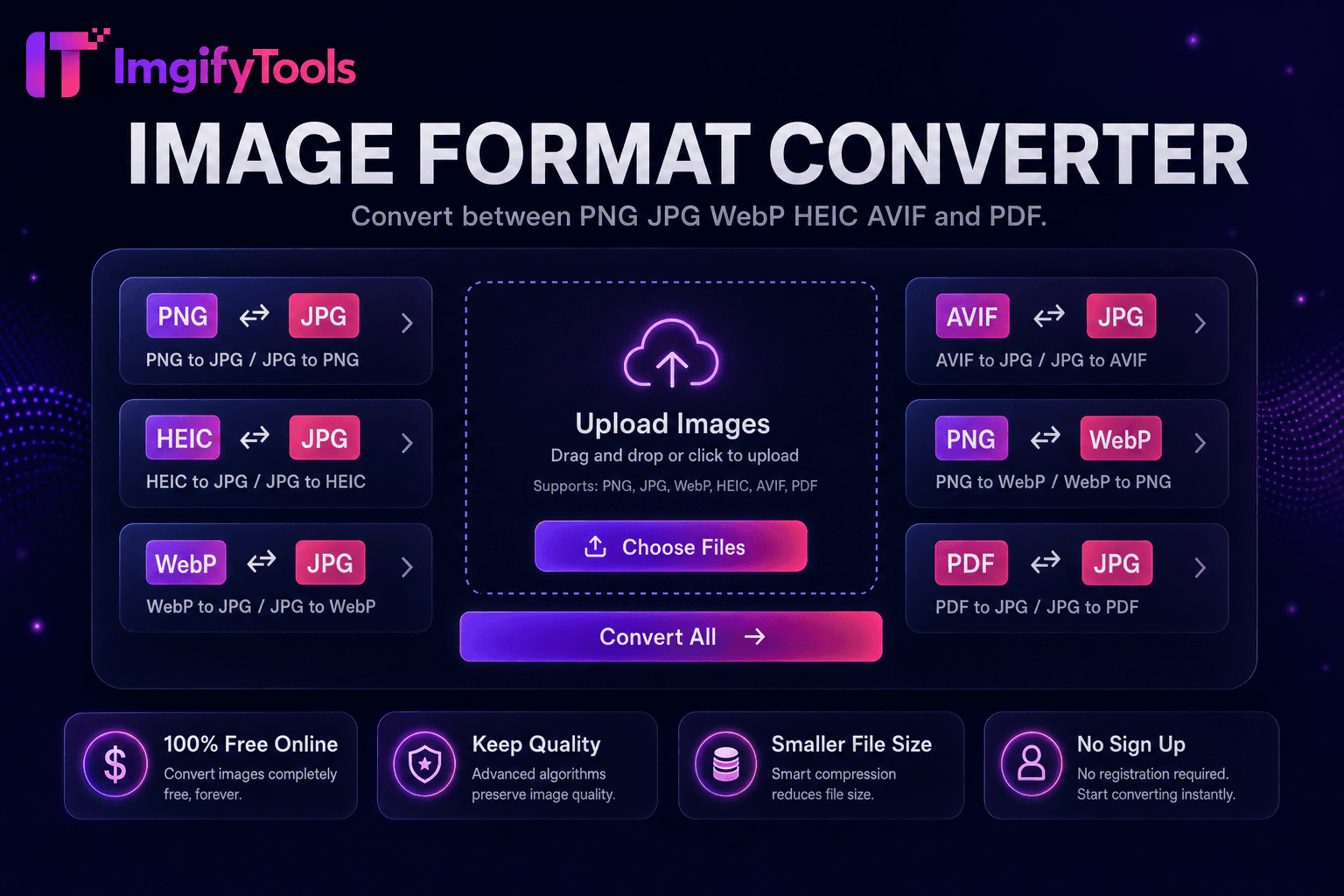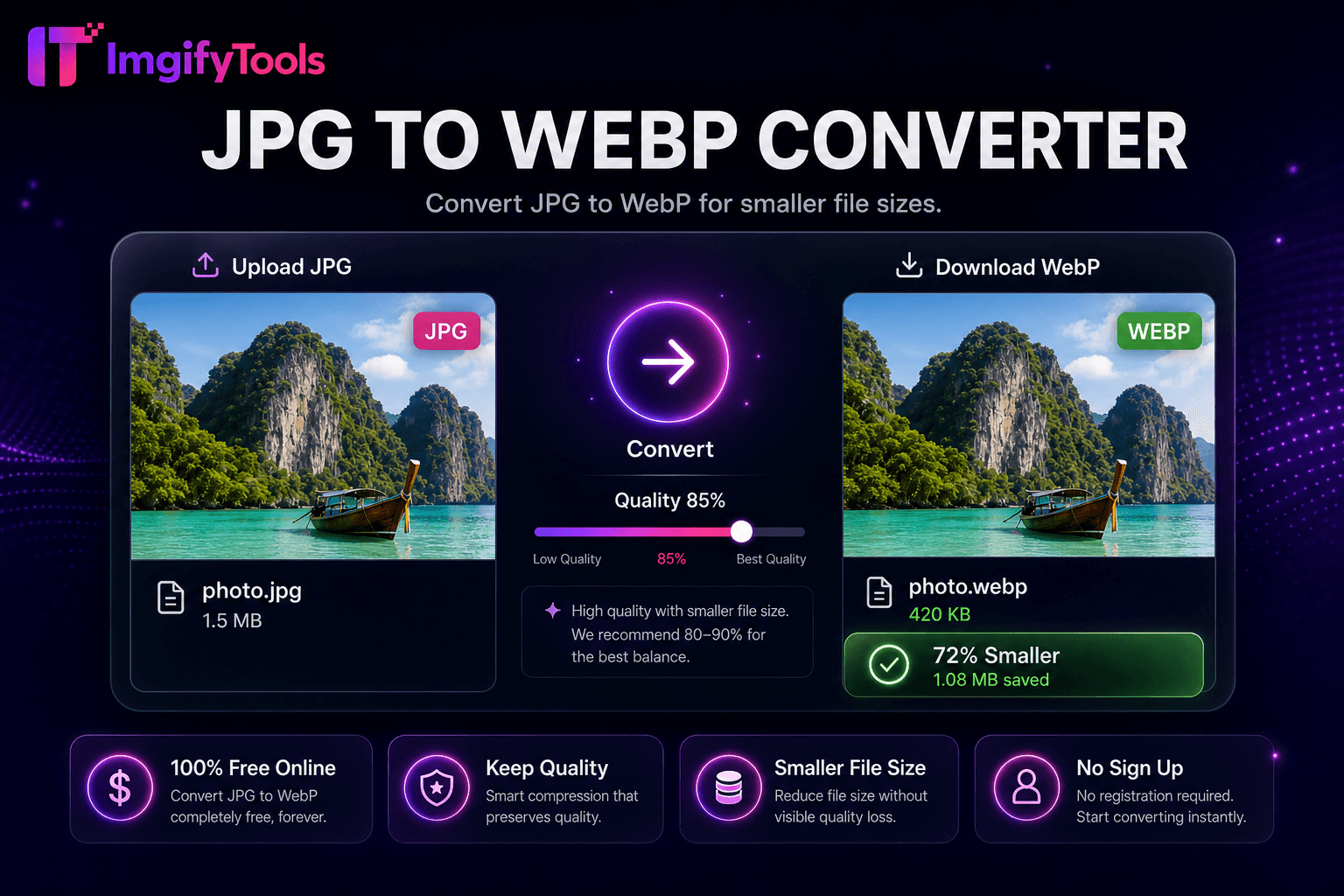
JPG to WebP Converter
Konvertieren Sie JPG in WebP für kleinere Dateigrößen.
Tool startenKonvertieren Sie WebP-Bilder in das JPG-Format. Schnell, sicher und völlig kostenlos — keine Anmeldung erforderlich.
ImgifyTools WebP to JPG Converter wandelt moderne WebP-Bilder in universell kompatible JPEG-Dateien für E-Mail-Clients, ältere CMS-Plattformen, Druckanbieter und Mitarbeiter um, die WebP nicht öffnen können. Google und CDNs drängen auf WebP, um Bandbreite einzusparen, aber Outlook, einige Social-Planer und ältere Windows-Benutzer erwarten immer noch JPG. Designer erhalten WebP-Assets von Entwicklern und müssen JPG an Druckereien liefern. Blogger migrieren bei Host-Migrationen WebP-Medienbibliotheken zurück zu JPG. Der Konverter dekodiert WebP – einschließlich verlustbehafteter und verlustfreier Varianten – und kodiert JPG in der von Ihnen gewählten Qualität neu, mit optionaler Hintergrundreduzierung, wenn Alphakanäle vorhanden sind. Abmessungen und Farbinformationen werden der standardmäßigen sRGB-JPEG-Ausgabe zugeordnet. Kostenlose, sofortige und unbegrenzte Konvertierungen ohne Installation von Codecs oder Befehlszeilendienstprogrammen auf Ihrem Computer.
Laden Sie Ihre WebP-Datei per Drag-and-Drop oder Durchsuchen hoch.
Stellen Sie die JPEG-Qualität und die Hintergrundfarbe ein, wenn Transparenz vorhanden ist.
Konvertieren Sie WebP mit einem Klick in JPG.
Überprüfen Sie die Ausgabegröße und die visuelle Qualität in der Vorschau.
Laden Sie das JPG herunter, um es per E-Mail zu versenden, auszudrucken oder auf eine ältere Plattform hochzuladen.
Im Gegensatz zu vielen anderen Plattformen, die Kompromisse bei der Qualität eingehen oder Ergebnisse hinter Paywalls verbergen, bietet ImgifyTools eine High-Fidelity-Ausgabe mit Fokus auf Geschwindigkeit und Benutzerschutz. Es ist keine Kontoerstellung erforderlich, um mit der Transformation Ihrer Bilder zu beginnen.
Durch die WebP-Dekodierung werden VP8- oder VP8L-Bitströme in RGB- oder RGBA-Bitmaps erweitert. Wenn Alpha vorhanden ist, wählen Sie vor dem JPEG-Export eine reduzierte Farbe aus, da es JPG an Transparenz mangelt. Der Qualitätsschieberegler steuert die DCT-Quantisierungstabellen für das ausgegebene JPEG. Die Pipeline verarbeitet animiertes WebP, indem sie den ersten Frame konvertiert, es sei denn, es gelten spezielle Animationstools – überprüfen Sie die Ausgabe für animierte Quellen. Der Dateigrößenvergleich wird relativ zum Quell-WebP angezeigt. Serverseitige Bibliotheken gewährleisten eine umfassende Unterstützung von WebP-Funktionen, einschließlich verlustfreier und nahezu verlustfreier Modi.
E-Mail-Marketing-Vorlagen lehnen häufig WebP-Anhänge ab – konvertieren Sie Hero-Bilder in JPG mit einer Qualität von 85. Drucklabore, die JPEG-Dateien von WebP-Website-Downloads anfordern, vermeiden Farbüberraschungen, indem sie mit konsistenten Qualitätseinstellungen konvertieren. Windows-Benutzer, die WebP-Screenshots freigeben, konvertieren sie, bevor sie sie an Clients auf älteren Systemen senden. Führen Sie nach der Konvertierung den Bildkompressor aus, wenn die Byte-Ziele knapp bleiben. Wenn Sie Transparenz in einem älteren Workflow benötigen, konvertieren Sie stattdessen WebP in PNG. Batch-Migration von CDN-WebP-Backups bei Plattformwechseln mithilfe des Formatkonverter-Hubs.
Sehen Sie, wie unser kostenloses webp to jpg converter in Bezug auf Preis, Limits und Funktionen im Vergleich zu iLoveIMG abschneidet.
| Funktion | ImgifyTools� | iLoveIMG |
|---|---|---|
| Preis | Kostenlose, unbegrenzte Konvertierungen | Kostenlos mit Werbung; Premium hebt Grenzen auf |
| Formatabdeckung | PNG, JPG, WebP, ⟦1, AVIF, PDF | Unterstützung für Großformate |
| Stapelkonvertierung | Hub unterstützt mehrere Tools | Charge auf Premium |
| Qualitätseinstellungen | Qualität erhalten oder optimieren | Voreinstellungen in Standardqualität |
| Privatsphäre | Keine dauerhafte Speicherung | Temporäre Cloud-Verarbeitung |
| Geschwindigkeit | Schnelle serverseitige Konvertierung | Schnelle Cloud-Verarbeitung |
| Zusätzliche Werkzeuge | Vollständige Suite auf einer Plattform | Separate Tool-Seiten |
Verwandte Tools
Weitere Tools
Weitere spezialisierte Hilfsmittel für Ihren Workflow.