Image Format Converter
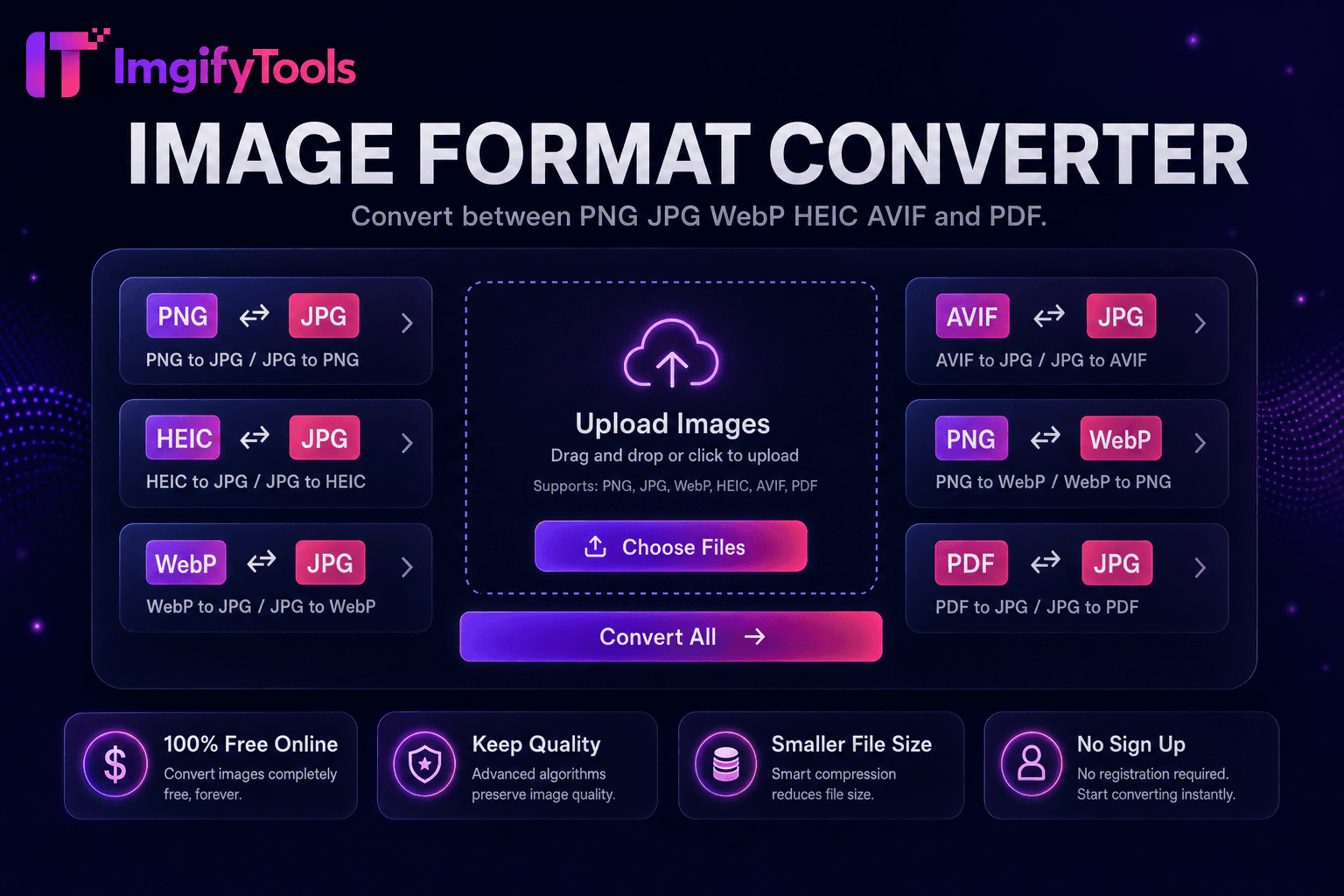
Konvertieren Sie zwischen PNG, JPG, WebP, HEIC, AVIF und PDF.
Tool startenKonvertieren Sie iPhone HEIC-Fotos in JPG. Schnell, sicher und völlig kostenlos — keine Anmeldung erforderlich.
ImgifyTools HEIC to JPG Converter öffnet iPhone- und iPad-Fotos, die im HEIC-Format von Apple gesperrt sind, und exportiert universell kompatible JPEG-Dateien für Windows-PCs, Android-Freigaben, E-Mail-Anhänge und Websites, die HEIC-Uploads ablehnen. Da iOS standardmäßig den High Efficiency Image Container verwendet, sehen Benutzer, die unter Windows Fotos per E-Mail an Kollegen senden, fehlerhafte Anhänge, sofern sie nicht konvertiert werden. Google Fotos und Dropbox synchronisieren HEIC, viele CMS-Medienbibliotheken erwarten jedoch weiterhin JPG. Der Konverter dekodiert HEIC – ggf. auch Live-Foto-Standbilder – und kodiert JPG in einstellbarer Qualität mit sRGB-Farbe neu, die für die plattformübergreifende Anzeige geeignet ist. Stapelfreundliche Workflows helfen bei der Migration ganzer Kamerarollen nach dem Wechsel des Ökosystems. Kostenlose, schnelle und datenschutzbewusste Verarbeitung ohne Installation von iTunes oder Codecs von Drittanbietern auf Unternehmens-Laptops, die Softwareinstallationen blockieren.
Laden Sie HEIC-Dateien von iPhone-, iPad- oder Mac-Exporten hoch.
Wählen Sie die JPEG-Qualitätsstufe für die Ausgabe.
Konvertieren Sie HEIC mit einem Klick in JPG.
Überprüfen Sie Ausrichtung und Farben in der Vorschau.
Laden Sie JPG-Dateien zum Teilen, Hochladen oder Bearbeiten herunter.
Im Gegensatz zu vielen anderen Plattformen, die Kompromisse bei der Qualität eingehen oder Ergebnisse hinter Paywalls verbergen, bietet ImgifyTools eine High-Fidelity-Ausgabe mit Fokus auf Geschwindigkeit und Benutzerschutz. Es ist keine Kontoerstellung erforderlich, um mit der Transformation Ihrer Bilder zu beginnen.
Der HEIC-Decoder nutzt HEVC-Standbild-Bitströme, die in .heic-Container eingebettet sind, und erweitert sie auf RGB-Bitmaps mit voller Auflösung. Der JPEG-Encoder schreibt Standard-JPG mit konfigurierbarer Qualitätsquantisierung. EXIF-Ausrichtungs-Tags vom iPhone erfassen die Karte korrekt, sodass Porträts nach der Konvertierung aufrecht erscheinen. Farbprofile werden in sRGB übersetzt, um eine vorhersehbare Wiedergabe auf Displays anderer Hersteller zu ermöglichen. HEIC-Sequenzen mit mehreren Bildern werden möglicherweise nur abhängig von der Implementierung primär exportiert. Durch die serverseitige Dekodierung werden iPhone-Fotos mit 12 MP–48 MP effizient verarbeitet.
Windows-Benutzer, die AirDrop-Alternativen über Cloud-Links erhalten, konvertieren HEIC vor der Bearbeitung in Paint oder älteren Apps. Immobilienmakler laden JPG-Inseratsfotos hoch, die aus Makler-iPhone-Aufnahmen konvertiert wurden. WordPress-Autoren konvertieren HEIC vor dem Import der Medienbibliothek auf Hosts ohne HEIC-Plugins. Stellen Sie beim Archivieren wertvoller Fotos die Qualität 90 ein. 85 reicht für Social Sharing. Koppeln Sie es nach der Konvertierung mit dem Bildkompressor für Webgalerien. Behalten Sie HEIC-Originale in iCloud; Stellen Sie JPG-Derivate nach außen bereit.
Sehen Sie, wie unser kostenloses heic to jpg converter in Bezug auf Preis, Limits und Funktionen im Vergleich zu iLoveIMG abschneidet.
| Funktion | ImgifyTools� | iLoveIMG |
|---|---|---|
| Preis | Kostenlose, unbegrenzte Konvertierungen | Kostenlos mit Werbung; Premium hebt Grenzen auf |
| Formatabdeckung | PNG, JPG, WebP, ⟦1, AVIF, PDF | Unterstützung für Großformate |
| Stapelkonvertierung | Hub unterstützt mehrere Tools | Charge auf Premium |
| Qualitätseinstellungen | Qualität erhalten oder optimieren | Voreinstellungen in Standardqualität |
| Privatsphäre | Keine dauerhafte Speicherung | Temporäre Cloud-Verarbeitung |
| Geschwindigkeit | Schnelle serverseitige Konvertierung | Schnelle Cloud-Verarbeitung |
| Zusätzliche Werkzeuge | Vollständige Suite auf einer Plattform | Separate Tool-Seiten |
Verwandte Tools
Weitere Tools
Weitere spezialisierte Hilfsmittel für Ihren Workflow.