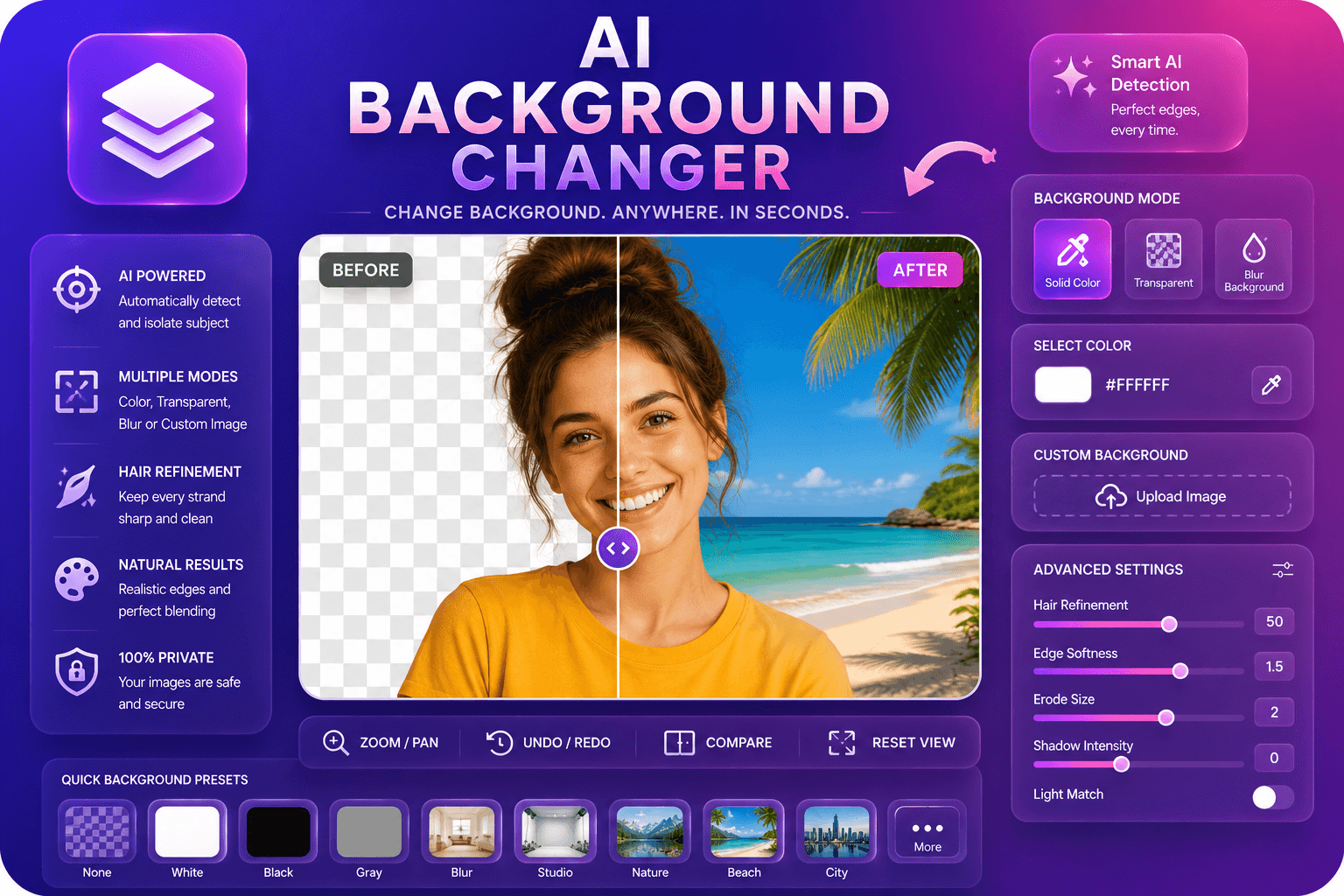
AI Background Changer
Ersetzen Sie Bildhintergründe durch Farben, Unschärfe oder benutzerdefinierte Bilder.
Tool startenEntfernen Sie mit KI automatisch Hintergründe aus Bildern. Schnell, sicher und völlig kostenlos — keine Anmeldung erforderlich.
ImgifyTools AI Background Remover liefert in Sekundenschnelle professionelle Ausschnitte ohne Photoshop-Kenntnisse oder manuelles Maskieren. Unser neuronales Netzwerk analysiert Farbkontrast, Tiefenhinweise und Kantenmuster, um Motive von jedem Hintergrund zu unterscheiden – belebte Straßen, Farbstudios, überfüllte Räume oder Volltonfarben. Das Modell zeichnet sich durch feine Details aus, die ältere Werkzeuge zum Stolpern bringen: fliegende Haarsträhnen, halbtransparenter Stoff, Glasreflexionen und weiche Schatten an den Produktkanten. Laden Sie eine Produktaufnahme, ein Porträt, ein Logo oder ein Haustierfoto hoch und Sie erhalten ein sauberes PNG mit einem transparenten Alphakanal, das für Marktplätze, Präsentationen oder Compositing bereit ist. E-Commerce-Verkäufer nutzen es, um die Anforderungen von Amazon und Shopify an den weißen Hintergrund zu erfüllen. Ersteller tauschen Hintergründe gegen YouTube-Thumbnails und Instagram-Stories. Designer fügen isolierte Motive in Broschüren ein, ohne sie erneut zu fotografieren. Da die Verarbeitung in Ihrer Browsersitzung ausgeführt wird, behalten Sie die Kontrolle über Ihre Assets und erhalten gleichzeitig Ergebnisse in Studioqualität zum Nulltarif. Egal, ob Sie ein Heldenbild oder Dutzende Katalogfotos benötigen, der Arbeitsablauf bleibt derselbe: Hochladen, Vorschau, Herunterladen. Keine Abonnements, keine Wasserzeichen, keine Kreditzähler – nur schnelle, präzise Hintergrundentfernung für echte Arbeitsabläufe.
Laden Sie Ihr Foto im JPG-, PNG- oder WebP-Format hoch – ziehen Sie es per Drag-and-Drop oder klicken Sie zum Durchsuchen.
Warten Sie einige Sekunden, während die KI das Motiv erkennt und einen transparenten Ausschnitt generiert.
Sehen Sie sich das Ergebnis in der Vorschau an und wählen Sie als Ausgabe PNG (transparent) oder JPG (weißer Hintergrund).
Klicken Sie auf „Herunterladen“, um Ihr isoliertes Bild für E-Commerce, Design oder soziale Medien zu speichern.
Optional: Öffnen Sie das Hintergrundwechsler-Tool, um Ihren Ausschnitt in einer neuen Szene zu platzieren.
Im Gegensatz zu vielen anderen Plattformen, die Kompromisse bei der Qualität eingehen oder Ergebnisse hinter Paywalls verbergen, bietet ImgifyTools eine High-Fidelity-Ausgabe mit Fokus auf Geschwindigkeit und Benutzerschutz. Es ist keine Kontoerstellung erforderlich, um mit der Transformation Ihrer Bilder zu beginnen.
Wenn Sie ein Bild hochladen, segmentiert unsere KI die Szene mithilfe eines Deep-Learning-Modells, das auf Millionen beschrifteter Fotos trainiert wurde, in Vordergrund- und Hintergrundebenen. Die Pipeline erkennt zunächst das Hauptmotiv – Person, Produkt, Tier oder Objekt – und erstellt eine hochauflösende Alpha-Matte, die definiert, welche Pixel undurchsichtig bleiben und welche transparent werden. Die Kantenverfeinerung erfolgt in einem zweiten Durchgang und schärft die Grenzen um Haare, Fell, Spitzen und andere kontrastarme Bereiche, in denen eine einfache Farbkodierung versagt. Sie können als PNG exportieren, um die Transparenz beizubehalten, oder JPG mit weißer Füllung für Plattformen wählen, die Alphakanäle ablehnen. Der gesamte Vorgang ist serverseitig in wenigen Sekunden abgeschlossen und das Ergebnis wird sofort zur Überprüfung angezeigt. Wenn beim automatischen Ausschneiden ein kleiner Bereich übersehen wird, kann die Genauigkeit häufig durch erneutes Hochladen einer kontrastreicheren Version oder engeres Zuschneiden verbessert werden. Das Tool akzeptiert JPG-, PNG- und WebP-Uploads und gibt Dateien in der Größe für Web- und Druckzwecke zurück.
Online-Verkäufer entfernen Hintergründe von Produktfotos, um den Marktrichtlinien zu entsprechen – Amazon verlangt reinweiße Hintergründe für Hauptangebote und saubere Ausschnitte erhöhen die Klickraten auf Etsy und eBay. Porträtfotografen liefern LinkedIn-Headshots mit neutralem oder individuellem Hintergrund ohne Greenscreen. Social-Media-Manager isolieren Themen für Meme-Vorlagen, Reaktionsaufkleber und Marken-Story-Frames. Die besten Ergebnisse erzielen Sie, wenn Sie vor einem Hintergrund fotografieren, der im Kontrast zu Ihrem Motiv steht: Eine dunkle Jacke vor einer hellen Wand wirkt klarer als ähnliche Farbtöne. Vermeiden Sie Bewegungsunschärfe an den Rändern und verwenden Sie eine gleichmäßige Beleuchtung, um zu verhindern, dass Farbe auf Haar und Haut gelangt. Wenn Sie eine Komposition auf einem neuen Hintergrund erstellen möchten, exportieren Sie PNG und weichen Kanten in Ihrem Editor leicht aus. Batch-Workflows lassen sich gut mit unserem Logo-Hintergrundentferner für Markenwerte und dem Hintergrundwechsler kombinieren, wenn Sie eine neue Szene anstelle von Transparenz wünschen.
Sehen Sie, wie unser kostenloses ai background remover in Bezug auf Preis, Limits und Funktionen im Vergleich zu remove.bg abschneidet.
| Funktion | ImgifyTools� | remove.bg |
|---|---|---|
| Preis | Kostenlos, keine Credits erforderlich | Kostenloses Kontingent begrenzt; kostenpflichtige Pläne ab 0,20 $/Bild |
| Anmeldung erforderlich | Kein Konto erforderlich | Konto für API erforderlich; Das Internet hat Grenzen |
| Ausgabeformate | PNG mit Transparenz, JPG-Option | PNG-, JPG- und API-Formate |
| Stapelverarbeitung | Ein einziges Bild, sofortige Ergebnisse | Bulk-Verfügbarkeit bei kostenpflichtigen Plänen |
| Haar- und Kantendetail | KI-optimierte Kantenerkennung | Branchenführende Kantenqualität |
| Privatsphäre | In der Sitzung verarbeitet, nicht gespeichert | Bilder können gemäß den Richtlinien aufbewahrt werden |
| Auflösungsgrenzen | Hochauflösende Uploads werden unterstützt | Kostenlose Auflösung der Stufenobergrenzen |
Verwandte Tools
Ersetzen Sie Bildhintergründe durch Farben, Unschärfe oder benutzerdefinierte Bilder.
Tool starten
Entfernen Sie den Hintergrund von Logos und Symbolen.
Tool starten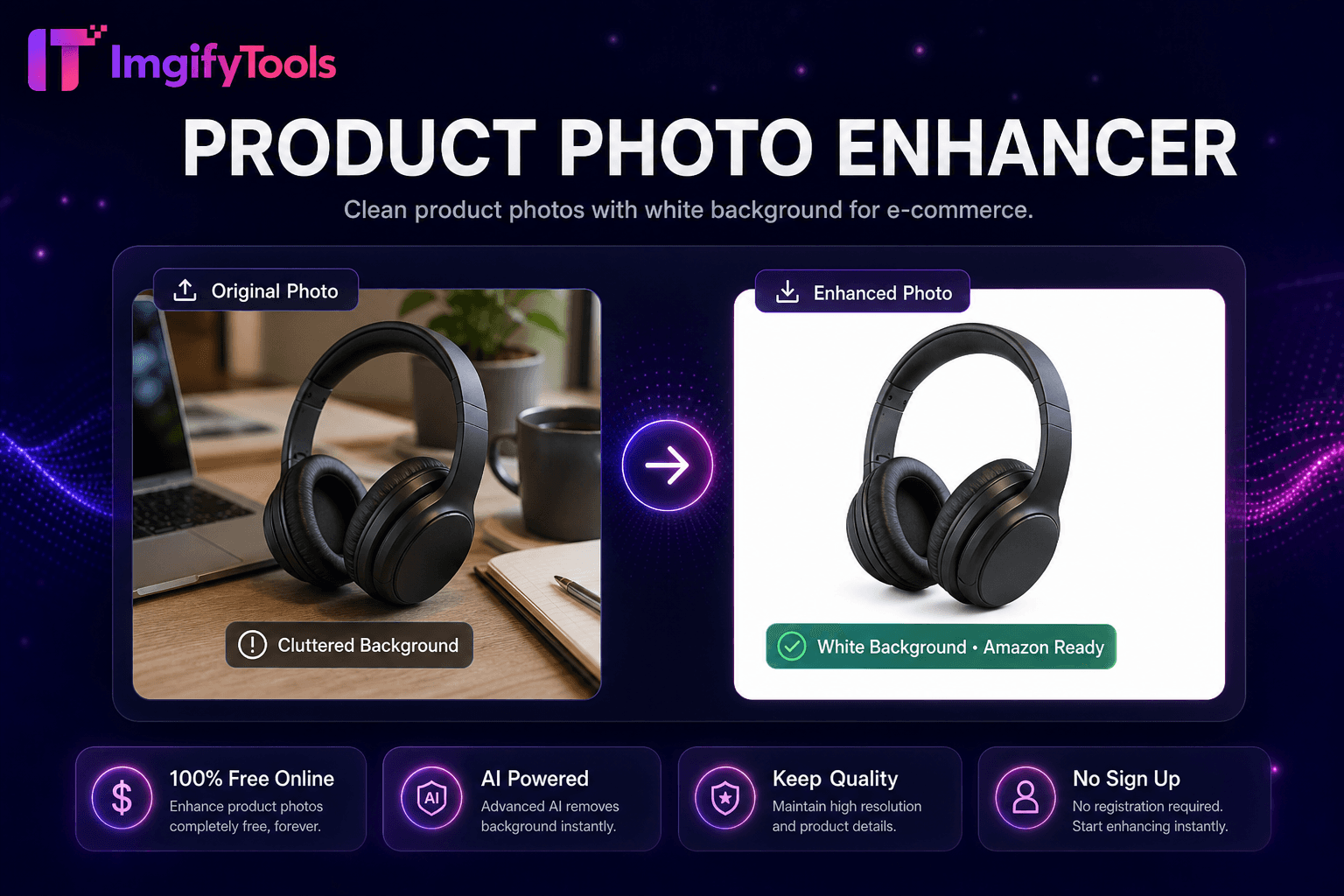
Saubere Produktfotos mit weißem Hintergrund für den E-Commerce.
Tool startenWeitere Tools
Weitere spezialisierte Hilfsmittel für Ihren Workflow.
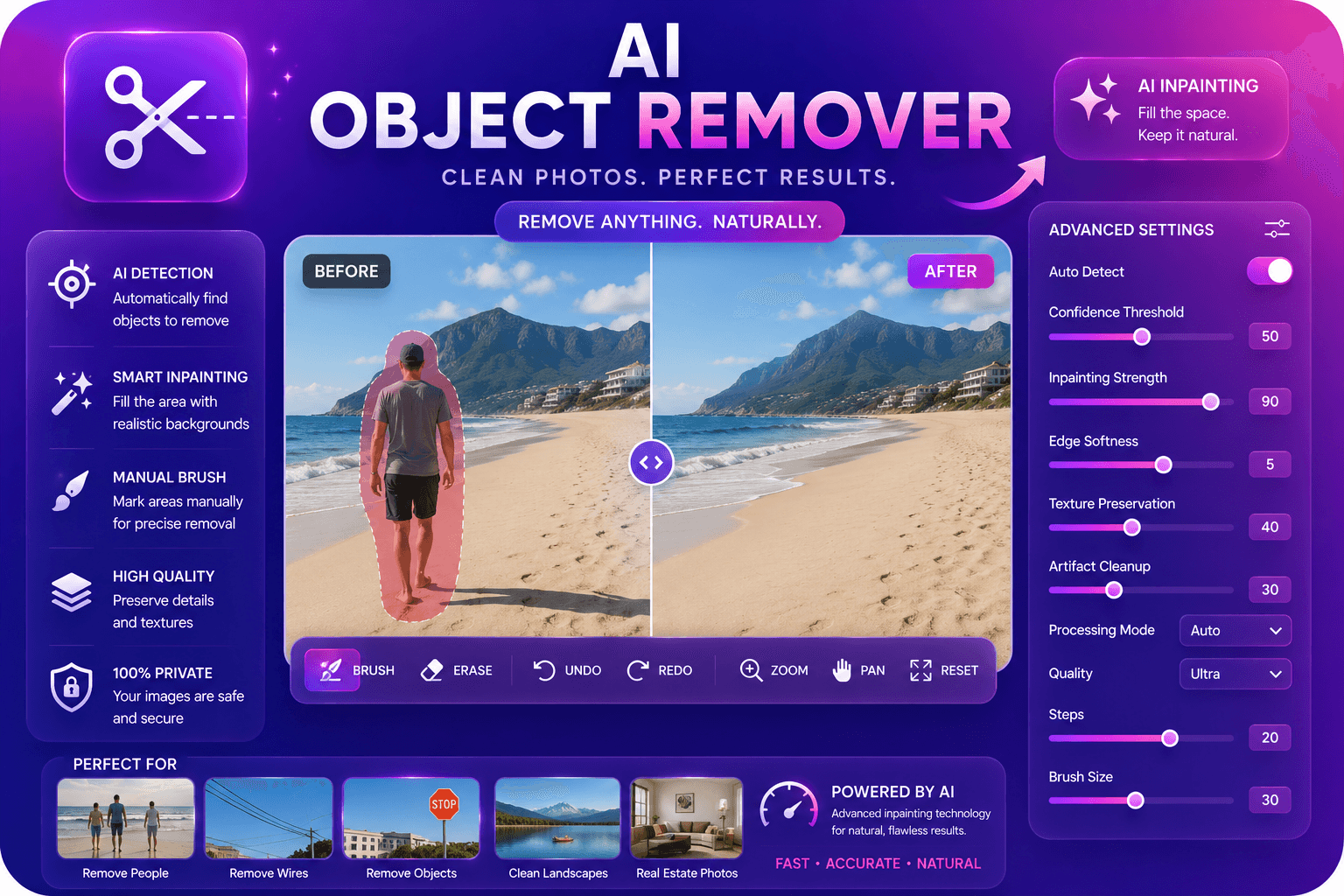
Entfernen Sie unerwünschte Objekte aus Fotos mit KI-Inpainting.
Tool starten
Hochskalieren und verbessern Sie die Bildqualität mithilfe von KI um das bis zu Vierfache.
Tool starten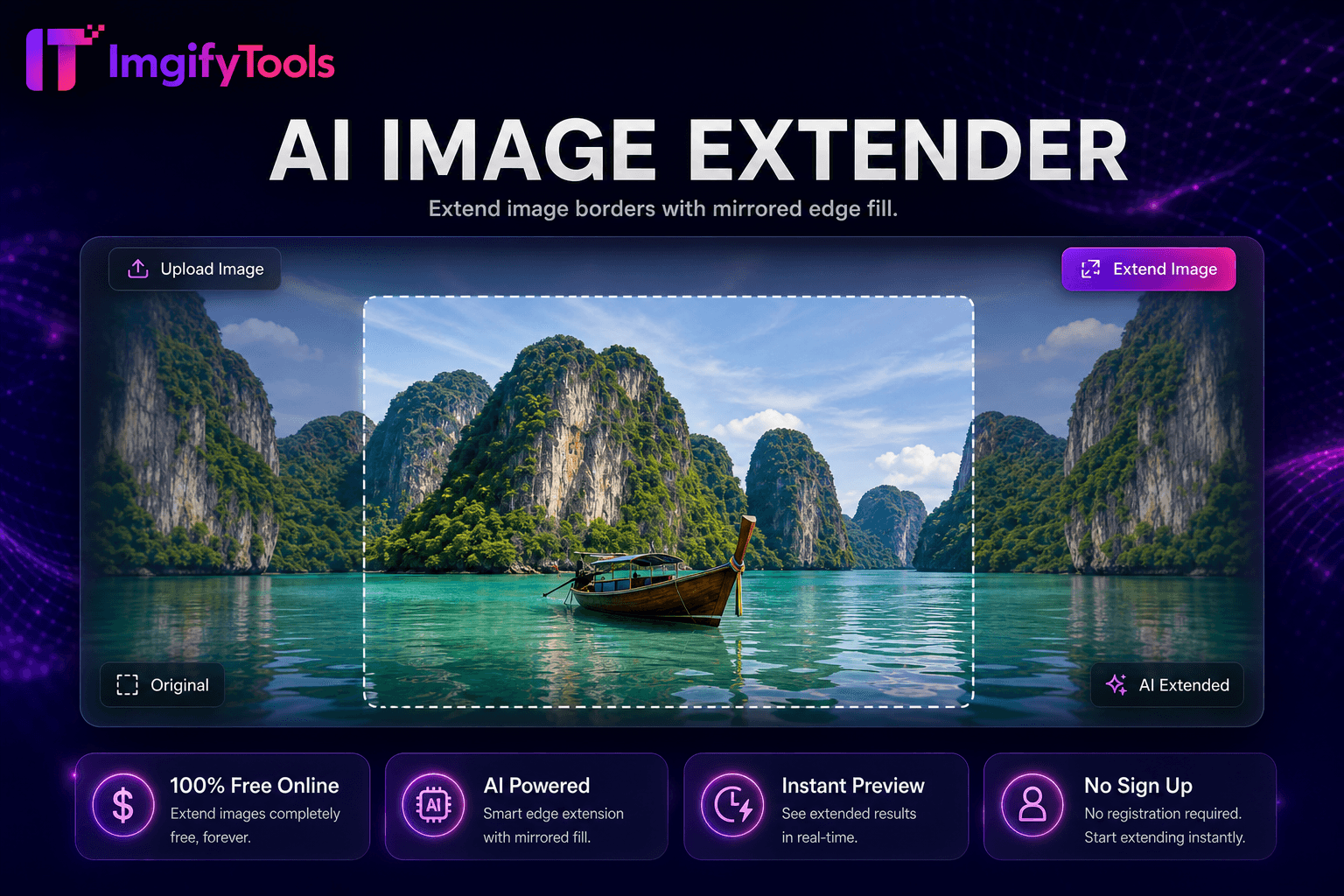
Uncrop und erweitern Bilder mit gespiegelten Rand füllen für zusätzliche Leinwand Platz.
Tool starten