Resize Image to 20KB
Komprimieren Sie jedes Bild auf unter 20 KB.
Tool startenKomprimieren Sie JPG, PNG und WebP ohne sichtbaren Qualitätsverlust. Schnell, sicher und völlig kostenlos — keine Anmeldung erforderlich.
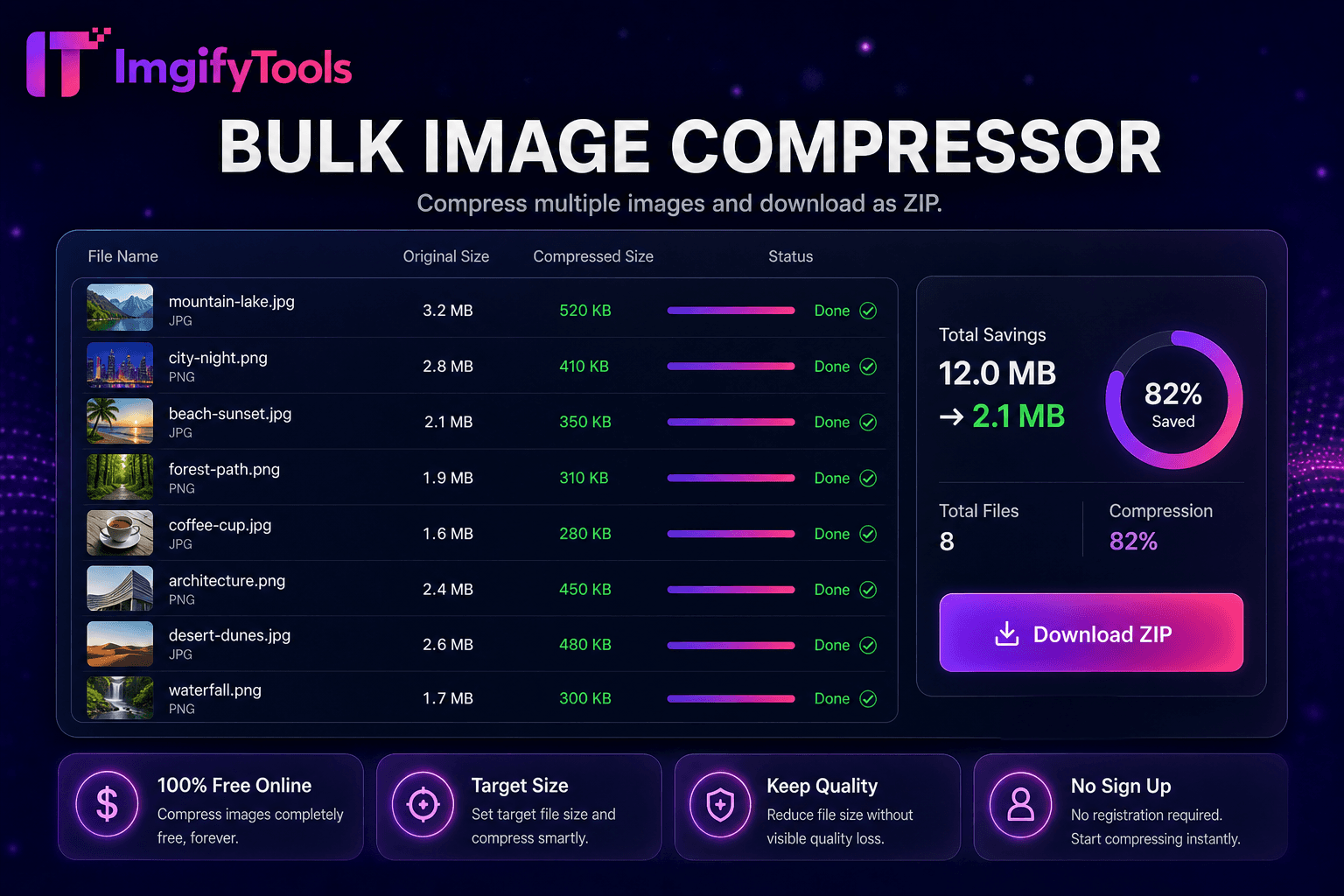
ImgifyTools Image Compressor reduziert die Dateigröße und sorgt gleichzeitig dafür, dass Fotos optisch scharf bleiben – wichtig für schnellere Websites, E-Mail-Anhänge und App-Uploads, die Megabyte-Grenzwerte erfordern. Nicht optimierte PNG- und JPG-Dateien von Kameras und Design-Exporten verlangsamen die Seitenladezeiten, beeinträchtigen die Core Web Vitals-Ergebnisse und leiten mobile Besucher bei langsamen Verbindungen ab. Unser Kompressor wendet intelligentes Qualitäts-Targeting an: Er analysiert den Bildinhalt und wendet die entsprechende JPEG-Quantisierung oder PNG-Optimierung an, damit Textkanten scharf bleiben und Hauttöne Streifenbildung vermeiden. Blogger verkleinern Heldenbilder, bevor sie WordPress hochladen. Entwickler erreichen die Leistungsbudgets von Lighthouse, ohne die wahrgenommene Qualität zu beeinträchtigen. Verkäufer komprimieren Angebotsgalerien für Marktplatz-Upload-Obergrenzen. Mit dem einstellbaren Qualitätsschieberegler können Sie vor dem Festschreiben eine Vorschau der Kompromisse zwischen gespeicherten Bytes und sichtbaren Artefakten anzeigen. Benutzer, die auf Stapelverarbeitung achten, können für Asset-Ordner auf unseren Massenkompressor umsteigen. Im Gegensatz zu blinden Autokompressoren, die die Qualität gleichmäßig zerkleinern, gleicht ImgifyTools Größenreduzierung mit für den Menschen sichtbarer Wiedergabetreue aus. Kostenlos, sofort und datenschutzbewusst – Ihre Bilder werden in der Sitzung ohne dauerhafte Speicherung verarbeitet.
Laden Sie ein oder mehrere Bilder im JPG-, PNG- oder WebP-Format hoch.
Stellen Sie die gewünschte Qualitätsstufe ein oder verwenden Sie die empfohlene Standardeinstellung.
Verarbeiten Sie das Bild und überprüfen Sie die komprimierte Vorschau.
Vergleichen Sie die Reduzierung der Dateigröße mit der ursprünglichen Bytezahl.
Laden Sie die optimierte Datei herunter, bereit für Web, E-Mail oder Upload.
Im Gegensatz zu vielen anderen Plattformen, die Kompromisse bei der Qualität eingehen oder Ergebnisse hinter Paywalls verbergen, bietet ImgifyTools eine High-Fidelity-Ausgabe mit Fokus auf Geschwindigkeit und Benutzerschutz. Es ist keine Kontoerstellung erforderlich, um mit der Transformation Ihrer Bilder zu beginnen.
Die Komprimierung beginnt mit der Dekodierung Ihrer hochgeladenen JPG-, PNG- oder WebP-Dateien in eine funktionierende Bitmap. Für die JPEG-Ausgabe wendet der Encoder Chroma-Unterabtastung und Qualitätstabellen an, die so abgestimmt sind, dass Kanten in kontrastreichen Regionen erhalten bleiben und gleichzeitig eine aggressivere Quantisierung in glatten Himmels- und Hautbereichen ermöglicht wird. Durch die PNG-Optimierung werden Paletten neu indiziert, unnötige Metadaten entfernt und bei Bedarf verlustfreie Filter angewendet. Sie legen einen Zielqualitätsprozentsatz fest oder akzeptieren intelligente Standardvorgaben; Das Tool kodiert die ursprünglichen Bytes im Vergleich zu den komprimierten Bytes neu und meldet sie, sodass Sie iterieren können. EXIF-Ausrichtungs-Tags werden korrekt normalisiert, sodass Fotos nach der Komprimierung nicht gedreht angezeigt werden. Ausgabe wird sofort als neue Datei heruntergeladen; Ihr ursprünglicher Upload wird niemals überschrieben. Bei der serverseitigen Kodierung werden branchenübliche Bibliotheken verwendet, die für die Bereitstellung im Internet optimiert sind.
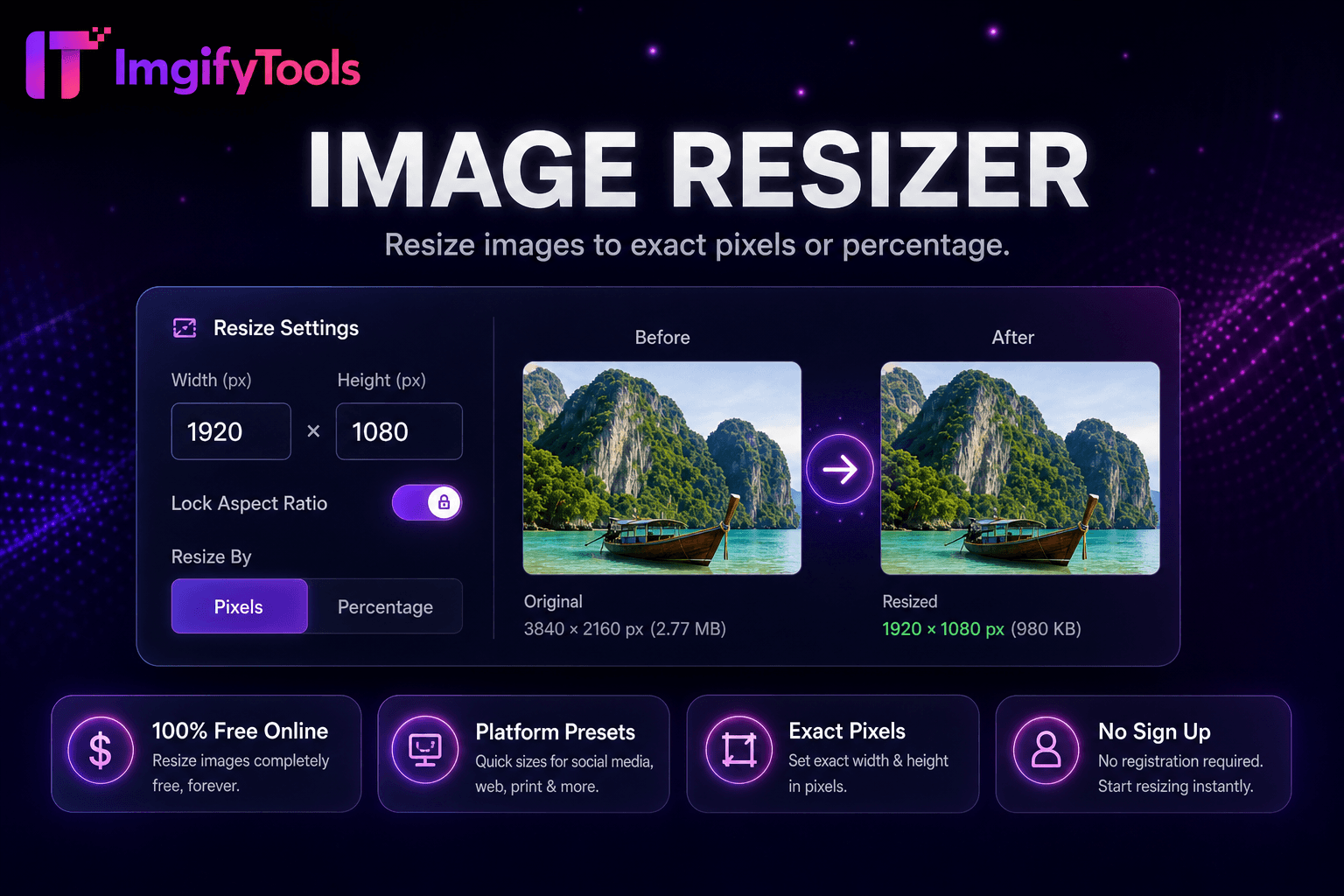
Komprimieren Sie Ihre Dateien vor dem Hochladen auf Shopify, WooCommerce oder Amazon, um die Dateirichtlinien der Plattform einzuhalten und die Geschwindigkeit der Storefront zu verbessern. E-Mail-Newsletter bleiben unter den Größenbeschränkungen des Anbieters, wenn Hero-Bilder den Kompressor mit einer Qualität von 75–85 durchlaufen. Entwickler mobiler Apps reduzieren die CDN-Bandbreitenkosten bei bildintensiven Feeds. Für Screenshots mit Text bevorzugen Sie PNG oder eine höhere JPEG-Qualität, um unscharfe Schriftarten zu vermeiden. Fotografen stellen Kunden-Webgalerien in weboptimierten Größen zur Verfügung und archivieren die Originale separat. Kombinieren Sie es mit dem Bild-Resizer, wenn Sie sowohl eine Dimensions- als auch eine Byte-Reduzierung benötigen. Führen Sie eine Massenkomprimierung aus, wenn Sie Medienbibliotheken nach einer Neugestaltung der Website migrieren.
Sehen Sie, wie unser kostenloses image compressor in Bezug auf Preis, Limits und Funktionen im Vergleich zu TinyPNG abschneidet.
| Funktion | ImgifyTools� | TinyPNG |
|---|---|---|
| Preis | Kostenlos mit Qualitätskontrollen | Kostenlos: 20 Bilder/Monat; Pro-Pläne verfügbar |
| Komprimierungsmethode | Intelligentes Qualitäts- und Größen-Targeting | Verlustbehaftete PNG/JPG-Optimierung |
| Formatunterstützung | JPG, PNG, WebP | Hauptsächlich PNG und JPG |
| Massenkomprimierung | Spezielles Bulk-Tool verfügbar | Bis zu 20 kostenlos pro Charge |
| Qualitätskontrolle | Einstellbarer Qualitätsschieber | Automatische Optimierung |
| API-Zugriff | Webbasiert, kein API-Schlüssel | Entwickler-API auf kostenpflichtiger Stufe |
| Herunterladen | Sofortiger Browser-Download | Sofortiger Download |
Verwandte Tools
Weitere Tools
Weitere spezialisierte Hilfsmittel für Ihren Workflow.