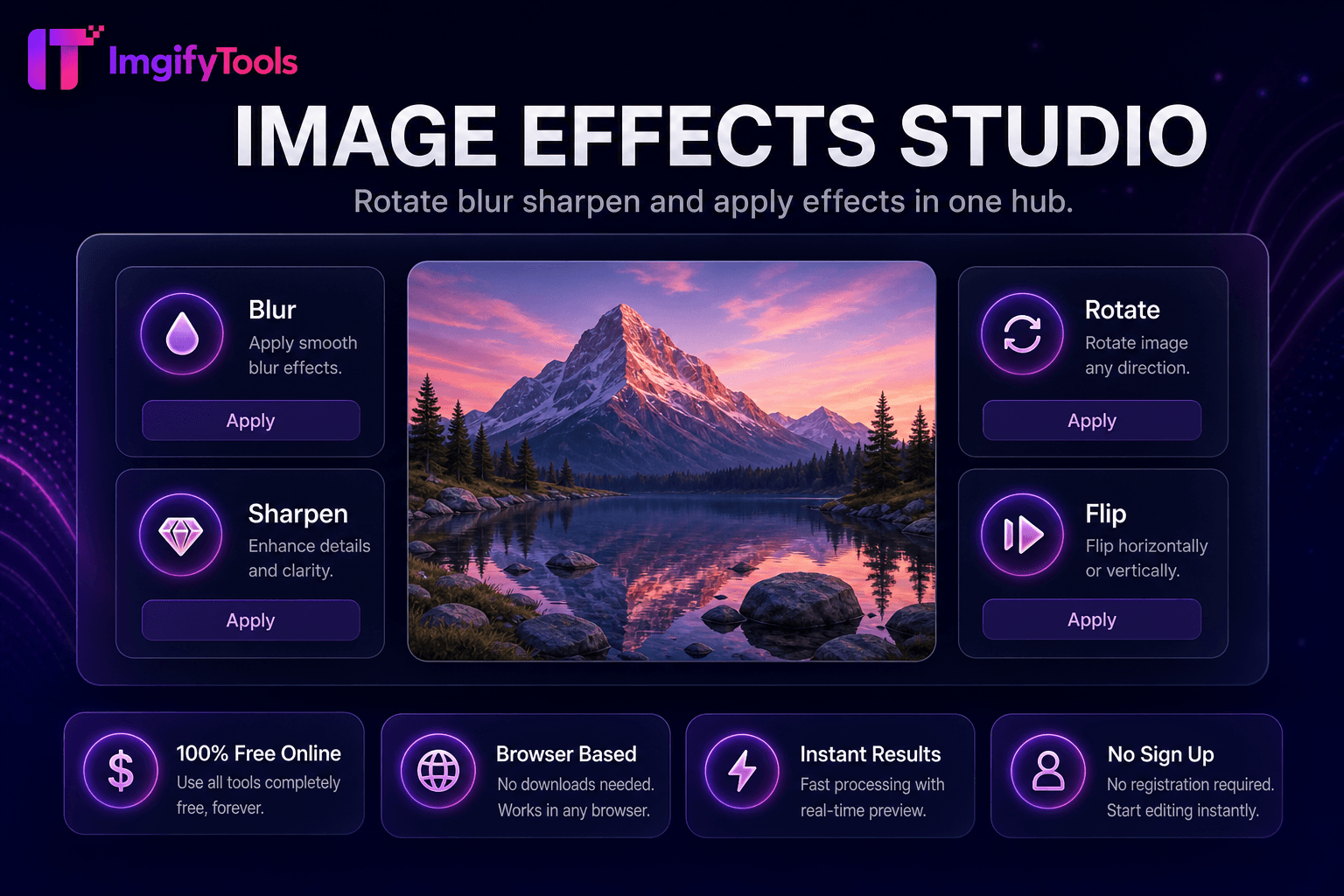
Image Effects Studio
Drehen, verwischen, schärfen und Effekte in einem Hub anwenden.
Tool startenBeschneiden Sie Bilder in Ihrem Browser mit Voreinstellungen für das Seitenverhältnis. Schnell, sicher und völlig kostenlos — keine Anmeldung erforderlich.
ImgifyTools Image Cropper schneidet Fotos mit interaktiven Seitenverhältnisvoreinstellungen und Freiformauswahl auf exakte Bereiche zu – wichtig, wenn Sie Kompositionen neu rahmen, Sensorrauschen von Kanten entfernen oder Motive für Miniaturansichten extrahieren. Fotografen begradigen implizit den Horizont durch die Neuausrichtung von Bildausschnitten. Sozialmanager stanzen aus Gruppenfotos quadratische Avatare heraus. Entwickler schneiden Screenshots von UI-Modellen zur Dokumentation auf. Die Voreinstellungen umfassen 1:1, 4:5, 16:9 und benutzerdefinierte Pixelfelder mit Ziehpunkten und Vorschauraster. Durch den zerstörungsfreien Workflow bleiben die Originale erhalten, während zugeschnittene Derivate exportiert werden. Das kostenlose Browser-Tool ersetzt das Öffnen vollständiger Editoren für einfache Zuschneideaufgaben. Kette mit Kompressor und Resizer für veröffentlichungsbereite Ausgaben, die den CMS- und Plattformspezifikationen entsprechen.
Laden Sie ein JPG-, PNG- oder WebP-Bild zum Zuschneiden hoch.
Ziehen Sie die Zuschneidepunkte oder wählen Sie die Voreinstellung für das Seitenverhältnis.
Positionieren Sie die Überlagerung für die gewünschte Komposition.
Vorschau des zugeschnittenen Bereichs in voller Auflösung.
Laden Sie die zugeschnittene Bilddatei herunter.
Im Gegensatz zu vielen anderen Plattformen, die Kompromisse bei der Qualität eingehen oder Ergebnisse hinter Paywalls verbergen, bietet ImgifyTools eine High-Fidelity-Ausgabe mit Fokus auf Geschwindigkeit und Benutzerschutz. Es ist keine Kontoerstellung erforderlich, um mit der Transformation Ihrer Bilder zu beginnen.
Canvas lädt das hochgeladene Bild mit einer ziehbaren Zuschnittüberlagerung, die das Ausgaberechteck definiert. Seitenverhältnissperren schränken die Proportionen für Instagram-Banner im Quadrat- oder Breitbildformat ein. Bei der Koordinatenkartierung wird der ausgewählte Pixelbereich aus der dekodierten Bitmap mit voller Quellauflösung extrahiert – kein vorzeitiges Herunterskalieren vor dem Zuschneiden. Beim Begradigen der Schnittstellenstützen kann eine Rotationskorrektur vor dem Zuschneiden erfolgen. Der Export kodiert den zugeschnittenen Bereich als JPG, PNG oder WebP mit optionalem Qualitätsregler. Die Echtzeitvorschau zeigt den endgültigen Rahmen vor dem Festschreiben.
Schneiden Sie DSLR-Fotos für Blog-Helden enger zu und entfernen Sie störende Randelemente. Extrahieren Sie Produkte aus Lifestyle-Aufnahmen für Hauptbilder des Marktplatzes. Verwenden Sie die 1:1-Voreinstellung vor dem Hochladen des Profilfotos. Kombinieren Sie die Drittelregel im Kopf – auch ohne Überlagerung sollten Sie bei Porträts den Blick auf die oberen Drittellinien richten. Führen Sie nach dem Zuschneiden den Social Media Resizer aus, wenn die Plattform über das reine Seitenverhältnis hinaus genaue Pixelabmessungen benötigt.
Sehen Sie, wie unser kostenloses image cropper in Bezug auf Preis, Limits und Funktionen im Vergleich zu iloveimg abschneidet.
| Funktion | ImgifyTools� | iloveimg |
|---|---|---|
| Preis | Kostenlose Größenänderung | Kostenlos mit Werbung; Prämie verfügbar |
| Voreingestellte Größen | Integrierte Voreinstellungen für soziale Netzwerke und Plattformen | Gängige Größenvoreinstellungen |
| Benutzerdefinierte Abmessungen | Genaue Pixelbreite und -höhe | Benutzerdefinierte Breite/Höhe |
| Seitenverhältnissperre | Option „Proportionen beibehalten“. | Seitenverhältnis sperren |
| Stapelgröße ändern | Plattform- und Massenwerkzeuge | Charge auf Premium |
| Ausgabequalität | Qualitätsschieberegler verfügbar | Standardkomprimierung |
| Ausgabe formatieren | JPG, PNG, WebP | Mehrere Formate |
Verwandte Tools
Drehen, verwischen, schärfen und Effekte in einem Hub anwenden.
Tool starten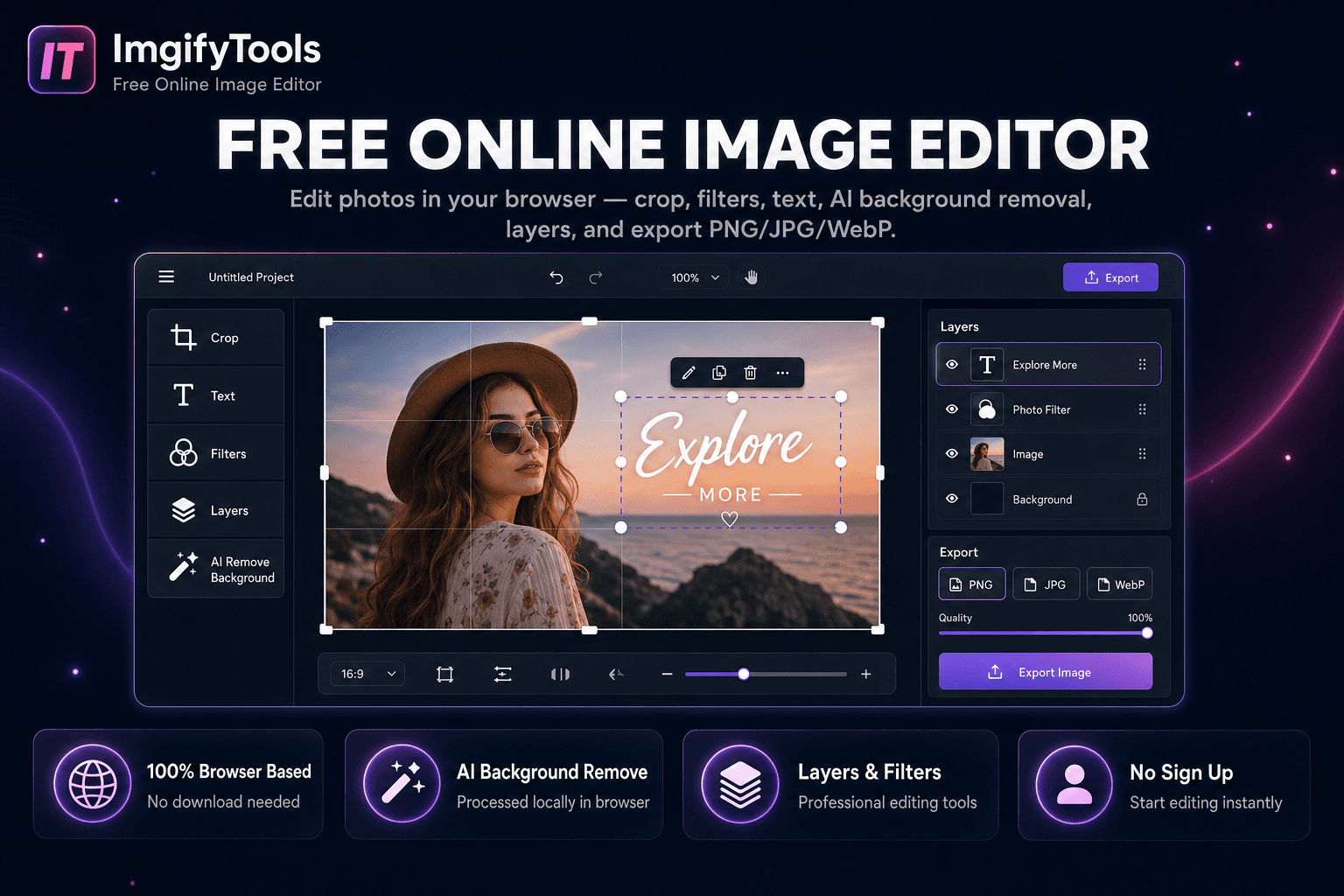
Fotos im Browser bearbeiten — zuschneiden, Text, KI-Hintergrundentfernung und PNG/JPG/WebP-Export.
Tool starten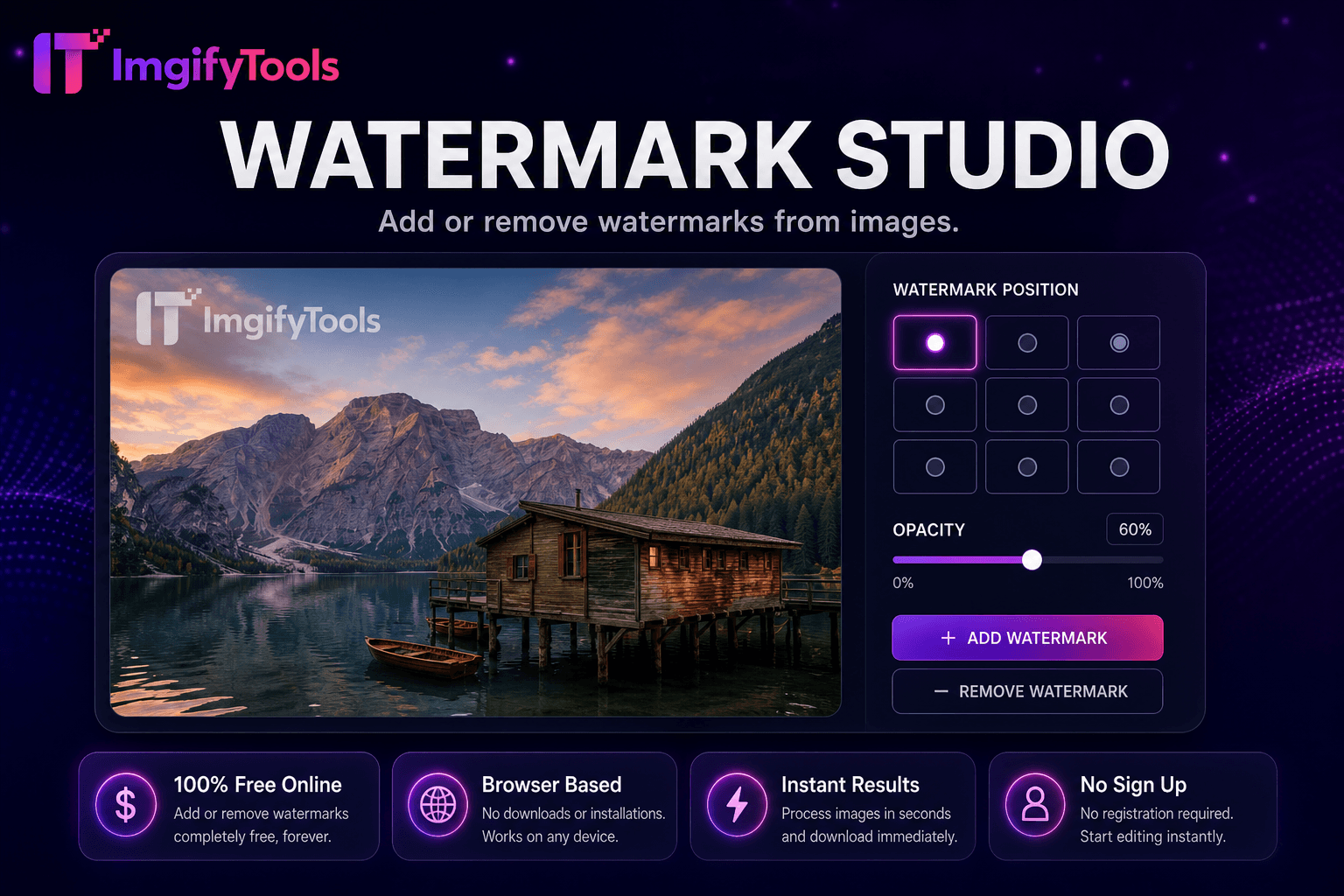
Fügen Sie Wasserzeichen zu Bildern hinzu oder entfernen Sie sie.
Tool startenWeitere Tools
Weitere spezialisierte Hilfsmittel für Ihren Workflow.
Drehen, verwischen, schärfen und Effekte in einem Hub anwenden.
Tool startenFotos im Browser bearbeiten — zuschneiden, Text, KI-Hintergrundentfernung und PNG/JPG/WebP-Export.
Tool startenFügen Sie Wasserzeichen zu Bildern hinzu oder entfernen Sie sie.
Tool starten