PNG to JPG Converter
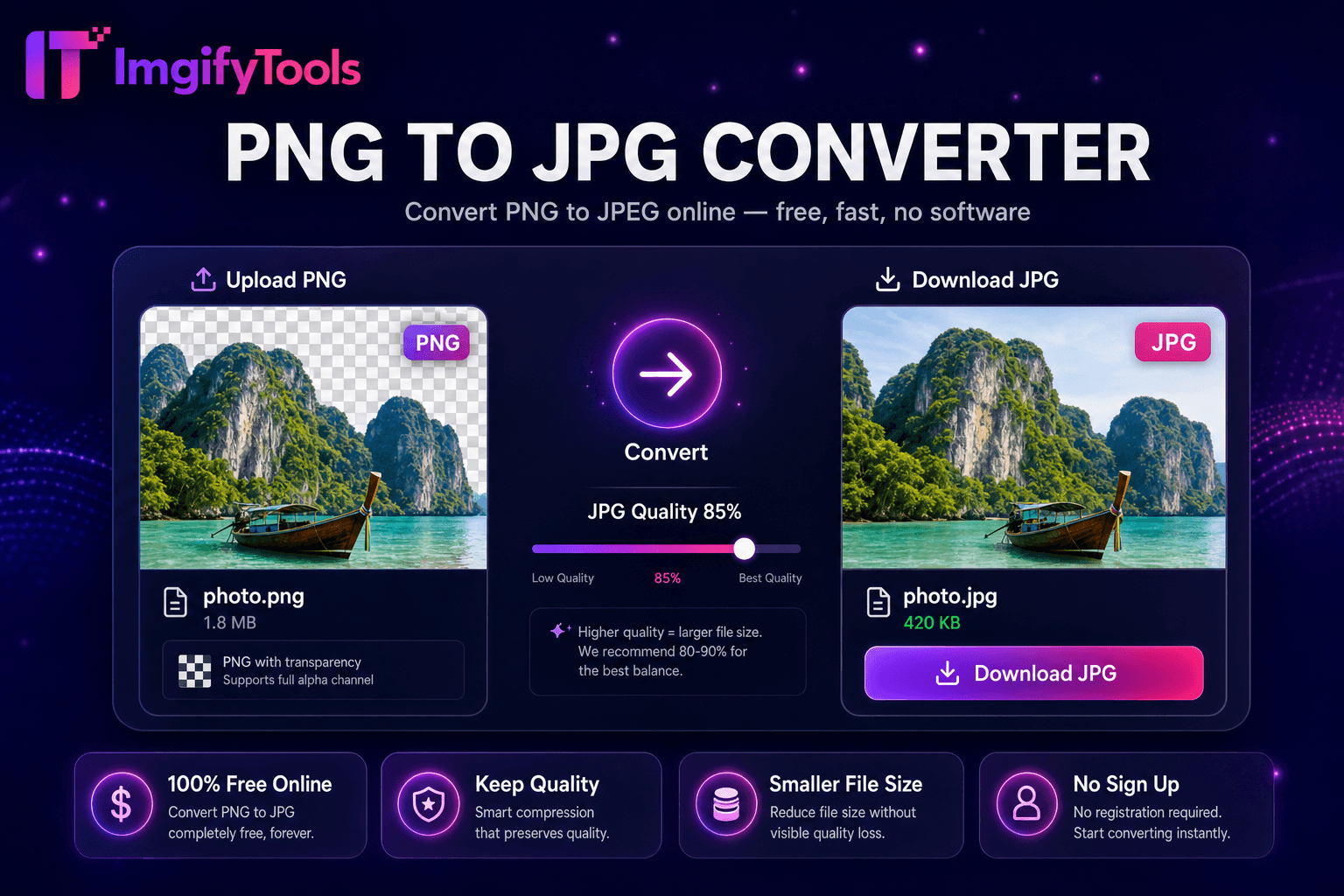
Konvertieren Sie PNG-Bilder kostenlos online in JPG.
Tool startenKonvertieren Sie JPG in PNG mit Transparenzunterstützung. Schnell, sicher und völlig kostenlos — keine Anmeldung erforderlich.
ImgifyTools JPG to PNG Converter wandelt JPEG-Fotos in verlustfreies PNG-Format um, wenn Sie Transparenz-Workflows, verlustfreie Archivkopien oder Kompatibilität mit Design-Tools benötigen, die PNG-Eingaben bevorzugen. JPG-Komprimierungsartefakte werden dauerhaft, sobald Sie Alphakanäle für das Compositing benötigen. Durch die Konvertierung zu Beginn einer Design-Pipeline bleibt die maximal verfügbare Qualität vor der weiteren Bearbeitung erhalten. Grafikdesigner importieren JPG-Kundenfotos für Masken- und Overlay-Arbeiten in PNG. Entwickler konvertieren JPG-UI-Assets, wenn verlustfreie PNG-Roundtrips in Git-Diffs eine Rolle spielen. Druckereien fordern PNG für bestimmte RIP-Workflows von JPG-Kameraoriginalen an. Das Tool dekodiert JPEG, skaliert optional nur in Kombination mit anderen Tools hoch und kodiert PNG ohne zusätzliche verlustbehaftete Durchläufe über die bereits vorhandenen JPEG-Artefakte der Quelle hinaus neu. Hochladen, Konvertieren, Herunterladen in Sekunden. Kostenlos und browserbasiert für unbegrenzte alltägliche Formatwechsel.
Laden Sie Ihre JPG- oder JPEG-Datei hoch.
Bestätigen Sie die Konvertierungseinstellungen – PNG ist aus dekodierten JPG-Pixeln verlustfrei.
Verarbeiten Sie die Konvertierung und beachten Sie die zunehmende Größe der Ausgabedatei.
Laden Sie das PNG zum Entwerfen, Drucken oder weiteren Bearbeiten herunter.
Optional: Führen Sie den Hintergrundentferner aus, um dem PNG Transparenz zu verleihen.
Im Gegensatz zu vielen anderen Plattformen, die Kompromisse bei der Qualität eingehen oder Ergebnisse hinter Paywalls verbergen, bietet ImgifyTools eine High-Fidelity-Ausgabe mit Fokus auf Geschwindigkeit und Benutzerschutz. Es ist keine Kontoerstellung erforderlich, um mit der Transformation Ihrer Bilder zu beginnen.
Durch die JPEG-Dekodierung werden DCT-komprimierte Blöcke zu einer vollständigen RGB-Bitmap erweitert. Die PNG-Kodierung schreibt diese Bitmap verlustfrei mit optionaler Palettenoptimierung für flache Grafiken. Der Alphakanal bleibt bestehen, es sei denn, Sie kombinieren ihn mit einem Hintergrundentferner, um anschließend Transparenz hinzuzufügen. Metadaten wie die EXIF-Ausrichtung können je nach Pipeline-Einstellungen entfernt oder erhalten bleiben – überprüfen Sie die Ausrichtung auf mobilen Fotos nach dem Download. Die Größe der Ausgabedatei nimmt im Vergleich zum Quell-JPG häufig zu, da PNG Pixel ohne verlustbehaftete Komprimierung speichert. Verwenden Sie es, wenn die Formatanforderungen die Größenbedenken überwiegen. Die Verarbeitung erfolgt serverseitig mit sofortigen Download-Links.
Konvertieren Sie JPG-Produktfotos vor dem Entfernen des Hintergrunds in PNG, um sauberere Alpha-Kanten in Design-Tools zu erhalten. Archivare speichern PNG-Kopien wichtiger JPG-Scans, um einen Generationsverlust bei wiederholten Nachbearbeitungen zu verhindern. Game-Modder konvertieren Textur-JPGs in PNG, wenn Engines verlustfreie Eingaben erfordern. Erwarten Sie größere Dateien – komprimieren oder ändern Sie die Größe nach der PNG-Konvertierung, wenn die Bereitstellung im Internet das Ziel ist. Bei Web mit Transparenz liefert PNG-to-WebP oft kleinere Ergebnisse. Konvertieren Sie JPG nicht in PNG und erwarten Sie keine Qualitätswiederherstellung. Beginnen Sie mit der hochwertigsten verfügbaren JPG-Datei.
Die Umwandlung von JPG in PNG und das Hinzufügen von Transparenz sind zwei verschiedene Schritte. Eine JPG-zu-PNG-Konvertierung erzeugt ein opakes PNG mit weißem oder farbigem Hintergrund. Um diesen Hintergrund zu entfernen und ein echtes transparentes PNG zu erstellen, konvertieren Sie zuerst und führen Sie das Bild durch unseren AI-Hintergrundentferner. Dieser zweistufige Workflow entspricht dem, wie Top-Konkurrenten wie Adobe Express und Pixelcut die Formatkonvertierung von der Hintergrundentfernung trennen.
Sehen Sie, wie unser kostenloses jpg to png converter in Bezug auf Preis, Limits und Funktionen im Vergleich zu Adobe Express abschneidet.
| Funktion | ImgifyTools� | Adobe Express |
|---|---|---|
| Preis | Kostenlose, unbegrenzte Konvertierungen | Kostenlos mit Werbung; Premium hebt Grenzen auf |
| Formatabdeckung | PNG, JPG, WebP, ⟦1, AVIF, PDF | Unterstützung für Großformate |
| Stapelkonvertierung | Hub unterstützt mehrere Tools | Charge auf Premium |
| Qualitätseinstellungen | Qualität erhalten oder optimieren | Voreinstellungen in Standardqualität |
| Privatsphäre | Keine dauerhafte Speicherung | Temporäre Cloud-Verarbeitung |
| Geschwindigkeit | Schnelle serverseitige Konvertierung | Schnelle Cloud-Verarbeitung |
| Zusätzliche Werkzeuge | Vollständige Suite auf einer Plattform | Separate Tool-Seiten |
Verwandte Tools
Weitere Tools
Weitere spezialisierte Hilfsmittel für Ihren Workflow.