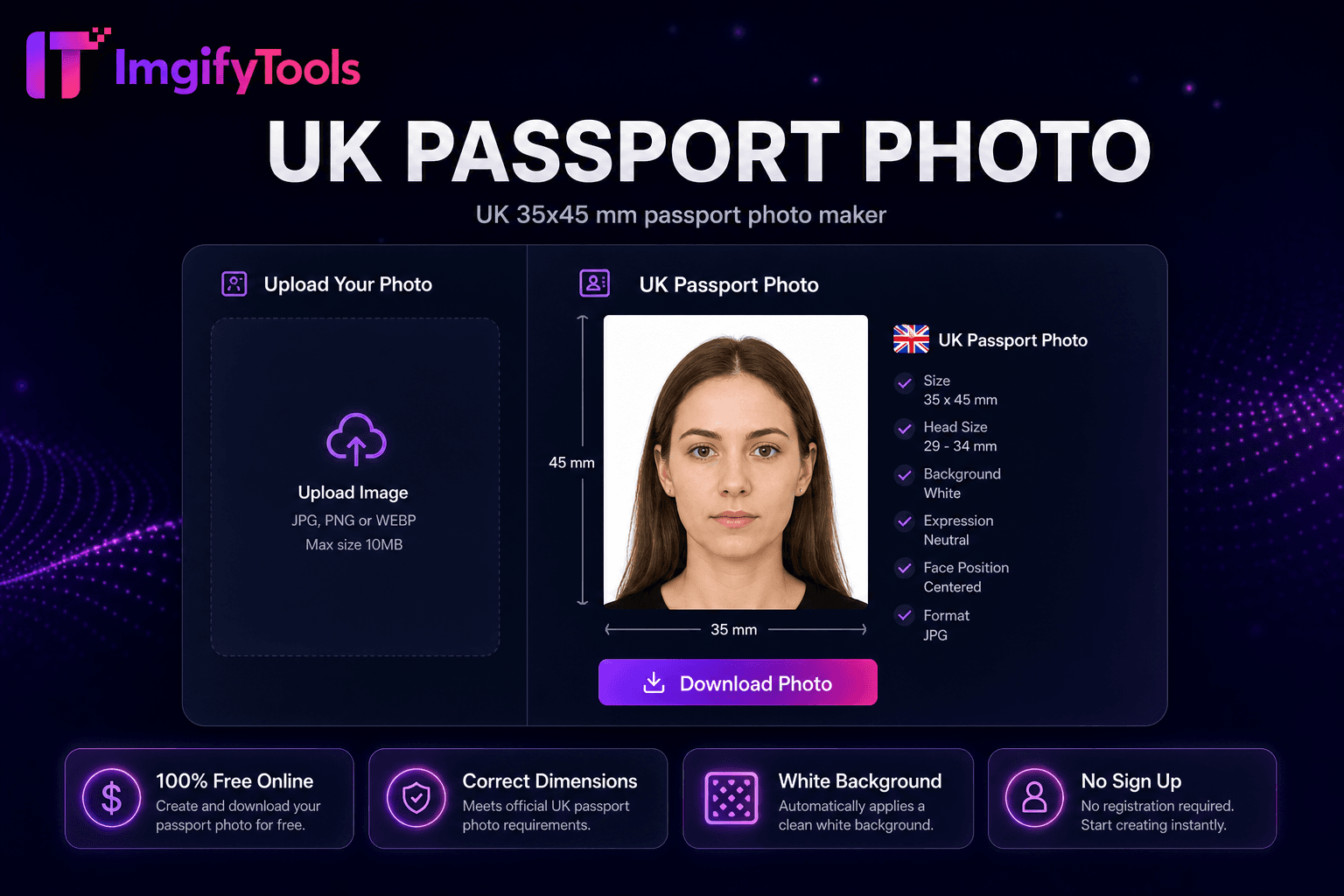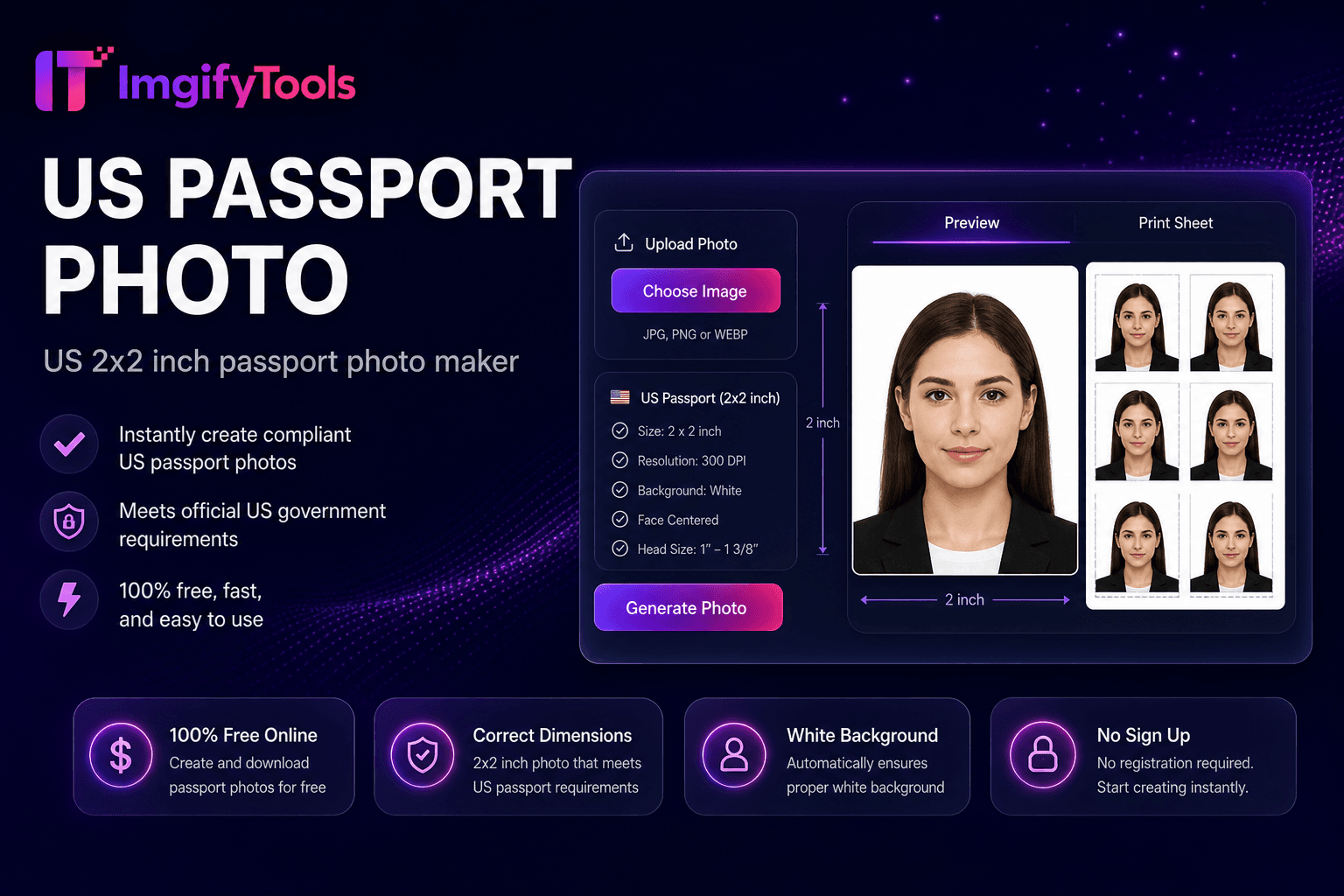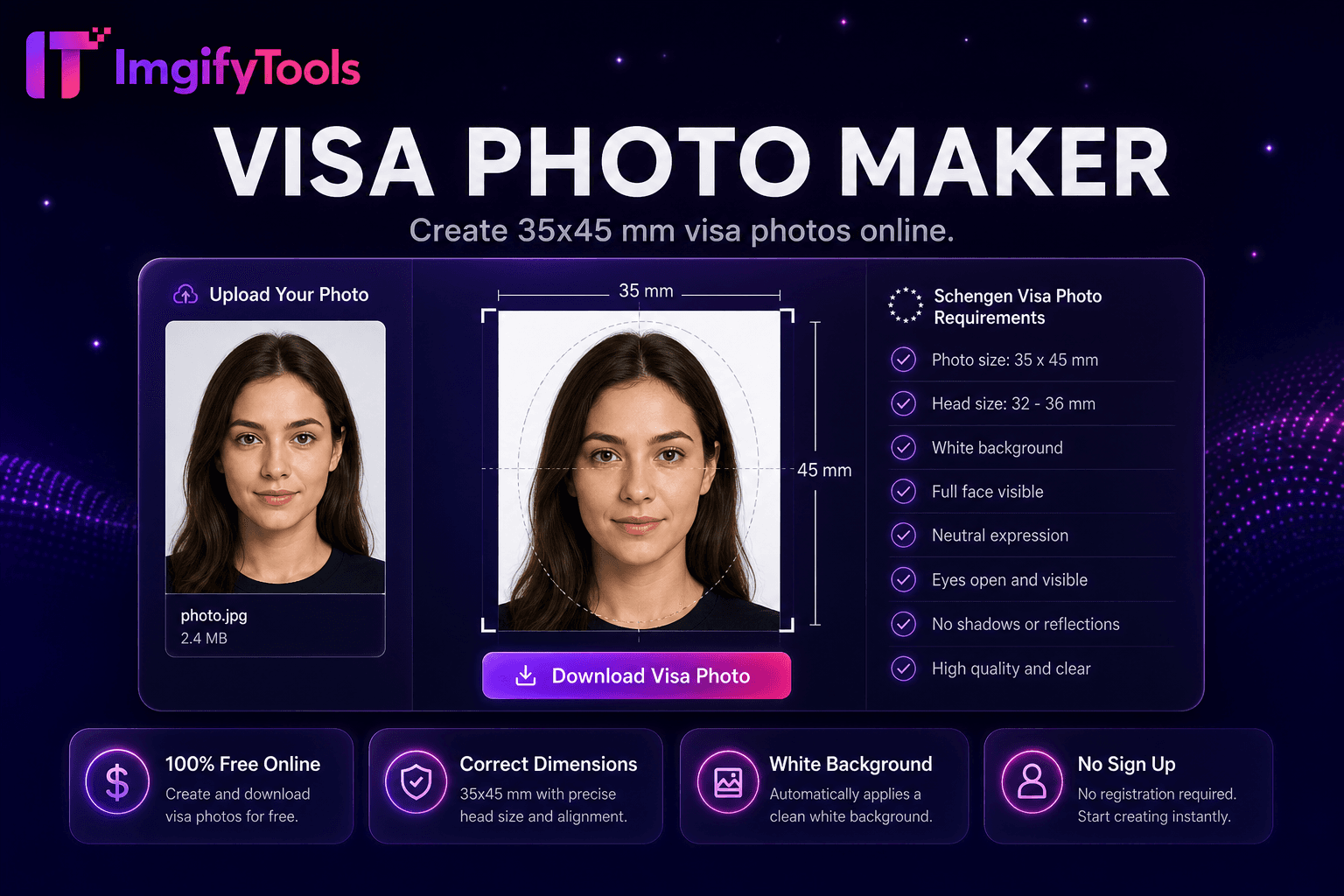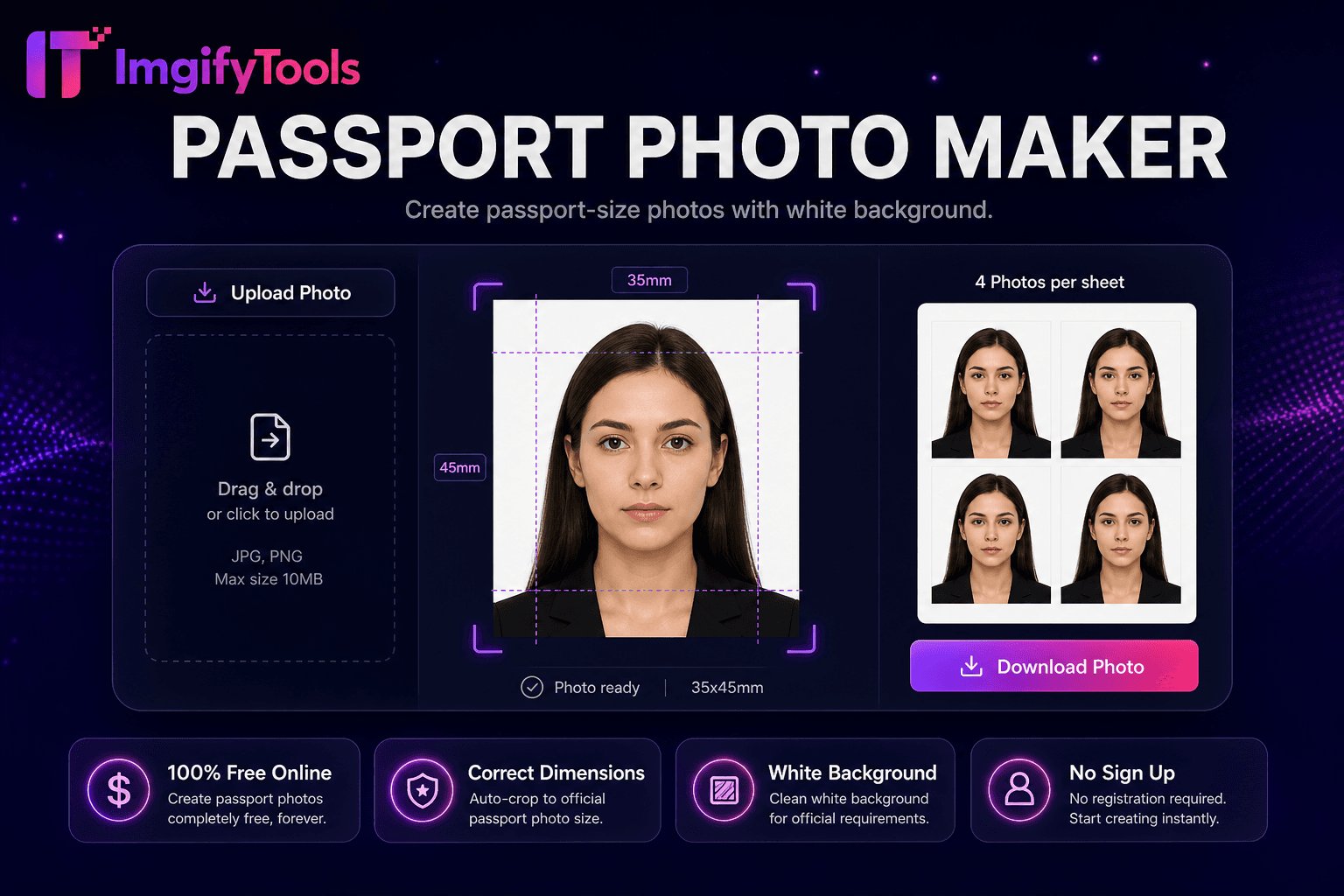
Passport Photo Maker
Erstellen Sie Passfotos mit weißem Hintergrund.
Tool startenKanada 50×70 mm Passfotohersteller. Schnell, sicher und völlig kostenlos — keine Anmeldung erforderlich.
ImgifyTools Canada Passport Photo Maker formatiert Porträts gemäß den Passspezifikationen von Immigration, Refugees and Citizenship Canada und Service Canada auf 50 x 70 Millimeter – höheres Seitenverhältnis als US- oder UK-Standards, schlichter weißer oder heller Hintergrund, neutraler Ausdruck und beide Augen deutlich sichtbar. Kanadische Bewerber lehnen Heimversuche häufig ab, wenn die Kopfgröße oder die Hintergrundtönung außerhalb der IRCC-Toleranz liegt. Nehmen Sie mit ausgewogenem Licht direkt vor der Kamera auf. Hochladen für automatische Gesichtsausrichtung, 50×70-mm-Zuschnitt und Ersetzen des weißen Hintergrunds. Digitale PR- und Bürgerportale legen Pixel- und Dateigrößenbeschränkungen fest – komprimieren Sie nach dem Export bei Bedarf mit Größenänderungstools. Laden Sie Drucklayouts für Shoppers Drug Mart, Costco und unabhängige Fotolabore herunter, die mit den Abmessungen kanadischer Pässe vertraut sind. Kostenlose, unbegrenzte Wiederholungen helfen Eltern dabei, Kleinkinder einzufangen, die die Regeln „keine andere Person sichtbar“ einhalten. Überprüfen Sie vor der Einreichung die Checklisten von ircc.canada.ca und Service Canada, da die Anforderungen an zweisprachige Formulare und die Gültigkeitsdauer von Fotos landesweit gelten, auch in abgelegenen Gemeinden im Norden, die auf per Post versandte Bewerbungen angewiesen sind.
Jurisdiction: Einwanderung, Flüchtlinge und Staatsbürgerschaft Kanada (IRCC) / Passport-Programm. Last checked against the official source on 2026-08-09.
Offizielle Passfotoregeln können sich ändern. Überprüfen Sie immer die verknüpfte Regierungsquelle, bevor Sie einen Antrag stellen.
Dieses Tool hilft bei der Vorbereitung von Ernte, Größe und Hintergrund. Es garantiert keine Akzeptanz durch einen Pass, ein Visum oder eine ID-Behörde.
View official government sourceMachen Sie ein nach vorne gerichtetes Foto mit weißem oder hellem Wandhintergrund.
Hochladen in den kanadischen Passfoto-Maker.
AI schneidet mit IRCC-Kopfgrößenführungen auf 50 x 70 mm zu.
Stellen Sie sicher, dass der Hintergrund weiß und der Ausdruck neutral ist.
Laden Sie ein digitales JPG- oder Druckblatt für Service Canada herunter.
Im Gegensatz zu vielen anderen Plattformen, die Kompromisse bei der Qualität eingehen oder Ergebnisse hinter Paywalls verbergen, bietet ImgifyTools eine High-Fidelity-Ausgabe mit Fokus auf Geschwindigkeit und Benutzerschutz. Es ist keine Kontoerstellung erforderlich, um mit der Transformation Ihrer Bilder zu beginnen.
Die Pipeline erkennt die Gesichtsgeometrie und skaliert die Kopfhöhe innerhalb der vom IRCC definierten Proportionen für eine 50×70-mm-Ausgabe – Kinn bis zum Scheitel des Kopfes nehmen den vorgeschriebenen Bildprozentsatz ein, wobei das Gesicht zentriert ist. Durch die Hintergrundentfernung werden weiße oder helle neutrale Füllungen ohne Schatten oder Textur erzwungen. Beim Zuschneiden wird das Seitenverhältnis 5:7 bei der gewählten DPI genau auf die Millimeterangaben beibehalten. Die Belichtungskorrektur gleicht häufige Farbstiche von LED-Lampen in Innenräumen aus. Der Export liefert JPG-Formate für Online-IRCC-Uploads und optionale Druckbögen mit mehreren 50×70-mm-Kopien auf 4×6- oder Letter-Papier. Die Hilfslinien überlagern die Markierungen für die Augenlinie und das Kinn und entsprechen den gedruckten Beispielen von Service Canada. Durch die Verarbeitung bleiben Hauttöne auf natürliche Weise erhalten, ohne Schönheitsfilter, die gegen die Regel „Keine Retusche, die das Aussehen verändert“ verstoßen.
Erneuern Sie kanadische Pässe per Post oder in Service Canada-Zentren mit gedruckten 50×70-mm-Fotos von zu Hause aus. Bei Anträgen auf Daueraufenthaltskarten und Staatsbürgerschaften wird derselbe Dimensionsstandard wiederverwendet – konforme Exporte werden wiederverwendet, wenn die Formulare übereinstimmen. Tragen Sie schlichte Alltagskleidung; Von Uniformen wird abgeraten, es sei denn, es handelt sich um religiöse Alltagskleidung. Religiöse Kopfbedeckungen sind erlaubt, wenn das ganze Gesicht vom Kinn bis zur Stirn sichtbar ist. Fotografieren Sie Babys auf weißen Decken gemäß den Anweisungen für Kleinkinder auf der IRCC-Website. Fototheken im Einzelhandel akzeptieren konforme Dateien – bringen Sie als Backup eine digitale Kopie auf Ihrem Telefon mit. Kombinieren Sie es mit einem Bild-DPI-Konverter, wenn die Laborsoftware 300-DPI-Metadaten zu Pixelabmessungen anfordert.
Sehen Sie, wie unser kostenloses canada passport photo in Bezug auf Preis, Limits und Funktionen im Vergleich zu photoaid.com abschneidet.
| Funktion | ImgifyTools� | photoaid.com |
|---|---|---|
| Preis | Kostenloses Passfoto für Kanada | Kostenlos digital; extra ausdrucken |
| 50 × 70 mm | IRCC-Größenvoreinstellung | Kanada-Vorlagenvalidierung |
| Hintergrund | Automatische Weiß/Hell-Füllung | Compliance-Hintergrund |
| Digitales IRCC | Portalfähiger JPG-Export | Digitale Optionen |
Multi-Foto-Blatt | Abholservice für Drucksachen | |
| Wiederholungen | Unbegrenzt kostenlos | Bezahlte Finals auf einigen Ebenen |
| Gesichtsausschnitt | KI-Anpassung an IRCC-Guides | Automatische Positionierung |
Weitere Tools
Weitere spezialisierte Hilfsmittel für Ihren Workflow.