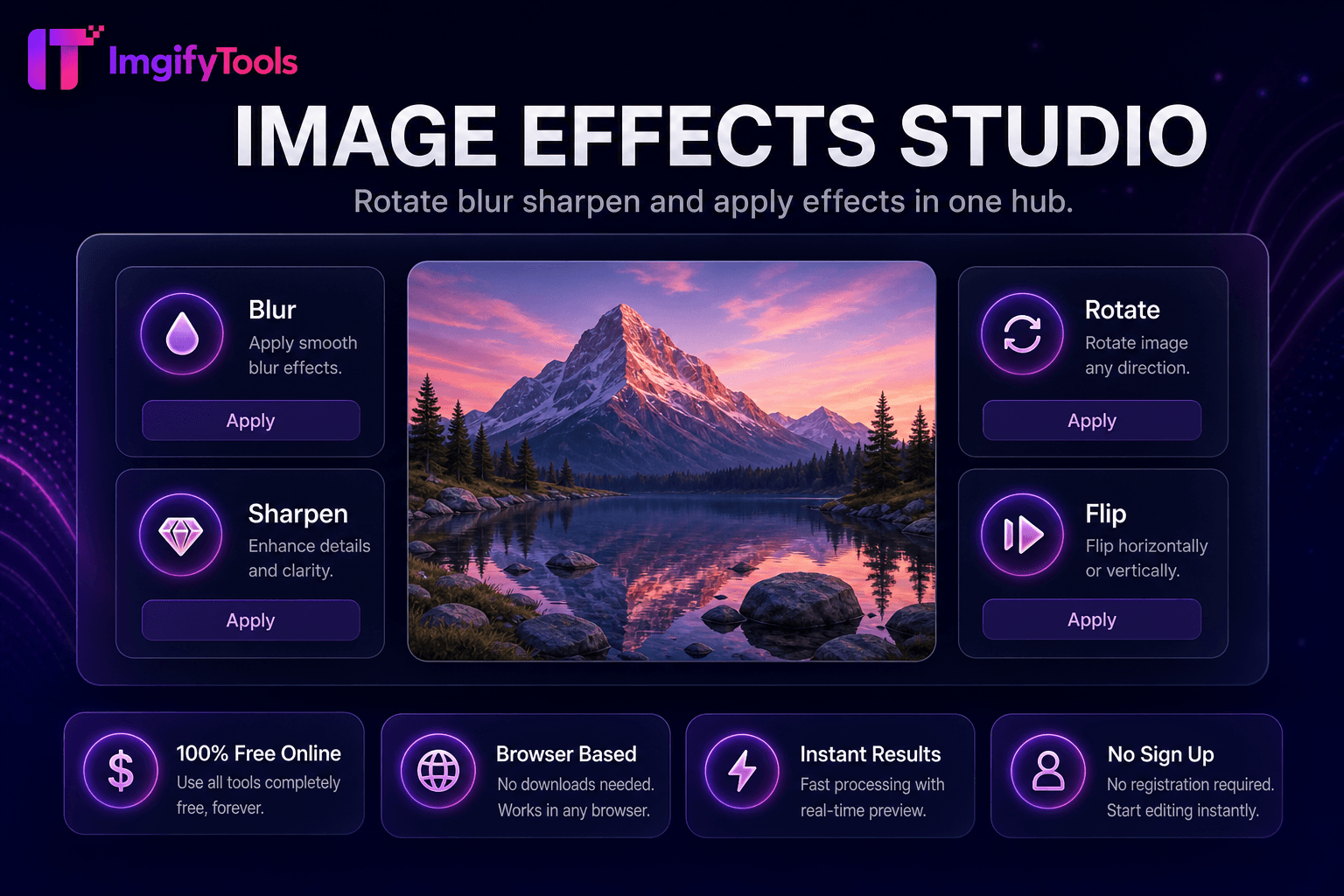
Image Effects Studio
Drehen, verwischen, schärfen und Effekte in einem Hub anwenden.
Tool startenFügen Sie Wasserzeichen zu Bildern hinzu oder entfernen Sie sie. Schnell, sicher und völlig kostenlos — keine Anmeldung erforderlich.
ImgifyTools Watermark schützt und kennzeichnet Ihre Fotos, indem es Logos, Urheberrechtshinweise oder sich wiederholende Textmuster in die Bilder einbettet, bevor Sie sie online veröffentlichen. Fotografen verhindern Gelegenheitsdiebstahl auf Portfolio-Websites. Stock-Mitwirkende markieren Vorschauen vor dem Lizenzfinale. Influencer sorgen für eine konsistente @handle-Sichtbarkeit, wenn Inhalte erneut gepostet werden. Agenturen bringen während der Überprüfungszyklen Kundenlogos auf Proof-Galerien an. Konfigurieren Sie Deckkraft, Skalierung, Eckplatzierung oder Kachelmuster, damit Markierungen für Betrachter sichtbar bleiben, das Bildmaterial jedoch nicht überdecken. Laden Sie PNG-Logos mit Transparenz hoch, um saubere Überlagerungen auf jedem Hintergrundton zu erzielen. Batch-Workflows werden mit Komprimierung für die Webbereitstellung kombiniert. Im Gegensatz zu zerstörerischen Aufklebern auf sozialen Plattformen verbreiten sich herunterladbare, mit Wasserzeichen versehene Dateien mit Ihrer Arbeit durch Foren, Blogs und Marktplätze. Kostenlos, sofort und browserbasiert – schützen Sie jahrelange kreative Ergebnisse mit einer konsistenten visuellen Signatur.
Laden Sie das Foto hoch, das Sie schützen oder kennzeichnen möchten.
Fügen Sie ein PNG-Logo hinzu oder geben Sie ein Wasserzeichen mit Copyright-Text ein.
Wählen Sie in der Vorschau Platzierung, Skalierung und Deckkraft.
Überprüfen Sie, wie die Markierung in hellen und dunklen Bildbereichen erscheint.
Laden Sie das mit Wasserzeichen versehene Bild zur Veröffentlichung oder Lieferung an den Kunden herunter.
Im Gegensatz zu vielen anderen Plattformen, die Kompromisse bei der Qualität eingehen oder Ergebnisse hinter Paywalls verbergen, bietet ImgifyTools eine High-Fidelity-Ausgabe mit Fokus auf Geschwindigkeit und Benutzerschutz. Es ist keine Kontoerstellung erforderlich, um mit der Transformation Ihrer Bilder zu beginnen.
Laden Sie Ihr Foto und optional ein PNG-Logo mit Alpha-Transparenz hoch. Wählen Sie Platzierungsvoreinstellungen – Ecken, Mitte oder gekachelte diagonale Wiederholungen – und stellen Sie die Deckkraft von dezent (15–25 %) bis auffällig (60 %+) ein. Der Compositor skaliert das Wasserzeichen relativ zu den Bildabmessungen, sodass die Markierungen sowohl bei Telefon-Schnappschüssen als auch bei hochauflösenden DSLR-Exporten proportional bleiben. Textbasierte Wasserzeichen werden aus Ihrer eingegebenen Copyright-Zeichenfolge mit wählbarer Größe und Farbe gerendert. Beim Exportieren wird ein neues, abgeflachtes JPG oder PNG erstellt. Originale bleiben unberührt. Gekachelte Muster verhindern den Diebstahl von Feldfrüchten in weiten Landschaften. Die Verarbeitung ist bei typischen Webauflösungen in Sekunden abgeschlossen.
Portfoliofotografen verwenden Logos in der unteren rechten Ecke mit einer Deckkraft von 20 % – sichtbar, aber nicht störend. Proof-Galerien für Hochzeitskunden tragen bis zur endgültigen Zahlung große halbtransparente Mittelmarkierungen. E-Commerce-Marken fügen dezente Logos auf Lookbook-Bildern ein, die sie mit Einzelhändlern teilen. Verwenden Sie PNG-Logos mit transparentem Hintergrund; Weiße Logos versagen bei hellem Himmel ohne Schattenstrich. Kombinieren Sie es nach dem Wasserzeichen mit einem Bildkompressor, um geschützte Dateien für die CDN-Bereitstellung zu optimieren. Für maximale Abschreckung kombinieren Sie sichtbare Wasserzeichen mit dem Metadaten-Copyright in Ihrem CMS.
Sehen Sie, wie unser kostenloses watermark studio in Bezug auf Preis, Limits und Funktionen im Vergleich zu iloveimg abschneidet.
| Funktion | ImgifyTools� | iloveimg |
|---|---|---|
| Preis | Kostenloses Wasserzeichen-Tool | Kostenlos mit Werbung; Premium hebt Grenzen auf |
| Logo-Wasserzeichen | PNG-Logo mit Transparenzunterstützung | Hochladen von Bildwasserzeichen |
| Textwasserzeichen | Copyright-Text mit Deckkraftkontrolle | Textwasserzeichen verfügbar |
| Platzierungsmöglichkeiten | Ecken, Mitte und gekachelte Muster | Grundpositionsvoreinstellungen |
| Anmeldung erforderlich | Kein Konto erforderlich | Optionales Konto für den Verlauf |
| Privatsphäre | In der Sitzung verarbeitet, nicht gespeichert | Temporäre Cloud-Verarbeitung |
| Deckkraftkontrolle | Einstellbarer Transparenzschieber | Begrenzte Deckkrafteinstellungen |
Verwandte Tools
Drehen, verwischen, schärfen und Effekte in einem Hub anwenden.
Tool starten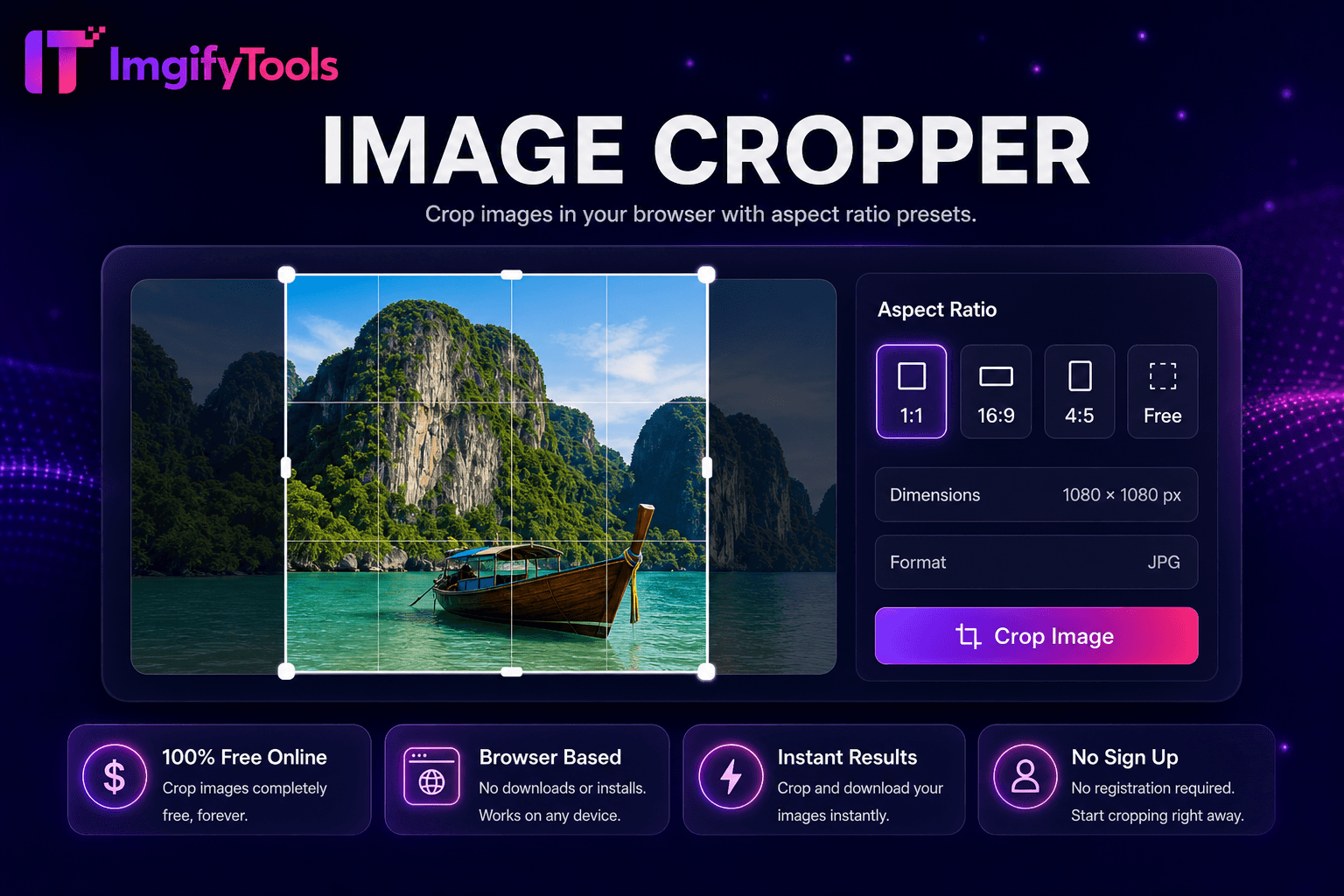
Beschneiden Sie Bilder in Ihrem Browser mit Voreinstellungen für das Seitenverhältnis.
Tool starten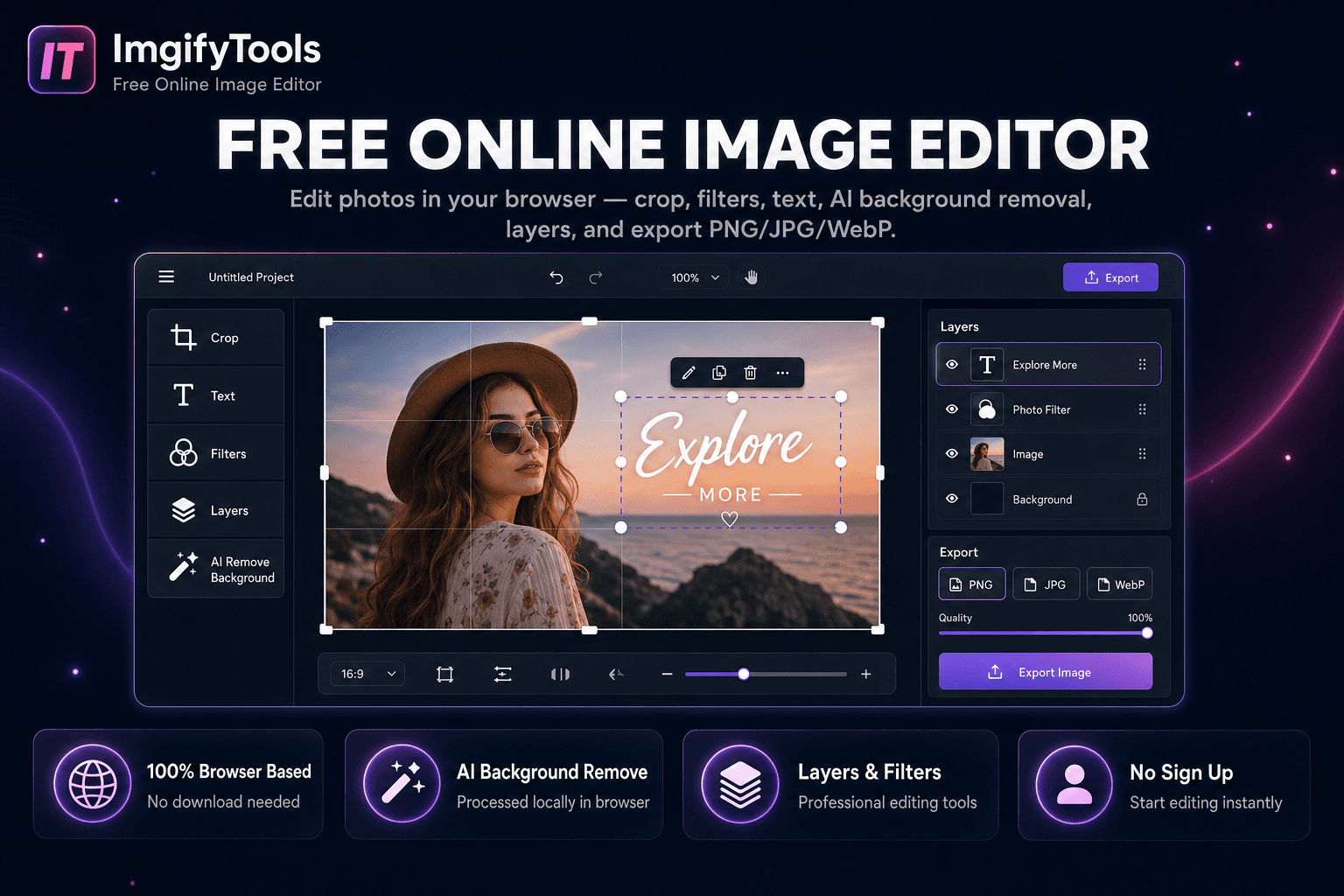
Fotos im Browser bearbeiten — zuschneiden, Text, KI-Hintergrundentfernung und PNG/JPG/WebP-Export.
Tool startenWeitere Tools
Weitere spezialisierte Hilfsmittel für Ihren Workflow.
Drehen, verwischen, schärfen und Effekte in einem Hub anwenden.
Tool startenBeschneiden Sie Bilder in Ihrem Browser mit Voreinstellungen für das Seitenverhältnis.
Tool startenFotos im Browser bearbeiten — zuschneiden, Text, KI-Hintergrundentfernung und PNG/JPG/WebP-Export.
Tool starten