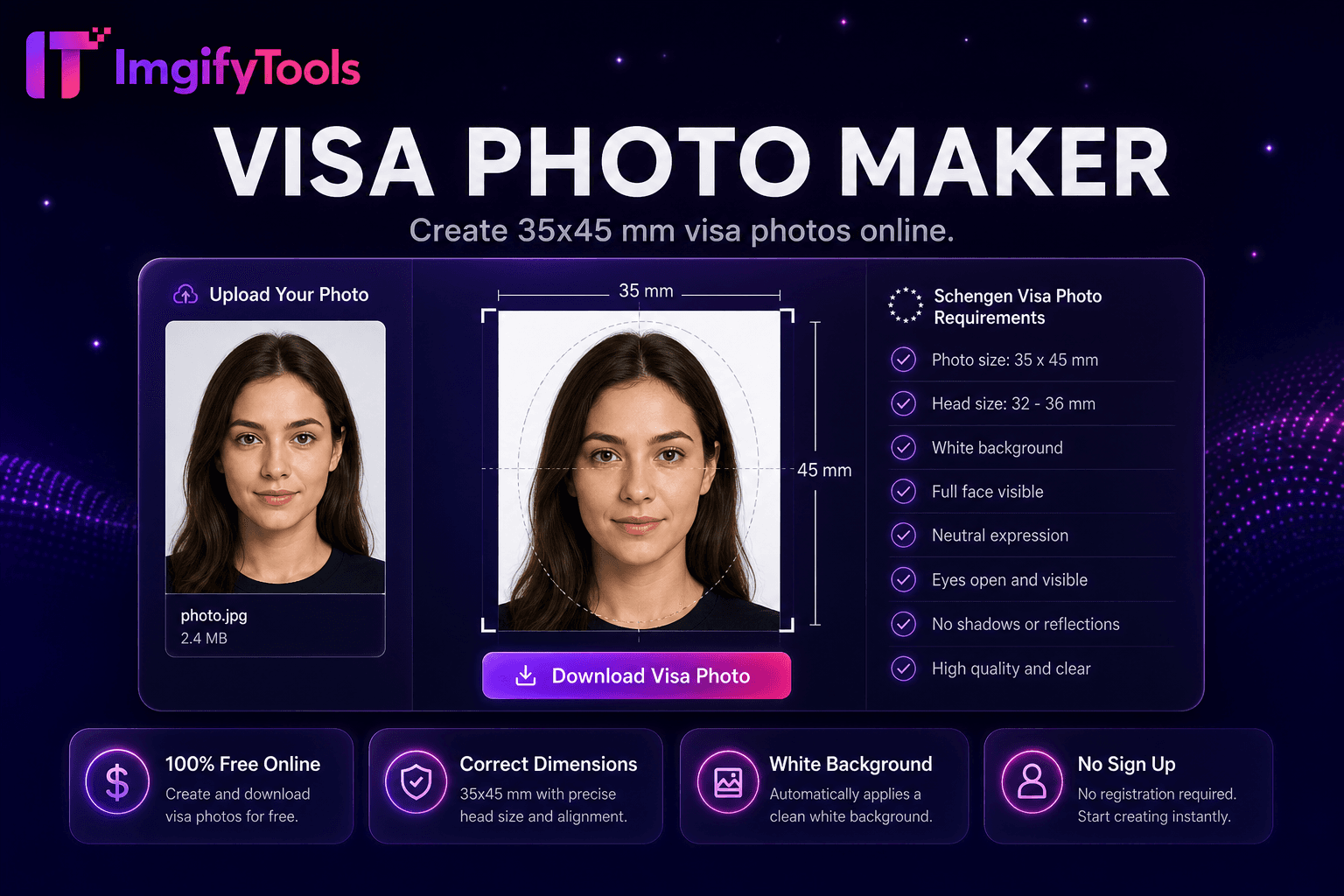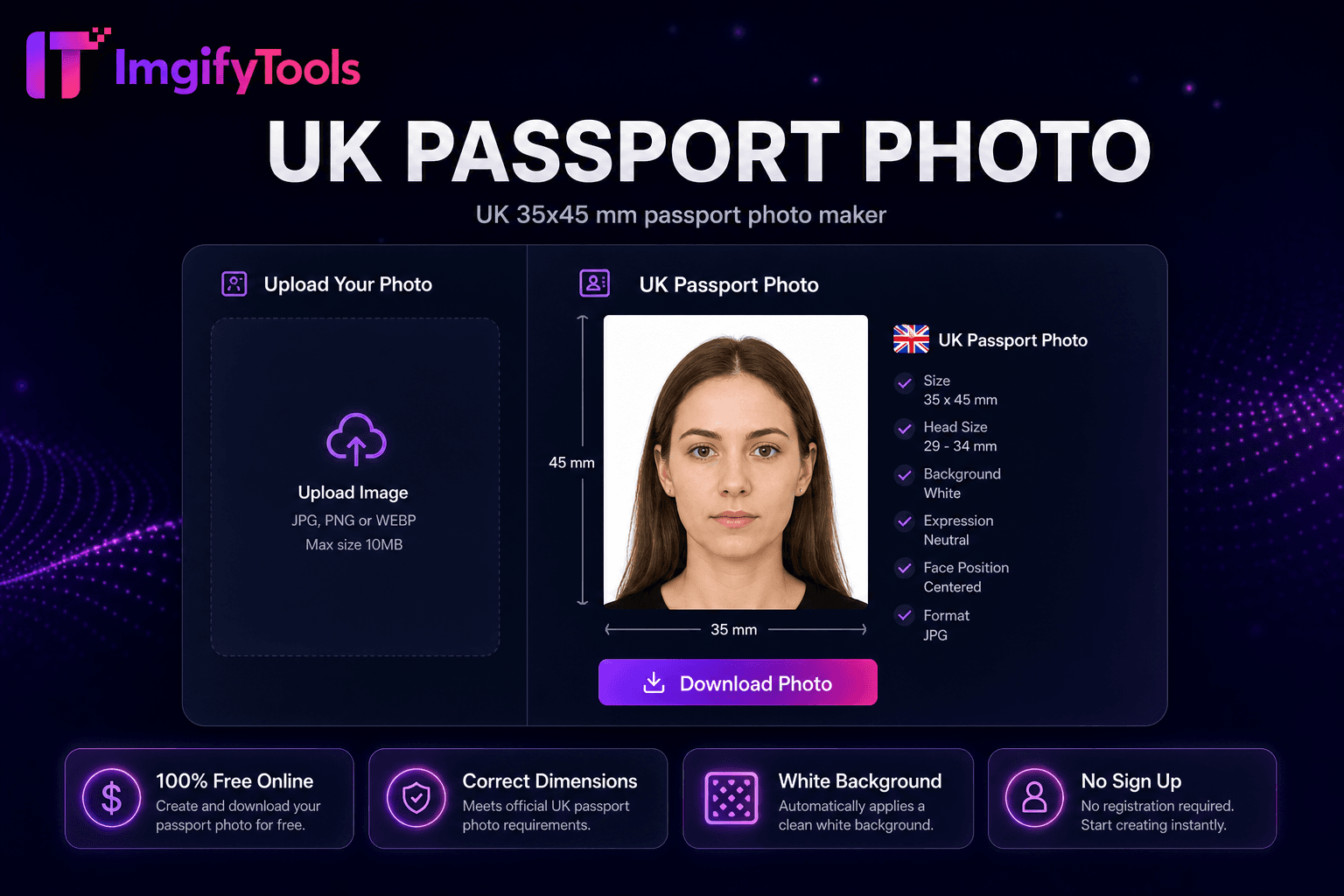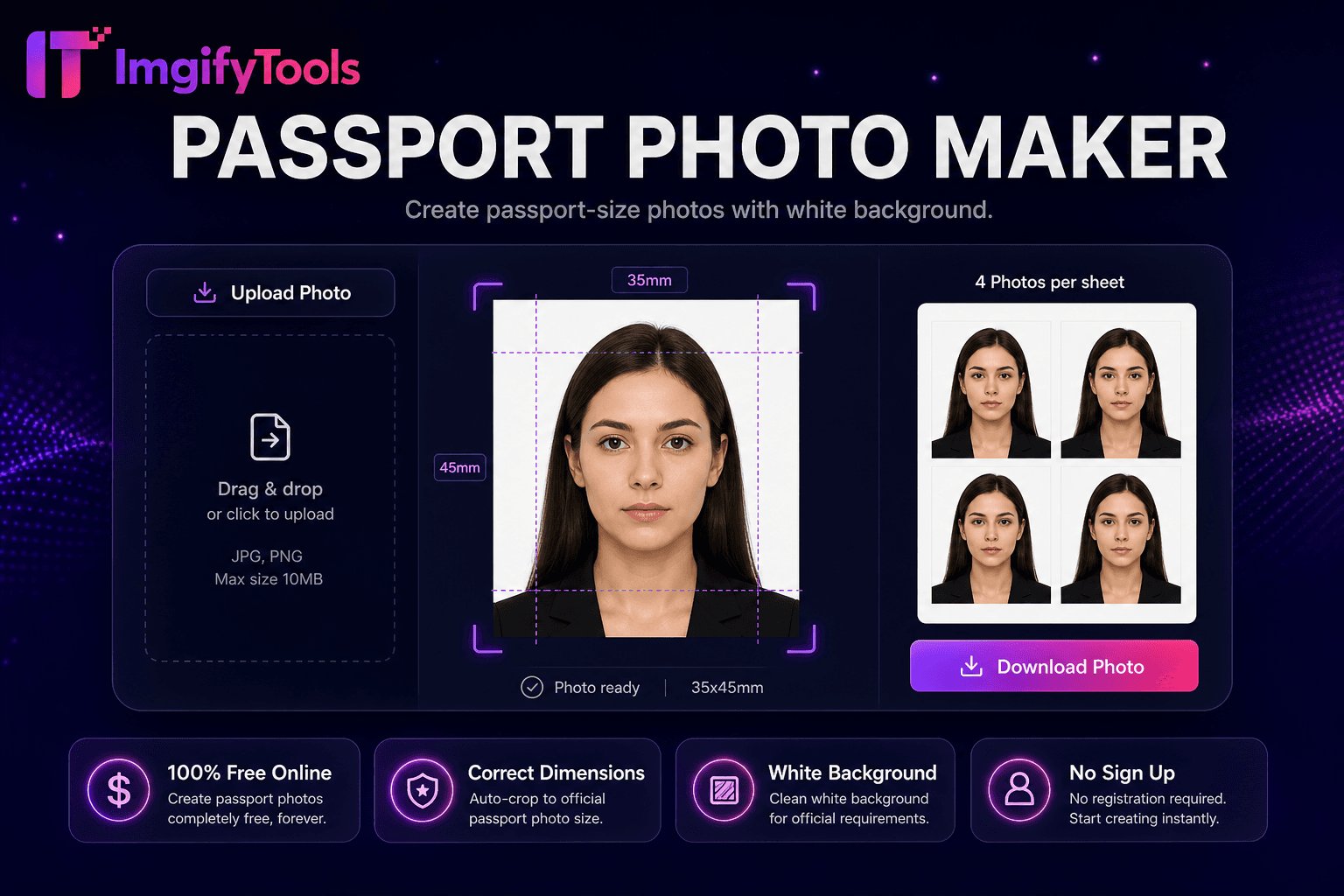
Passport Photo Maker
Erstellen Sie Passfotos mit weißem Hintergrund.
Tool startenUS-amerikanischer 2×2-Zoll-Passfotomacher. Schnell, sicher und völlig kostenlos — keine Anmeldung erforderlich.
ImgifyTools US Passport Photo Maker erstellt Pass- und Visafotos für die Vereinigten Staaten im offiziellen quadratischen 2×2-Zoll-Format mit weißem Hintergrund, bundesstaatlichen Kopfgrößenverhältnissen und digitalen Exporten im Format DS-160 und Online-Verlängerungen von travel.state.gov. Studio-Pass-Kabinen verlangen fünfzehn bis zwanzig Dollar pro Set; Drogerietheken unterscheiden sich in der Zuschneidegenauigkeit. Nehmen Sie ein nach vorne gerichtetes Porträt vor einer hellen Wand mit gleichmäßigem Fensterlicht auf, laden Sie es hoch und die KI richtet Ihr Gesicht gemäß den Richtlinien des US-Außenministeriums aus – Kinn bis Scheitel nehmen den erforderlichen Teil des Bildes ein, Augenhöhe, neutraler Gesichtsausdruck. Durch die Hintergrundentfernung werden überfüllte Szenen durch konforme weiße Füllungen ersetzt. Laden Sie 600×600 Pixel JPG für digitale Einreichungen oder einen 4×6 Zoll großen Druckbogen mit mehreren 2×2-Kopien für Walgreens- und CVS-Fototheken zu geringeren Kosten herunter. Kostenlose, unbegrenzte Wiederholungsaufnahmen ermöglichen es Familien, Säuglinge und Kleinkinder zu Hause zwischen den Mittagsschläfchen zu fotografieren. Überprüfen Sie die Ausgabe immer anhand der aktuellen travel.state.gov-Regeln, bevor Sie das Formular DS-82 verschicken oder die Online-Verlängerung abschließen – die Vorschriften für Brillen, Kopfbedeckungen und Fenster für aktuelle Fotos werden regelmäßig aktualisiert.
Jurisdiction: U.S. Department of State — Passport Services. Last checked against the official source on 2026-08-09.
Offizielle Passfotoregeln können sich ändern. Überprüfen Sie immer die verknüpfte Regierungsquelle, bevor Sie einen Antrag stellen.
Dieses Tool hilft bei der Vorbereitung von Ernte, Größe und Hintergrund. Es garantiert keine Akzeptanz durch einen Pass, ein Visum oder eine ID-Behörde.
View official government sourceMachen Sie ein Porträt von vorne vor einem hellen Hintergrund.
Laden Sie JPG oder PNG in den US-Passfoto-Maker hoch.
AI schneidet mit bundesstaatlichen Kopfgrößenführungen auf 2×2 Zoll zu.
Vorschau des weißen Hintergrunds und der Ausrichtungsüberlagerungen.
Laden Sie ein digitales 600×600 JPG- oder 4×6-Druckblatt herunter.
Im Gegensatz zu vielen anderen Plattformen, die Kompromisse bei der Qualität eingehen oder Ergebnisse hinter Paywalls verbergen, bietet ImgifyTools eine High-Fidelity-Ausgabe mit Fokus auf Geschwindigkeit und Benutzerschutz. Es ist keine Kontoerstellung erforderlich, um mit der Transformation Ihrer Bilder zu beginnen.
Die Gesichtserkennung ordnet Augen, Nase und Kinn zu, um die Kopfhöhe als Prozentsatz des 2×2-Frames zu berechnen – eine primäre Compliance-Metrik des US-Außenministeriums. Die Crop-Engine zentriert Ihr Gesicht innerhalb von Vorlagenüberlagerungen und zeigt akzeptable Randbänder an. Durch die Hintergrundsegmentierung werden nicht weiße Bereiche entfernt und gleichmäßige weiße oder cremefarbene Füllungen entsprechend den Bundespräferenzen angewendet. Die Belichtungsnormalisierung reduziert harte Schatten durch einseitiges Fensterlicht, die bei Selfies zu Hause häufig vorkommen. Exportieren Sie Renderings mit Pixelabmessungen in 2 x 2 Zoll bei 300 DPI für den Druck und 600 x 600 Quadrat-JPG für gängige digitale Portale. Das optionale Drucklayout ordnet zwei oder vier Passfotos auf Standard-Fotopapier im Format 4×6 mit Schnittführungen an. Die Vorschau zeigt Linealüberlagerungen vor dem Download an, sodass Sie die Ausrichtung bestätigen können, ohne die Maße zu erraten.
Erneuern Sie US-Pässe per Post mit dem Formular DS-82 und verwenden Sie Fotos von zu Hause, wenn Sie die Größen-, Hintergrund- und Aktualitätsregeln einhalten. Antragsteller für ein DS-160-Nichteinwanderungsvisum exportieren vor der Terminvereinbarung für ein Vorstellungsgespräch in der Botschaft ein digitales JPG. USCIS-Statusanpassungspakete enthalten 2×2 Fotos für Greencard- und Arbeitserlaubnisformulare. Tragen Sie Alltagskleidung ohne Uniformen; Religiöse Kopfbedeckung ist erlaubt, wenn das Gesicht vollständig sichtbar ist. Nehmen Sie die Brille ab, wenn die geltenden Vorschriften eine Blendung verhindern – überprüfen Sie vor dem Fotografieren travel.state.gov. Fotografieren Sie Säuglinge, die gemäß den Anweisungen des Säuglings auf weißen Laken liegen. Drucken Sie an Einzelhandelskiosken auf mattem Fotopapier, indem Sie herunterladbare 4×6-Blätter verwenden, statt Heim-Tintenstrahldrucker auf Kopierpapier für den Versand per Post zu verwenden.
Sehen Sie, wie unser kostenloses us passport photo in Bezug auf Preis, Limits und Funktionen im Vergleich zu photoaid.com abschneidet.
| Funktion | ImgifyTools� | photoaid.com |
|---|---|---|
| Preis | Kostenloses US-Passfoto-Tool | Kostenlos digital; Druckgebühren extra |
| US 2×2-Konformität | Voreingestellte Größe des Außenministeriums | US-Vorlage mit Validierung |
| Hintergrund | Automatischer weißer Hintergrund | Compliance-Hintergrundprüfung |
| Digitaler Export | Sofortiger Download im JPG-Format 600×600 | Digitale Lieferoptionen |
| Blatt drucken | 4×6-Layout für den Einzelhandelsdruck | Ausdrucken zu Hause oder Abholung |
| Wiederholungen | Unbegrenzte kostenlose Wiederholungen | Bezahlen Sie bei einigen Plänen pro Abschluss |
| Kopfausrichtung | KI-Gesichtsführungen und Zuschnitt | Automatische Positionierung |
Weitere Tools
Weitere spezialisierte Hilfsmittel für Ihren Workflow.