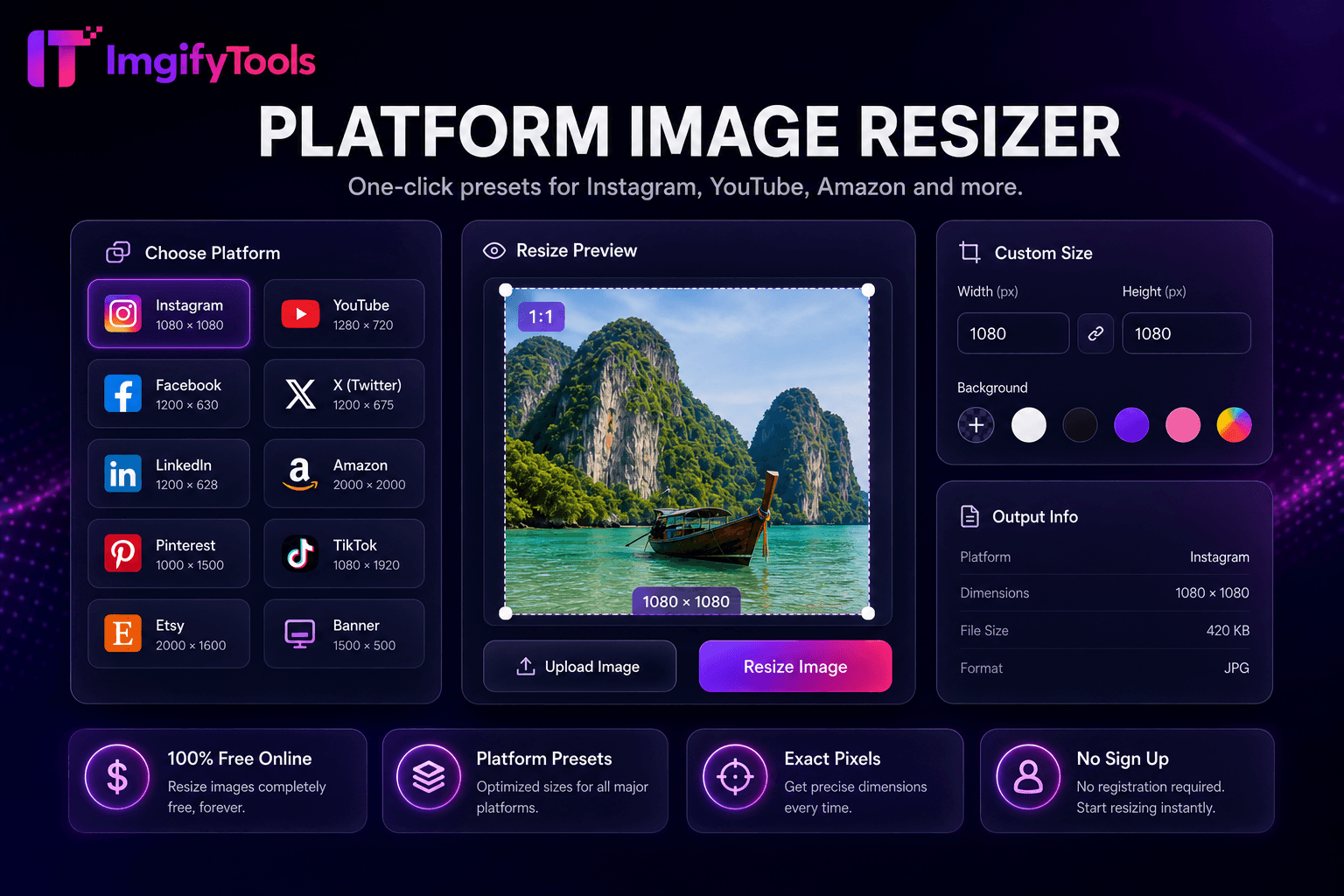
Platform Image Resizer
Ein-Klick-Voreinstellungen für Instagram, YouTube, Amazon und mehr.
Tool startenPassen Sie die Größe von Bildern auf exakte Pixel oder Prozentwerte an. Schnell, sicher und völlig kostenlos — keine Anmeldung erforderlich.
ImgifyTools Image Resizer skaliert Fotos auf exakte Pixelabmessungen oder prozentuale Größen für Web-Miniaturansichten, E-Mail-Signaturen, App-Assets und drucknahe Arbeitsabläufe – ohne den Qualitätsverlust durch nachlässige Dehnungspunkte in Präsentationssoftware. Geben Sie die Zielbreite und -höhe ein, sperren Sie das Seitenverhältnis, um Verzerrungen zu vermeiden, oder schneiden Sie es entsprechend zu, wenn Sie Landschaftsmaster in quadratische Avatare konvertieren. Blogger generieren aus DSLR-Originalen vorgestellte Bilder mit einer Breite von 1200 Pixeln. Entwickler exportieren mehrere Symbolgrößen aus einem Master-PNG. HR ändert die Größe von Headshots für Intranet-Verzeichnisse. Die optionale Komprimierung nach der Größenänderung erreicht das Byte-Budget. Im Gegensatz zu sozialspezifischen Voreinstellungen in unserem Plattform-Resizer akzeptiert dieses allgemeine Tool beliebige Abmessungen für benutzerdefinierte Designsysteme. Kostenlose, browserbasierte, unbegrenzte Größenänderung mit sofortiger Vorschau.
Laden Sie Ihr Bild im JPG-, PNG- oder WebP-Format hoch.
Geben Sie die Zielbreite, -höhe oder den prozentualen Maßstab ein.
Aktivieren Sie die Seitenverhältnissperre, um eine Dehnung zu vermeiden.
Vorschau der geänderten Ausgabeabmessungen und -qualität.
Laden Sie das verkleinerte Bild im von Ihnen gewählten Format herunter.
Im Gegensatz zu vielen anderen Plattformen, die Kompromisse bei der Qualität eingehen oder Ergebnisse hinter Paywalls verbergen, bietet ImgifyTools eine High-Fidelity-Ausgabe mit Fokus auf Geschwindigkeit und Benutzerschutz. Es ist keine Kontoerstellung erforderlich, um mit der Transformation Ihrer Bilder zu beginnen.
Quellbild hochladen; Geben Sie Breite, Höhe oder Skalierungsprozentsatz an. Der Resampling-Kernel verwendet hochwertige Interpolation – Lanczos oder bikubische Äquivalente – zum Herunterskalieren fotografischer Inhalte. Die Seitenverhältnissperre passt die abhängige Dimension automatisch an, wenn Sie eine Seite wechseln. Bei Upscale-Anfragen kann es zu einer Warnung kommen, wenn die Quellpixel überschritten werden. Kombinieren Sie es mit einem AI-Upscaler für Erweiterungsanforderungen. Ausgabeformat wählbar zwischen JPG, PNG, WebP mit Qualitätskontrollen. EXIF-Ausrichtung normalisiert. Sofortige Verarbeitung für Web-Scale-Dimensionen.
Passen Sie die Größe von Blog-Helden an die exakten Theme-Spezifikationen an – oft 1200×630 oder 1600×900. Erstellen Sie Favicon- und App-Symbolgrößen aus quadratischen Logo-Mastern. Skalieren Sie 4K-Telefonfotos vor dem E-Mail-Versand herunter, um die Anhangbeschränkungen einzuhalten. Vergrößern Sie niemals kleine Logos für den Druck – fordern Sie stattdessen Vektorquellen an. Ändern Sie die Größe nacheinander und komprimieren Sie sie dann für optimale CMS-Uploads. Verwenden Sie den Social-Media-Resizer, wenn Plattformvoreinstellungen die manuelle Pixelsuche übertreffen.
Wenn Sie ein Bild verkleinern (verkleinern), verwendet der Resizer hochwertige Lanczos- oder bikubische Interpolation auf intelligente Weise für durchschnittliche Pixeldaten - wobei Kanten erhalten und Moiré-Muster reduziert werden. Das Hochskalieren über die Quellauflösung hinaus kann keine echten Details hinzufügen; das Tool warnt, wenn Sie die ursprünglichen Pixel überschreiten. Für KI-gestützte Erweiterung, koppeln Sie sich mit unserem Image Upscaler. Die Größe der Kette wird dann für optimale CMS-Uploadgrößen komprimiert.
Sehen Sie, wie unser kostenloses image resizer in Bezug auf Preis, Limits und Funktionen im Vergleich zu Adobe Express abschneidet.
| Funktion | ImgifyTools� | Adobe Express |
|---|---|---|
| Preis | Kostenlose Größenänderung | Kostenlos mit Werbung; Prämie verfügbar |
| Voreingestellte Größen | Integrierte Voreinstellungen für soziale Netzwerke und Plattformen | Gängige Größenvoreinstellungen |
| Benutzerdefinierte Abmessungen | Genaue Pixelbreite und -höhe | Benutzerdefinierte Breite/Höhe |
| Seitenverhältnissperre | Option „Proportionen beibehalten“. | Seitenverhältnis sperren |
| Stapelgröße ändern | Plattform- und Massenwerkzeuge | Charge auf Premium |
| Ausgabequalität | Qualitätsschieberegler verfügbar | Standardkomprimierung |
| Ausgabe formatieren | JPG, PNG, WebP | Mehrere Formate |
Verwandte Tools
Weitere Tools
Weitere spezialisierte Hilfsmittel für Ihren Workflow.


