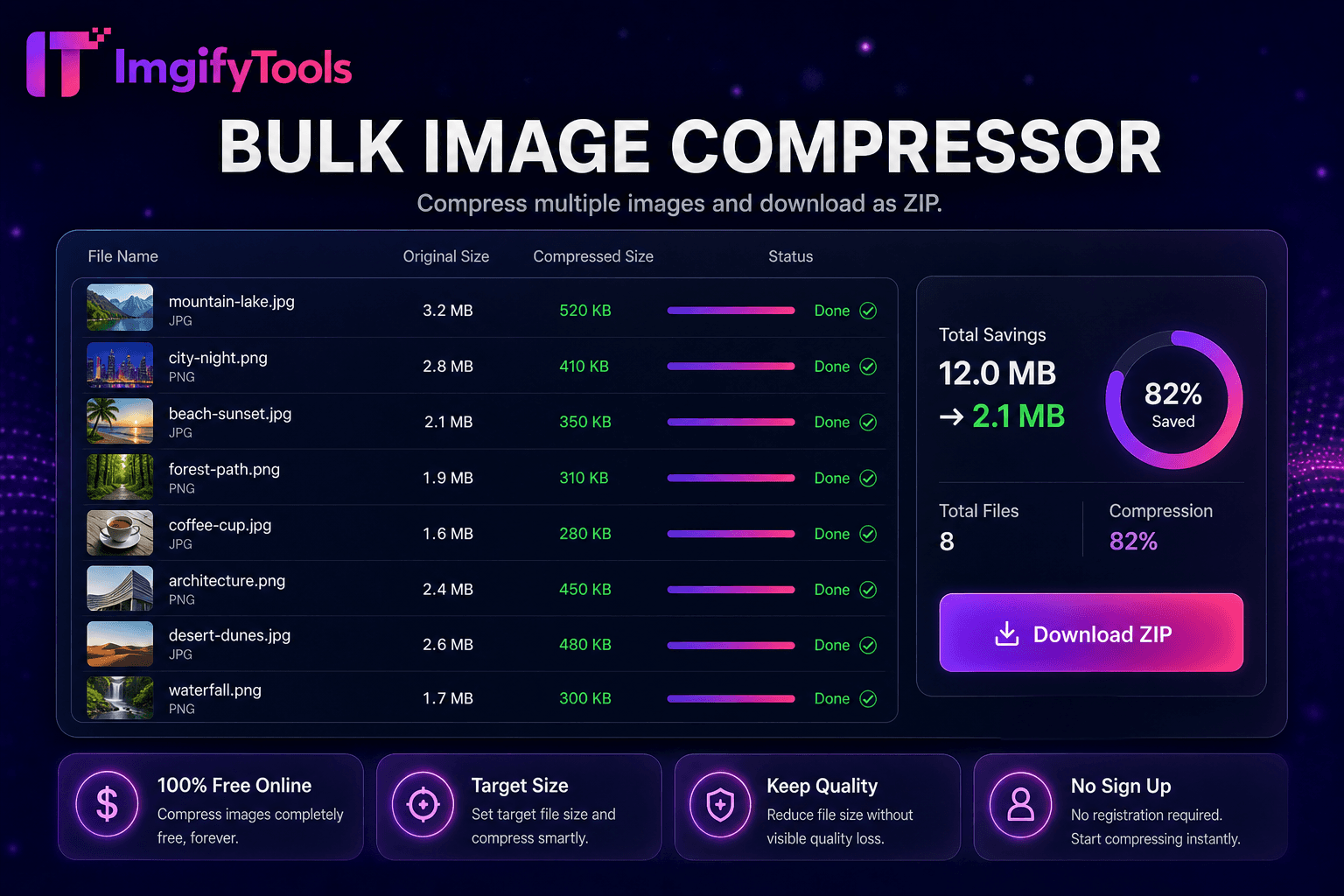
Image Compressor
Compress JPG, PNG, and WebP online. Adjust quality and compare before/after sizes.
Launch ToolCompress any photo to an exact file size — 20KB, 50KB, 100KB and more. Free for standard use — no signup required.
Compress a photo to an exact target size—20KB, 50KB, 100KB, 150KB, 200KB, or 500KB—for exam forms, job portals, and government uploads. Upload JPG, PNG, or WebP, pick a preset or custom KB target, preview the final byte size, and download a file that meets strict portal validators. The tool uses lossy compression to hit the target while keeping as much detail as possible; for best results on aggressive 20KB limits, resize dimensions first (passport photo maker or image resizer), then compress here. Common uses include SSC and similar exam form photos, CV headshots, and embassy digital uploads. Pair with passport photo maker when you need correct dimensions before the KB step. Uploads are processed on ImgifyTools servers for your session (max 20 MB), are not retained permanently, and are not used to train AI models.
Upload your photo in JPG, PNG, or WebP format (max 20 MB).
Select a target KB preset (20KB, 50KB, 100KB, etc.) or enter a custom size.
Preview the compressed output and check the final file size.
Adjust the quality slider if you need more clarity or a smaller size.
Download the compressed image ready for portal upload.
Unlike many other platforms that compromise on quality or hide results behind paywalls, ImgifyTools offers high-fidelity output with a focus on speed and user privacy. No account creation is required to start transforming your images.
Hitting 20KB from a large, detailed camera photo usually means visible softness, banding, or lost fine detail. That is a physical limit of the file size, not a bug. Resize width and height to the portal’s required dimensions first (for example with passport photo maker or image resizer), then compress to 20KB here. Simple headshots compress more cleanly than busy backgrounds. If the portal allows a higher KB limit (50KB or 100KB), use that when photo quality matters more.
20KB: Often used on Indian government exam forms (SSC, UPSC, railway recruitment) and some state portal uploads. 50KB: Common for university admission and scholarship applications. 100KB: Typical for job portal CV photos and some visa digital submissions. 200KB: Seen on many corporate HR systems. Always check your specific portal—this tool supports custom KB targets beyond the presets.
Resizing reduces pixel count (for example 4000×3000 to 800×600), which naturally shrinks file size. Compressing keeps similar dimensions but reduces quality or optimizes encoding to hit a byte target. For portals with both dimension and size limits, resize to correct dimensions first, then compress to the required KB. That order usually looks better than forcing a full-resolution original straight to 20KB.
See how our free resize image to 20kb compares to iloveimg on price, limits, and features.
| Feature | ImgifyTools | iloveimg |
|---|---|---|
| Price | Free KB-target compression | Free with ads; premium available |
| Exact KB presets | 20, 50, 100, 150, 200, 500KB one-click | Percentage-based compression |
| Custom target | Enter any KB target | Quality slider only |
| Use-case guidance | Exam, job portal, passport sections | Generic compressor |
| Batch compress | Bulk image compressor available | Batch on premium |
| Processing | Server session (max 20 MB) | Varies by product |
| Signup | No account required | No account for basic use |
Related Tools
Compress JPG, PNG, and WebP online. Adjust quality and compare before/after sizes.
Launch Tool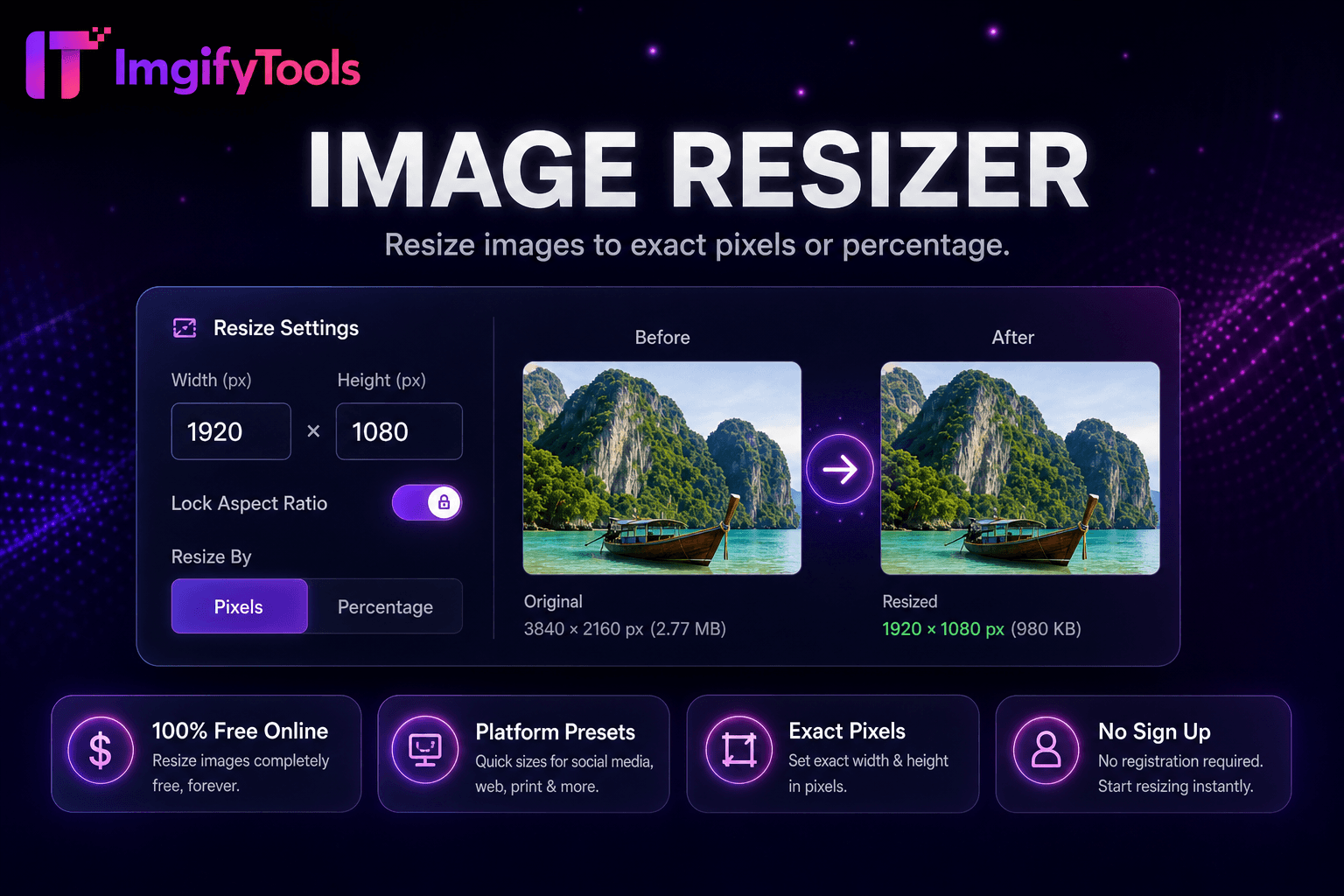
Resize images online free by pixels, percentage, or social media presets.
Launch Tool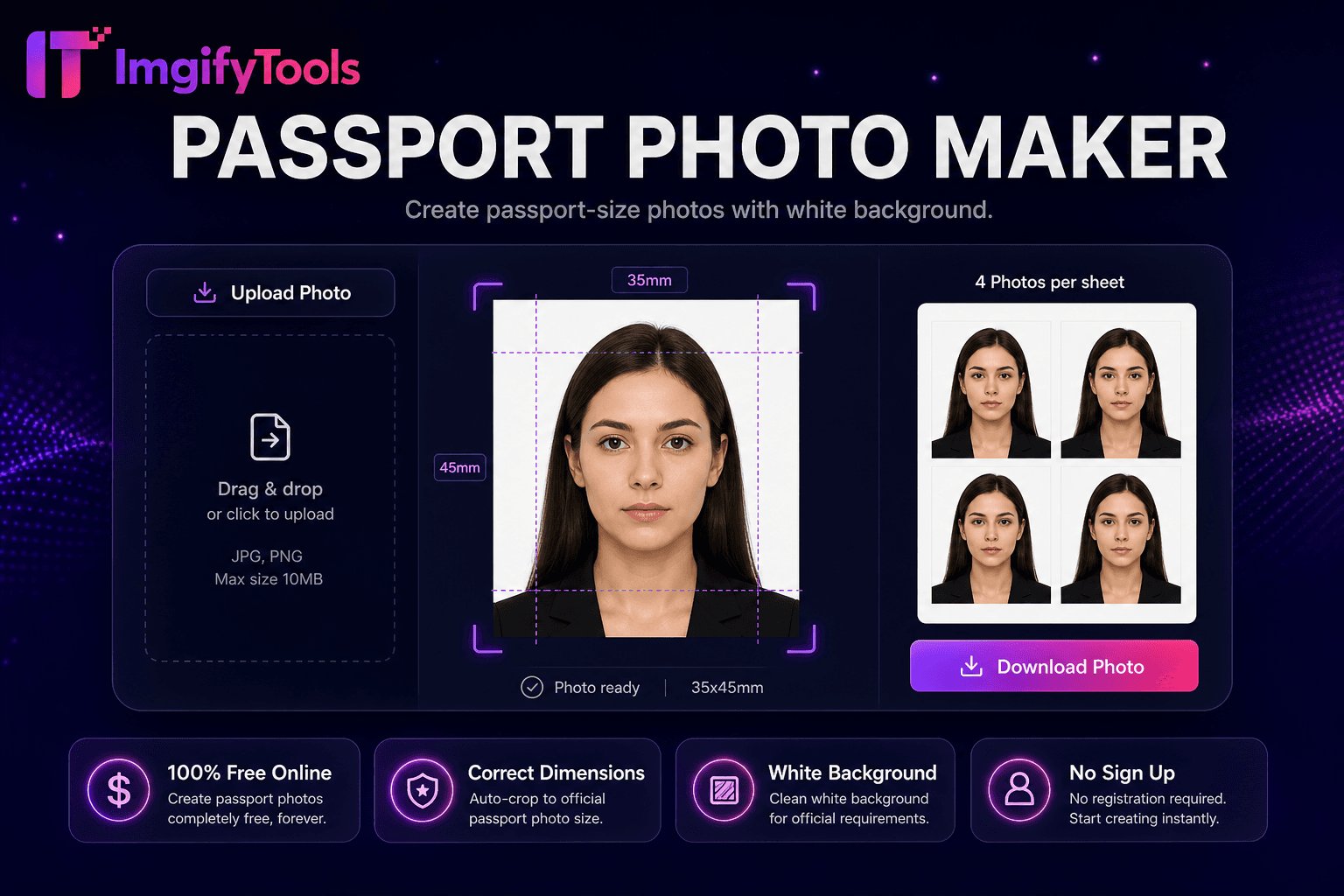
Make a passport or visa photo online with auto crop and white background.
Launch ToolMore tools
Other specialized utilities for your workflow.