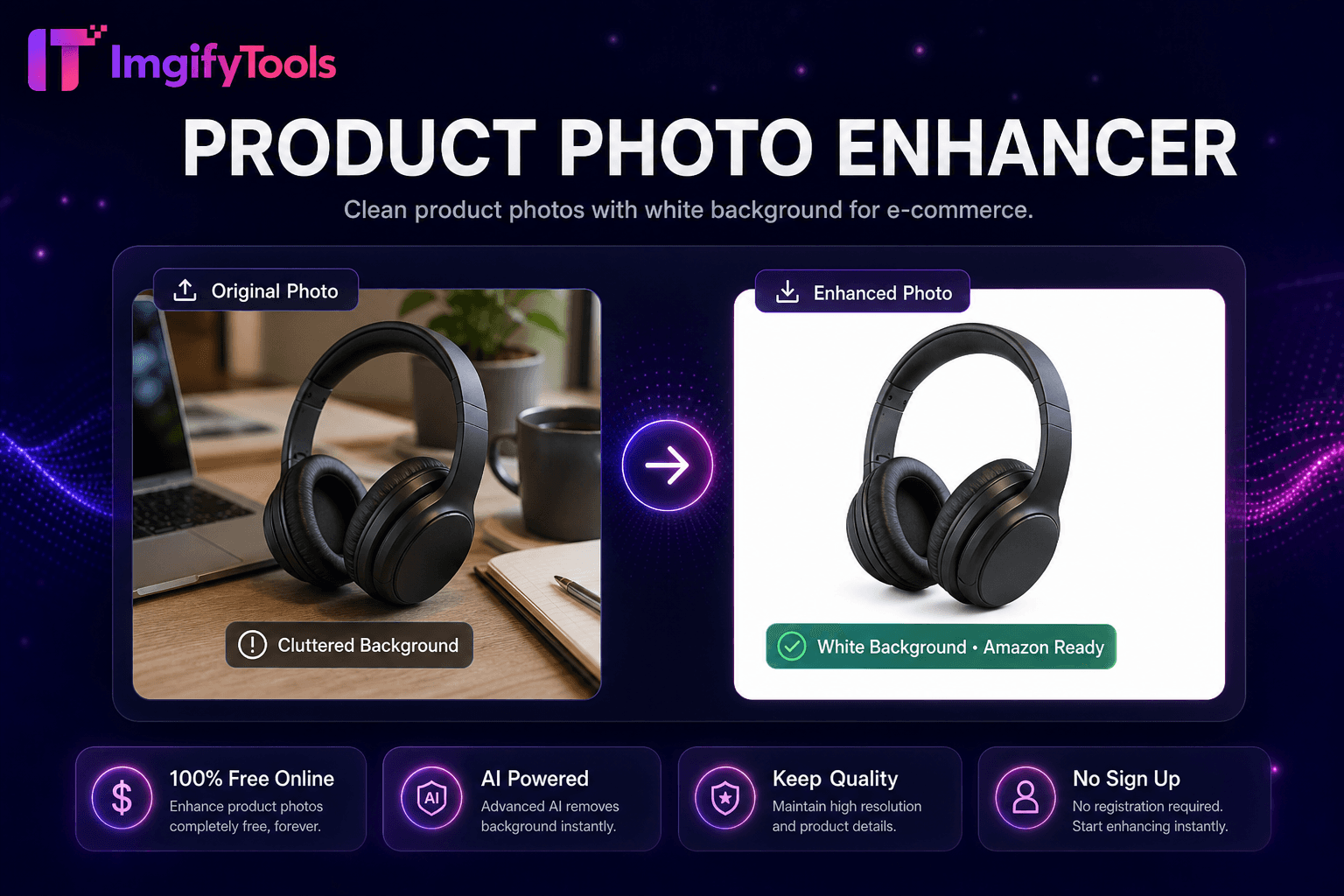
Product Photo Enhancer
Clean product photos with white background for e-commerce.
Launch ToolRemove background from logos and icons. Free for standard use — no signup required.
ImgifyTools Logo Background Remover optimizes AI cutouts for flat logos, icons, badges, and wordmarks—preserving crisp vector-like edges and solid color regions that general photo background removers sometimes feather incorrectly. Startups extract logos from screenshot captures for pitch decks. Web developers isolate favicon sources from brand PDF exports. Merchandise designers prepare print-ready PNG logos without halos on dark shirts. The model detects high-contrast graphic shapes, uniform color fills, and sharp corners typical of brand assets rather than photographic hair detail. Output PNG transparency drops into Figma, slide decks, and email signatures cleanly. Free alternative to manual pen tool tracing for simple logos. Pair with shadow generator sparingly—flat logos rarely need drop shadows. Uploads are processed on ImgifyTools servers for your session (max 10 MB), are not retained permanently, and are not used for training.
Upload logo image—even from screenshot or scan.
AI detects flat graphic regions and removes backdrop.
Preview transparent PNG for edge crispness.
Choose PNG transparent or JPG white background output.
Download logo ready for web, print, or merchandise.
Unlike many other platforms that compromise on quality or hide results behind paywalls, ImgifyTools offers high-fidelity output with a focus on speed and user privacy. No account creation is required to start transforming your images.
Segmentation tuned for graphic design assets prioritizes hard edges and flat color homogeneity over photographic soft transitions. Anti-aliased logo edges from raster exports preserve subpixel smoothness without eating into glyph strokes. Multi-color logos retain each brand color region separately in alpha matte. Low-resolution screenshot logos may show jaggies—upload SVG-exported PNG at 2x resolution when possible. Output PNG-24 with alpha; optional JPG white background for legacy systems.
Extract logo from photo of business card for digital contacts. Remove checkerboard fake transparency from Google Image downloads before reuse—verify licensing. Export white logo variant by placing on dark preview before download for night-mode slide decks. Avoid photo background remover on logos when this dedicated tool available—crisper corners result. Upscale low-res logo PNG before removal if edges pixelated.
See how our free logo background remover compares to remove.bg on price, limits, and features.
| Feature | ImgifyTools | remove.bg |
|---|---|---|
| Price | Free, no credits required | Free tier limited; paid plans from $0.20/image |
| Signup required | No account needed | Account required for API; web has limits |
| Output formats | PNG with transparency, JPG option | PNG, JPG, and API formats |
| Batch processing | Single image, instant results | Bulk available on paid plans |
| Hair and edge detail | AI-optimized edge detection | Industry-leading edge quality |
| Privacy | Processed in-session, not stored | Images may be retained per policy |
| Resolution limits | High-resolution uploads supported | Free tier caps resolution |
Related Tools
More tools
Other specialized utilities for your workflow.