How To Remove Background From Product Photos

Selling online? Clean product photos with white or transparent backgrounds convert better and meet marketplace requirements.
Why product background removal matters
- Amazon main images often require pure white backgrounds
- Shopify stores look more professional with consistent catalog shots
- Ads perform better when products are isolated from clutter
Step-by-step workflow
- Photograph your product with even lighting against any backdrop
- Upload to our product background remover
- Download the PNG cutout
- Place on white (#FFFFFF) if your marketplace requires it
- Optionally compress with our image compressor
Tips for best results
- Use diffuse lighting to avoid harsh shadows
- Fill the frame with your product
- For jewelry and fine detail, use Refine mode after auto-processing
Related tools
- Amazon image background remover
- General AI background remover
- PNG to JPG converter for smaller listing file sizes
Photograph for a cleaner cutout
Even lighting and separation make background removal more reliable. Place the product away from the wall, avoid a background that matches the product, and keep the camera steady. For reflective items, remove strong colored reflections before processing when possible. Transparent bottles, glass, jewelry, white clothing, and thin handles deserve a closer review because their edges can be ambiguous.
Do not crop so tightly that the tool loses context around the object. Leave a small margin, process the image, and then crop the finished canvas to the marketplace's required composition. If a product has multiple parts, confirm that the AI kept every included accessory and did not mistake a thin support or cable for background.
Create a repeatable catalog workflow
Process one representative SKU first. Compare the cutout on white, a light neutral color, and the storefront background. Once the edge quality and framing are approved, apply the same naming, canvas, and export rules to the rest of the catalog. Keep the original, transparent working file, and final listing derivative in separate folders.
For marketplace listings, check the final image at 100% and at the small thumbnail size buyers will see. Look for halos, clipped corners, missing shadows, and unreadable labels. A technically clean background still fails the business goal if the product is too small or the image hides a condition that should be disclosed.
Privacy and quality limits
AI and convert tools may upload images for temporary session processing. Review the Privacy Policy before sending confidential supplier or client assets. Background removal can isolate a subject, but it cannot fix camera focus, recover hidden product detail, or guarantee acceptance by Amazon, Shopify, eBay, or another channel. Always verify current destination requirements.
Should product photos always be pure white?
Only when the destination or listing type requires it. A neutral or lifestyle background can be more informative for secondary images, while the main image may have stricter rules.
Why does the product look cut out or flat?
Removing every shadow can make an object float. Preserve a natural contact shadow when the destination allows it, or add a subtle controlled shadow after checking that it does not look like leftover background.
You may also like
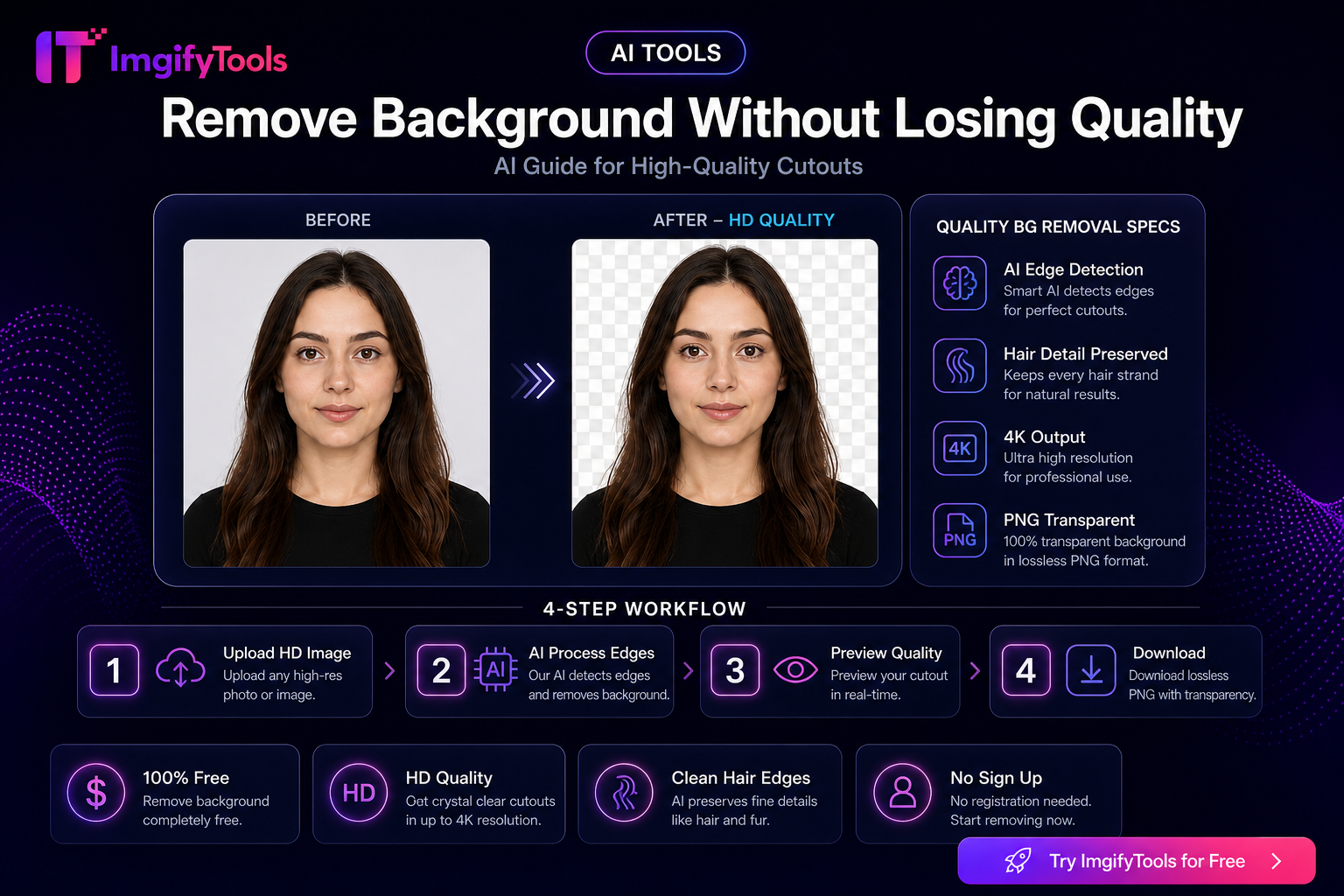
Remove Background Without Losing Quality — AI Guide
Remove image backgrounds without losing edge quality. Tips for hair, fur, and product photos using free AI tools.
Read next →
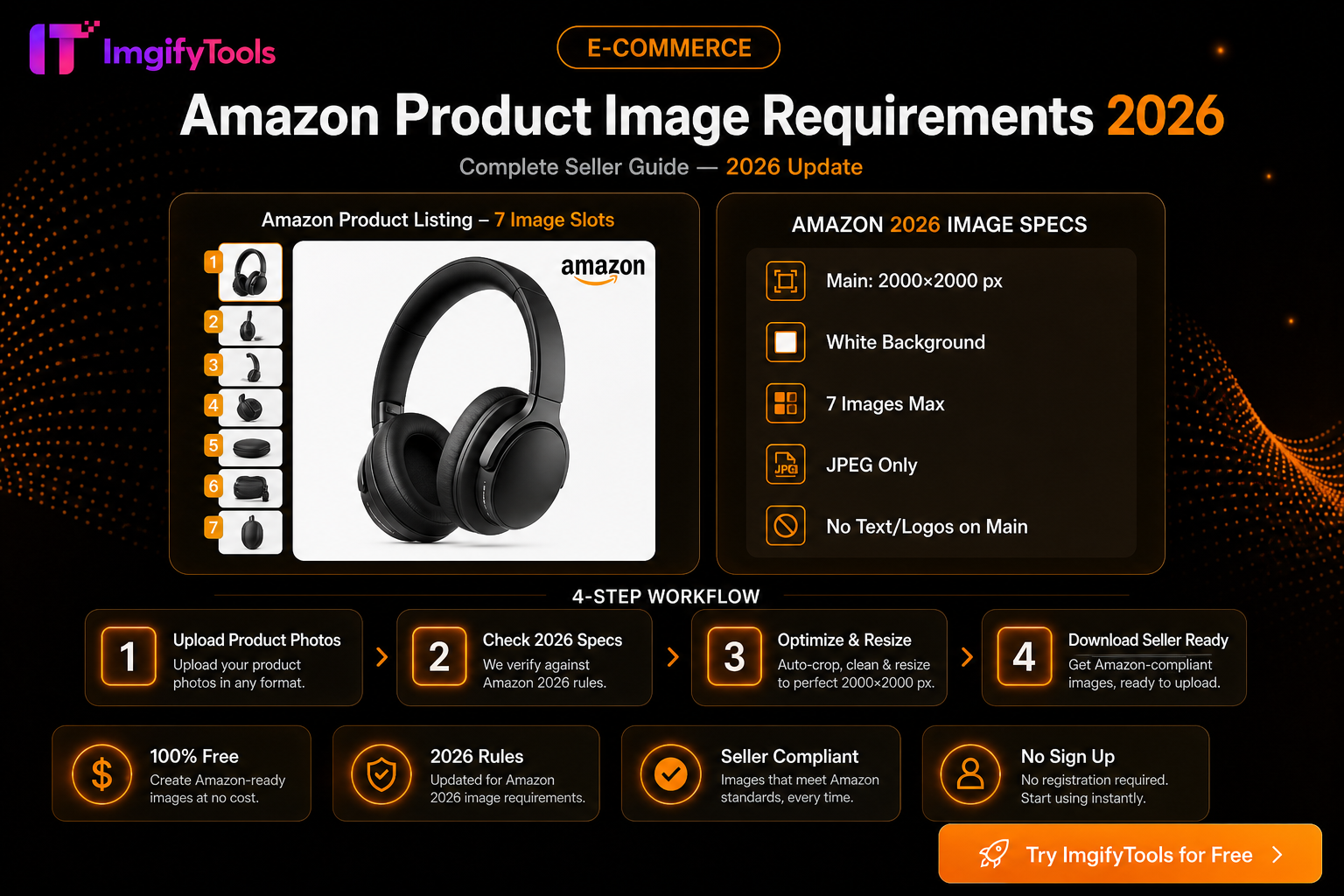
Amazon Product Image Requirements 2026 — Complete Seller Guide
Amazon main image rules for 2026: white background, 2000×2000 size, file limits, and free tools to optimize product photos for Seller Central.
Read next →
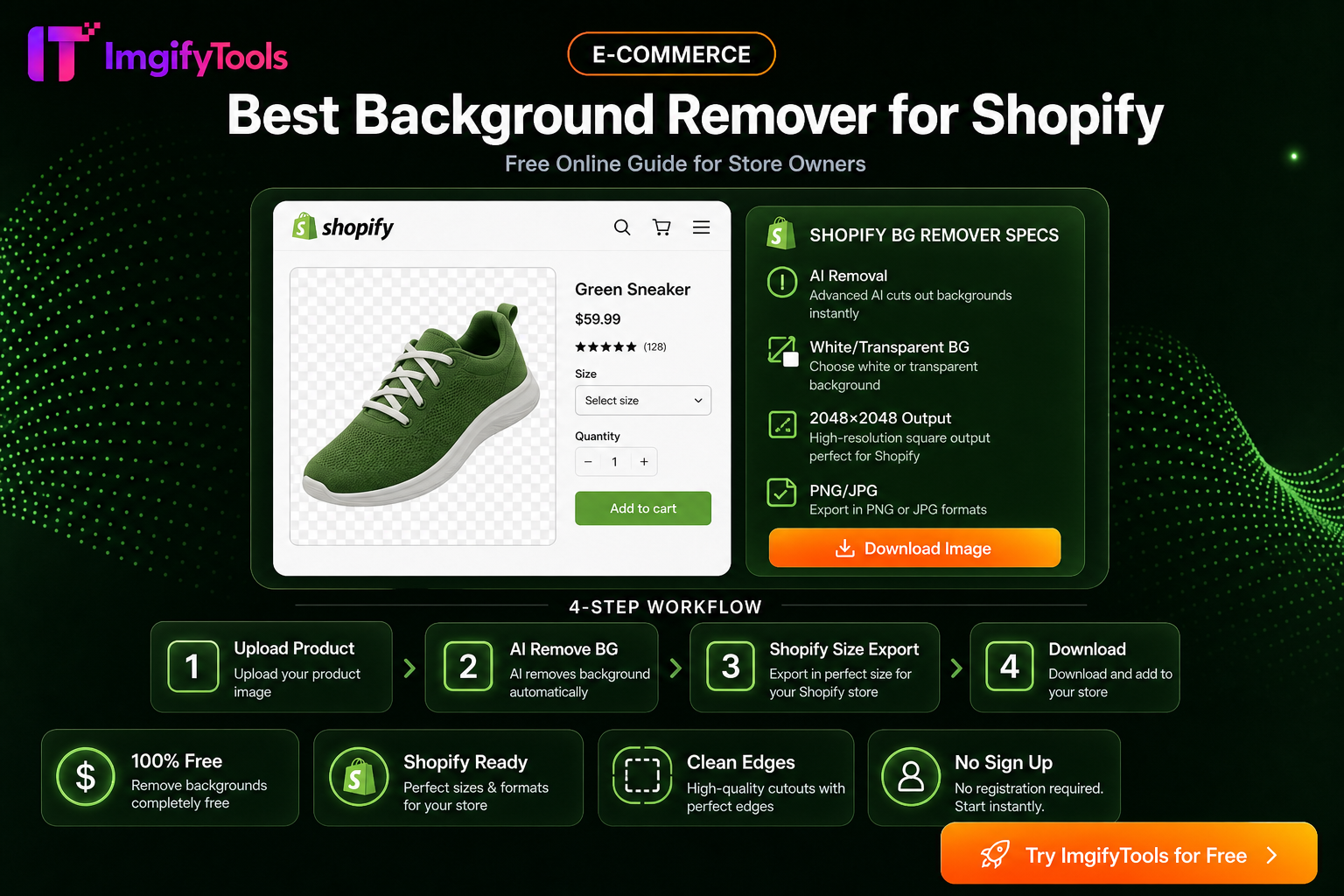
Best Background Remover For Shopify — Free Online Guide
Remove backgrounds from Shopify product photos for free. Fast AI cutouts for consistent storefront images.
Read next →