Passport Photo Requirements by Country — How to Check Official Rules
How to verify passport and visa photo size, background, and file rules by country. Hub for ImgifyTools passport tools—not legal advice; always confirm official sources.
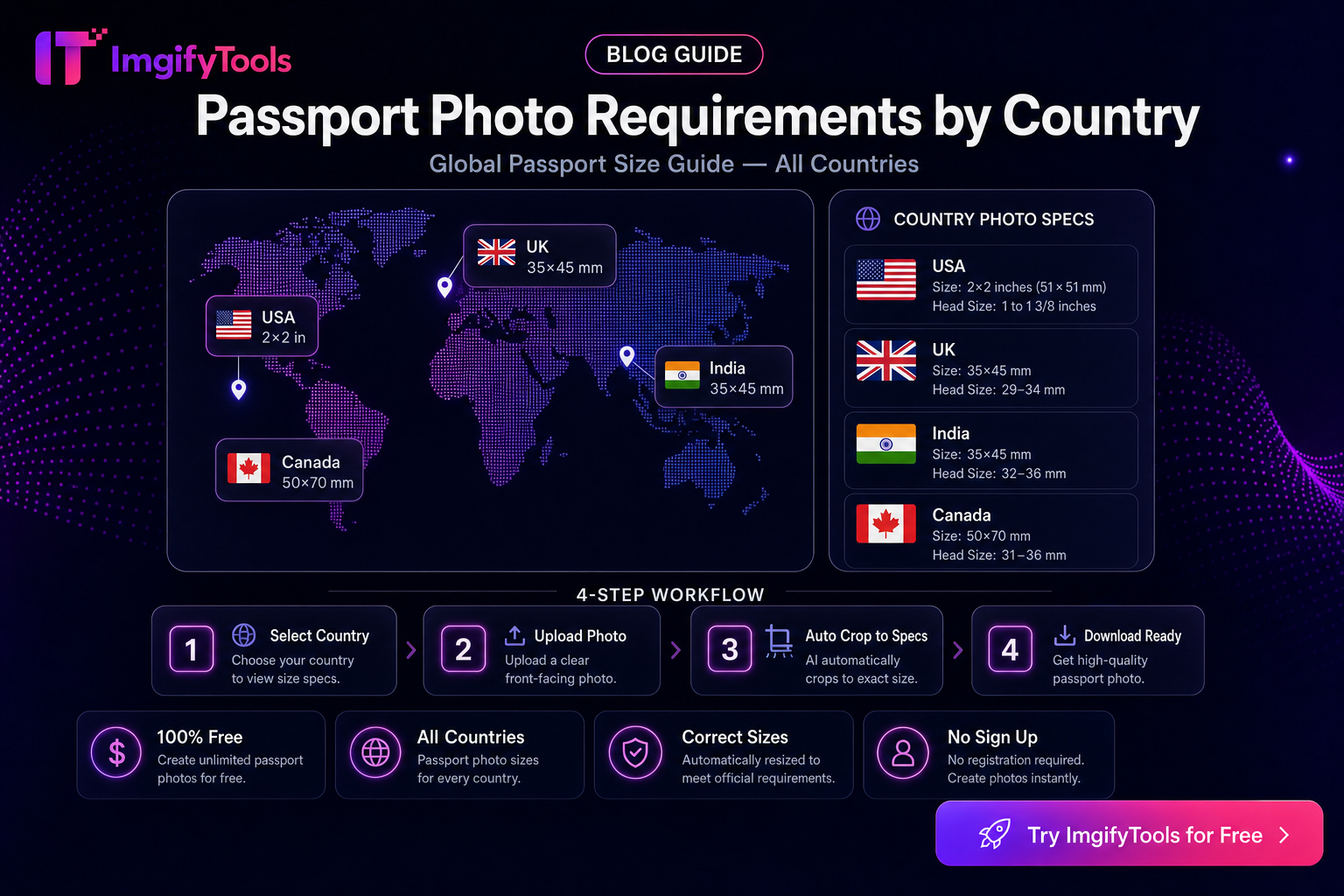
Passport Photo Requirements by Country — How to Check Official Rules
Passport and visa photo rules differ by jurisdiction: print size, digital pixels, background color, head height, expression, glasses, and sometimes a maximum file size. This hub explains how to find and apply the official checklist for your destination, then use ImgifyTools to crop and export. It is not legal advice and not a substitute for the issuing authority’s current instructions.
Last checked (editorial process): 2026-08-09. Re-check official pages before every application—rules and links change.
Primary tools: Passport Photo Maker, Visa Photo Maker, 2x2 Passport Photo. Related: common rejection reasons.
Always start from the authority, not a blog table
- Open the official passport, immigration, or consulate page for the country or visa type.
- Note: print dimensions (mm/in), digital pixel size, background, head-size ratios, and digital file limits.
- Only then open a maker tool and match those numbers.
- Verify the export in your OS (dimensions + file size) before upload or print.
If an ImgifyTools country article cannot cite a live official URL with a checked date, treat this hub + the authority site as the source of truth.
Example official starting points (verify live)
These are common entry points. Confirm you are on the government domain and that the page still matches your application type (passport vs visa vs national ID).
| Jurisdiction | Start with (verify live) |
|---|---|
| United States | Travel.State.Gov passport photos guidance |
| United Kingdom | GOV.UK passport photo rules |
| Canada | IRCC / Canada.ca passport photo guidance |
| European Schengen visas | Your consulate + EU/Schengen photo guidance for the visa type |
| India | Passport Seva / MEA published photo guidelines |
| Pakistan | DGIP / relevant passport authority guidance |
Add the exact URL you used to your personal checklist and record the date you read it.
Shared patterns (not universal rules)
Many authorities ask for some combination of:
- Plain light background (often white or light grey—follow your country’s list)
- Neutral expression, mouth closed, eyes open and visible
- Head centered; specific chin-to-crown ratios where stated
- No heavy filters, no other people in frame
- Recent likeness (often within a stated number of months)
Never assume US 2×2 inch rules apply to a UK or Schengen application.
Practical workflow with ImgifyTools
- Read the official checklist for your jurisdiction (print vs digital may differ).
- Capture or select a photo with even lighting and a plain wall.
- Open Passport Photo Maker or the matching tool (2×2, Visa).
- Crop to the required aspect and export.
- If a portal caps kilobytes, compress after framing with Image Compressor—see exact file-size guide.
- Compare the result to the official sample diagram when one is provided.
Privacy note
Photo maker and related tools that upload for processing send files to ImgifyTools servers for your session. They are not kept as a permanent public library of uploads by default. See the Privacy Policy.
Revalidation reminder
Before renewing, applying for a visa, or booking a biometrics appointment, re-open the official page. Background color, digital dimensions, and glasses rules are updated without blog posts noticing. Re-check at least every 6–12 months if you maintain templates for a business or family.
Limitations of this hub
- Does not replace embassy, consulate, or passport-office instructions.
- Does not guarantee acceptance—human review still applies.
- Does not invent country-specific millimetre tables without a cited official source.
- Print shops and online government uploaders may enforce extra constraints.
FAQs
Can I use one photo for every country’s passport?
Usually no. Crop ratios, background, and digital specs differ. Always match the destination authority.
Are ImgifyTools outputs “certified”?
No. Tools help you size and export; acceptance is decided by the issuing authority or their vendor.
What if my digital upload is rejected for file size?
Keep the correct crop, then reduce bytes with Image Compressor without changing the framing if possible.
Where do I read about rejection reasons?
See Common passport photo rejection reasons.
Related tools
- Passport Photo Maker
- Visa Photo Maker
- Background Remover (only when rules allow a replaced background—many require a real plain wall)
You may also like
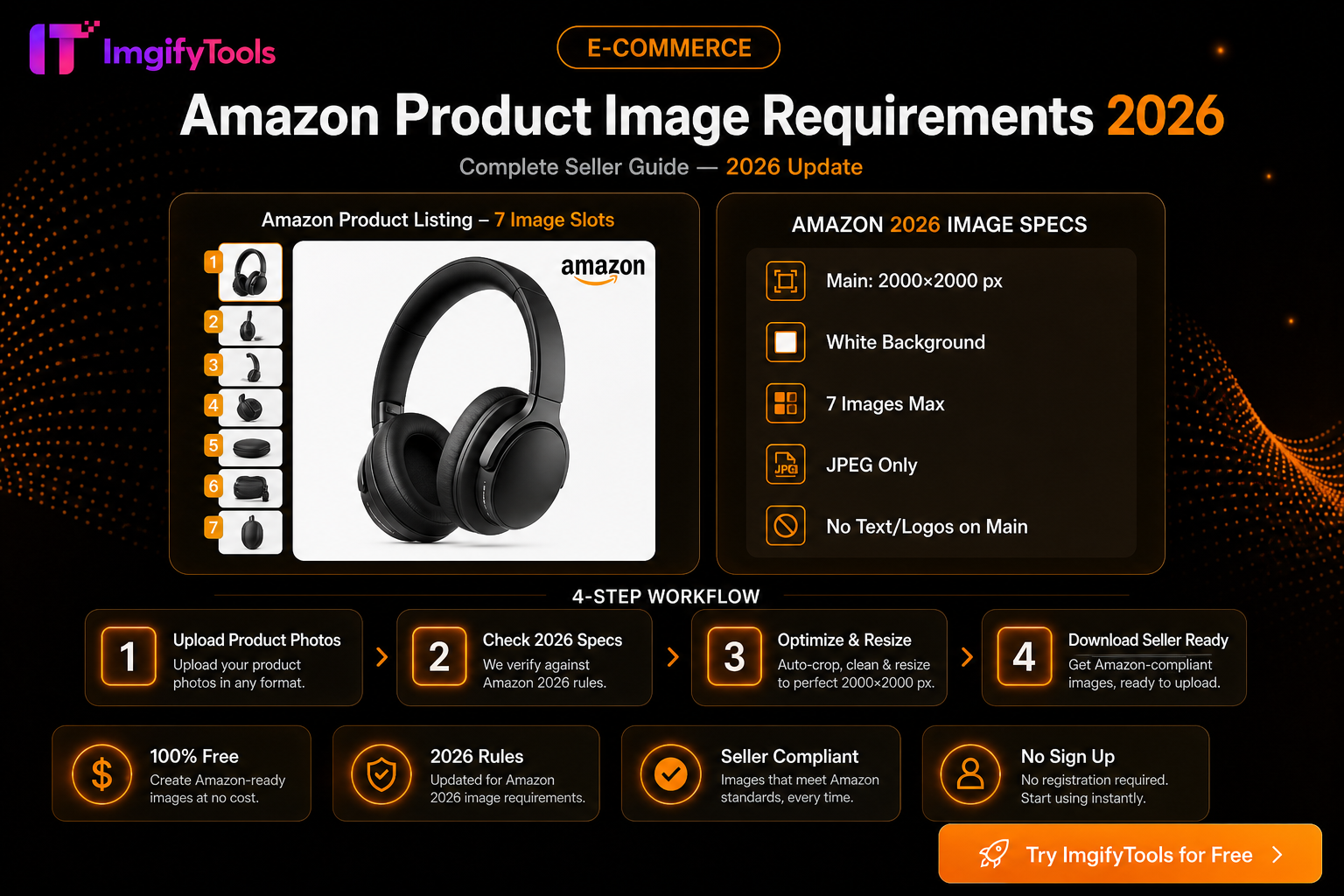
Amazon Product Image Requirements 2026 — Complete Seller Guide
Amazon main image rules for 2026: white background, 2000×2000 size, file limits, and free tools to optimize product photos for Seller Central.
Read next →
eBay Photo Requirements — Size, Background, and File Tips
eBay listing photo expectations for sellers—background, clarity, and a free ImgifyTools workflow to prep gallery images that load fast.
Read next →
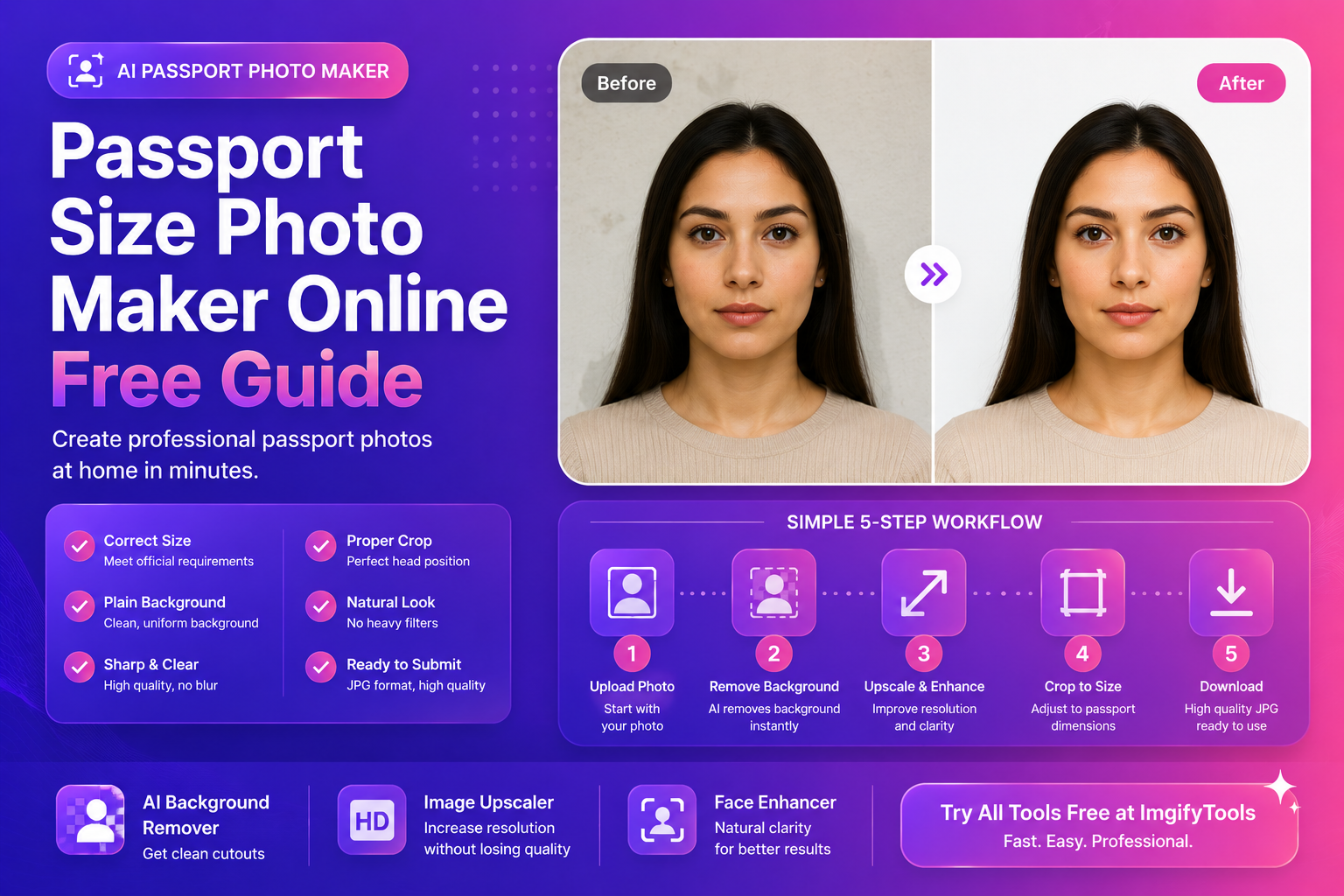
Passport Size Photo Maker Online (Free Guide)
Make a passport size photo online for free. Learn sizes, common mistakes, background rules, and a fast workflow using AI tools for clean results.
Read next →