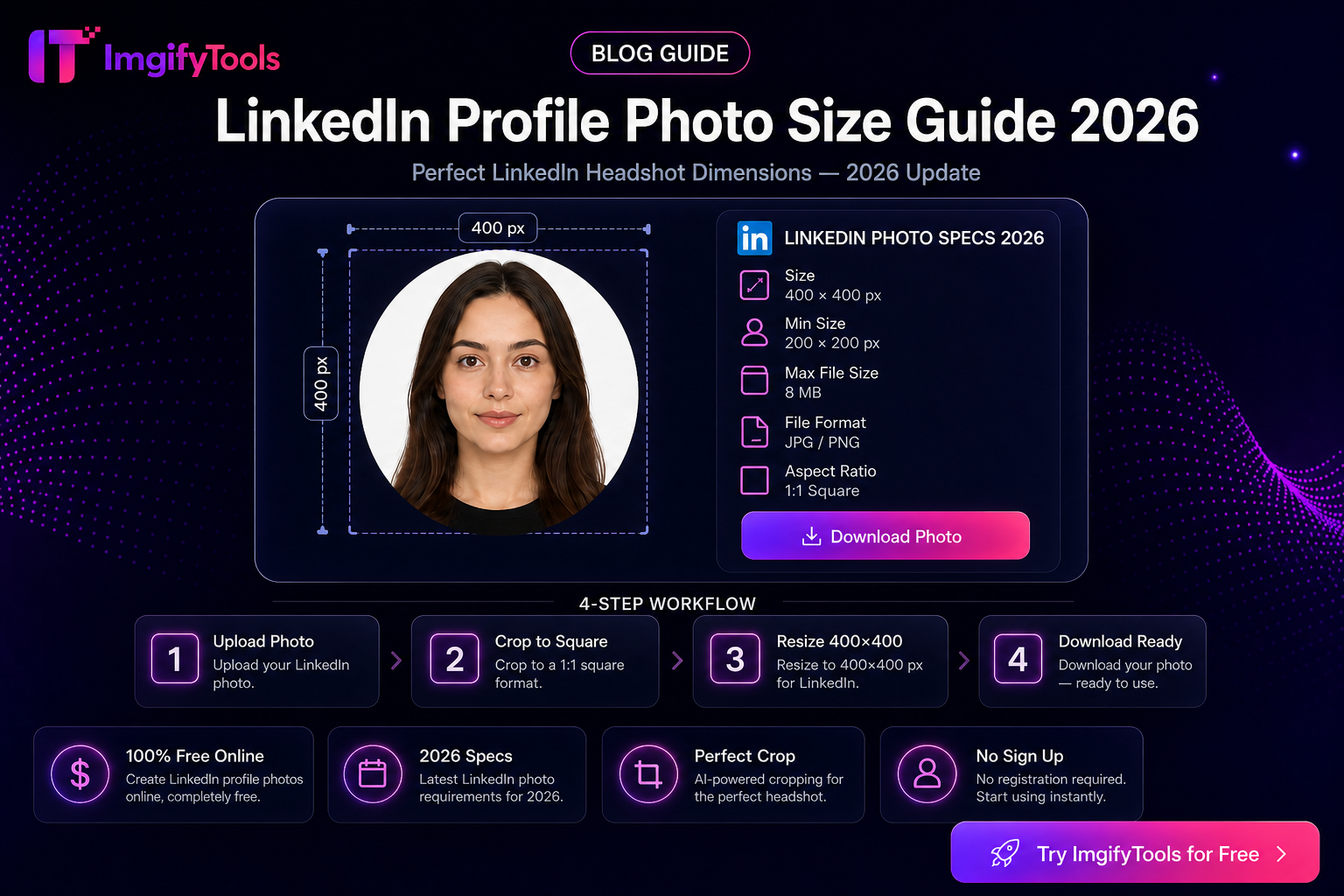
LinkedIn Profile Photo Size Guide
Your LinkedIn avatar is cropped into a circle, shown large on your profile and tiny next to comments. A technically “valid” upload can still look wrong if the face sits in a corner, the file is soft, or the square crop was ignored. This guide covers profile photo size and framing—not banner design, not post graphics.
Tools: LinkedIn profile photo resizer, Platform Image Resizer, Image Cropper, Image Compressor. Optional polish: image editor.
Size targets (profile photo only)
LinkedIn’s public guidance has described profile pictures in a broad pixel range with a square aspect and a file-size ceiling (commonly cited around 8 MB max). A practical export that stays sharp on modern screens:
| Spec | Practical choice |
|---|---|
| Aspect | 1:1 square |
| Pixels | 800×800 to 1200×1200 (comfortable above the older ~400×400 recommendation) |
| Format | JPG or PNG |
| File weight | Well under 8 MB—often a few hundred KB is enough |
| Framing | Head and upper shoulders centered for the circular display |
Re-check LinkedIn’s current upload UI if their help text changes. Upload larger than 400×400 when you can; LinkedIn downscales cleanly more often than it invents detail from a small soft crop.
Banner note (separate asset): personal banners are a wide strip (commonly cited around 1584×396). Do not force your headshot into banner dimensions.
Workflow: crop for the circle, then export square
- Pick a clear original — Even daylight, neutral expression, uncluttered background. Avoid group crops where you are a tiny face.
- Square crop with face centered — Use Image Cropper or Platform Image Resizer / LinkedIn profile photo resizer. Keep eyes roughly in the upper half; leave margin so ears and hair are not shaved by the circle.
- Export ~800–1200 px square — Enough detail for retina displays without a multi‑MB dump.
- Light compress if needed — Image Compressor. Do not crush a headshot to 20 KB; LinkedIn is not a visa portal.
- Upload and preview — On LinkedIn, confirm the circular preview before saving. Check the tiny feed avatar too.
Example: phone selfie to usable avatar
Phone photo is 4032×3024, face off-center. Crop to square around the head, export 1000×1000 JPG, compress lightly, upload. If the circle clips your chin, reopen the crop and add bottom margin.
Example: company headshot on busy backdrop
Busy office shelves distract at small sizes. Soften or simplify the background carefully, or reshoot on a plain wall. Heavy “beauty” filters that change facial identity hurt trust—skip them for professional profiles.
What usually goes wrong
- Landscape banner image reused as the profile photo (face cropped oddly)
- Logo or illustration instead of a recognizable person (fine for some pages; weak for personal networking)
- Sunglasses, heavy shadow, or hat covering eyes
- Watermarks and “hire me” text inside the circle
- Upscaling a 200 px thumbnail from another site
Limitations
- We cannot guarantee LinkedIn engagement metrics from photo size alone.
- AI background tools may leave halos on curly hair—prefer a clean reshoot when quality matters.
- Convert/compress/AI tools upload to ImgifyTools servers for temporary processing; they are not a permanent photo library.
- Specs above are planning targets—LinkedIn’s UI is authoritative if it disagrees.
Privacy
Resize and compress tools upload files for temporary server-side processing and are not kept as a permanent upload library by default. Primary editing in the image editor stays largely in the browser. Privacy Policy.
Troubleshooting
| Problem | Fix |
|---|---|
| Forehead/chin cut off in circle | Recenter; add margin before export |
| Soft on mobile | Export larger square from a sharp original |
| File rejected | Check format and 8 MB-class limit; recompress |
| HEIC from iPhone | HEIC to JPG first |
FAQs
Is 400×400 still enough?
It may meet a minimum-style recommendation, but exporting 800×800+ from a sharp original usually looks better on high-DPI screens.
Square or circle file?
Upload a square. LinkedIn applies the circular mask in the product UI.
Do I need a banner the same day?
No. Profile photo and banner are separate. Fix the avatar first if that is the blocker.
Is this free on ImgifyTools?
Core resize and compress tools are free to use in the browser without an account, within upload limits.
Related
You may also like
eBay Photo Requirements — Size, Background, and File Tips
eBay listing photo expectations for sellers—background, clarity, and a free ImgifyTools workflow to prep gallery images that load fast.
Read next →
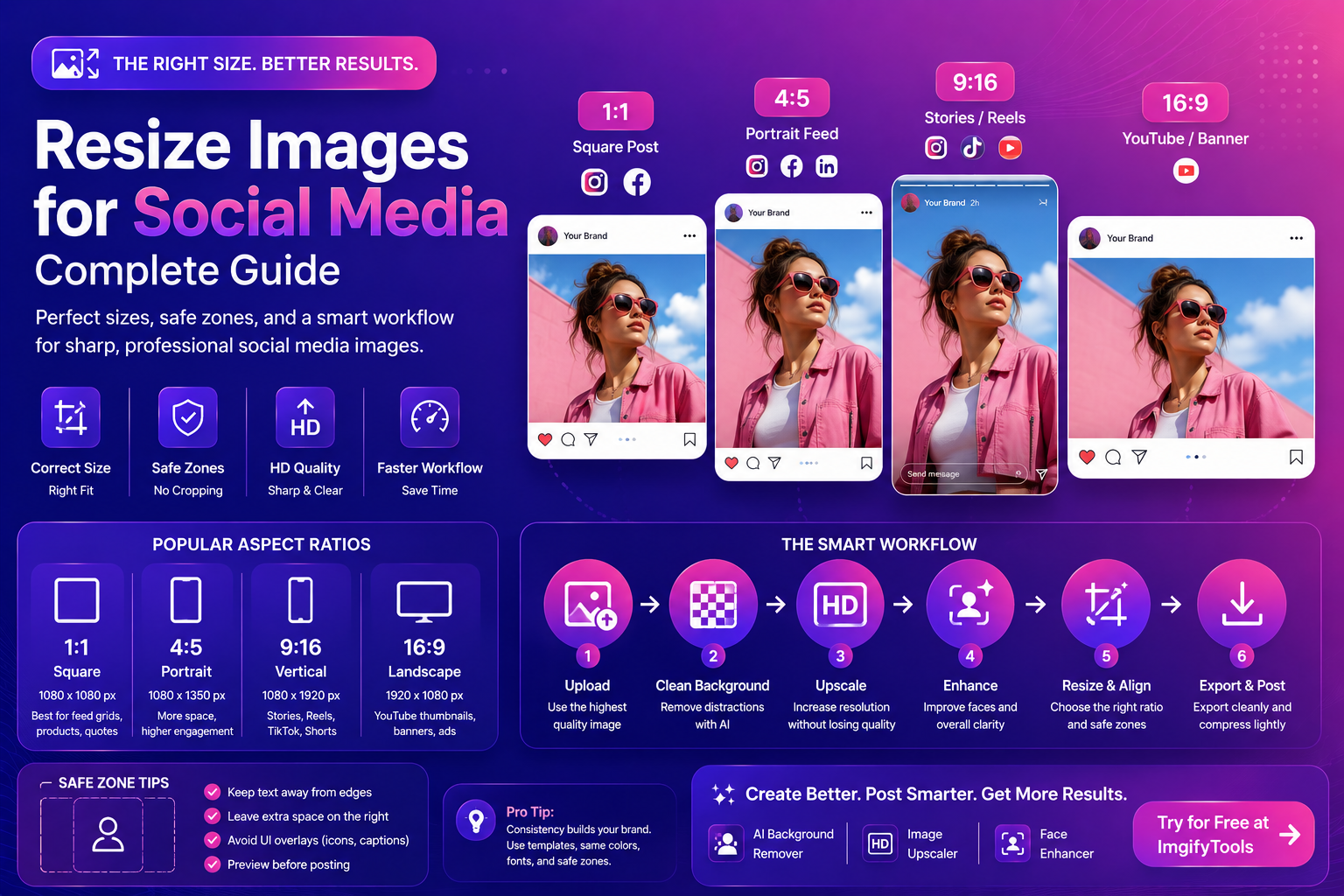
Resize Images For Social Media (Complete Guide)
Resize images for social media the right way. Learn sizes, safe zones, compression tips, and a fast workflow for creators using AI tools.
Read next →
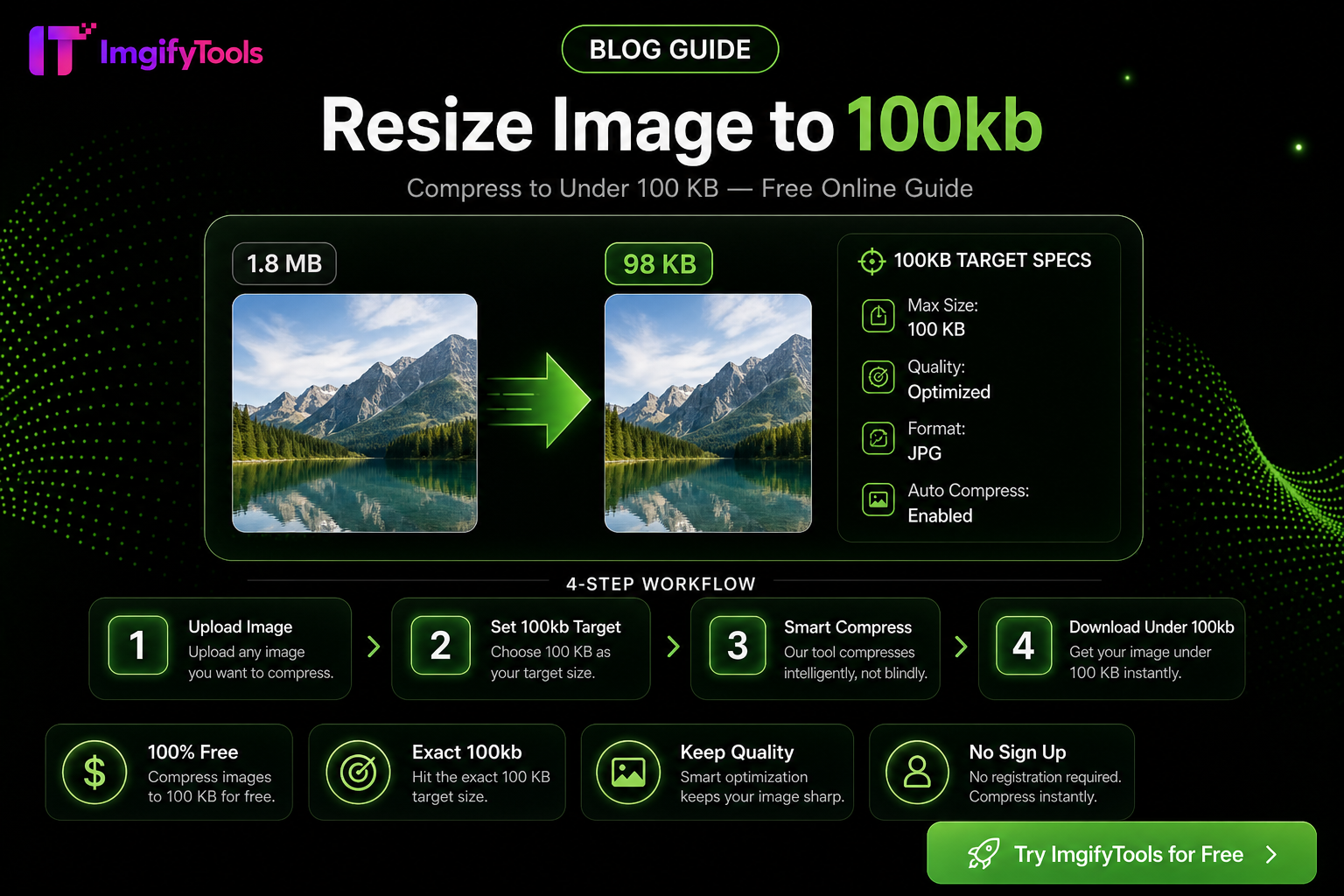
How To Resize Any Image To An Exact File Size
Hit exact KB targets (20KB–200KB) for portals and marketplaces with one free browser workflow—quality tips, pitfalls, and ImgifyTools compressor steps.
Read next →